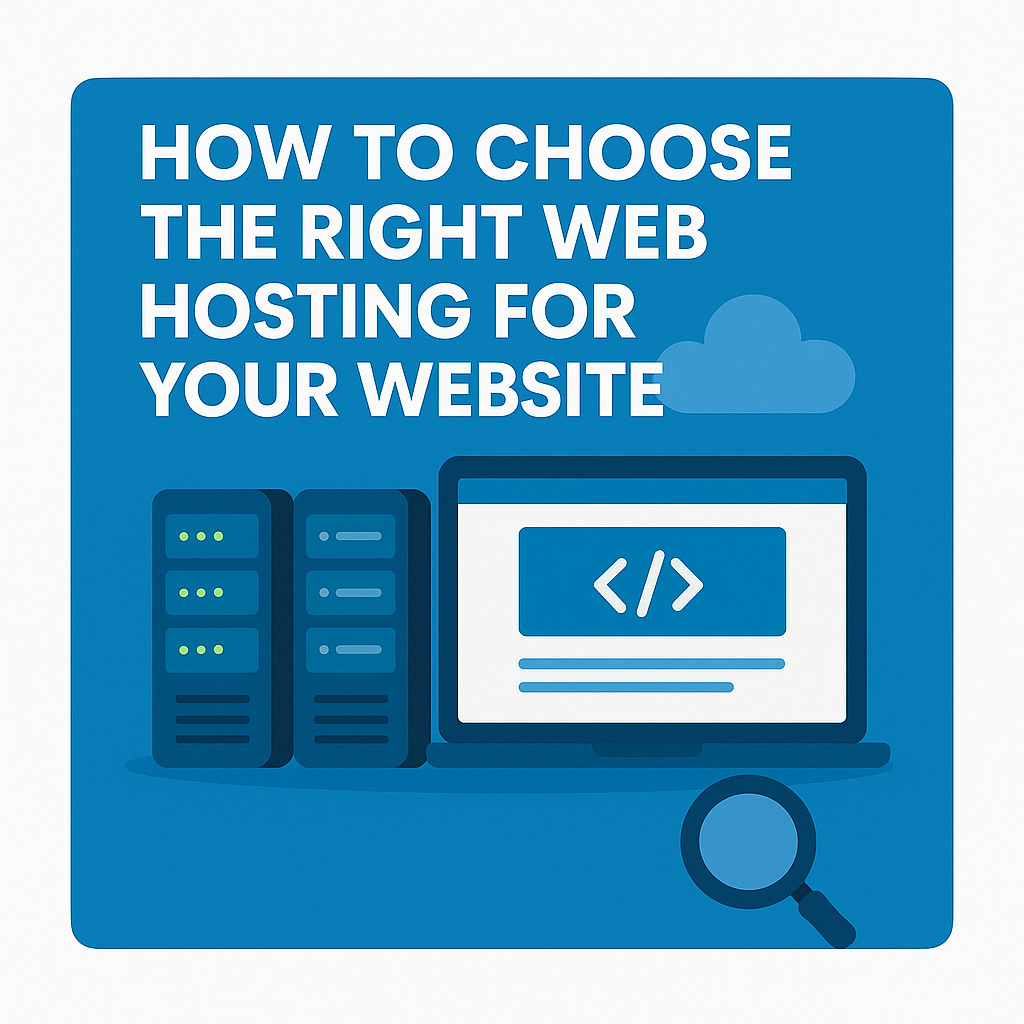
How to choose web hosting for your website is one of the most important steps to ensure speed, reliability, and security — yet it’s often the most overlooked. A hosting provider is more than just “where your site lives”; it’s the foundation of your website’s performance, reliability, and security.
If you choose poorly, your site could suffer from downtime, slow loading speeds, or even lost data. In this guide, we’ll break down everything you need to know to make an informed choice and build your website on a stable, long-term foundation.
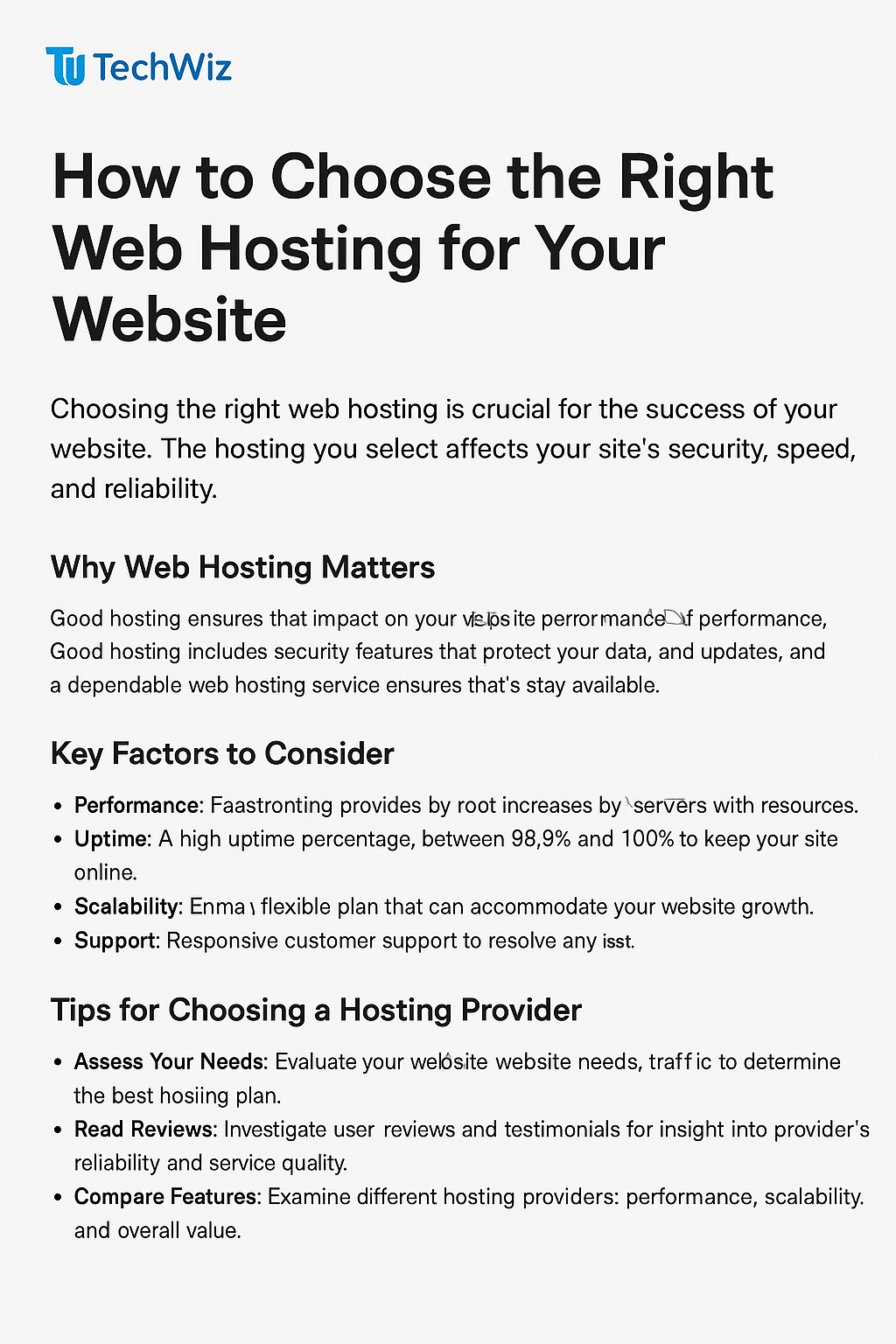
1. Why Web Hosting Matters
Think of web hosting as the engine of your website. No matter how beautiful your design or how great your content, your visitors won’t stay if the site is slow or constantly down.
A good web host ensures:
- ⚡ Fast loading times – keeping visitors engaged and reducing bounce rates.
- 🔒 Strong security – protecting your data and your users’ information.
- 🧩 Reliable uptime – your website stays online 24/7.
- 📈 Room to grow – easy to scale as your traffic increases.
Poor hosting, on the other hand, leads to frustration, lost traffic, and damage to your brand’s credibility.
2. Know Your Website’s Needs
Before you look at any plans or pricing, take time to understand what your website really needs. Ask yourself:
- What type of website are you creating (blog, eCommerce, portfolio, business site)?
- How many visitors do you expect monthly?
- Will you use WordPress, or build it from scratch?
- Do you plan to host multiple sites or just one?
Your answers will guide you toward the right hosting type and specifications.
3. Understanding Hosting Types
Even without brand names, you should understand the key hosting categories:
- Shared Hosting: Multiple sites share one server. Affordable and simple, great for beginners.
- VPS (Virtual Private Server): You still share a physical server, but get dedicated resources. Ideal for medium-sized sites.
- Cloud Hosting: Your site runs across several servers, giving excellent scalability and uptime.
- Dedicated Hosting: One server fully dedicated to your website. High performance but costly.
- Managed Hosting: The host handles technical tasks like backups, updates, and optimization — perfect for those who prefer simplicity.
4. Key Factors to Evaluate When Choosing a Host
a. Performance & Speed
Loading time directly affects SEO and user experience. Look for SSD or NVMe storage, a modern server stack (like LiteSpeed or NGINX), and global data centers that serve your audience’s region.
b. Uptime & Reliability
Always check for at least 99.9% uptime guarantee. Downtime equals lost visitors and missed opportunities.
c. Security
Your host should include SSL certificates, firewalls, malware scanning, and regular backups. Hosting security isn’t optional — it’s essential.
d. Customer Support
Look for responsive, 24/7 technical support through chat or ticketing. Even the best systems fail, and reliable support is your safety net.
e. Scalability
As your website grows, your hosting should grow with it. Choose a provider that makes it easy to upgrade your plan or resources without downtime.
f. Ease of Use
If you’re not highly technical, a clean and user-friendly control panel (like cPanel or custom dashboards) will make daily tasks easier.
g. Backup and Restore
Automated daily or weekly backups are non-negotiable. You should be able to restore your website quickly if anything goes wrong.
h. Pricing Transparency
Cheaper isn’t always better. Understand renewal costs, included features, and what you’re really paying for.
5. The Importance of Server Location
Your website’s speed can depend on where your server is physically located.
- If your audience is in the US, choose a US-based server.
- For Asia-Pacific users, a Singapore or Japan server may be faster.
Server proximity affects latency — the closer your visitors are to the server, the faster your site loads.
6. Future-Proofing Your Hosting
Think long-term. Your needs may grow as your site gains traffic, adds more content, or expands into eCommerce.
Choose a hosting environment that:
- Allows easy plan upgrades
- Offers migration support
- Has modern infrastructure (cloud or container-based)
This saves time and money later when you’re ready to scale.
7. Final Checklist on how to choose web hosting
Before clicking “buy,” review this quick checklist:
✅ Understand your website’s traffic and storage needs
✅ Confirm 99.9% uptime and strong security
✅ Check for easy scalability and backups
✅ Evaluate real customer reviews about support
✅ Match server location to your target audience
✅ Read renewal terms carefully
Conclusion
Your hosting choice determines how your website performs, scales, and protects your visitors’ data. Take your time, research carefully, and focus on what matters most: speed, security, reliability, and scalability.
Remember — web hosting isn’t just a product you buy; it’s the foundation of your online presence. A strong foundation makes everything else easier to build.
Recommended Hosting Options (Editor’s Picks)
If you’re ready to explore hosting options after reading this guide, here are a few platforms known for their balance of performance, reliability, and value. These recommendations are based on long-term usability and beginner-friendly features, not ads.
| Hosting Type | Best For | Highlights |
|---|---|---|
| Hostinger | Beginners & small business sites | Fast servers, free domain, easy dashboard |
| SiteGround | WordPress & business sites | Excellent uptime, proactive security |
| A2 Hosting | Speed-focused users | Turbo servers, advanced caching options |
| Cloudways | Growing projects | Scalable cloud hosting with managed support |
🧙♂️ Tip: Choose your hosting based on your website’s future growth, not just current budget — it’ll save time and migration hassle later.
Frequently Asked Questions (FAQ)
1. Why is web hosting so important for a website?
Web hosting determines how fast, secure, and reliable your website is. A poor host can cause downtime, slow loading times, and potential data loss — all of which affect SEO and user trust.
2. What are the most important things to check before buying hosting?
Focus on uptime (99.9% or higher), loading speed, security measures, backup frequency, and responsive customer support. Also, ensure the host allows easy plan upgrades as your website grows.
3. How do I know what hosting type I need?
If you’re just starting a small blog or business site, shared hosting is fine. For growing traffic, VPS or cloud hosting gives more stability and performance. Large sites or eCommerce stores may need dedicated or managed hosting.
4. Does server location really matter?
Yes. Hosting your website close to your main audience improves load speed. For example, if your readers are in the US, pick a server in North America.
5. Can I change hosting later?
Absolutely. Most hosting providers allow migration to a new host or higher plan. However, starting with a scalable host saves you time and hassle later.