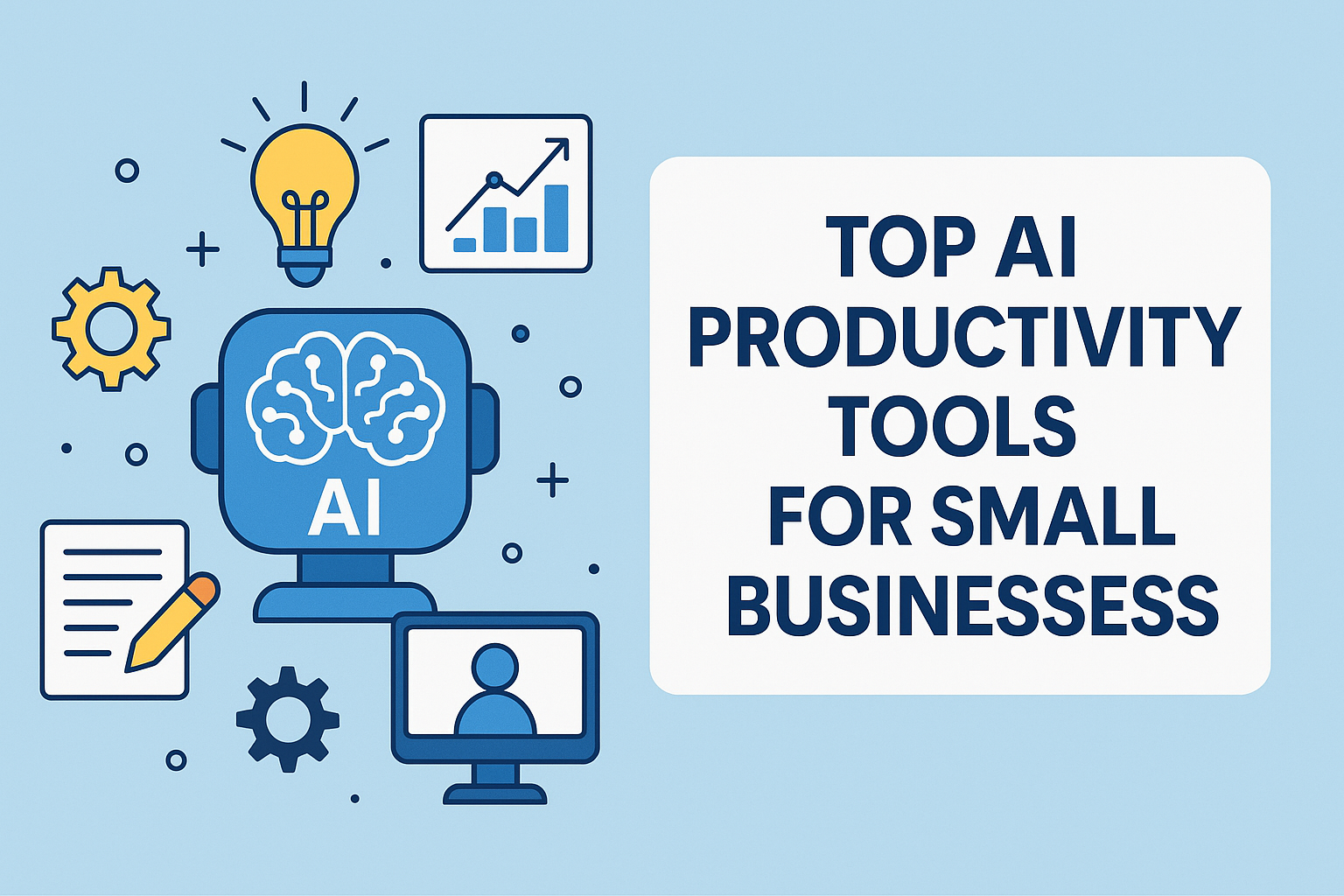
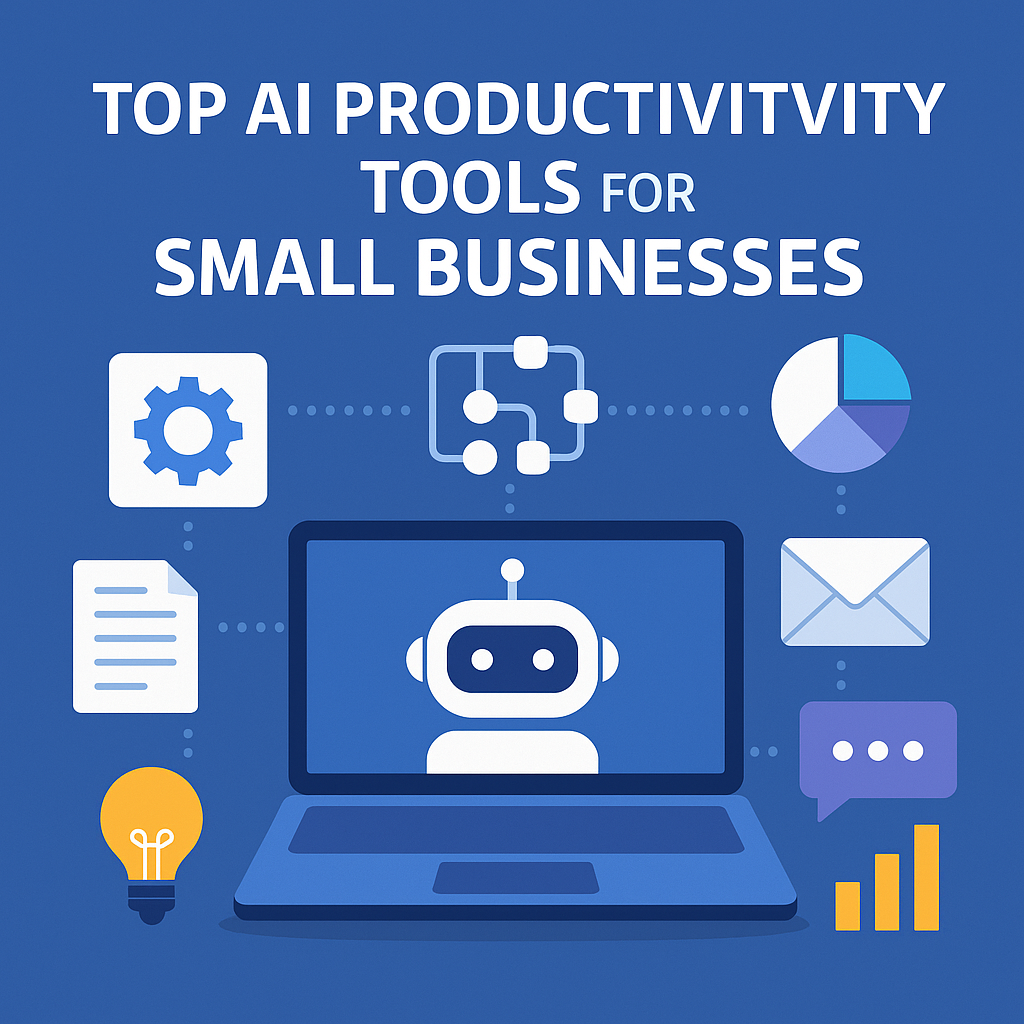
This guide shows the top AI productivity tools for small businesses in 2025 and how you can use them to get more done with fewer resources.
Running a small business often means wearing multiple hats — marketing, admin, customer service, and operations. AI technology is changing that. Today, AI tools can automate repetitive tasks, generate content, assist with decision-making, and streamline workflows so small business owners can focus on growth instead of busywork.
1. ChatGPT – AI Assistant for Content, Communication & Workflow Automation
ChatGPT is one of the most versatile AI tools available today. Designed to understand natural language, it can assist with everything from generating ideas to writing full documents. For small businesses with limited staff, ChatGPT acts like an all-in-one virtual assistant.
How It Helps Small Businesses
- Content Creation: Writes blog posts, product descriptions, marketing copy, emails, social media content, and FAQs.
- Customer Support Automation: Generates message templates, auto-replies, or entire chatbot flows.
- Brainstorming & Planning: Helps with business ideas, strategy planning, customer personas, and marketing campaign ideas.
- Document Drafting: Creates contracts, SOPs, proposals, and reports based on your inputs.
- Data Analysis: Summaries long documents, extracts insights, rewrites in simpler form.
Real-World Example
A café owner can use ChatGPT to write weekly social posts, respond to customer inquiries, and create staff SOPs — all without outsourcing.
2. Notion AI – The Ultimate Workspace + Smart Writing Assistant
Notion AI enhances the popular productivity platform Notion by adding automation and smart writing tools. It helps organize information, create systems, and document company processes.
How Notion AI Helps Small Businesses
- Auto Summaries: Turns meeting notes into concise summaries with action points.
- Content Enhancement: Rewrites text in a clearer, more professional tone.
- Documentation: Generates policies, onboarding guides, HR manuals, and task descriptions.
- Knowledge Base Creation: Stores SOPs, FAQ answers, product information, and workflows.
- Task Automation: Creates task lists, calendars, and updated dashboards.
Real-World Example
A one-person online shop can use Notion AI to manage inventory, track customers, store product data, and plan social media content — all in one place.
3. Zapier AI – Automate Your Business Without Coding
Zapier AI takes the famous automation platform to the next level. It connects your apps so tasks happen automatically behind the scenes.
How Zapier AI Helps Small Businesses
- Lead Automation: Sends new leads from website forms directly into Google Sheets, CRM, or email lists.
- Order Processing: Triggers invoices automatically whenever someone buys a product.
- Notifications: Sends WhatsApp, Slack, or email alerts based on specific triggers.
- Data Transfer: Moves data between platforms (Shopify → Sheets → Accounting software).
- AI-Enhanced Workflows: Use natural language commands to build automations faster.
Real-World Example
A freelancer can automate client onboarding — when a client fills out a form, Zapier sends a welcome email, creates a new project folder, and adds the task to your calendar.
4. Canva AI – Design & Creative Work Made Simple
Canva is already a beloved tool for small businesses, but the new AI features make it even more powerful.
AI Features That Boost Productivity
- Magic Design: Generates entire layouts from a single idea or uploaded photo.
- Magic Write: Creates captions, ad copy, product descriptions, or video scripts.
- AI Image Generator: Create custom images without paying for stock photos.
- Magic Eraser & Replace: Remove unwanted objects or replace them with AI suggestions.
- AI Video Editing: Automatically cut, caption, and enhance your videos.
Real-World Example
A home-based bakery can create professional menus, flyers, product photos, and ads in minutes — no designer needed.
5. ClickUp AI – Smart Project Management and Task Automation
ClickUp AI upgrades the already powerful ClickUp productivity platform. It’s ideal for teams, agencies, or small businesses with multiple workflows.
How ClickUp AI Helps
- Auto Task Generation: Converts meeting transcripts or notes into tasks with deadlines.
- Project Summaries: Instantly summarizes long project threads so you don’t have to read everything.
- AI Writing: Drafts SOPs, email updates, reports, and task descriptions.
- Role-Specific AI Assistants: Templates for project managers, marketers, developers, and operations.
Real-World Example
A small digital agency can manage multiple clients, automate task assignments, and summarize weekly progress without spending hours writing reports.
6. Fireflies AI – Record, Transcribe & Analyze Meetings Automatically
Fireflies AI is a voice assistant built for meetings. It listens, records, transcribes, and analyzes every conversation.
How Fireflies AI Helps
- Accurate Transcriptions: Provides searchable meeting transcripts.
- Action Items & Highlights: Automatically identifies tasks, agreements, and important notes.
- CRM Integration: Syncs directly to HubSpot, Salesforce, Notion, and Slack.
- Meeting Summaries: Creates clear summaries so team members can stay updated without attending.
- Voice Commands: Ask “What did the client say about pricing?” and it finds it instantly.
Real-World Example
A small sales team can review calls, identify customer objections, and share summaries with team members instantly — no more manual notetaking.
🟦 Key Takeaway Box
AI tools help small businesses save time, reduce manual tasks, and increase output — allowing owners to focus on growth instead of routine work.
FAQ Section
1. Are AI tools expensive for small businesses?
Many AI tools offer free or low-cost plans, making them accessible for startups and small teams.
2. Do I need technical skills to use AI?
No — most modern AI tools are built for beginners and require zero coding knowledge.
3. Can AI replace employees?
AI doesn’t replace human creativity or decision-making. It replaces repetitive tasks, allowing employees to focus on higher-value work.
4. Which AI tool should I start with?
Start with ChatGPT or Notion AI — they cover writing, planning, and daily admin tasks.
5. Is my data safe when using AI tools?
Reputable AI apps have strong privacy policies, but always avoid sharing sensitive info unless necessary.