Difficulty: Intermediate
What’s Inside a USB-C Hub (And Why Heat Is Inevitable)
A USB-C hub isn’t just a splitter. Internally, it contains multiple active components working simultaneously:
- Power Delivery (PD) controller
- Voltage regulators and converters
- USB, HDMI, Ethernet, and SD card controllers
- Signal amplifiers and logic chips
All of these components consume power—and where power flows, heat follows.
Definition Box
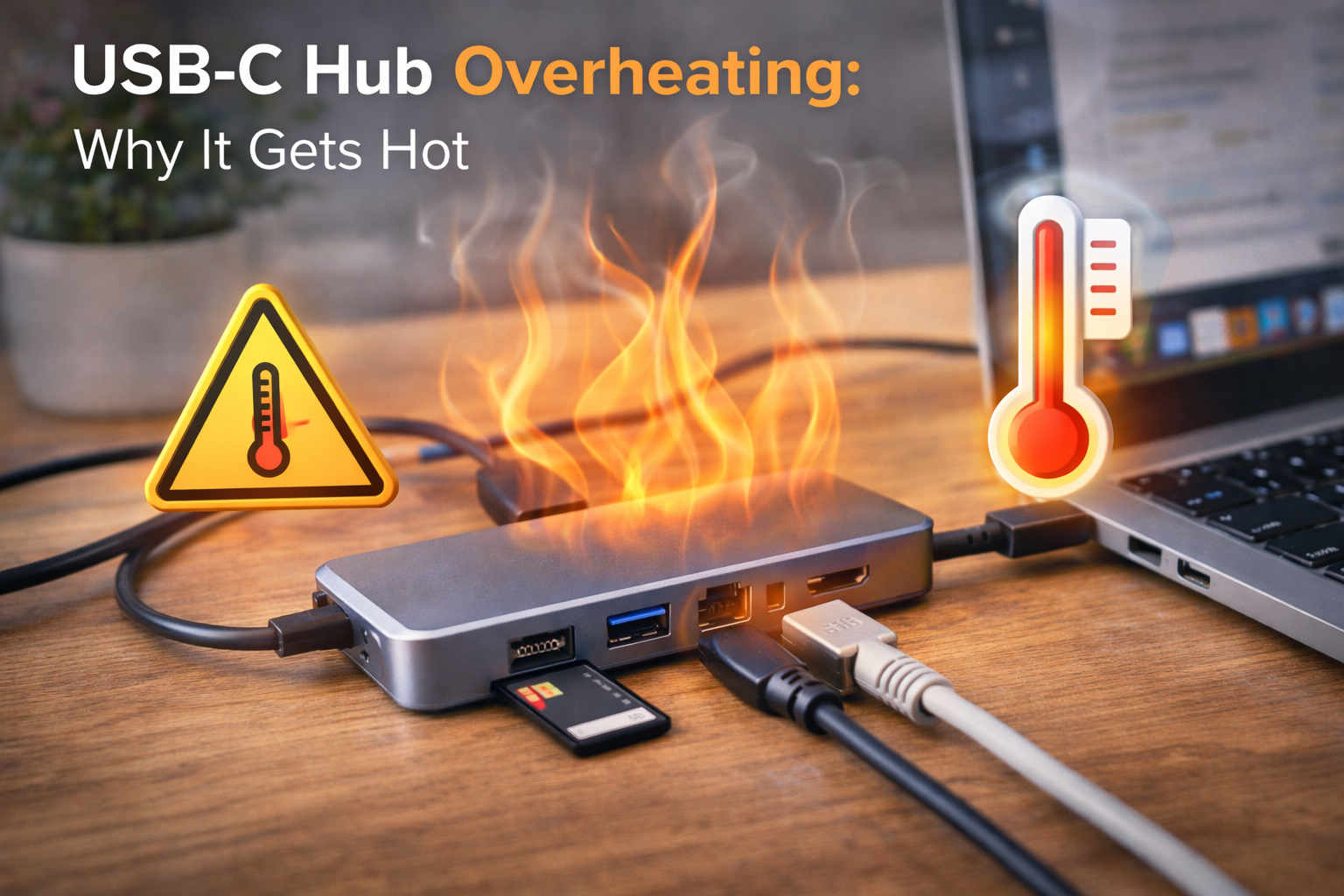
USB-C Hub Overheating
The buildup of heat in a USB-C hub caused by power conversion losses, data processing, and insufficient heat dissipation.
The Main Reasons USB-C Hubs Get Hot
1. Power Delivery (PD) Conversion Losses
When your hub charges a laptop, phone, or tablet, it converts incoming power (often up to 100W). Even efficient circuits lose some energy as heat.
- 100W input ≠ 100W output
- The “lost” watts become heat
- Higher wattage = higher temperatures
This is the #1 cause of USB-C hub overheating.
2. Multiple Ports Working at the Same Time
Heat increases fast when you stack workloads:
- Charging a laptop
- Running an external monitor
- Copying data to an SSD
- Using Ethernet simultaneously
Each function activates another chip inside the hub. Together, they compound heat generation.
Key Takeaway Box
A USB-C hub running one device may stay cool, but running four or five at once can double internal temperatures.
3. Compact, Fanless Design
Most hubs are:
- Ultra-small
- Fanless
- Passively cooled
This keeps them portable—but leaves nowhere for heat to escape.
Plastic housings trap heat. Aluminum housings feel hotter, but actually dissipate heat better (they just transfer it to your hand).
4. Poor Quality Components (Cheap Hubs)
Low-cost hubs often cut corners:
- Lower-grade capacitors
- Inefficient voltage regulators
- Weak thermal design
These hubs run hotter even under light use.
According to USB compliance guidelines from USB Implementers Forum, devices must meet strict electrical and thermal tolerances—but not all manufacturers follow best practices equally.
When Is a Hot USB-C Hub Normal?
A warm hub is usually fine.
Normal signs:
- Warm to the touch
- Slight heat during charging
- Heat reduces when devices are unplugged
Normal temperature range (approx.):
- 35°C–45°C → Warm
- 45°C–55°C → Hot but acceptable
When USB-C Hub Overheating Becomes Dangerous
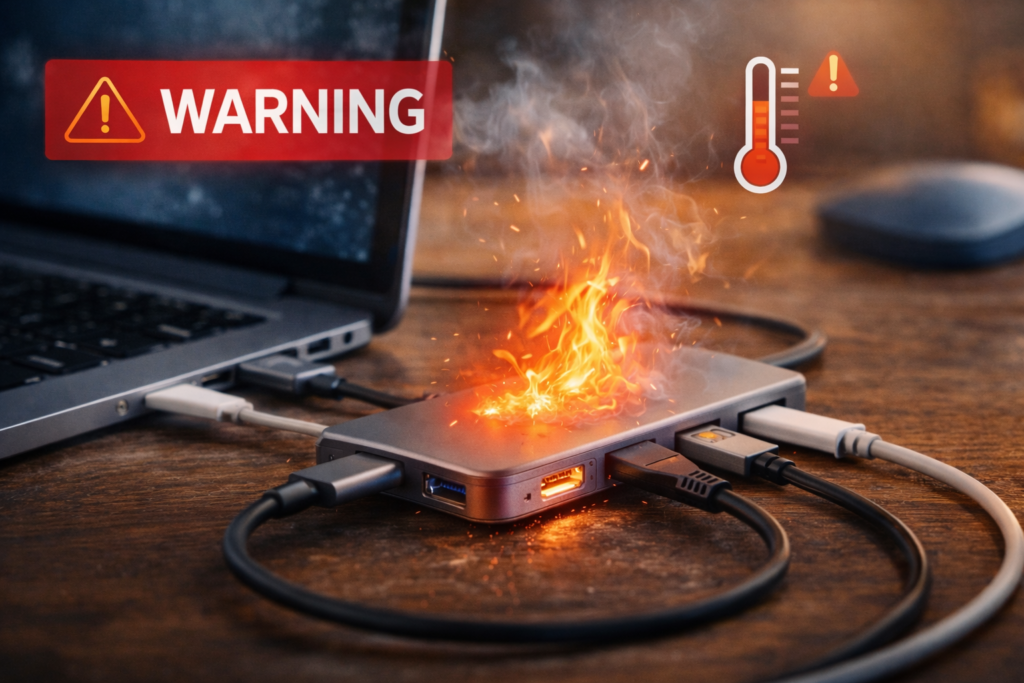
🚨 Red Flags You Shouldn’t Ignore
If you notice any of these, unplug immediately:
- Too hot to touch for more than 2–3 seconds
- Burning plastic smell
- Random disconnects
- Laptop charging drops or stops
- Hub casing warps or discolors
Quick Fix Box
If your hub is painfully hot, disconnect all devices, let it cool fully, and test again with one device at a time.
Can Overheating Damage Your Laptop or Devices?
Yes—especially long-term.
Potential risks include:
- Reduced hub lifespan
- Laptop USB-C port damage
- Cable insulation breakdown
- Data corruption during transfers
- In rare cases, electrical failure
Microsoft states that sustained high temperatures accelerate electronic component degradation, shortening device lifespan.
Common Scenarios That Cause Dangerous Heat
Using High-Wattage Charging + Display
Example:
- 96W laptop charging
- 4K HDMI output
- External SSD
This is a worst-case heat scenario.
Blocking Airflow
Placing hubs on:
- Beds
- Sofas
- Laptop cooling vents
Trapped heat has nowhere to go.
Daisy-Chaining Adapters
USB-C → hub → adapter → device
Each conversion layer adds inefficiency—and heat.
How to Reduce USB-C Hub Overheating (Practical Tips)
1. Use a Powered, Certified Hub
- Look for PD certification
- Avoid unknown brands
- Aluminum housing preferred
2. Don’t Max Out Every Port
- Avoid charging + display + storage + Ethernet together unless necessary
- Disconnect unused peripherals
3. Improve Ventilation
- Place hub on a hard surface
- Avoid stacking devices
- Keep away from heat sources
4. Match Power Ratings Correctly
- Use the correct wattage charger
- Underpowered chargers force hubs to work harder (more heat)
Are Expensive USB-C Hubs Always Cooler?
Not always—but they’re usually safer.
Higher-end hubs typically include:
- Better thermal design
- Efficient power controllers
- Overheat protection
- Power throttling
Cheaper hubs may run hot without safeguards.
FAQs: USB-C Hub Overheating
1. Is it normal for USB-C hubs to get hot?
Yes. Warmth is normal, especially during charging or heavy use.
2. Can a hot USB-C hub start a fire?
Extremely rare, but possible with faulty or non-compliant devices.
3. Does aluminum housing mean the hub is overheating?
No. Aluminum transfers heat outward, making it feel hotter but safer.
4. Should I unplug my hub when not in use?
Yes. It reduces heat buildup and extends lifespan.
5. Do longer USB-C cables reduce heat?
Not significantly. Cable quality matters more than length.