Difficulty: Beginner
What Is Public USB Port Hacking?
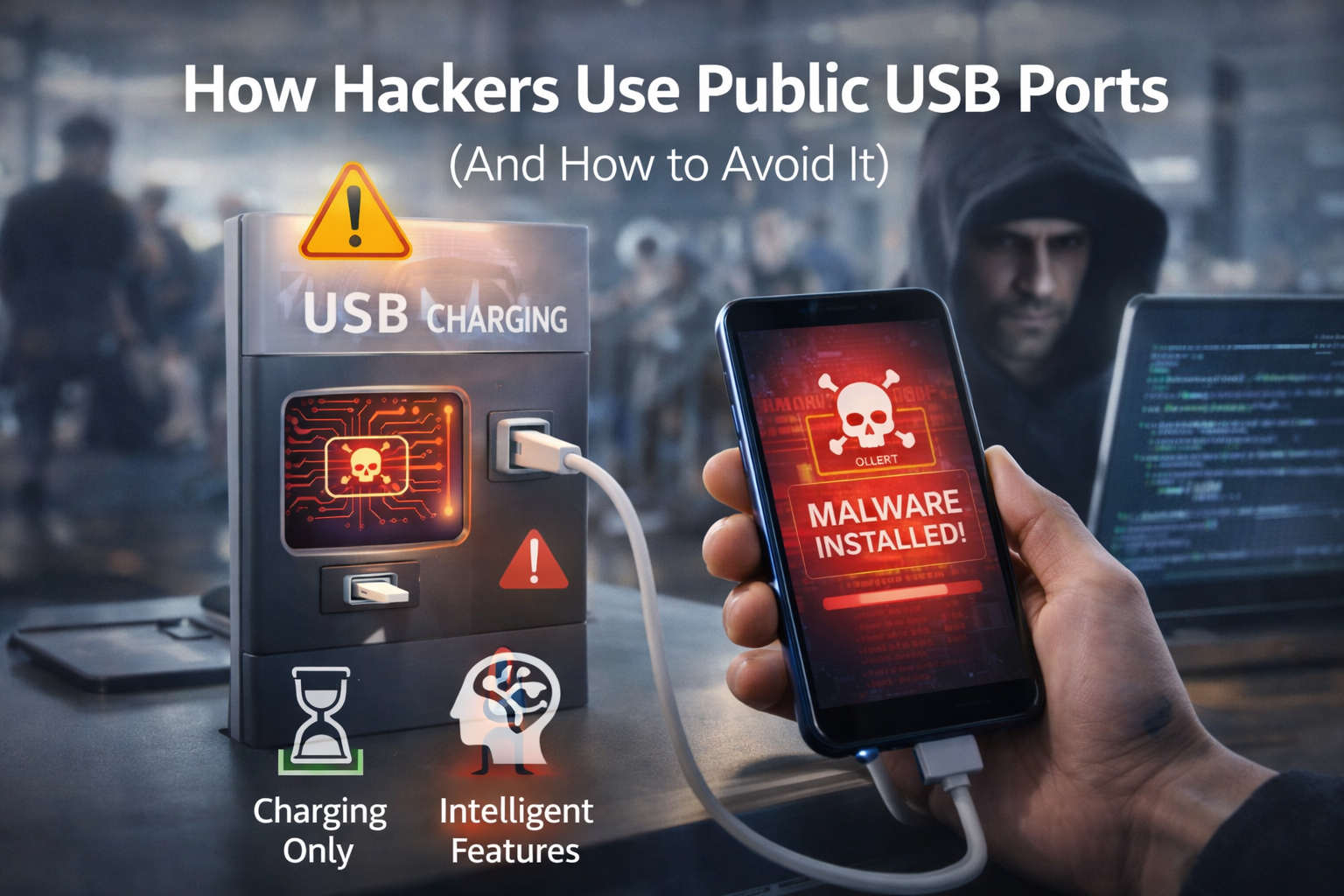
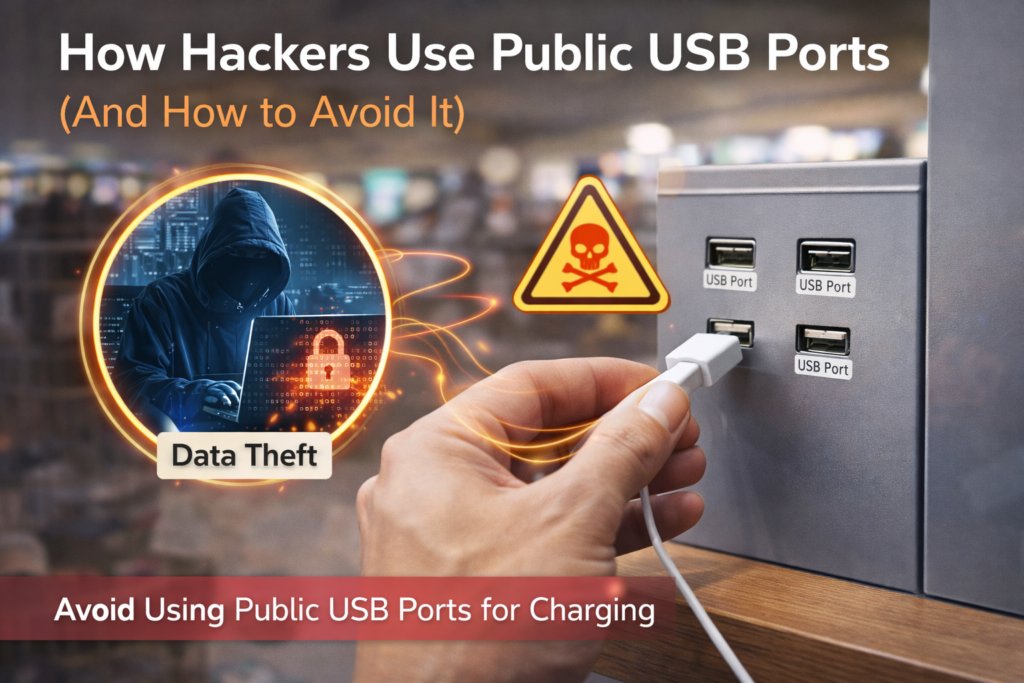
Public USB port hacking—often called “juice jacking”—happens when a malicious USB port or cable is modified to communicate with your device beyond charging.
Definition Box
Public USB Port Hacking
An attack method where compromised USB charging ports or cables transfer data or install malware when a device is plugged in.
Unlike wall outlets, USB ports carry power and data, making them a potential attack surface.
Why Public USB Ports Are Risky
USB was designed to be flexible and trusted. When you plug in, your device may:
- Accept data connections
- Prompt (or auto-allow) file access
- Expose system interfaces
According to public advisories from Federal Bureau of Investigation, attackers can modify public charging stations to harvest data or deploy malware—especially against unlocked or outdated devices.
How Hackers Exploit Public USB Ports
1. Data Harvesting via Compromised Ports
A malicious port can request data access. If you tap “Allow,” attackers may:
- Copy photos and files
- Access contacts and messages
- Pull device identifiers
This is a classic public USB port hacking scenario.
2. Malware Installation (Silent or Prompt-Based)
Some attacks rely on social engineering:
- Fake “Charging error—enable data” prompts
- Hidden scripts triggered on connection
Once installed, malware can log keystrokes or open backdoors.
3. HID Attacks (Keyboard Injection)
USB devices can pretend to be keyboards. In seconds, they can:
- Execute commands
- Change system settings
- Install payloads
These attacks are fast and hard to notice.
Key Takeaway Box
If a USB port can talk to your device, it can potentially attack it. Charging-only is safer than data-enabled.
Who Is Most at Risk?
You’re more exposed if you:
- Travel frequently
- Use older devices or OS versions
- Plug in while your phone is unlocked
- Accept prompts without reading
Both Apple and Google have added safeguards in recent OS versions—but no defense is perfect.
Signs a USB Port Might Be Unsafe
- Unexpected prompts requesting data access
- Phone behaving oddly after charging
- Sudden app installs or permission changes
- Device heating up abnormally
Quick Fix Box
If you see a data-access prompt at a public charger, tap “No” and unplug immediately.
How to Avoid Public USB Port Hacking (Simple & Effective)
1. Use a Wall Outlet + Your Own Charger
This is the safest option. AC outlets deliver power only—no data path.
2. Carry a USB Data Blocker (USB Condom)
These adapters physically block data pins, allowing power only.
Pros: Cheap, tiny, effective
Cons: Another item to carry
3. Use a Power Bank
Charge your power bank at home, then use it on the go. No shared ports, no risk.
4. Lock Your Device Before Plugging In
A locked device reduces the chance of unauthorized access.
5. Keep Your OS Updated
Security patches close known USB attack vectors. Updates matter.
Are USB-C Ports Safer Than USB-A?
Not automatically. USB-C supports higher power—and advanced data modes—so public USB port hacking risks still apply.
According to guidance from the USB Implementers Forum, security depends on device configuration and user consent, not connector shape.
Myths About Public USB Charging (Debunked)
- “It’s safe if it looks official.”
False. Appearance doesn’t guarantee security. - “Only Android devices are vulnerable.”
False. iOS and Android both face risks if misused. - “Charging-only cables always work.”
Mostly true—but quality matters.
FAQs: Public USB Port Hacking
1. Is public USB port hacking common?
It’s not rampant, but it’s real—and avoidable.
2. Can my phone be hacked if I only charge?
Risk is low if data pins are blocked or access is denied.
3. Are airport charging stations safe?
Some are maintained well, but you can’t verify every port.
4. Do data blockers slow charging?
Slightly sometimes, but safety trade-off is worth it.
5. What should I do if I used a public USB port?
Run a security scan, review permissions, and update your OS.