Difficulty: Beginner
What Is an SSD and Why Does It Matter?
An SSD, or solid-state drive, stores your operating system, applications, and files using flash memory instead of spinning disks.
Definition Box
Solid State Drive (SSD)
A fast, durable storage device that improves boot times, loading speeds, and overall system responsiveness compared to traditional hard drives.
Because SSDs have no moving parts, they are also quieter, more power-efficient, and less prone to physical damage.
Step 1: Check Your Laptop’s SSD Compatibility
Before choosing the best SSD for laptop upgrades, you must confirm what your laptop supports. This step is critical.
SATA vs NVMe: What’s the Difference?
SATA SSD
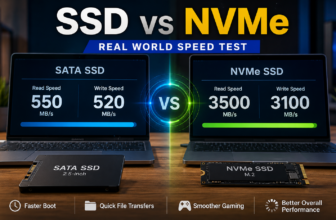
- Speed: up to ~550 MB/s
- Widely compatible with older laptops
- Lower cost
- Huge improvement over hard drives
NVMe SSD (PCIe)
- Speed: 3,000–7,000+ MB/s
- Requires NVMe support
- Found in newer laptops
- Best for performance-heavy tasks
Key Takeaway Box
If your laptop supports NVMe, choose it. If it does not, a SATA SSD is still a major upgrade.
Step 2: Understand SSD Form Factors
Not all SSDs look the same, and size matters for laptops.
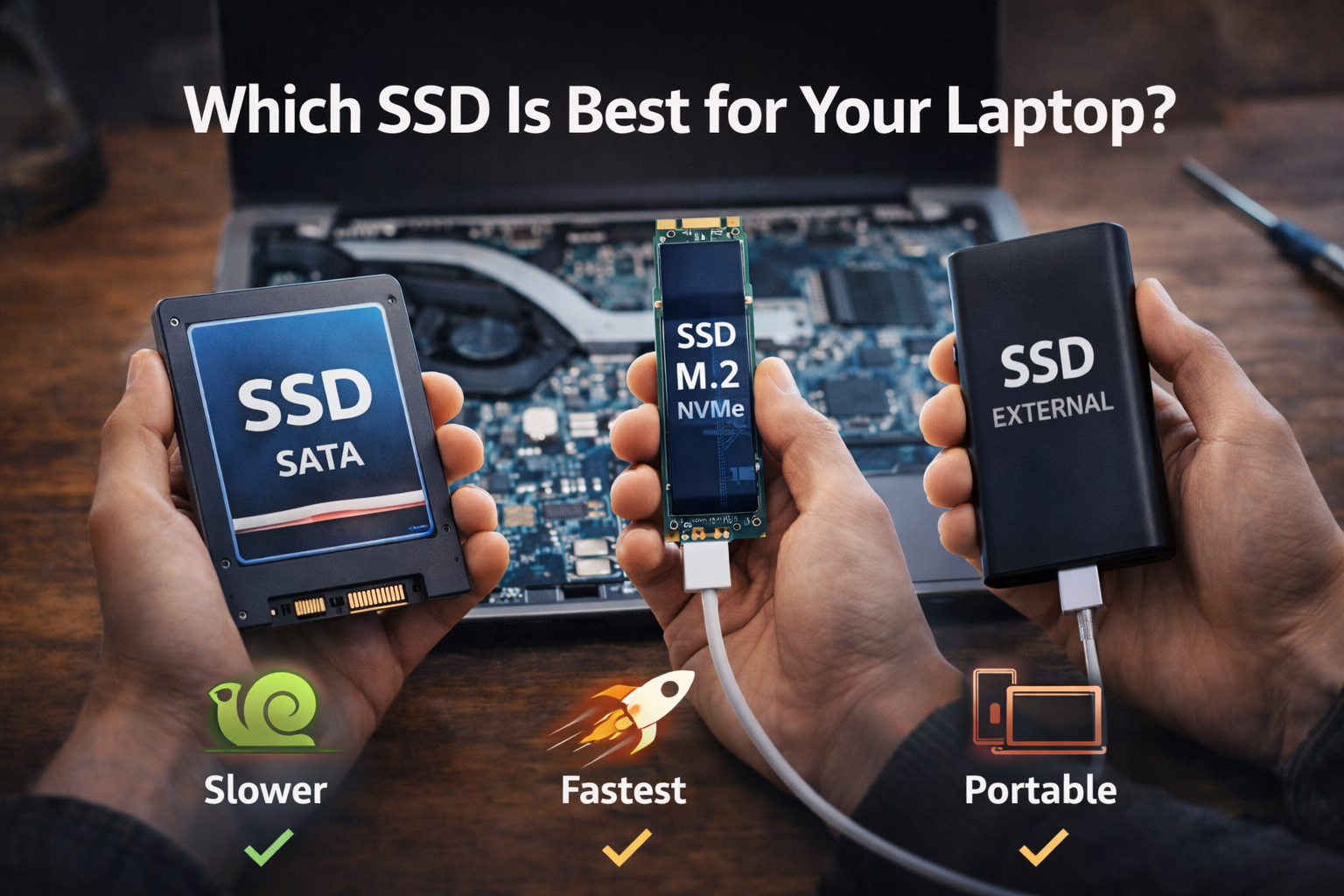
- 2.5-inch SATA SSD – Common in older laptops
- M.2 SATA SSD – Slim design, SATA speeds
- M.2 NVMe SSD – Slim design, fastest performance
Always check your laptop model or manufacturer specifications before buying.
Step 3: Choose the Right SSD Capacity
Storage size affects both usability and long-term value.
Recommended sizes:
- 256GB – Basic use (tight for long-term use)
- 512GB – Best balance for most users
- 1TB or more – Creators, gamers, and professionals
In general, choosing a slightly larger SSD helps avoid performance drops as the drive fills up.
Step 4: Match the SSD to Your Usage
Everyday Use (Browsing, Office, Study)
- SATA SSD or entry-level NVMe
- 512GB recommended
- Focus on reliability
Work & Professional Use
- NVMe SSD
- Higher endurance rating
- Faster random read/write speeds
Gaming & Content Creation
- NVMe SSD
- 1TB or more storage
- Faster load times and smoother workflows
Step 5: Reliability and Lifespan Matter
Two specifications are often overlooked:
- TBW (Terabytes Written)
- Warranty length
Higher TBW ratings mean the SSD can handle more data writes over its lifetime. According to endurance guidelines published by Samsung and Western Digital, modern SSDs typically last many years under normal laptop usage.
Step 6: Heat and Power Efficiency in Laptops
Laptops have limited airflow, so SSD efficiency matters.
High-speed NVMe SSDs can generate more heat, which may lead to thermal throttling.
Quick Fix Box
For thin laptops, a power-efficient NVMe SSD or PCIe Gen 3 model often provides better stability than the fastest Gen 4 drives.
SATA vs NVMe: Simple Comparison
| Feature | SATA SSD | NVMe SSD |
|---|---|---|
| Speed | Up to 550 MB/s | 3,000–7,000+ MB/s |
| Compatibility | Very high | Requires NVMe support |
| Price | Lower | Higher |
| Best For | Older laptops | Modern laptops |
| Upgrade Impact | Huge | Massive |
Common SSD Myths (Explained Simply)
“NVMe always feels faster.”
For light tasks, the difference is small. Heavy workloads benefit the most.
“Any SSD works in any laptop.”
This is false. Interface and form factor must match.
“Smaller SSDs are enough forever.”
Over time, limited space can reduce performance and usability.

When You Don’t Need the Fastest SSD
You may not need a high-end NVMe SSD if:
- You mainly browse the web and use office apps
- Your laptop only supports SATA
- You are on a tight budget
In these cases, a good SATA SSD still delivers excellent results.
FAQs: Which SSD Is Best for Your Laptop?
1. Is NVMe always better than SATA?
Yes for speed, but only if your laptop supports NVMe.
2. How can I check SSD compatibility?
Look up your laptop model on the manufacturer’s website.
3. Does SSD brand matter?
Yes. Reputable brands offer better firmware, endurance, and support.
4. Will replacing my SSD void warranty?
Some laptops allow upgrades. Always check warranty terms first.
5. Is cloning or reinstalling Windows better?
Cloning is faster, while reinstalling gives a cleaner system.