Difficulty: Intermediate
What Is an E-Ink Laptop?
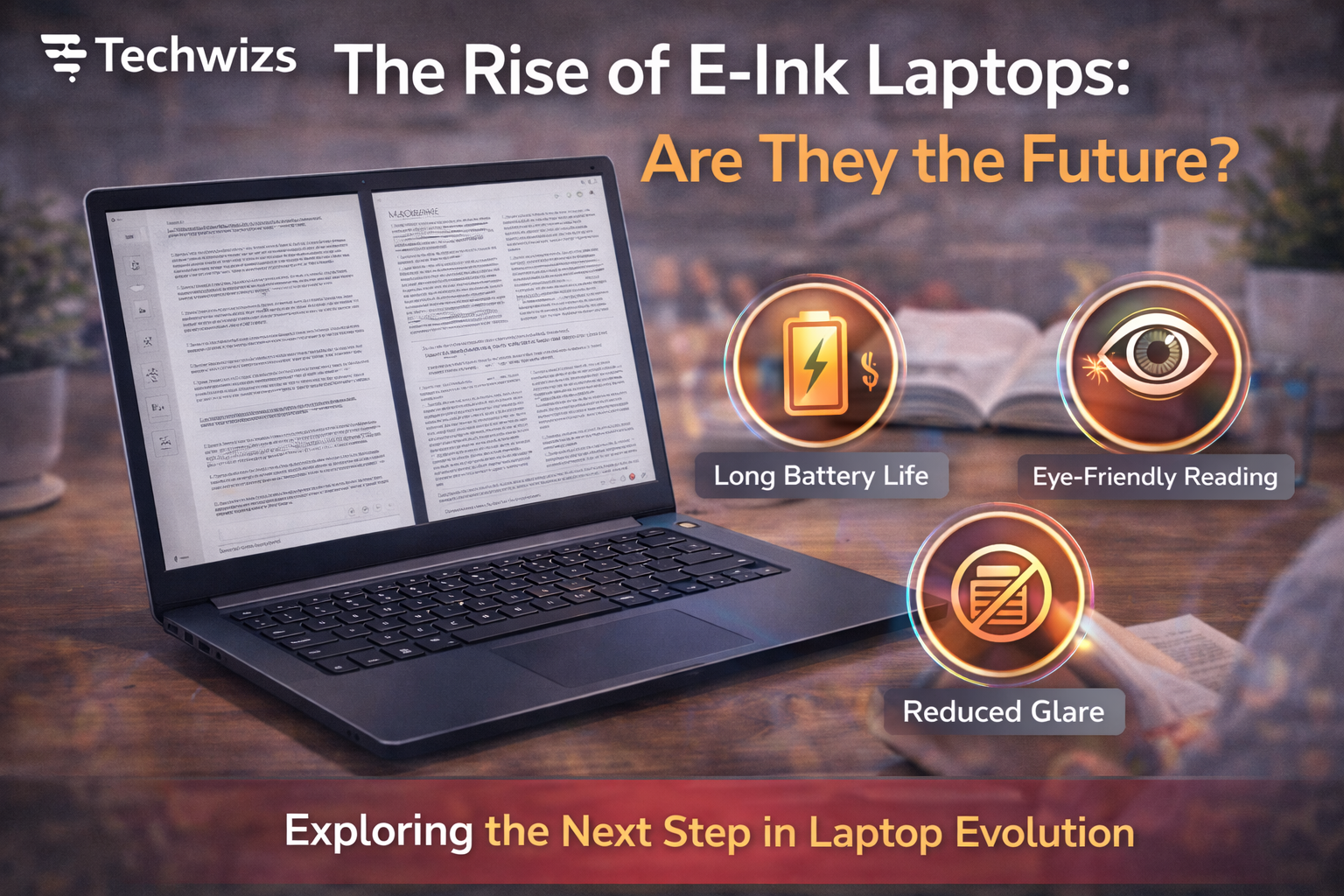
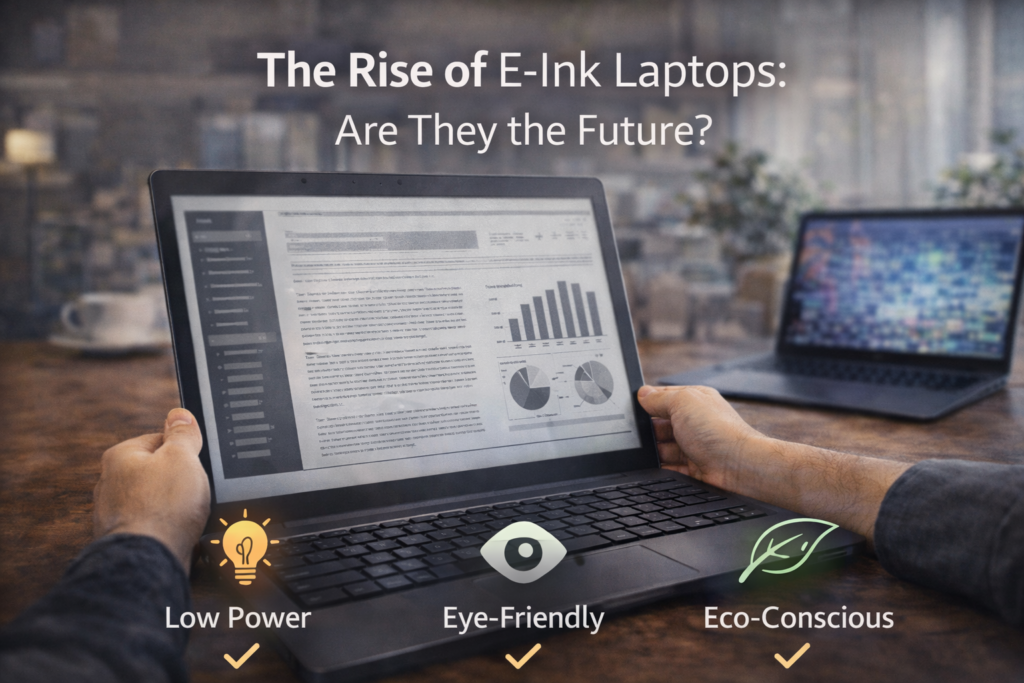
An E-Ink laptop uses an electronic paper display—similar to e-readers—either as the primary screen or as a secondary panel alongside a traditional LCD/OLED display.
Definition Box
E-Ink Laptop
A laptop that incorporates an electronic paper (E-Ink) display to reduce eye strain and power usage, prioritizing readability and long battery life over color and motion.
Unlike conventional screens, E-Ink reflects ambient light instead of emitting it, which dramatically changes how the device feels in daily use.
Why E-Ink Laptops Are Gaining Attention
Several trends are pushing E-Ink laptops into the spotlight:
- Eye comfort: Long hours on backlit screens cause fatigue.
- Battery life: E-Ink consumes power only when content changes.
- Focus-first workflows: Writers and researchers want fewer distractions.
- Remote and hybrid work: Reading-heavy tasks dominate many roles.
Manufacturers such as Lenovo have experimented with dual-screen designs, while E-Ink panel innovation continues to improve contrast and responsiveness.
What Makes E-Ink Different From Traditional Displays?
Key Advantages
1) Extreme Battery Efficiency
E-Ink screens can last days—or weeks—on a single charge during reading or typing sessions.
2) Eye-Friendly Viewing
Because E-Ink reflects light like paper, it reduces glare and blue-light exposure.
3) Sunlight Readability
E-Ink remains crisp outdoors, where LCDs often struggle.
Key Takeaway Box
If your work is mostly reading and writing, E-Ink can feel closer to paper than a screen.
Where E-Ink Laptops Still Fall Short
Despite the hype, E-Ink laptops have clear limitations.
1) Slow Refresh Rates
E-Ink is not designed for:
- Video playback
- Gaming
- Smooth animations
Scrolling and cursor movement feel slower than LCD or OLED.
2) Limited Color Support
Most E-Ink displays are grayscale. Color E-Ink exists, but it’s:
- Less vibrant
- More expensive
- Still relatively slow
This makes design and media work impractical.
3) Software Compatibility
Many operating systems and apps are built for fast-refresh displays. As a result:
- Some interfaces feel laggy
- Animations don’t translate well
- Optimization is still evolving
According to platform guidance from Microsoft, UI frameworks increasingly consider low-power displays, but broad optimization takes time.
Current E-Ink Laptop Use Cases (Who They’re For)
Writers and Journalists
- Long typing sessions
- Minimal distraction
- Comfortable reading
Researchers and Students
- Academic papers
- PDFs and notes
- Outdoor or bright environments
Developers (Selective Tasks)
- Code review
- Documentation
- Terminal work
Who Should Avoid Them (For Now)
- Designers and video editors
- Gamers
- Users who rely on color accuracy or fast visuals
Hybrid Designs: The Most Promising Direction
The future likely isn’t E-Ink vs LCD—it’s both together.
Hybrid laptops offer:
- A standard display for media and apps
- An E-Ink screen for reading, notes, or focus work
This approach balances versatility and comfort, and it’s where innovation is accelerating.
Are E-Ink Laptops Ready for the Mainstream?
Not yet—but they’re closer than before.
What Needs to Improve
- Faster refresh rates
- Better color E-Ink
- OS-level optimization
- Lower costs
Industry data from E-Ink panel suppliers suggests steady gains in speed and contrast, pointing to more usable devices by the mid-to-late 2020s.
Quick Fix Box
If you’re curious today, start with an E-Ink secondary display rather than a full E-Ink laptop.
Will E-Ink Laptops Replace Traditional Laptops?
Unlikely in the near term.
Traditional laptops remain superior for:
- Multimedia
- General-purpose computing
- Creative work
However, E-Ink laptops don’t need to replace everything to succeed. Like tablets and e-readers, they can thrive by doing specific jobs exceptionally well.
Buying Advice: Should You Consider One?
Consider an E-Ink laptop if:
- You read or write for hours daily
- Battery life matters more than visuals
- You want fewer distractions
- You already own a primary laptop
You should wait if:
- You want one device for everything
- You need color accuracy or speed
- Budget is tight
FAQs: E-Ink Laptops
1) Are E-Ink laptops better for your eyes?
Yes. They reduce glare and blue light compared to backlit screens.
2) Can you watch videos on an E-Ink laptop?
Technically yes, but the experience is poor due to slow refresh rates.
3) Do E-Ink laptops last longer on battery?
Yes. Battery life is one of their biggest advantages.
4) Are color E-Ink displays usable?
They’re improving, but still limited and expensive.
5) Will E-Ink laptops become cheaper?
Likely, as production scales and hybrid designs mature.