Difficulty: Beginner
What Is an E-Marker?
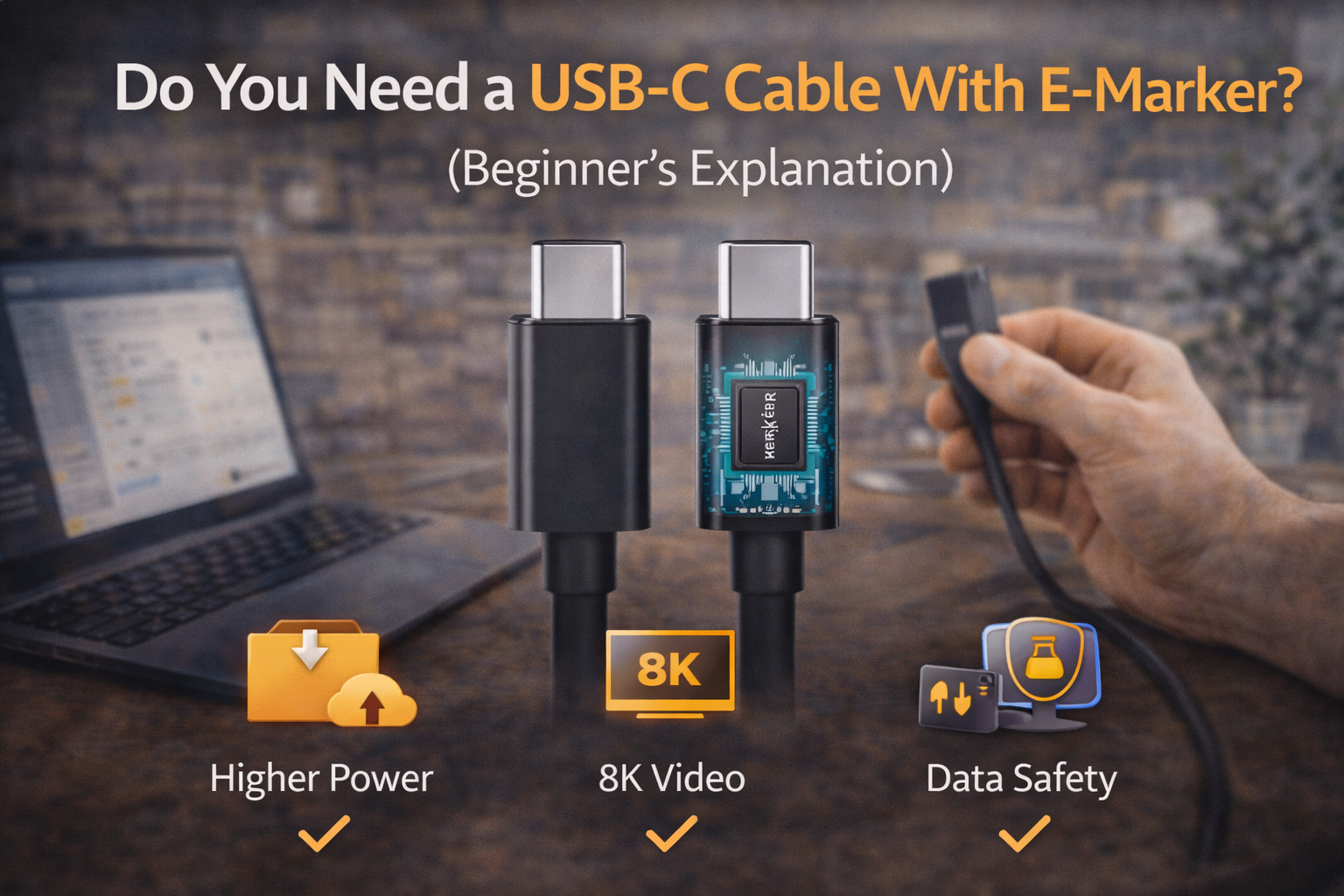
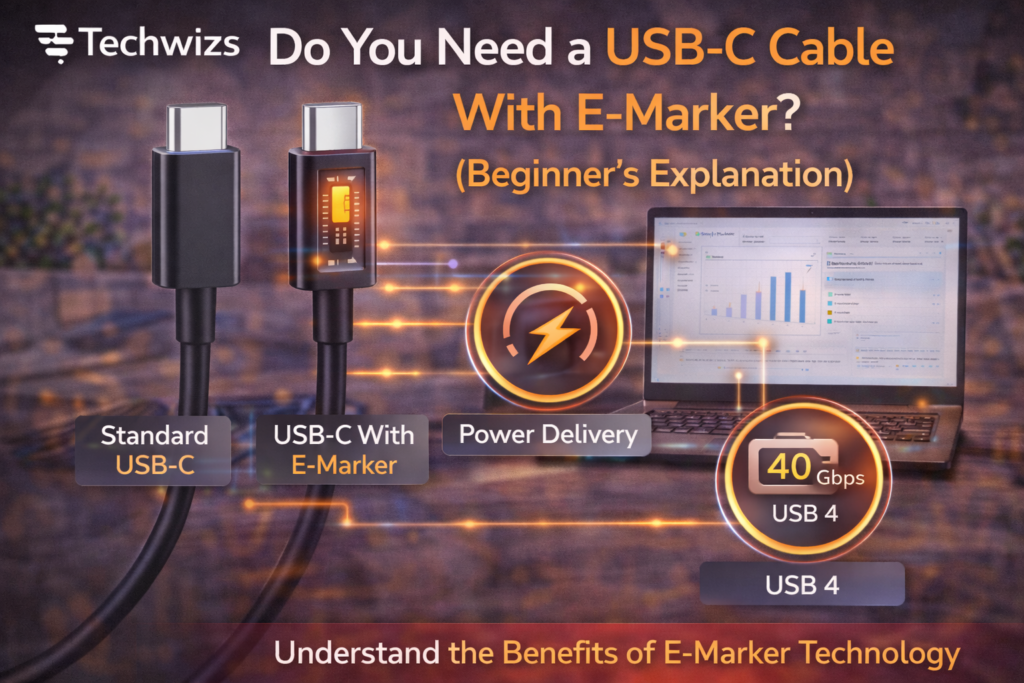
An E-Marker (Electronically Marked Cable) is a tiny chip inside certain USB-C cables. Its job is to identify the cable’s capabilities to connected devices.
Definition Box
E-Marker (Electronically Marked Cable)
A chip inside some USB-C cables that communicates supported power, data speed, and features so devices can operate safely.
Standards guidance from USB Implementers Forum defines when E-Markers are required to prevent unsafe power draw.
Why E-Markers Exist (In Plain Terms)
USB-C supports a wide range of power and speed. Without an E-Marker:
- Devices can’t confirm a cable’s limits
- Power may be capped for safety
- Fast features may be disabled
Key Takeaway Box
E-Markers don’t make a cable “faster”—they let devices unlock what the cable already supports.
When You DO Need a USB-C Cable With E-Marker
You should use an E-Marker cable if you do any of the following:
1) High-Power Charging
- Laptops and monitors
- 60W, 100W, or up to 240W (USB-PD 3.1)
2) High-Speed Data or Video
- USB 3.2 / USB4
- Thunderbolt docks
- External SSDs
- 4K/5K displays
3) One-Cable Docks
- Power + display + data through one cable
Quick Fix Box
If your charger or dock says “100W,” “USB4,” or “Thunderbolt,” choose an E-Marker cable.
When You DON’T Need an E-Marker Cable
You usually don’t need one for:
- Phone charging (18–30W)
- Power banks
- Wireless earbuds
- Keyboards, mice, basic accessories
These devices draw low power and don’t use high data rates.
What Happens If You Use the Wrong Cable?
- Charging may be slower
- External displays might not work
- Data speeds can drop
- Devices may limit power for safety
This is protection—not a defect.
How to Identify an E-Marker Cable
Look for:
- “E-Marker,” “5A,” “100W,” or “240W” on the package
- USB-IF certification logos
- Clear power ratings from reputable brands
Avoid no-label cables for high-power use.
FAQs: USB-C Cable With E-Marker
1) Does E-Marker affect charging speed?
Indirectly. It allows higher power levels when supported.
2) Is Thunderbolt the same as E-Marker?
No. Thunderbolt cables require E-Markers, but E-Markers aren’t only for Thunderbolt.
3) Are E-Marker cables more expensive?
Slightly, due to the chip and certification.
4) Can E-Marker cables damage devices?
No. They improve safety and compatibility.
5) Should I replace all my cables?
Only the ones used for laptops, docks, or high power.