Difficulty: Beginner
What Actually Matters for Gaming (Not Marketing)
Definition Box
Latency (Ping)
The time it takes for data to travel from your device to the game server and back. Lower is better.
For gaming, prioritize:
- Stable latency over peak speeds
- Low packet loss
- Consistent signal (not fluctuating)
Guidance from the Wi‑Fi Alliance emphasizes efficiency and reliability as the core benefits of modern Wi-Fi generations.
Choose the Right Wi-Fi Band (Critical)
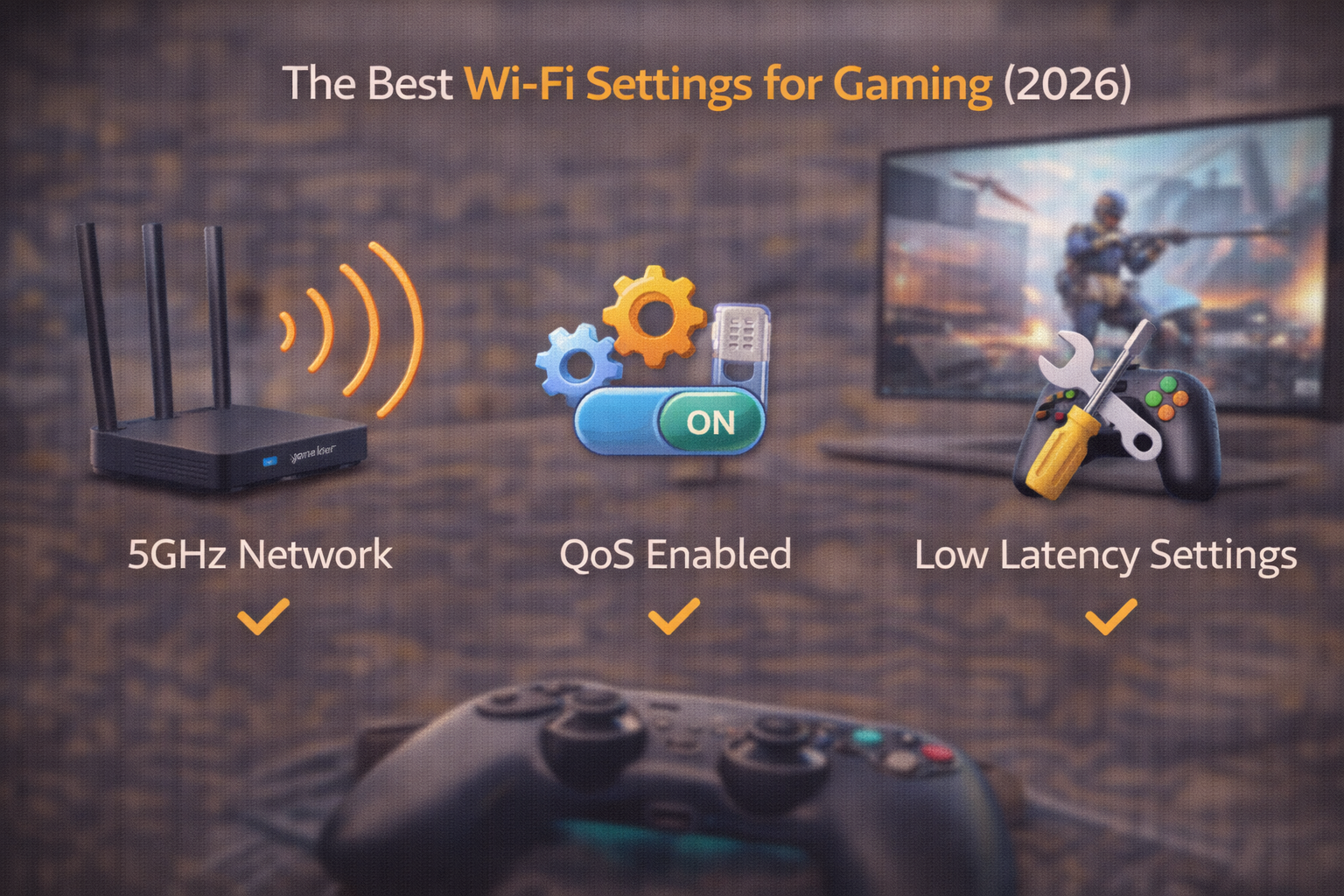
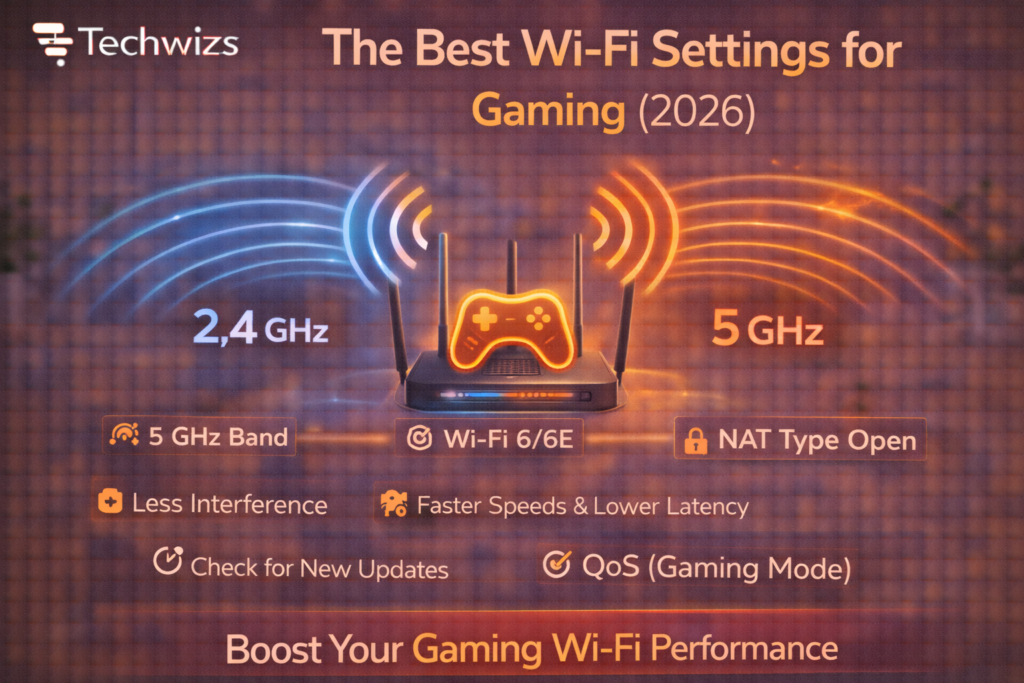
5GHz (Best for Most Gamers)
- Lower interference than 2.4GHz
- Higher throughput
- Shorter range, cleaner signal
2.4GHz (Only if Far Away)
- Longer range
- More interference and jitter
6GHz (Wi-Fi 6E / 7)
- Cleanest spectrum
- Lowest interference
- Shortest range; great near the router
Key Takeaway Box
Game on 5GHz (or 6GHz if close). Use 2.4GHz only when distance forces it.
Channel Width: Faster Isn’t Always Better
- 40MHz → Best stability (recommended)
- 80MHz → More speed, more interference
- 160MHz → Avoid for gaming (unstable)
Why: Wider channels are noisier and more prone to drops.
Pick a Clean Channel (Avoid Auto)
Auto-channel hopping can cause mid-game spikes.
Do this instead
- Scan once, then lock a channel
- 5GHz channels: try 36–48 or 149–161
- 6GHz: auto is usually fine (clean spectrum)
Turn On Gaming-Friendly QoS
Definition Box
QoS (Quality of Service)
A router feature that prioritizes game traffic over downloads and streaming.
Enable:
- Device priority for your console/PC
- Game traffic or UDP priority (if available)
Chipset makers like Qualcomm design modern routers to handle QoS efficiently—use it.
Quick Fix Box
QoS won’t lower ping to servers—but it prevents lag when others use the network.
Router Placement (Free Performance)
- Central, elevated location
- Line-of-sight to your gaming device
- Keep away from metal and walls
- Avoid cabinets and floors
Small moves can shave milliseconds.
Device Settings That Matter
On PC
- Update Wi-Fi drivers
- Disable background downloads
- Prefer Ethernet when possible
On Consoles
- Use 5GHz/6GHz explicitly
- Turn off rest-mode downloads during play
- Keep system updates current
Security Settings (Yes, They Affect Latency)
- Use WPA3 if supported
- Avoid legacy compatibility modes
- Disable WPS
Modern security reduces overhead and retries.
Mesh vs Single Router (Gaming Reality)
- Mesh helps coverage, not raw ping
- Connect to the closest node
- Prefer wired backhaul if available
Key Takeaway Box
Mesh fixes dead zones; it doesn’t beat Ethernet for latency.
When Ethernet Is Still Better
Wi-Fi is excellent in 2026—but Ethernet remains king for:
- Competitive shooters
- Tournaments
- Consistent sub-20ms latency
If possible, wire the gaming device.
Common Mistakes to Avoid
- Using 160MHz channels
- Leaving channels on auto
- Gaming on crowded 2.4GHz
- Placing routers behind TVs or walls
- Running downloads during matches
FAQs: Best Wi-Fi Settings for Gaming
1) Is Wi-Fi 7 necessary for gaming?
No. Wi-Fi 6/6E is more than enough when tuned.
2) Does higher internet speed reduce ping?
No. Ping depends on routing and distance, not Mbps.
3) Should I use gaming mode on routers?
Yes—if it’s QoS-based and configurable.
4) Can extenders hurt gaming?
Yes. Use mesh nodes instead of repeaters.
5) Should I disable band steering?
Try both. Some gamers prefer manual band selection.