Difficulty: Beginner
How Public USB Chargers Can Harm Your Device
Definition Box
Juice Jacking
A cyberattack where a compromised USB charging port installs malware or steals data when a device is plugged in.
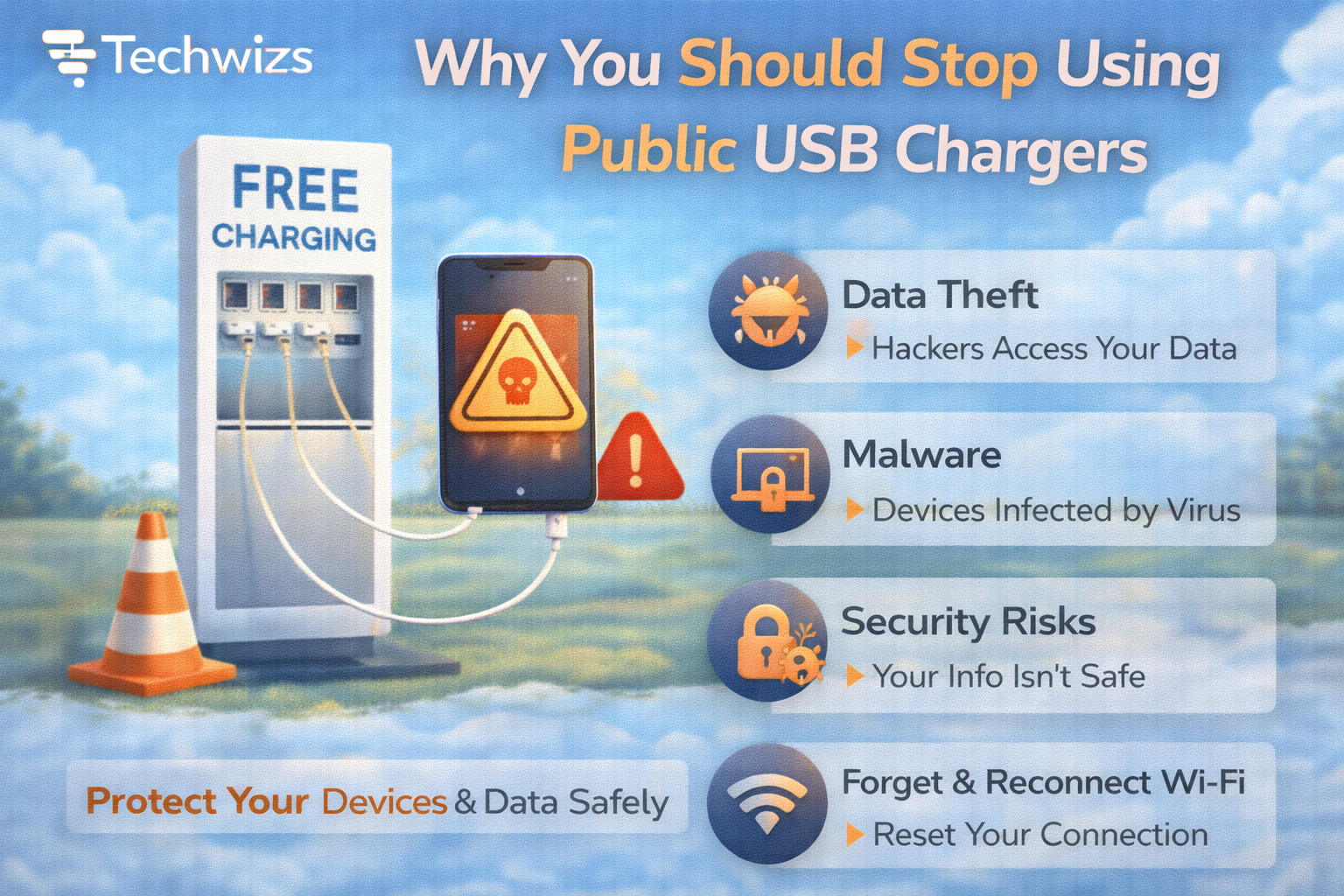
USB cables carry power and data. When you plug into an unknown USB port, you’re not just charging—you’re allowing a data connection. Security agencies, including the Federal Bureau of Investigation, have warned that tampered public ports can be used to compromise phones.
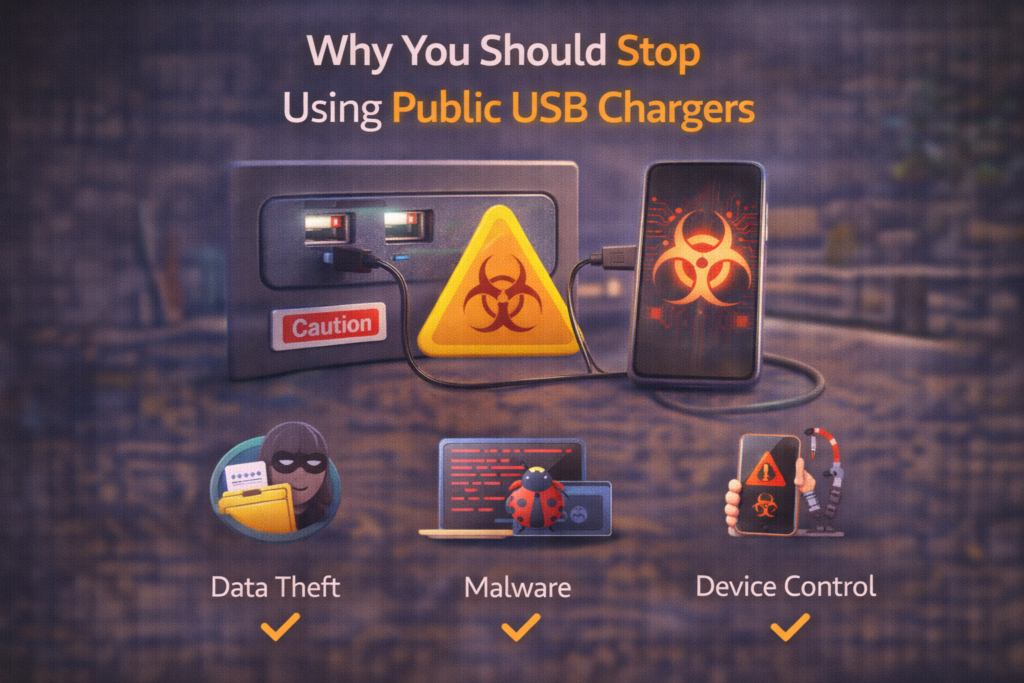
What Attackers Can Do Through USB
Public USB risks aren’t theoretical. A malicious port can:
- Access files or photos
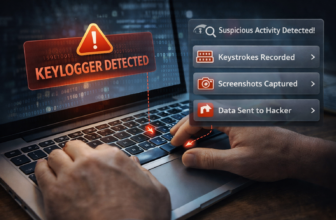
- Install hidden malware
- Track keystrokes
- Force fake update prompts
- Lock your device and demand payment
Key Takeaway Box
If you wouldn’t plug your phone into a stranger’s laptop, don’t plug it into a public USB port.
Why Phones Are Especially Vulnerable
Modern phones trust USB by default for:
- File transfers
- Debugging
- Software updates
On some devices, a single “Allow access” tap grants broad permissions—often without users realizing the consequences.
According to guidance from Apple and Google, unknown USB connections should always be treated as untrusted.
Common Places Where Risk Is Highest
Be cautious with USB ports at:
- Airports and train stations
- Hotels and conference venues
- Cafés and malls
- Rental cars and public kiosks
High-traffic locations are harder to monitor—and easier to tamper with.
“But I’ve Used Them for Years—Why Stop Now?”
Attacks have evolved. Today’s risks include:
- Smaller, hidden hardware implants
- Social engineering (“charging station upgrades”)
- Faster malware installs
Quick Fix Box
The risk isn’t constant—but when it hits, the impact can be severe.
Safe Alternatives That Cost Almost Nothing
1) Use Your Own Wall Charger
- Plug directly into an AC outlet
- No data pins involved
2) Carry a Power Bank
- Completely isolates your device
- Ideal for travel
3) Use a USB Data Blocker
- Also called a “USB condom”
- Allows power only, blocks data
4) Power-Only Cables
- Designed without data lines
- Safer for public charging
What If You Already Used a Public USB Charger?
Act quickly:
- Disconnect immediately
- Run a security scan
- Review app permissions
- Change passwords for sensitive apps
- Enable two-factor authentication
If you see pop-ups asking to “trust” a device or install updates—decline and unplug.
Myths About Public USB Charging (Debunked)
- “iPhones can’t be hacked this way” ❌
- “Only Android is at risk” ❌
- “It’s safe if my phone is locked” ❌
All devices can be exposed if data lines are active.
When Public Charging Is the Only Option
If you must use a public USB port:
- Use a data blocker
- Don’t unlock your phone
- Decline all prompts
- Avoid sensitive apps afterward
This reduces—but does not eliminate—risk.
FAQs: Stop Using Public USB Chargers
1) Is juice jacking common?
It’s uncommon—but impact is high when it occurs.
2) Are power-only USB cables safe?
Yes. They don’t carry data.
3) Are AC wall sockets safe?
Yes—when using your own charger.
4) Can malware install without tapping anything?
Some attacks rely on exploits; others need a tap.
5) Should businesses remove public USB ports?
Many now do—or convert them to power-only.