Difficulty: Beginner
What Does “AI in Web Browsers” Actually Mean?
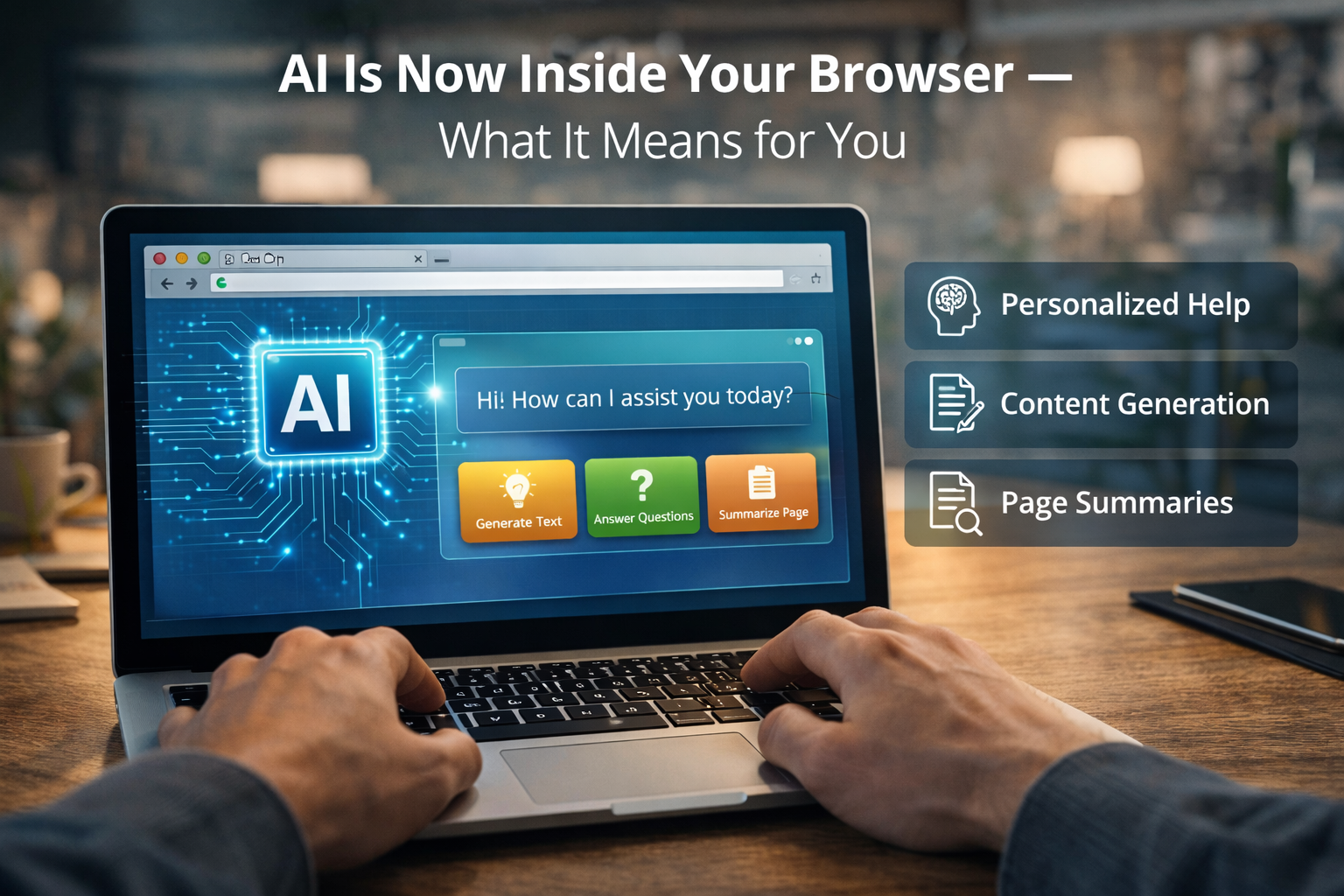
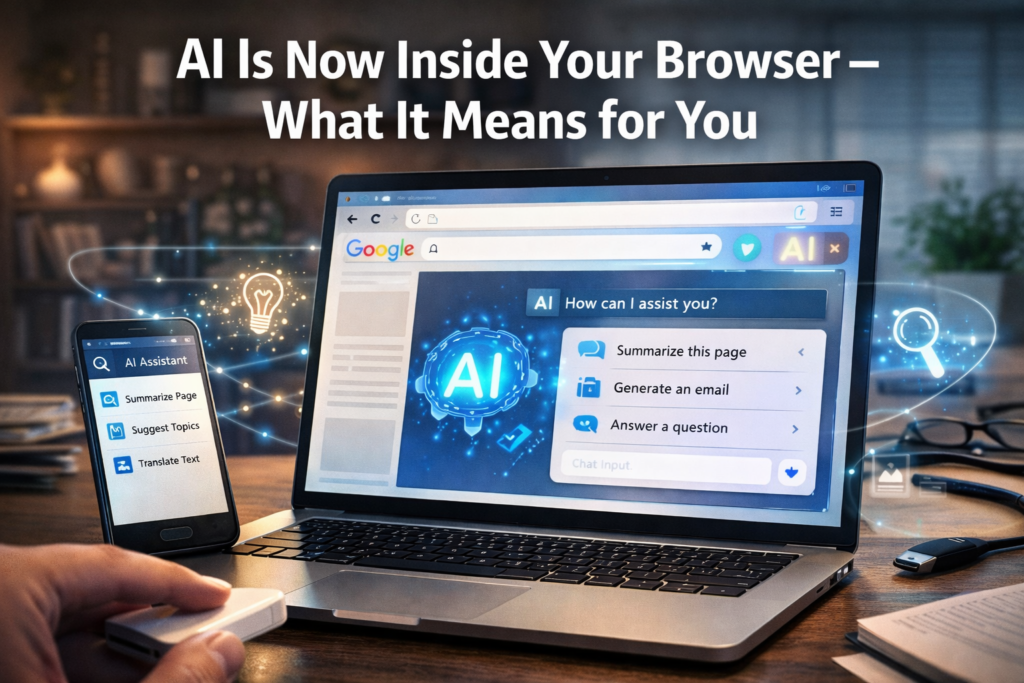
In simple terms, AI in web browsers means your browser can now:
- Understand what you’re reading
- Help you write text
- Summarize information
- Suggest actions
- Answer questions
Instead of manually switching between websites, the browser itself can assist you while you browse.
Think of it like this:
Your browser is slowly becoming a digital assistant that sits on top of the internet.
How Browsers Worked Before AI
Before AI integration, browsers mainly did three things:
- Load websites
- Store bookmarks
- Manage tabs and extensions
If you wanted help writing an email, summarizing a document, or answering a question, you had to:
- Open another website
- Copy information
- Paste it somewhere else
Now AI tools inside the browser can do many of these tasks instantly.
How AI in Web Browsers Is Being Used Today
Let’s look at the most common ways AI is already appearing in browsers.
1. AI Page Summaries
Long article? Research paper? Documentation?
AI can summarize pages into short explanations.
Instead of reading thousands of words, you can quickly see the main idea.
Example:
A 10-minute article becomes a 30-second summary.
2. Smart Writing Assistance
Modern browsers can help you write:
- Emails
- Social media posts
- Reports
- Comments
AI suggests sentences, fixes grammar, and improves clarity.
This is especially useful for professionals who write frequently.
3. AI Search Improvements
Search engines are becoming conversational.
Instead of typing keywords like:
best laptop 2025 budget
You can ask:
What’s a good laptop under $1000 for video editing?
AI interprets your question and gives a direct answer.
According to StatCounter data, Google Chrome alone holds over 60% of the global browser market, meaning AI integration in browsers could impact billions of users worldwide.
4. AI Tab Organization
Some browsers now automatically group tabs.
If you open many tabs related to:
- travel
- research
- work projects
AI can organize them into categories.
This reduces “tab overload,” a common problem for heavy internet users.
5. AI Shopping Assistance
AI can help you:
- Compare prices
- Detect fake reviews
- Find discounts
Instead of checking multiple websites manually, AI tools do the comparison for you.
🧠 Definition Box
AI in Web Browsers:
Artificial intelligence features integrated directly into internet browsers to assist with tasks like summarizing pages, writing text, organizing tabs, and improving search results.
Why Tech Companies Are Adding AI to Browsers
Browsers are the main gateway to the internet.
By adding AI directly into the browser, companies can:
- Improve productivity
- Keep users inside their ecosystem
- Make searching and browsing faster
Major companies integrating AI into browsers include:
- Google (Chrome AI features)
- Microsoft (Edge Copilot)
- Brave (AI assistant tools)
- Opera (AI sidebar tools)
What This Means for Everyday Users
For non-technical users, AI in web browsers mainly means three things:
1️⃣ Faster Information
Instead of reading multiple pages, AI gives you direct answers.
2️⃣ Less Manual Work
Tasks like writing emails, summarizing reports, and organizing tabs become easier.
3️⃣ Smarter Browsing Experience
The browser starts understanding your intent, not just the words you type.
Potential Downsides to Be Aware Of
AI in browsers is powerful, but it comes with some considerations.
Privacy Concerns
AI tools may analyze browsing activity to generate suggestions.
Always review:
- Browser privacy settings
- AI feature permissions
AI Mistakes
AI summaries are helpful but not always perfect.
You should still verify important information.
Increased Resource Usage
AI features may use more:
- RAM
- CPU power
Older computers might experience slower performance.
Real-World Example
Imagine you’re researching a topic like “best laptop for programming.”
Without AI:
- Open 10 websites
- Read multiple articles
- Compare specs manually
With AI in your browser:
- Ask a question
- AI summarizes options
- Shows quick comparisons
What used to take 20 minutes may take 2 minutes.
🛡️ Key Takeaway Box
AI is turning web browsers into intelligent assistants that help you read, search, write, and organize information faster.
Will All Browsers Become AI-Powered?
Most likely, yes.
AI integration is becoming a competitive feature in browsers. Over the next few years, expect:
- More built-in assistants
- AI-powered search
- Automated browsing tasks
Browsers will increasingly act like personal research tools, not just website viewers.
Should You Use AI Browser Features?
For most users, the benefits outweigh the risks.
AI tools can:
- Save time
- Improve productivity
- Simplify research
Just remember to review privacy settings and verify important information.
Frequently Asked Questions (FAQ)
1. What is AI in web browsers?
It refers to artificial intelligence features integrated into browsers to assist with searching, summarizing, writing, and organizing information.
2. Which browsers already have AI features?
Chrome, Microsoft Edge, Opera, and Brave have begun integrating AI assistants and smart features.
3. Is AI in browsers safe?
Generally yes, but users should review privacy settings and understand how data may be processed.
4. Will AI replace traditional search?
Not completely, but AI will increasingly provide direct answers instead of just links.
5. Do AI browser tools slow down computers?
They can increase resource usage slightly, especially on older systems.