Difficulty: Beginner
Why Small Businesses Need a Real Firewall
Definition Box
Firewall
A network security device that monitors and controls incoming and outgoing traffic based on predefined security rules.
Your ISP router is not enough.
Small businesses face:
- Phishing attacks
- Ransomware
- Remote access exploits
- Unauthorized access attempts
- Malware command-and-control traffic
According to cybersecurity reporting from Microsoft, small businesses remain a major target for ransomware due to weaker perimeter defenses.
What to Look for in a Cheap Business Firewall
A low-cost firewall should include:
- Stateful packet inspection
- Intrusion Prevention System (IPS)
- VPN support (for remote workers)
- VLAN segmentation
- Web filtering
- Central management interface
Key Takeaway Box
Cheap should mean affordable—not underpowered.
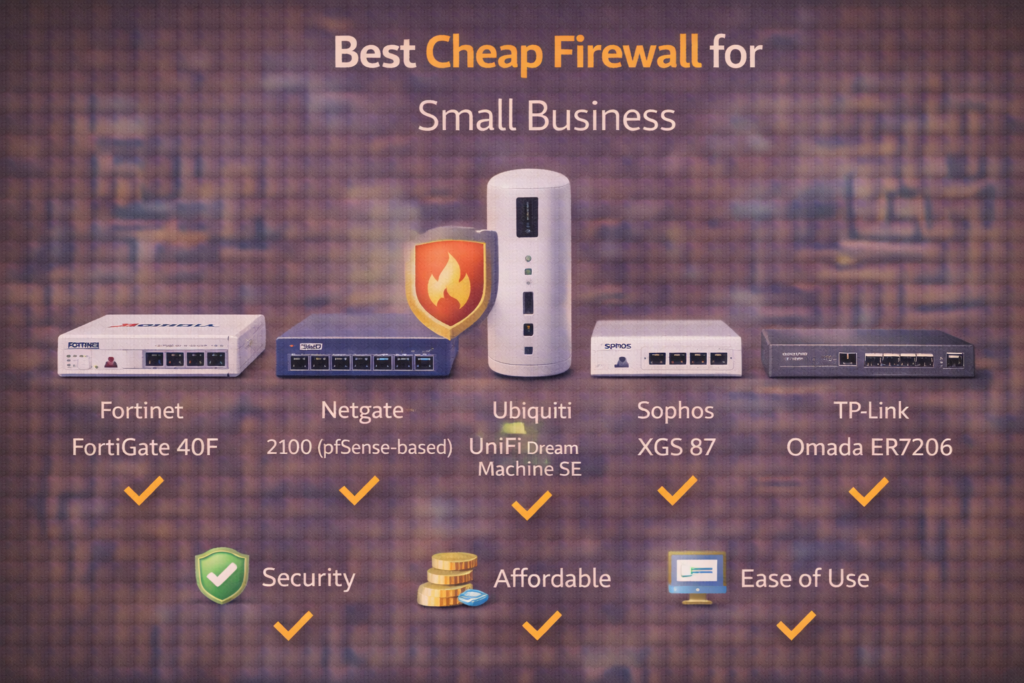
Top 5 Best Cheap Firewall for Small Business (2026 Picks)
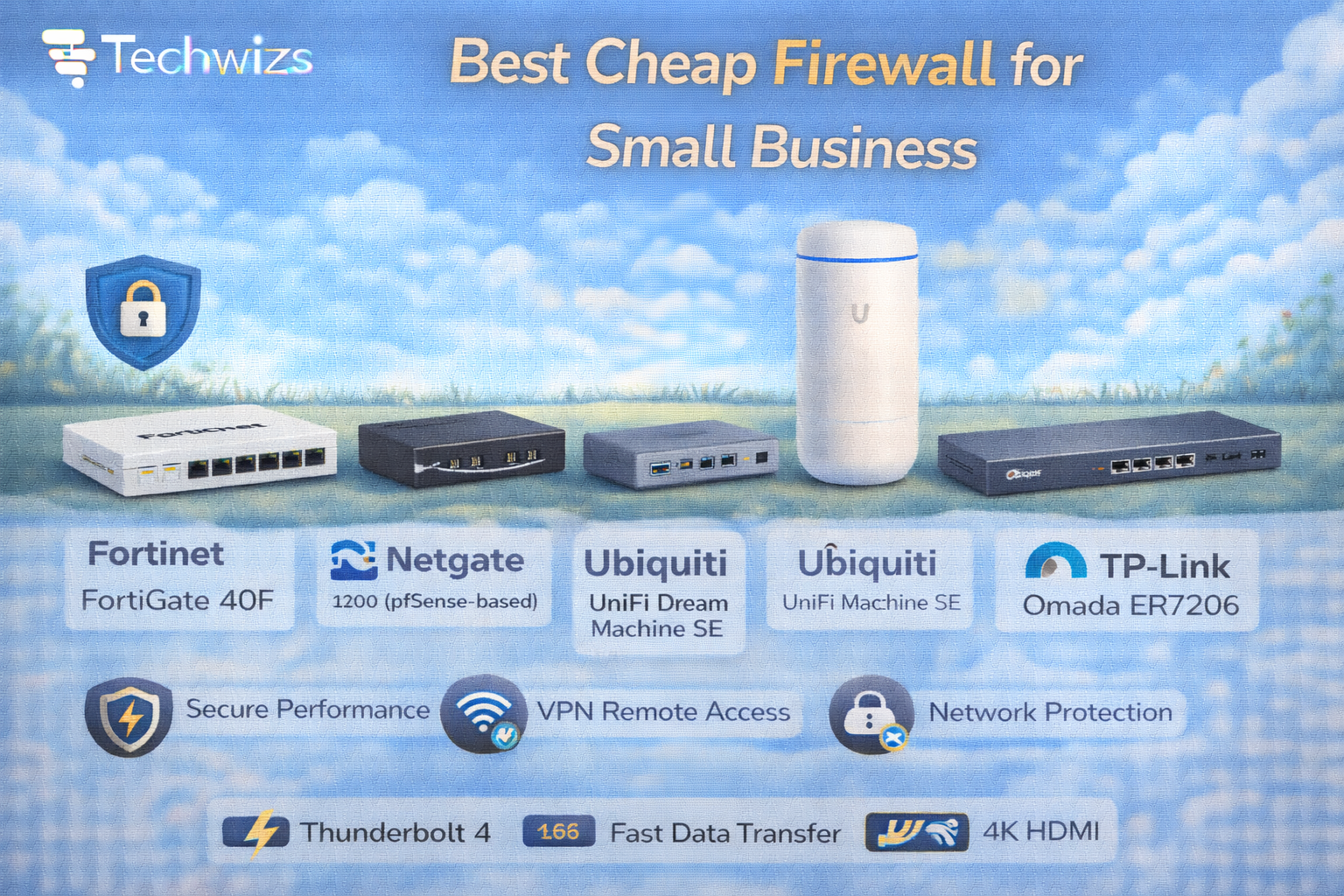
1) Fortinet FortiGate 40F
Best Overall Budget Business Firewall
- Enterprise-grade security
- Strong IPS performance
- VPN included
- Excellent reliability
Why it stands out: Fortinet’s security engine is proven in enterprise environments.
Best for: 5–25 users.
2) Netgate 2100 (pfSense-based)
Best Open-Source Flexibility
- Based on pfSense
- Strong customization
- Advanced firewall control
Why it stands out: High control at low cost.
Best for: IT-savvy small businesses.
3) Ubiquiti UniFi Dream Machine SE
Best for Simple Management
- Integrated security gateway
- Built-in controller
- Easy web interface
Why it stands out: Clean UI and ecosystem integration.
Best for: Offices already using UniFi switches/APs.
4) Sophos XGS 87
Best All-in-One Security Bundle
- Strong malware scanning
- Web filtering
- Cloud management
Why it stands out: Good balance of features and simplicity.
Best for: Small teams with limited IT support.
5) TP-Link Omada ER7206
Best Ultra-Budget Option
- VLAN support
- VPN capability
- Good for small offices
Why it stands out: Very affordable entry-level protection.
Best for: Micro-business (1–10 users).
Hardware Firewall vs Software Firewall
Definition Box
Hardware Firewall
A physical device placed between your internet modem and internal network.
Key Takeaway Box
A dedicated hardware firewall protects every device—not just one PC.
Software firewalls (like Windows Defender Firewall) only protect individual devices.
How Much Should a Small Business Spend?
Typical budget ranges in 2026:
- Micro business (1–5 staff): $100–$300
- Small office (5–20 staff): $300–$800
- Growing team (20+ staff): $800–$1500
The “best cheap firewall for small business” depends on user count and bandwidth needs.
Performance Matters More Than Features
Look for:
- Firewall throughput (in Gbps)
- IPS throughput (real-world number)
- VPN performance
- Number of supported users
Many budget firewalls advertise high throughput—but IPS performance may drop significantly when security features are enabled.
Common Small Business Firewall Mistakes
- Using ISP router only
- Disabling IPS for speed
- Not segmenting guest Wi-Fi
- Ignoring firmware updates
- Leaving default admin passwords
Quick Fix Box
Even the best firewall fails if it’s not configured properly.
Do You Need Subscription Licensing?
Many vendors require:
- Annual security updates
- Threat intelligence subscriptions
- Advanced filtering licenses
Factor this into total cost of ownership.
Firewall + Security Strategy (Layered Approach)
A firewall should work alongside:
- Endpoint antivirus
- MFA for remote access
- Encrypted backups
- Secure DNS filtering
- Strong password policies
No single device replaces good security habits.
When Open-Source Makes Sense
Solutions like pfSense (via Netgate appliances) are powerful and affordable—but require:
- Technical knowledge
- Manual updates
- Custom configuration
If you don’t have IT support, managed solutions are easier.
FAQs: Best Cheap Firewall for Small Business
1) Is a cheap firewall enough for business?
Yes—if properly configured and updated.
2) Can I use a home router instead?
Not recommended for business environments.
3) Do I need VPN capability?
Yes—especially for remote or hybrid teams.
4) Is subscription licensing mandatory?
For full protection features—usually yes.
5) How often should I update firmware?
At least quarterly—or immediately for security patches.