Difficulty: Beginner
Why Use an External SSD for Backups?
Compared to traditional hard drives, SSDs bring clear advantages:
- Much faster backup and restore times
- No moving parts (better shock resistance)
- Silent operation and lower power use
- Compact, travel-friendly designs
According to industry guidance from Backblaze, storage reliability improves when devices are handled less and complete backups finish faster—both strengths of SSDs.
What to Look For in a Backup SSD (2026)
Key Criteria
- Reliability & warranty (backups must be trustworthy)
- Interface (USB 3.2 Gen 2 or Thunderbolt)
- Encryption support (hardware encryption is a plus)
- Capacity (1TB–4TB is the sweet spot for most users)
- Thermal control (consistent performance during long writes)
Definition Box
External SSD
A solid-state drive in a portable enclosure, used for fast data transfer and secure backups.
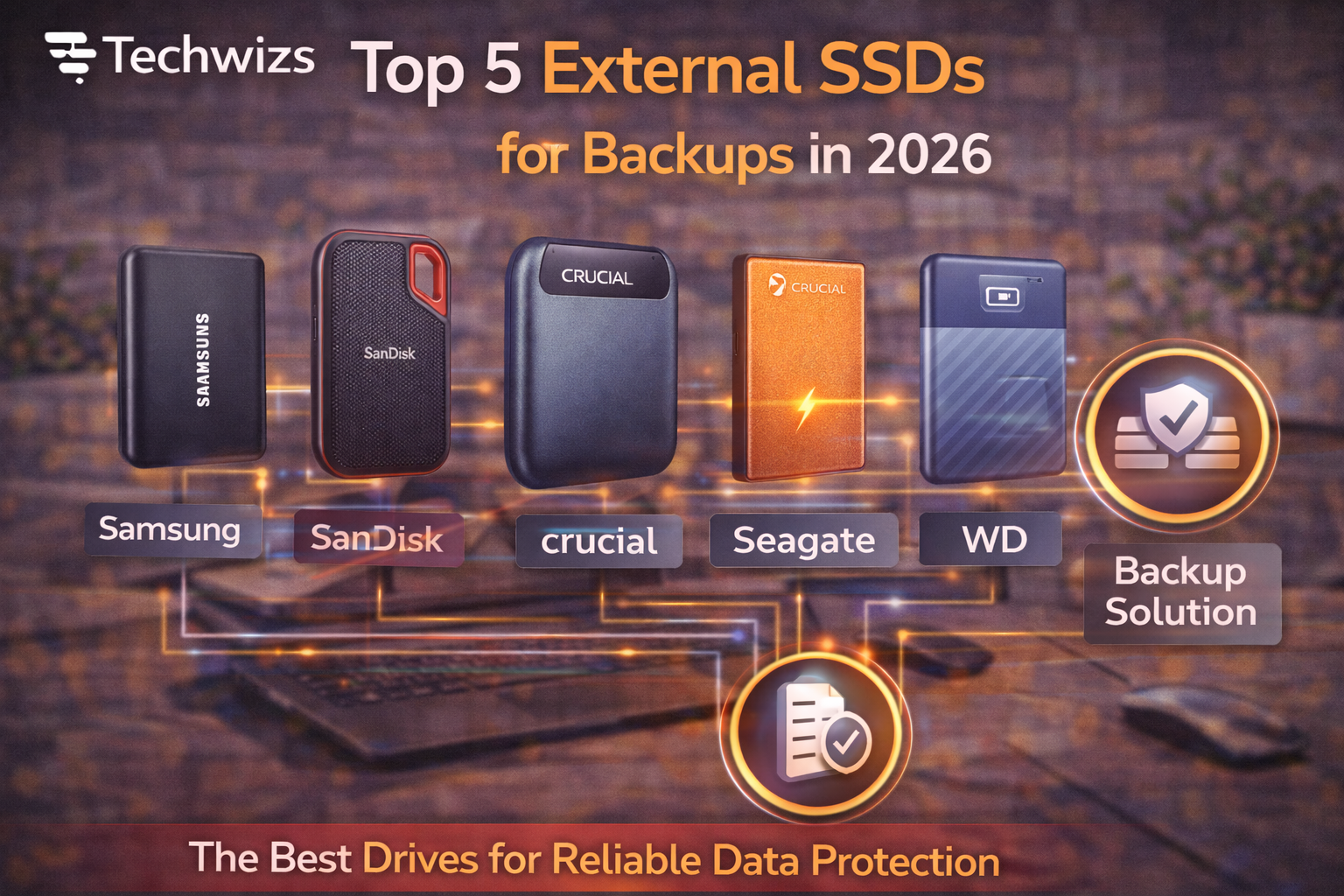
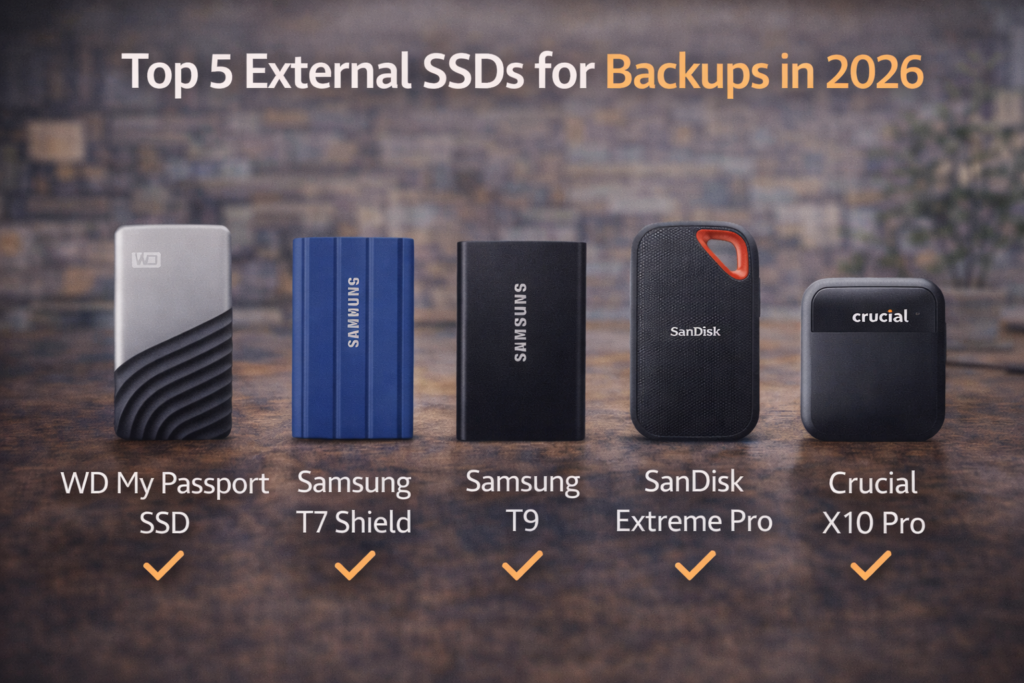
Top 5 External SSDs for Backups in 2026
1) Samsung T7 Shield — Best Overall
- Why it stands out: Rugged, consistent speeds, AES-256 encryption
- Best for: Everyday backups, travel, durability
- Trade-off: Not Thunderbolt-fast (but very stable)
2) SanDisk Extreme Portable SSD — Best for Mobility
- Why it stands out: Compact, IP-rated protection, wide compatibility
- Best for: Photographers, on-the-go backups
- Trade-off: Premium price at higher capacities
3) Western Digital My Passport SSD — Best Value Backup Drive
- Why it stands out: Strong software suite, hardware encryption
- Best for: Home users and small offices
- Trade-off: Not the fastest sustained writer
4) Crucial X10 Pro — Best Performance per Dollar
- Why it stands out: USB 3.2 Gen 2×2 speeds, solid thermals
- Best for: Large backups and frequent restores
- Trade-off: Requires compatible ports for max speed
5) LaCie Rugged SSD Pro — Best for Professionals
- Why it stands out: Thunderbolt speeds, extreme durability
- Best for: Creators with massive datasets
- Trade-off: Expensive for casual users
Quick Comparison
| Drive | Interface | Encryption | Best For |
|---|---|---|---|
| Samsung T7 Shield | USB 3.2 Gen 2 | Yes | Reliable everyday backups |
| SanDisk Extreme | USB 3.2 Gen 2 | Yes | Travel & field work |
| WD My Passport SSD | USB 3.2 Gen 2 | Yes | Value & simplicity |
| Crucial X10 Pro | USB 3.2 Gen 2×2 | Yes | Large, frequent backups |
| LaCie Rugged SSD Pro | Thunderbolt | Yes | Pro workflows |
Backup Tips That Actually Matter
Key Takeaway Box
Speed helps you back up more often—but reliability keeps your data safe.
- Use two backups (local SSD + cloud)
- Schedule backups during idle hours
- Label drives by purpose and date
- Verify backups periodically
FAQs: External SSDs for Backups
1) Are SSDs reliable for long-term backups?
Yes, especially when powered occasionally and kept cool.
2) How much capacity should I buy?
Aim for 2× your active data to allow growth.
3) Do I need hardware encryption?
Recommended if the drive leaves your desk.
4) Thunderbolt or USB?
USB is fine for most; Thunderbolt benefits huge restores.
5) SSD or HDD for backups?
SSD for speed and durability; HDD for cheap bulk archives.