What Actually Makes a Keyboard Comfortable
Definition Box
Typing Comfort
A combination of key travel, actuation force, layout, and ergonomics that reduces finger, wrist, and shoulder strain during long typing sessions.
Focus on:
- Consistent, stable key switches
- Low actuation force
- Proper key spacing
- Optional ergonomic or split layouts
- Reliable wireless connectivity (no lag)
According to ergonomics guidance often referenced in office productivity research, reducing strain matters more than raw speed.
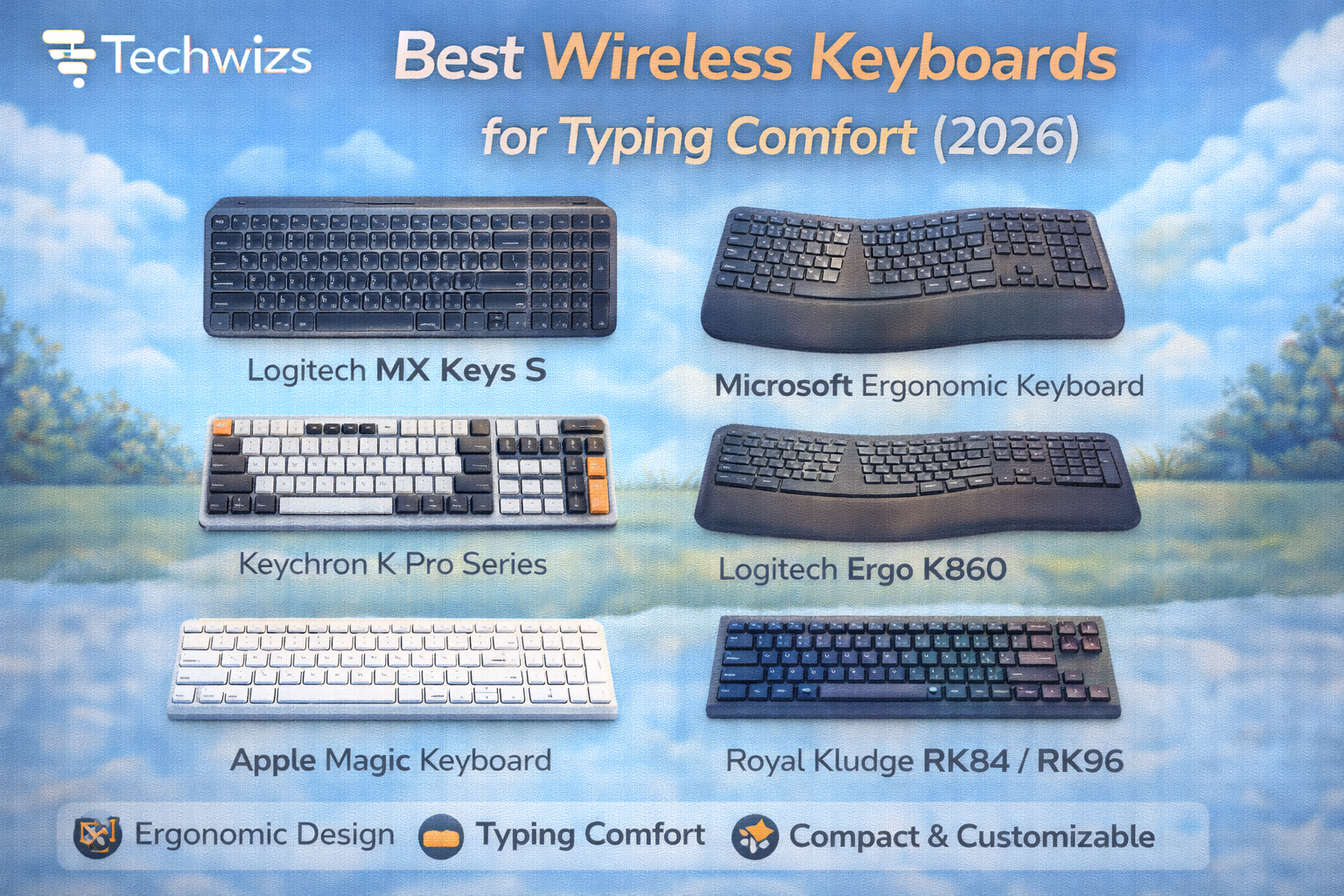
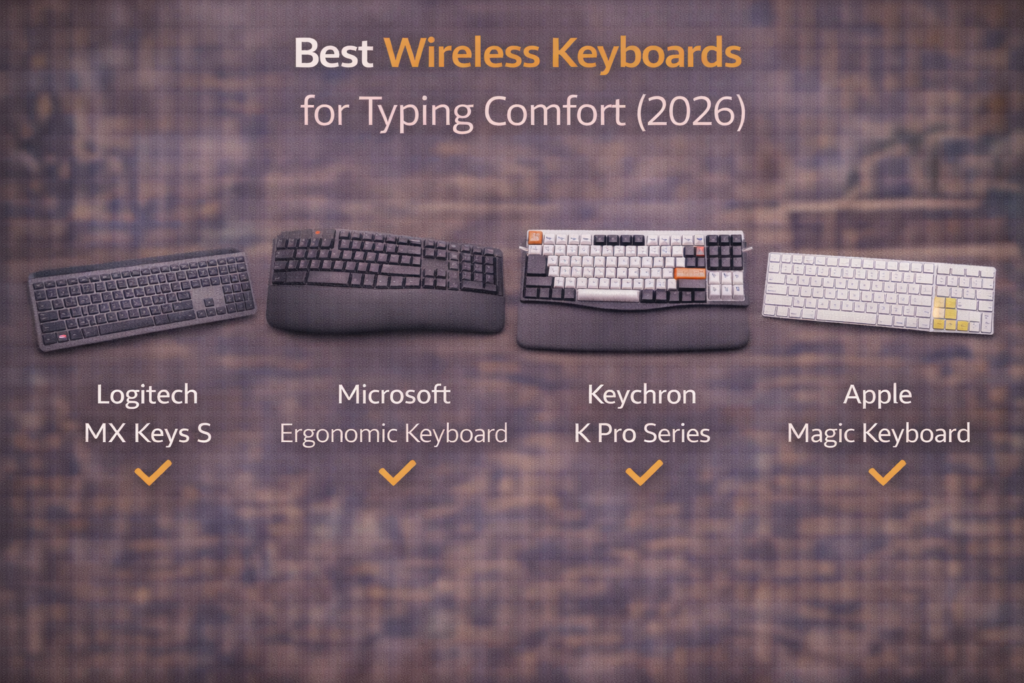
Top 6 Best Wireless Keyboards for Typing Comfort (2026)
1) Logitech MX Keys S — Best Overall
- Why it stands out: Perfectly weighted scissor keys, quiet typing
- Best for: Writers, office professionals, all-day use
- Trade-off: Low-profile feel (not for mechanical fans)
2) Microsoft Ergonomic Keyboard (Wireless) — Best Ergonomic Design
- Why it stands out: Split layout, cushioned palm rest
- Best for: Wrist pain, long typing sessions
- Trade-off: Learning curve for split keys
3) Keychron K Pro Series (Wireless Mechanical) — Best Mechanical Feel
- Why it stands out: Hot-swappable switches, soft typing options
- Best for: Mechanical lovers who type a lot
- Trade-off: Heavier and louder than scissor keyboards
4) Logitech Ergo K860 — Best for Wrist Support
- Why it stands out: Curved split layout, excellent palm support
- Best for: RSI prevention, desk-bound work
- Trade-off: Large footprint
5) Apple Magic Keyboard (Touch ID) — Best for Mac Users
- Why it stands out: Extremely low fatigue, stable keys
- Best for: macOS productivity and writing
- Trade-off: Premium price, shallow travel
6) Royal Kludge RK84 / RK96 — Best Budget Comfort Pick
- Why it stands out: Soft mechanical options, wireless flexibility
- Best for: Affordable comfort with customization
- Trade-off: Build quality varies by batch
Quick Comparison
| Keyboard | Type | Noise | Best For |
|---|---|---|---|
| Logitech MX Keys S | Scissor | Very Quiet | Office & writing |
| Microsoft Ergonomic | Split | Quiet | Wrist health |
| Keychron K Pro | Mechanical | Low–Medium | Long-form typing |
| Logitech Ergo K860 | Curved Split | Quiet | Ergonomic comfort |
| Apple Magic Keyboard | Scissor | Very Quiet | Mac users |
| Royal Kludge RK Series | Mechanical | Medium | Budget typists |
Ergonomic Layout vs Standard Layout
Key Takeaway Box
If you type more than 6–8 hours a day, ergonomics matter more than aesthetics.
- Standard layouts: Easier transition
- Ergonomic/split layouts: Better long-term comfort
- Low-profile keys: Less finger travel, less fatigue
Wireless Tech That Actually Matters
In 2026, good wireless keyboards should offer:
- Multi-device switching
- Stable Bluetooth or 2.4GHz dongle
- 3+ months battery life
- No noticeable input lag
Modern wireless keyboards are reliable enough for professional typing.
Common Typing Comfort Mistakes
- Choosing gaming keyboards for work
- Ignoring wrist angle and desk height
- Using loud, heavy switches for writing
- Buying compact layouts without arrow keys (for work)
FAQs: Best Wireless Keyboards for Typing Comfort
1) Mechanical or scissor keys—what’s better?
Scissor keys are quieter and lower fatigue; mechanical offers customization.
2) Are ergonomic keyboards worth it?
Yes—especially for long daily typing sessions.
3) Is wireless typing lag an issue?
No, not on modern keyboards.
4) Low-profile or normal keys?
Low-profile reduces finger movement and strain.
5) Do wrist rests help?
Yes, when used lightly and at the correct height.