Difficulty: Beginner
What Is Website Hosting? (Simple Explanation)
Before learning how to choose hosting plan options, you need to understand what hosting actually does.
Think of website hosting like renting space on the internet.
Your website files — images, text, videos, and code — need to live somewhere so people can access them online. A hosting company provides the servers (powerful computers) that store your website and make it available to visitors.
When someone types your website address in a browser, the hosting server delivers your website to them.
The Main Types of Hosting Plans
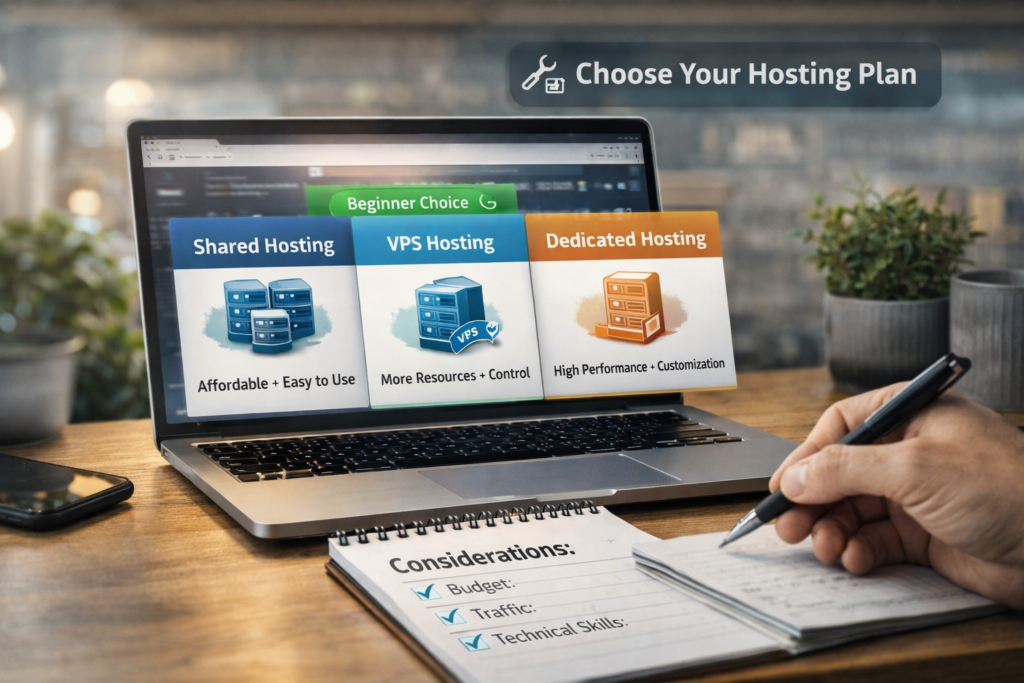
When beginners try to choose hosting plan packages, they usually encounter four common types.
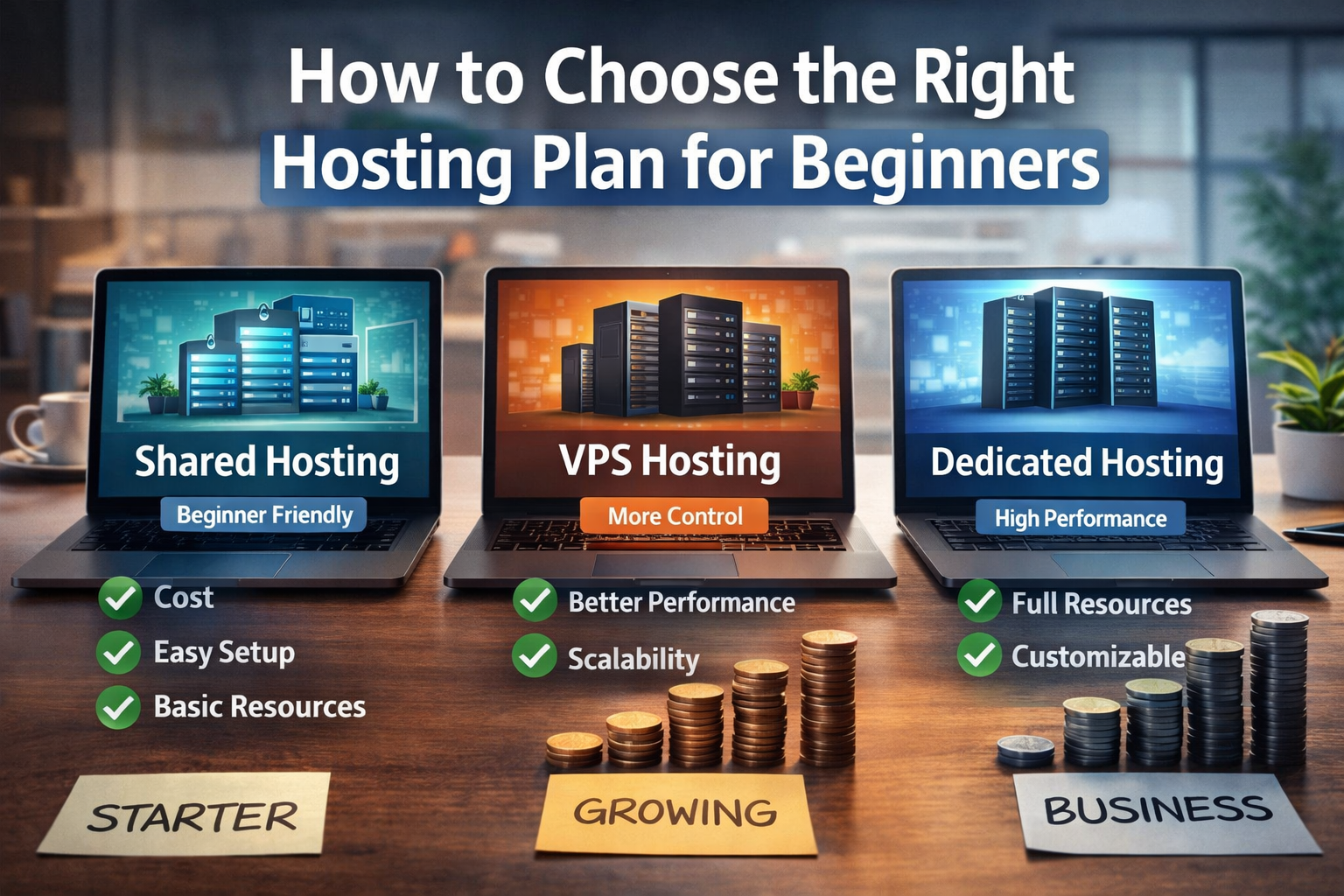
1. Shared Hosting (Best for Beginners)
Shared hosting means your website shares a server with many other websites.
Think of it like living in an apartment building.
Everyone shares the same infrastructure, but each website has its own space.
Best for:
- Personal blogs
- Small business websites
- New websites with low traffic
Pros:
- Affordable
- Easy to set up
- Beginner-friendly
Cons:
- Performance depends on server usage
- Limited resources
2. VPS Hosting (Virtual Private Server)
VPS hosting gives you a portion of a server that’s dedicated to your website.
Think of it like a townhouse instead of an apartment.
You still share the building, but you have your own allocated resources.
Best for:
- Growing websites
- Medium traffic sites
- Developers needing more control
3. Managed WordPress Hosting
If your website runs on WordPress, managed WordPress hosting can simplify things.
The hosting company handles:
- Updates
- Security
- Performance optimization
Best for:
- Bloggers
- Business websites
- Beginners using WordPress
4. Dedicated Hosting
Dedicated hosting means you get an entire server for your website.
Think of it like owning a house instead of renting.
This option is powerful but expensive.
Best for:
- High-traffic websites
- Large businesses
- Enterprise applications
Beginners rarely need this.
🔎 Definition Box
Web Hosting:
A service that stores your website files on servers so people can access your website through the internet.
Key Factors When Choosing a Hosting Plan
When trying to choose hosting plan options, focus on these practical factors rather than marketing claims.
1. Ease of Use
Beginners should prioritize hosting with:
- Simple control panels
- One-click WordPress installation
- Easy website management tools
Many hosting providers include user-friendly dashboards.
2. Website Speed
Website speed matters for both users and search engines.
Google states that faster websites improve user experience and search ranking potential.
Look for hosting that offers:
- SSD storage
- Content delivery integration
- Optimized servers
3. Customer Support
Beginners will eventually need help.
Choose a hosting provider that offers:
- 24/7 support
- Live chat
- Knowledge base guides
Good support can save hours of frustration.
4. Scalability
Your website may grow over time.
Choose hosting that allows easy upgrades to higher plans without moving your website to a new provider.
5. Security Features
Even small websites need protection.
Important features include:
- Free SSL certificate
- Malware scanning
- Automatic backups
These help protect your website and visitors.
⚡ Quick Hosting Recommendation for Beginners
If you’re starting your first website:
✔️ Shared hosting
✔️ WordPress hosting
✔️ Under $10/month
These provide everything most beginners need.
Common Hosting Mistakes Beginners Make
When trying to choose hosting plan packages, beginners often make these mistakes.
Choosing the Cheapest Option Only
Low prices sometimes come with:
- Slow servers
- Poor support
- Hidden limitations
Always balance price with quality.
Buying More Resources Than Needed
Many beginners purchase expensive plans unnecessarily.
For a new blog or business website, shared hosting is usually enough.
Ignoring Renewal Pricing
Hosting companies often advertise discounted first-year prices.
Renewal prices may be higher.
Always check long-term costs.
Real Example
Imagine someone starting a blog about travel.
Their site may receive:
- 100–500 visitors per month initially
A shared hosting plan would easily handle this traffic.
As the blog grows to thousands of visitors, upgrading to VPS hosting becomes useful.
🛡️ Key Takeaway Box
For beginners, the best way to choose a hosting plan is to start simple. Shared hosting or managed WordPress hosting offers the easiest and most affordable starting point.
Signs You Need to Upgrade Your Hosting
Over time, your website may need stronger hosting.
Watch for these signals:
- Slow loading speed
- Website crashes during traffic spikes
- High visitor growth
- Increased storage needs
These are good signs your website is growing successfully.
Beginner Hosting Setup Checklist
Before launching your website, make sure your hosting plan includes:
✔️ Free SSL certificate
✔️ Daily or weekly backups
✔️ SSD storage
✔️ 24/7 support
✔️ One-click WordPress installation
These features make website management much easier.
Frequently Asked Questions (FAQ)
1. How much does hosting cost for beginners?
Most beginner hosting plans cost between $3 and $10 per month.
2. Is shared hosting safe?
Yes. Reputable hosting providers isolate accounts and provide security protections.
3. Do I need hosting if I use WordPress?
Yes. WordPress software still needs a hosting server to run your website.
4. Can I change hosting later?
Yes. Most websites can be migrated to another hosting provider if needed.
5. What hosting is best for a small business website?
Shared hosting or managed WordPress hosting is usually the best starting point.