Difficulty: Beginner
What Is a Cloud PC? (Simple Explanation)
To understand Cloud PC vs traditional laptop, imagine this:
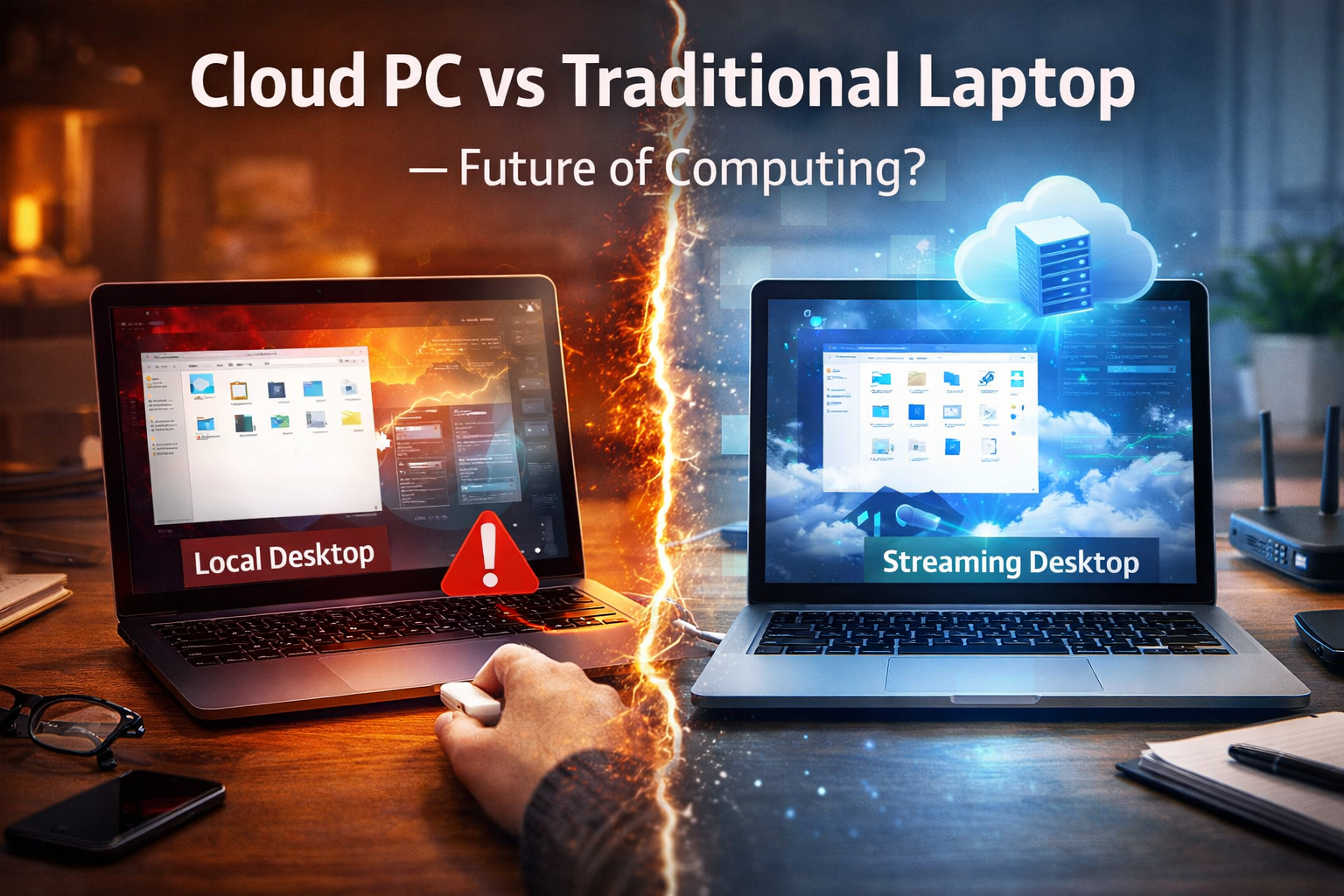
A Cloud PC is like renting a powerful computer that lives in a data center somewhere in the world.
Instead of your laptop doing the work, the remote computer does it and sends the screen to you through the internet.
You interact with it just like a normal computer — but the processing happens elsewhere.
Examples of Cloud PC services include:
- Windows 365
- Amazon WorkSpaces
- Google Cloud Workstations
According to Microsoft, Cloud PCs are designed to allow users to access their full Windows environment from anywhere.
What Is a Traditional Laptop?
A traditional laptop is the computer most people already use.
Everything happens directly on the device:
- Apps run locally
- Files are stored on the device
- Processing happens on the laptop’s CPU and RAM
Examples include devices like the ThinkPad E14 Gen 7 or Surface Pro 9.
If the laptop is powerful, it can run demanding software without relying on the internet.
Key Differences Between Cloud PC and Traditional Laptop
Understanding Cloud PC vs traditional laptop becomes easier when comparing them side-by-side.
| Feature | Cloud PC | Traditional Laptop |
|---|---|---|
| Where apps run | Remote servers | On your laptop |
| Internet required | Yes | Not always |
| Hardware needed | Basic device works | Performance depends on specs |
| Upgrading | Done in cloud | Requires new hardware |
| Offline use | Not possible | Fully usable |
Think of it like this:
- Cloud PC = streaming a computer
- Laptop = owning the computer
🧠 Definition Box
Cloud PC:
A virtual computer hosted in a data center that you access through the internet, allowing you to use a full operating system without needing powerful hardware.
Advantages of Cloud PCs
1. Access Your Computer from Anywhere
Your Cloud PC can be accessed from:
- Laptop
- Tablet
- Smartphone
- Even a basic computer
Your files and apps remain the same everywhere.
For people working remotely, this is very convenient.
2. Lower Hardware Requirements
Since the heavy work happens in the cloud, your device doesn’t need to be powerful.
Even an older laptop can run a powerful Cloud PC.
3. Easy Upgrades
Need more RAM or CPU power?
Instead of buying a new laptop, you simply upgrade the cloud plan.
This is similar to upgrading a streaming subscription.
4. Better Security Control (For Businesses)
Many companies prefer Cloud PCs because:
- Data stays in the cloud
- Devices can be locked remotely
- Security policies are easier to enforce
This is why many enterprises are experimenting with cloud-based desktops.
Disadvantages of Cloud PCs
1. Requires a Stable Internet Connection
The biggest downside in the Cloud PC vs traditional laptop debate is internet dependency.
If your internet stops:
- Your computer stops working.
Even slow internet can cause lag.
2. Monthly Subscription Cost
Traditional laptops are a one-time purchase.
Cloud PCs usually require a monthly fee.
Over time, subscription costs can exceed the price of a laptop.
3. Latency Issues
Because the computer runs remotely, there can be slight delays.
This may affect:
- Gaming
- Video editing
- Real-time design work
4. Limited Hardware Access
Some hardware features may not work properly through a Cloud PC:
- USB devices
- GPU acceleration
- Specialized peripherals
Advantages of Traditional Laptops
1. Works Without Internet
You can work:
- On airplanes
- During travel
- When internet fails
This is a major advantage over Cloud PCs.
2. Full Hardware Performance
High-end laptops provide:
- Powerful CPUs
- Dedicated GPUs
- Fast SSD storage
For demanding tasks, this can outperform cloud setups.
3. No Monthly Fees
Once purchased, the device is yours.
Maintenance costs are minimal compared to subscriptions.
Disadvantages of Traditional Laptops
1. Hardware Gets Outdated
Over time:
- CPUs become slower compared to new models
- RAM becomes insufficient
- Storage fills up
Upgrading often requires buying a new device.
2. Device Dependency
Your files and environment live on that laptop.
If the device is lost or damaged, recovery may be difficult without backups.
Real-World Example
Imagine two workers:
Worker A – Traditional Laptop
- Uses a powerful laptop
- Stores everything locally
- Works anywhere without internet
Worker B – Cloud PC
- Uses a lightweight laptop
- Logs into a Cloud PC
- Can access the same desktop from any device
Both approaches work — but they suit different needs.
Which One Is the Future?
The truth is that the future is likely hybrid.
Many experts believe users will combine both:
- Local device for basic computing
- Cloud PC for heavy workloads
Industry data shows cloud computing adoption continues to grow as companies move infrastructure online.
However, traditional laptops are unlikely to disappear anytime soon.
🛡️ Key Takeaway Box
Cloud PCs offer flexibility and device independence, while traditional laptops provide reliability and offline capability. The best choice depends on your internet stability, workload, and budget.
Frequently Asked Questions (FAQ)
1. Is a Cloud PC faster than a laptop?
It can be, especially if the cloud server has powerful hardware, but internet speed plays a big role.
2. Can Cloud PCs replace laptops completely?
Not yet. Internet dependency still limits full replacement.
3. Is Cloud PC safe?
Yes, many services use strong security controls, especially for business environments.
4. Do Cloud PCs work on low-end laptops?
Yes. Even basic devices can access powerful cloud computers.
5. Are Cloud PCs good for gaming?
Usually not ideal due to latency, although cloud gaming services exist.