Digital Legacy Plan : The Beginner’s Guide to Securing Your Assets After You Die

Most people today store their entire lives online, from family photos to bank accounts and subscriptions. However, very few have a plan for what happens to these digital assets if something unexpected occurs. Creating a digital legacy plan is no longer optional; it is an essential part of modern life. Although the idea may feel uncomfortable at first, setting up your digital legacy ensures your family retains access to important files, memories, and accounts when they need them most.
What Is a Digital Legacy Plan and Why You Need One
A digital legacy plan outlines how your online accounts, digital files, passwords, and cloud data should be handled after your death. Unlike physical belongings, digital assets often remain locked behind passwords or two-factor authentication, making them difficult for family members to access.
Furthermore, according to a 2023 McAfee survey, the average adult stores more than 5,000 personal photos online, yet fewer than 20 percent have planned how these memories will be preserved. This gap makes a structured digital legacy plan increasingly important.
How to Create a Digital Legacy Plan Using Built-In Platform Tools
Google Digital Legacy Tools (Inactive Account Manager)
Google’s Inactive Account Manager allows you to pre-select trusted contacts who can access your Gmail, Google Photos, Drive, and YouTube after a defined period of inactivity.
Features:
- Choose up to 10 trusted individuals
- Select which data each person can access
- Set inactivity triggers (3–18 months)
- Option to delete your account automatically
Example:
You can give your spouse access to Google Photos and Drive, while allowing another family member access only to Gmail.
Apple Digital Legacy (iCloud & Devices)
Apple provides a built-in Digital Legacy feature that lets you assign Legacy Contacts who can access your iCloud photos, notes, and device data.
Steps:
- Open Settings
- Tap your Apple ID
- Select Password & Security
- Choose Legacy Contact
- Add one or more trusted individuals
They will receive a secure access key that allows them to retrieve your data if needed.
Meta (Facebook/Instagram) Legacy Settings
Facebook and Instagram offer memorialization and legacy contact options.
Options include:
- Assigning a trusted contact
- Allowing someone to manage your memorialized profile
- Enabling data download for approved contacts
These tools allow families to preserve memories or close accounts respectfully.
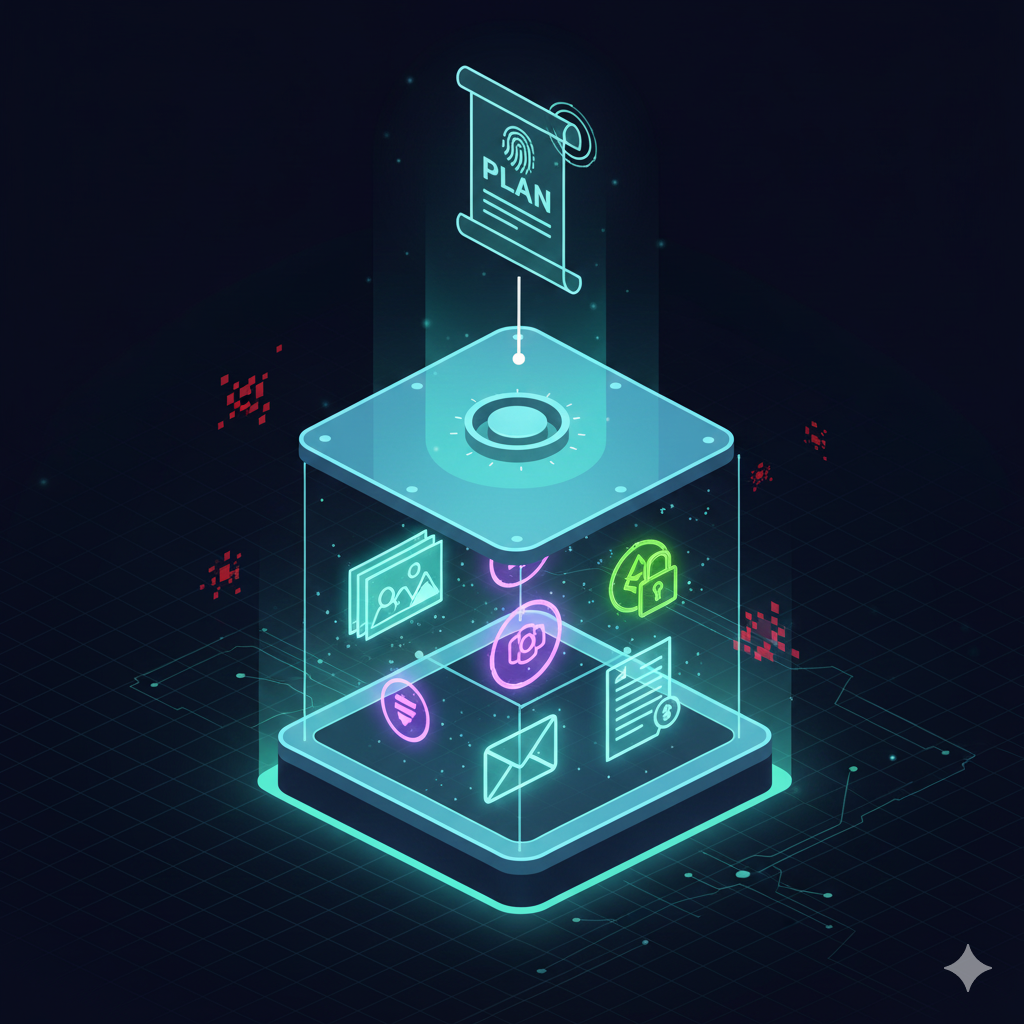
Using Password Managers to Strengthen Your Digital Legacy
Password managers such as 1Password, Bitwarden, or LastPass include emergency access or digital inheritance features. This ensures trusted individuals can access critical information even if they do not know your master password.
Benefits:
- Encrypted vault for all accounts
- Emergency access with wait period
- Secure sharing of passwords
- Access logs for transparency
For example, 1Password offers a “Recovery” and “Digital Legacy” system that allows family members to retrieve your vault safely.
Organize Your Digital Assets for Easy Transfer
A strong digital legacy plan should include a clear structure of the assets you want to pass on.
Categories to include:
Financial Accounts
Online banking, investment apps, insurance portals.
Personal Memories
Photos, videos, notes, messages, voice recordings.
Subscriptions
Netflix, Spotify, cloud storage, office software.
Work Files
Freelance documents, invoices, client information.
Digital Ownership
Crypto wallets, NFTs, purchased digital content.
Storing this information in your password manager ensures everything is accessible from one secure location.
Legal and Security Considerations in Your Digital Legacy
Although digital legacy planning is practical, it must also be secure.
Recommendations:
- Do not write passwords in notebooks or physical documents
- Avoid sending login details through email or messaging apps
- Ensure your password manager is protected with strong multi-factor authentication
- Inform your legacy contacts only about the process, not your passwords
- Review your digital legacy plan annually
These steps protect your privacy while still allowing your family to access what they need.
Key Takeaway
A digital legacy plan is a structured way to ensure your online accounts, passwords, and memories remain accessible to your loved ones after your death. By using tools provided by Google, Apple, Meta, and password managers, you can set up a secure, practical digital legacy in less than an hour.
FAQ: Digital Legacy Plan (Schema-Friendly)
What is a digital legacy plan?
It is a structured process that determines who can access your online accounts, photos, and digital assets after you die.
What happens to online accounts when someone dies?
Most remain inaccessible without prior planning. Some platforms allow memorialization, deletion, or data transfer.
Is a digital legacy plan safe?
Yes, when using official tools such as Apple Legacy Contacts, Google’s Inactive Account Manager, or password managers.
Who should have a digital legacy plan?
Adults with significant digital assets, such as photos, subscriptions, financial apps, or work data.
How often should I update my digital legacy plan?
At least once a year, or whenever your digital accounts change.