Difficulty: Beginner / Basic User
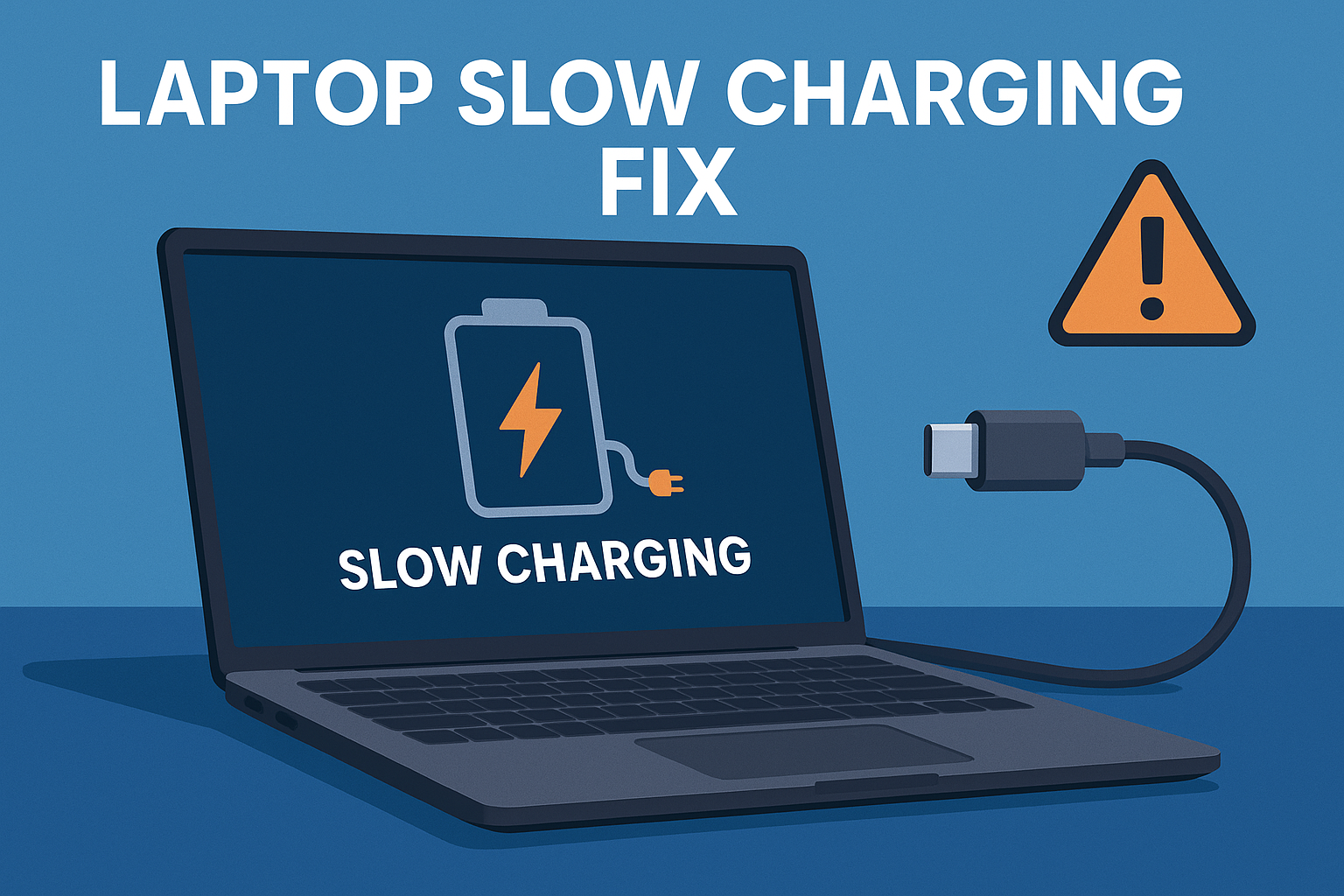
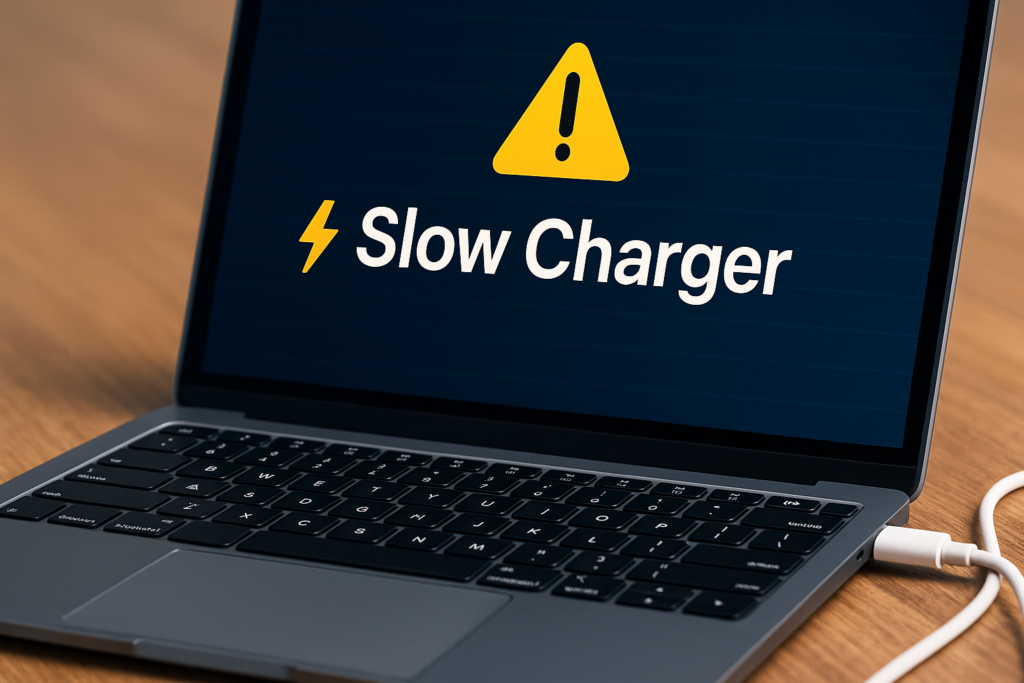
If your USB-C laptop is charging slowly — or showing warning messages like “Slow Charger,” “Low Power,” or “Plugged in, Not Charging” — you’re not alone. The need for a reliable laptop slow charging fix has grown because most modern laptops depend on USB-C Power Delivery (PD), and even one mismatch between charger, cable, or port can reduce charging speed drastically.
According to the USB Implementers Forum (USB-IF), over 50% of USB-C chargers and cables sold online do not meet certified PD standards, which explains why so many users face slow or unstable charging.
In this guide, we will show you exactly how to diagnose the problem, understand USB-C charging rules, and apply real fixes that work on any laptop.
Laptop Slow Charging Fix: Start With These Simple Checks
Before touching advanced settings, begin with the fastest troubleshooting steps.
Step 1: Confirm the Charger Wattage Matches Your Laptop
USB-C laptops charge at different wattages:
- Ultrabooks → 45W–65W
- Gaming Laptops → 100W–240W
- MacBook Air → 30W–35W
- MacBook Pro → 61W–140W
❗ If you use a charger below the required wattage, the laptop will charge slowly or not at all.
Quick Fix
- Google your laptop model + “wattage requirement”
- Check the wattage written on the charger (e.g., 65W, 100W)
- Replace with a PD-certified charger if mismatch
Step 2: Try a Different USB-C Port
Not all USB-C ports support full charging power.
Examples:
- On many laptops, only one port supports 100W charging
- Others support data only
- Others only support 5V charging (very slow)
Fix
Look for these icons:
🔋 Battery icon → Charging capable
⚡ Lightning icon → Fast charging capable
🖥 DisplayPort icon → Video out (may charge slower)
Laptop Slow Charging Fix: Check the Cable — The Most Common Failure
More than 60% of slow USB-C charging problems come from the cable, not the charger.
Step 3: Use a USB-C Cable Rated for 60W or 100W
Many cheap cables only support:
- 5V charging
- 15W–20W output
- USB 2.0 data speeds
These cannot deliver fast charging.
Fix
Use cables labeled:
- USB-C PD 60W
- USB-C PD 100W
- USB-C E-Marked Cable (best for laptops)
If the cable feels thin — it’s probably slow.
Laptop Slow Charging Fix: Software & Settings Issues
Even with proper hardware, software can limit charging speed.
Step 4: Disable Battery Health “Charge Limit” Modes
Some laptops slow charging by design to protect battery lifespan.
Examples:
- ASUS: “Battery Health Charging”
- Lenovo: “Conservation Mode”
- Dell: “Primarily AC Use”
- macOS: “Optimized Battery Charging”
Fix
Turn off battery protection temporarily.
Step 5: Close Apps Causing High Power Usage
If your CPU is heavily loaded, your laptop consumes more power than the charger provides — resulting in slow charging or no charging.
Tasks that cause this:
- Gaming
- Video editing
- Many Chrome tabs
- Virtual machines
Fix
Close heavy apps → Observe charging speed improvement.
Laptop Slow Charging Fix: USB-C Charging Rules You Must Know
To diagnose correctly, you must understand how USB-C decides charging speed.
USB-C Power Delivery (PD) Levels
Common PD outputs:
- 5V 3A → 15W (very slow)
- 9V 3A → 27W
- 15V 3A → 45W
- 20V 5A → 100W (fast)
- 240W Extended Power Range (EPR)
If your charger or cable supports only 15W or 27W → your laptop charges slowly.
PPS Charging (Not for Most Laptops)
Samsung & Google devices use PPS.
Most laptops do not, so using a PPS phone charger results in slow charging.
Advanced Laptop Slow Charging Fix: Diagnose Like a Pro
Use these diagnostic methods:
Step 6: Check Power Delivery Using a USB-C Meter
A $10 USB-C meter shows:
- Voltage
- Amperage
- Actual wattage delivered
If you see:
- 5V output → too slow
- Below 30W for laptops → slow charging
Step 7: Update BIOS & Power Drivers
Manufacturers often patch charging bugs.
Go to:
- HP Support Assistant
- Lenovo Vantage
- Dell Command Update
- ASUS Armoury Crate
H3 — Step 8: Try Charging While the Laptop Is Off
If it charges quickly when turned off → software or heat throttling is the cause.
Key Takeaway Box
Most laptop slow charging problems are caused by mismatched chargers, weak cables, wrong USB-C ports, or built-in battery protection features.
Use a certified PD charger + 100W cable + fast-charging port to guarantee full speed.
FAQ: Laptop Slow Charging Fix — Quick Answers
1. Why does my laptop say “Slow Charger”?
Because the charger or cable cannot deliver enough wattage.
2. Can a bad USB-C cable cause slow charging?
Yes — thin or non-PD cables are the #1 cause of slow charging.
3. Is it safe to use a phone charger for laptops?
No — most phone chargers output only 15–25W.
4. Does a higher-watt charger damage laptops?
No — USB-C PD is smart. Laptops only draw what they need.
5. Why does my laptop charge slowly only sometimes?
Likely due to battery protection modes or heavy CPU usage.