Difficulty: Beginner
Understanding the Problem: Why Wi-Fi Dead Zones Happen
Before deciding between mesh Wi-Fi or powerline adapters, it helps to understand why Wi-Fi struggles in some homes.
Wi-Fi signals weaken because of:
- Thick walls (concrete, brick, metal)
- Long distances from the router
- Interference from other electronics
- Multi-story homes
Think of Wi-Fi like a light bulb in the center of your house. The farther you move away or the more walls in between, the dimmer the signal becomes.
According to global internet analytics from StatCounter, most households now connect 10–20 devices to their home network. More devices mean more strain on your router.
What Is Mesh Wi-Fi?
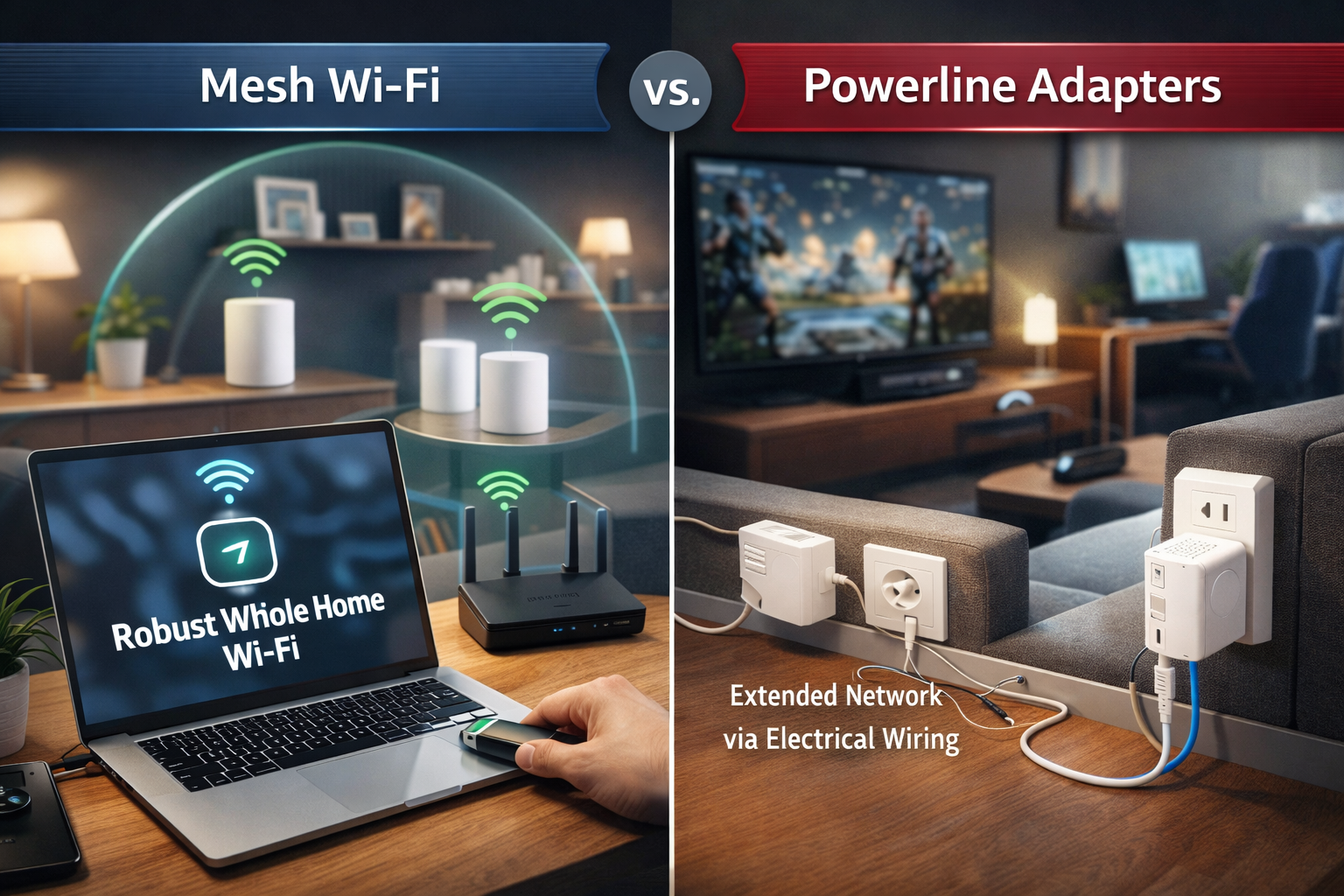
Mesh Wi-Fi is a system that uses multiple devices called nodes to spread Wi-Fi across your home.
Instead of one router trying to cover everything, several small units work together.
Simple Analogy
Imagine multiple Wi-Fi “helpers” placed around your house that pass the signal to each other.
Example setup:
- Node 1: Living room
- Node 2: Hallway
- Node 3: Upstairs
They communicate wirelessly to ensure consistent coverage.
What Are Powerline Adapters?
Powerline adapters take a very different approach.
They use your home’s electrical wiring to carry internet signals.
Simple Analogy
Think of powerline adapters like turning your electrical outlets into internet cables.
Basic setup:
- Plug one adapter near your router
- Connect it using Ethernet
- Plug another adapter in another room
- Connect your device or Wi-Fi access point
Now the internet travels through your power cables.
Key Differences Between Mesh Wi-Fi and Powerline Adapters
| Feature | Mesh Wi-Fi | Powerline Adapters |
|---|---|---|
| Connection Method | Wireless nodes | Electrical wiring |
| Best For | Large homes | Hard-to-reach rooms |
| Setup Complexity | Easy | Very easy |
| Speed Consistency | High | Depends on wiring |
| Device Support | Excellent for many devices | Limited for many devices |
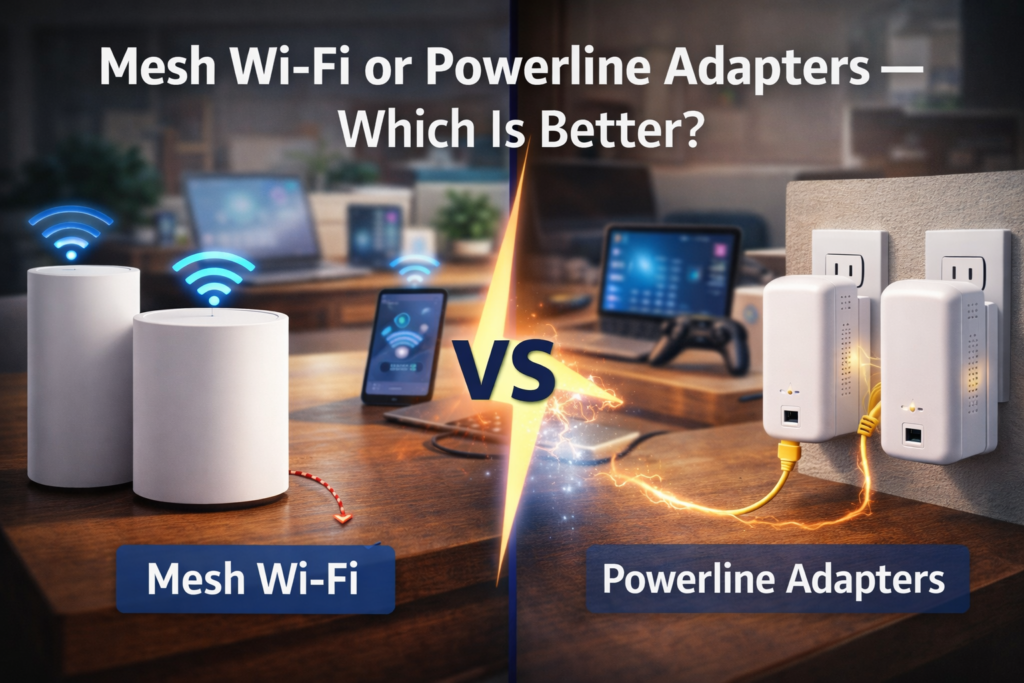
When comparing mesh Wi-Fi or powerline adapters, mesh networks usually deliver more consistent performance.
Pros of Mesh Wi-Fi
1. Seamless Coverage Across the House
Your devices automatically connect to the nearest node.
You won’t need to manually switch networks.
2. Better for Many Devices
Modern households may have:
- Phones
- Smart TVs
- Cameras
- Laptops
- Smart home devices
Mesh systems handle multiple devices better.
3. Stronger Speeds
Because nodes distribute traffic intelligently, speeds stay more stable.
4. Easy Mobile App Control
Most mesh systems include apps to:
- Monitor devices
- Pause internet for kids
- Check network health
Cons of Mesh Wi-Fi
Higher Cost
Mesh systems can be more expensive than powerline adapters.
Wireless Dependency
If walls are extremely thick, signal between nodes may weaken.
Pros of Powerline Adapters
1. Simple Installation
No complicated setup.
Just plug and connect.
2. Bypasses Thick Walls
Because signals travel through electrical wiring, wall interference is reduced.
3. Lower Cost
Powerline adapters are typically cheaper than mesh systems.
Cons of Powerline Adapters
Speed Depends on Your Electrical Wiring
Older houses may experience slower speeds.
Less Effective for Many Devices
Powerline adapters work best for:
- One room
- One device
Not entire home coverage.
📦 Definition Box
Mesh Wi-Fi:
A wireless system that uses multiple routers (nodes) to spread internet coverage evenly across a home.
Powerline Adapter:
A device that sends internet signals through a home’s electrical wiring.
Real-World Example
Let’s imagine two homes:
Home A: Large Double-Story House
Problems:
- Weak Wi-Fi upstairs
- Many devices connected
Best solution: Mesh Wi-Fi
Home B: Apartment With Thick Walls
Problems:
- Router in living room
- Bedroom has no signal
Best solution: Powerline adapter
Which One Is Better for Gaming?
If you’re choosing mesh Wi-Fi or powerline adapters for gaming:
- Mesh Wi-Fi usually provides more stable performance
- Powerline adapters may have unpredictable latency
Gamers generally prefer mesh or direct Ethernet connections.
When Should You Choose Mesh Wi-Fi?
Choose mesh if:
- Your home is large
- You have many smart devices
- You want seamless coverage
- You want simple network management
When Should You Choose Powerline Adapters?
Choose powerline if:
- Only one room has poor Wi-Fi
- You want a quick inexpensive fix
- Running Ethernet cables is impossible
🛡️ Key Takeaway Box
For most modern homes with many devices, mesh Wi-Fi is the better long-term solution. Powerline adapters work best as a quick fix for single rooms with weak signal.
Future-Proofing Your Home Network
Technology like Wi-Fi 6 and Wi-Fi 7 is increasing internet speeds dramatically.
Mesh networks are designed to support these newer standards, making them more future-ready.
Frequently Asked Questions (FAQ)
1. Is mesh Wi-Fi faster than powerline adapters?
In most cases, yes. Mesh Wi-Fi usually delivers more consistent speeds.
2. Do powerline adapters slow down internet?
They can, especially if your home has older electrical wiring.
3. Can I use mesh Wi-Fi and powerline together?
Yes. Some users combine both to reach difficult areas.
4. Does mesh Wi-Fi replace my router?
Most mesh systems replace the router entirely.
5. Are powerline adapters safe?
Yes. They are widely used and comply with electrical safety standards.