Difficulty: Intermediate
What Is Server Response Time?
Definition Box
Server Response Time (TTFB)
The time it takes for a server to respond to a browser request after a user clicks a link.
It includes:
- DNS lookup
- Server processing
- Database queries
- Backend logic
According to performance documentation from Google, faster response times contribute positively to overall page experience signals.
Why Server Response Time Affects SEO
Search engines measure:
- Time to First Byte (TTFB)
- Core Web Vitals
- Crawl efficiency
- Page experience
If your server is slow:
- Googlebot crawls fewer pages
- Rankings may drop
- Users leave faster
Key Takeaway Box
A fast frontend can’t fix a slow backend.
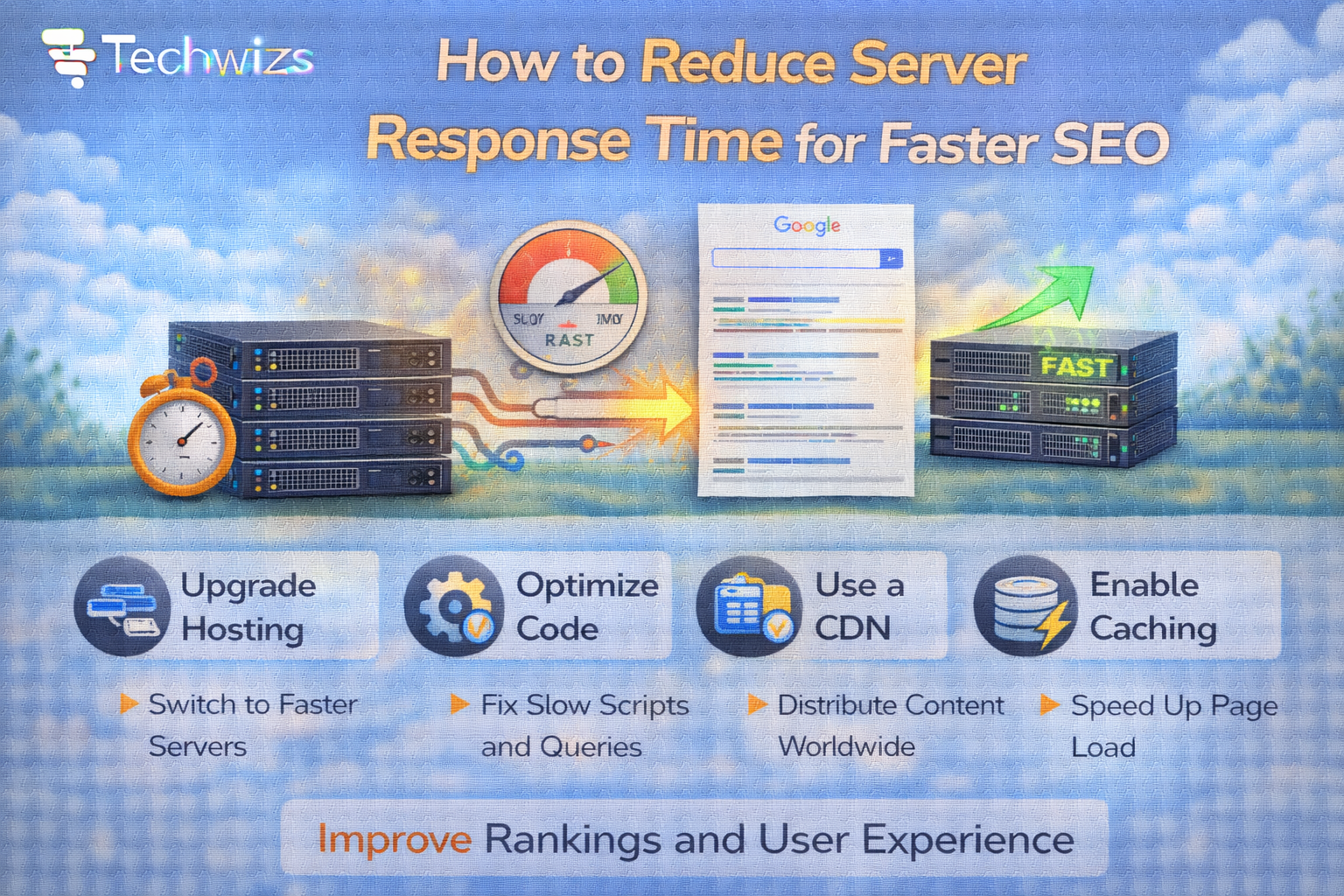
1️⃣ Upgrade Your Hosting Plan
Shared hosting often causes high response times due to:
- Resource sharing
- Traffic spikes from other sites
- Limited CPU allocation
Consider:
- VPS hosting
- Cloud hosting
- Managed WordPress hosting
Better server infrastructure reduces TTFB significantly.
2️⃣ Enable Server-Side Caching
Caching reduces server workload by storing pre-generated pages.
Types:
- Page caching
- Object caching
- Opcode caching
For WordPress users, caching plugins combined with server-level cache drastically reduce response time.
Quick Fix Box
Enabling caching can cut server response time by 50% or more.
3️⃣ Use a Content Delivery Network (CDN)
A CDN distributes content across global servers.
Benefits:
- Reduces distance latency
- Offloads server requests
- Improves global speed
Services like Cloudflare provide caching and performance optimization even on free plans.
4️⃣ Optimize Your Database
Slow database queries delay server responses.
Actions:
- Remove unused plugins
- Delete old revisions
- Optimize database tables
- Limit post revisions
Regular cleanup improves backend efficiency.
5️⃣ Reduce Plugin Overload (WordPress)
Each plugin adds:
- PHP processing
- Database calls
- Background tasks
Audit and remove unnecessary plugins.
Key Takeaway Box
Fewer plugins = faster server response.
6️⃣ Enable GZIP or Brotli Compression
Compression reduces data size sent from server.
Modern servers support:
- GZIP
- Brotli (better compression ratio)
While this affects transfer speed, it indirectly improves perceived server performance.
7️⃣ Optimize PHP Version
Outdated PHP slows processing.
Upgrade to:
- PHP 8.1 or higher
Newer PHP versions execute faster and handle requests more efficiently.
8️⃣ Monitor Server Load
Use tools to check:
- CPU usage
- Memory usage
- Concurrent processes
If server constantly hits limits, upgrading is necessary.
9️⃣ Reduce Redirect Chains
Multiple redirects increase response time.
Avoid:
- HTTP → HTTPS → WWW → Non-WWW chains
Keep redirect structure simple.
10️⃣ Improve DNS Resolution
Slow DNS adds delay before server responds.
Use:
- Reliable DNS providers
- Fast nameservers
Optimized DNS reduces initial latency.
Ideal Server Response Benchmarks
- Excellent: <200ms
- Good: 200–500ms
- Average: 500–800ms
- Poor: >1 second
If your TTFB exceeds 800ms, optimization is needed.
Common Causes of Slow Server Response
- Cheap shared hosting
- Plugin overload
- Poor caching
- Heavy database queries
- No CDN
- Server misconfiguration
FAQs: Reduce Server Response Time
1) What is ideal server response time?
Under 200ms is excellent.
2) Does server speed affect SEO?
Yes — impacts crawl efficiency and page experience.
3) Can a CDN reduce server load?
Yes — by caching static content.
4) Is shared hosting bad?
Not always — but can be limited.
5) Do plugins slow server response?
Yes, especially poorly coded ones.