Difficulty: Beginner
Why Do Routers Get Hot?
Routers are essentially small computers. Inside your router are components such as:
- A processor (CPU)
- Memory (RAM)
- Network radios (Wi-Fi transmitters)
- Power regulators
All of these parts generate heat when they process internet traffic.
According to networking hardware guidelines from major manufacturers like Cisco and Netgear, consumer routers are designed to operate within specific temperature ranges. When heat exceeds those limits, routers may throttle performance or restart to protect themselves.
Think of your router like a mini server that runs constantly — it needs airflow to stay healthy.
Common Signs Your Router Is Overheating
Before diving into router overheats causes and fixes, look for these warning signs:
- Wi-Fi randomly disconnects
- Internet speed suddenly drops
- Router frequently restarts
- Device feels hot to the touch
- Network performance worsens during heavy usage
If several of these symptoms occur together, overheating is a strong possibility.
7 Common Causes of Router Overheating
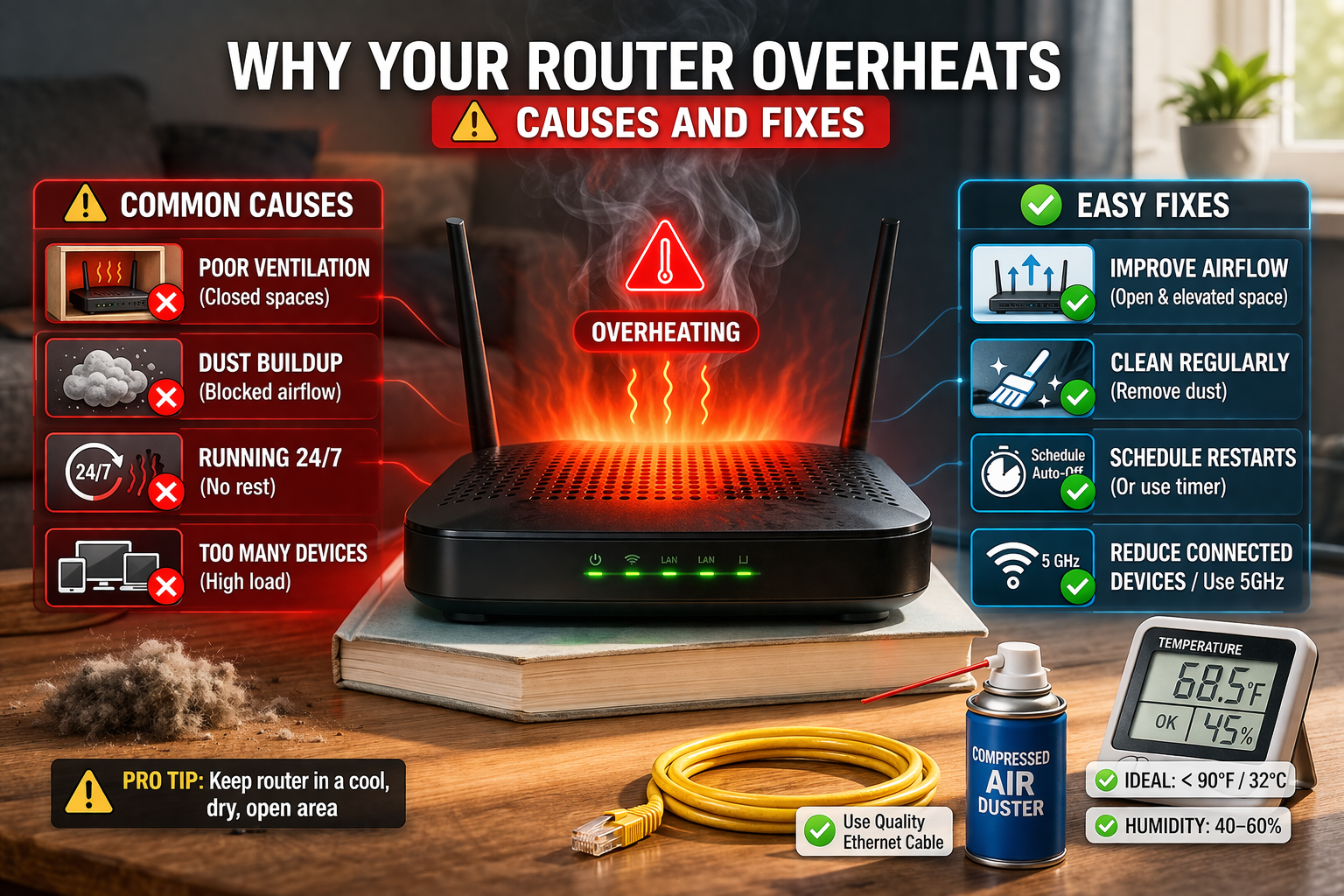
1. Poor Ventilation
This is the number one cause.
Routers need airflow through small ventilation holes. If the device is placed:
- Inside a cabinet
- Behind furniture
- In a closed shelf
heat becomes trapped.
Think of it like placing a laptop under a blanket — heat cannot escape.
2. Dust Blocking Air Vents
Dust buildup can block ventilation holes over time.
When airflow is restricted:
- Internal temperature rises
- Cooling becomes ineffective
This is especially common in homes with carpets or pets.
3. Too Many Connected Devices
Modern homes often have dozens of devices connected simultaneously:
- Smartphones
- Smart TVs
- Security cameras
- Gaming consoles
- Smart home devices
Each connection increases processing load on the router’s CPU and wireless radios.
More workload = more heat.
4. Heavy Internet Usage
High bandwidth activities generate more processing load.
Examples include:
- 4K video streaming
- Online gaming
- Video conferencing
- Large file downloads
If several of these occur simultaneously, routers may heat up significantly.
5. Poor Router Placement
Routers placed near heat sources can absorb external heat.
Avoid placing routers:
- Near windows with direct sunlight
- Next to TVs or gaming consoles
- On top of other electronics
External heat compounds internal heat.
6. Aging Router Hardware
Older routers were not designed for modern internet loads.
If your router is more than 4–5 years old, it may struggle with:
- Gigabit internet speeds
- Many connected devices
- Modern Wi-Fi standards
Older processors generate more heat under stress.
7. Firmware Problems
Sometimes overheating occurs due to firmware bugs.
Outdated firmware may cause:
- CPU spikes
- Memory leaks
- Continuous background processes
Manufacturers often release firmware updates to fix these issues.
🔧 Quick Fix Box
If your router overheats causes and fixes, try these immediate fixes:
✔ Move router to open space
✔ Clean dust from vents
✔ Reboot the router
✔ Reduce connected devices temporarily
✔ Update firmware
These simple steps solve most overheating issues.
How to Fix Router Overheating (Step-by-Step)
Step 1: Move the Router to an Open Area
Place your router:
- On a desk or shelf
- Away from walls or cabinets
- At least a few inches from surrounding objects
Good airflow is critical.
Step 2: Clean the Router
Dust can act like insulation.
To clean safely:
- Turn off the router
- Use compressed air
- Blow dust out of ventilation holes
Avoid using liquids or inserting objects into vents.
Step 3: Restart the Router
Rebooting clears temporary memory and processor load.
A simple restart often stabilizes router temperature.
Many network engineers recommend rebooting home routers occasionally to maintain performance.
Step 4: Reduce Device Load
If dozens of devices connect simultaneously:
- Disconnect unused devices
- Disable unused smart devices
- Schedule large downloads for off-peak hours
Reducing workload helps cooling.
Step 5: Update Router Firmware
Visit your router manufacturer’s website and install the latest firmware.
Firmware updates often include:
- Performance improvements
- Bug fixes
- Better thermal management
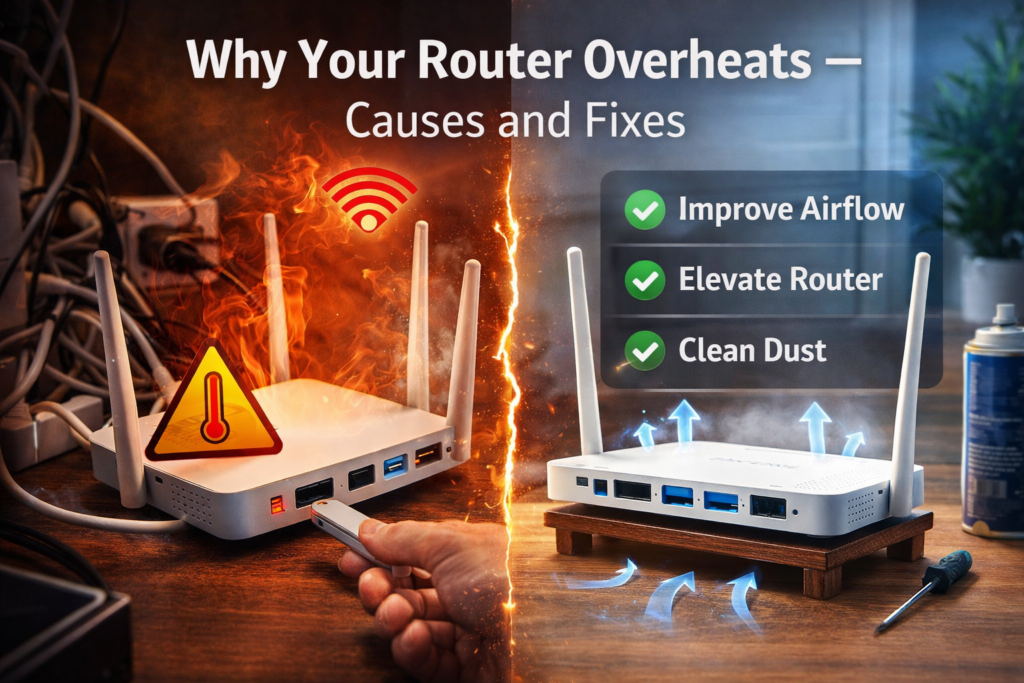
Step 6: Elevate the Router
Placing the router slightly elevated improves airflow underneath.
You can use:
- Small stands
- Router mounts
- Wall mounting brackets
Even small airflow improvements can help cooling.
Step 7: Upgrade Your Router (If Necessary)
If overheating continues, your router may be underpowered for modern internet usage.
Consider upgrading to newer standards such as:
- Wi-Fi 6
- Wi-Fi 6E
- Wi-Fi 7
Newer routers are designed for higher traffic and improved thermal efficiency.
🧠 Definition Box
Router Firmware:
Firmware is the built-in software that controls how a router manages internet traffic, Wi-Fi signals, and device connections.
Real-World Example router overheats causes and fixes
A family with 25 connected smart devices experienced constant Wi-Fi drops.
The router was placed inside a TV cabinet with limited airflow.
After relocating the router to an open shelf, the overheating stopped and network stability improved immediately.
When Router Heat Is Normal
Some warmth is normal.
Routers naturally generate heat when transmitting wireless signals.
Normal router temperature typically feels:
- Warm but not burning hot
- Stable without frequent restarts
If the router becomes extremely hot or unstable, troubleshooting is necessary.
Long-Term Prevention Tips
To avoid overheating problems in the future:
- Place router in open space
- Clean dust every few months
- Update firmware regularly
- Avoid stacking electronics
- Upgrade outdated hardware
Preventive maintenance keeps routers running reliably.
Frequently Asked Questions (FAQ)
1. Is it normal for routers to get warm?
Yes. Routers generate heat during operation, but they should not become extremely hot.
2. Can overheating damage my router?
Yes. Long-term overheating can shorten the lifespan of electronic components.
3. Should I turn my router off at night?
It’s optional, but occasional restarts can improve stability.
4. Can too many devices cause overheating?
Yes. More devices increase processing workload and heat generation.
5. How long do routers typically last?
Most consumer routers last about 4–6 years before performance or reliability declines.