Difficulty: Beginner
What Is a CDN (Content Delivery Network)?
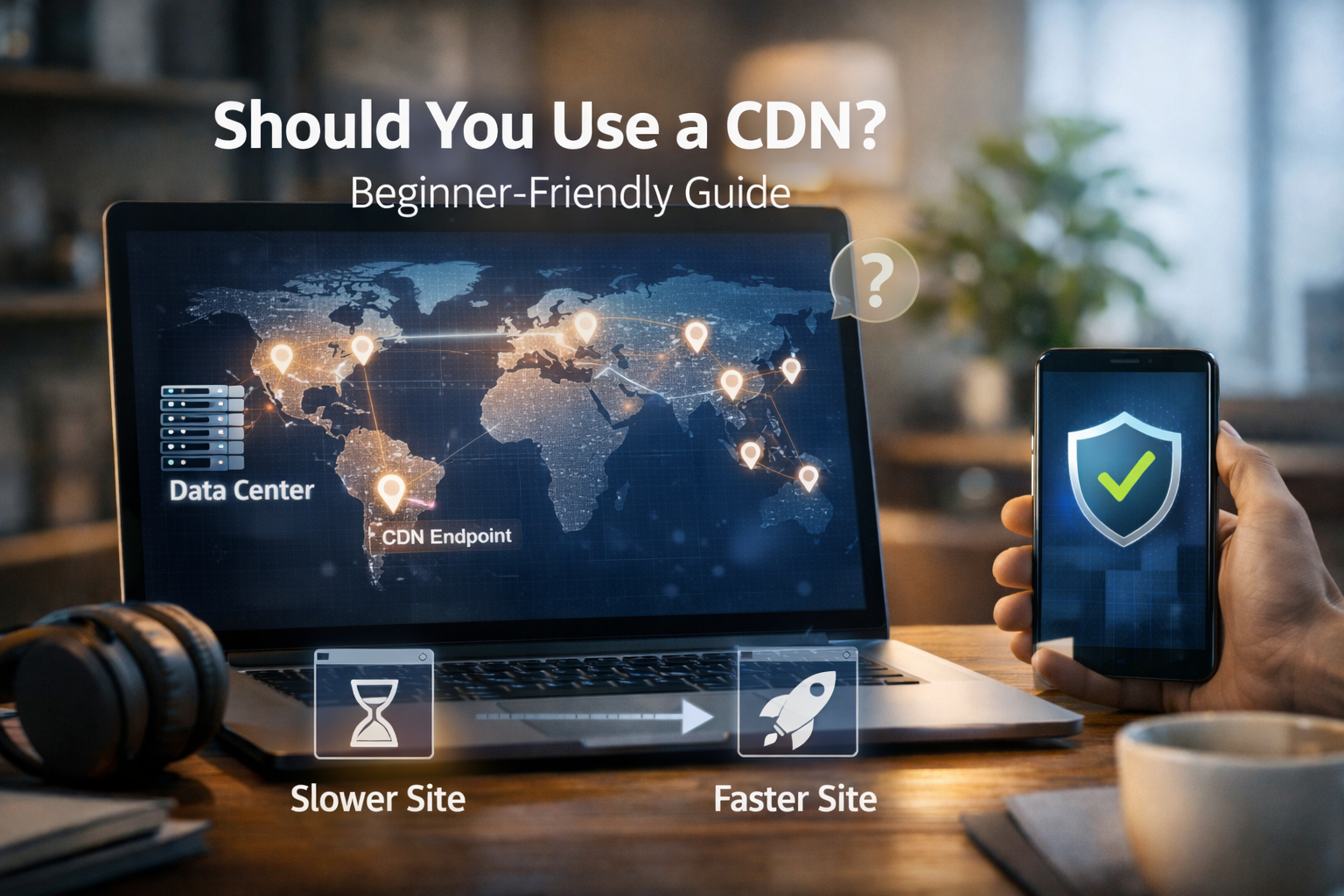
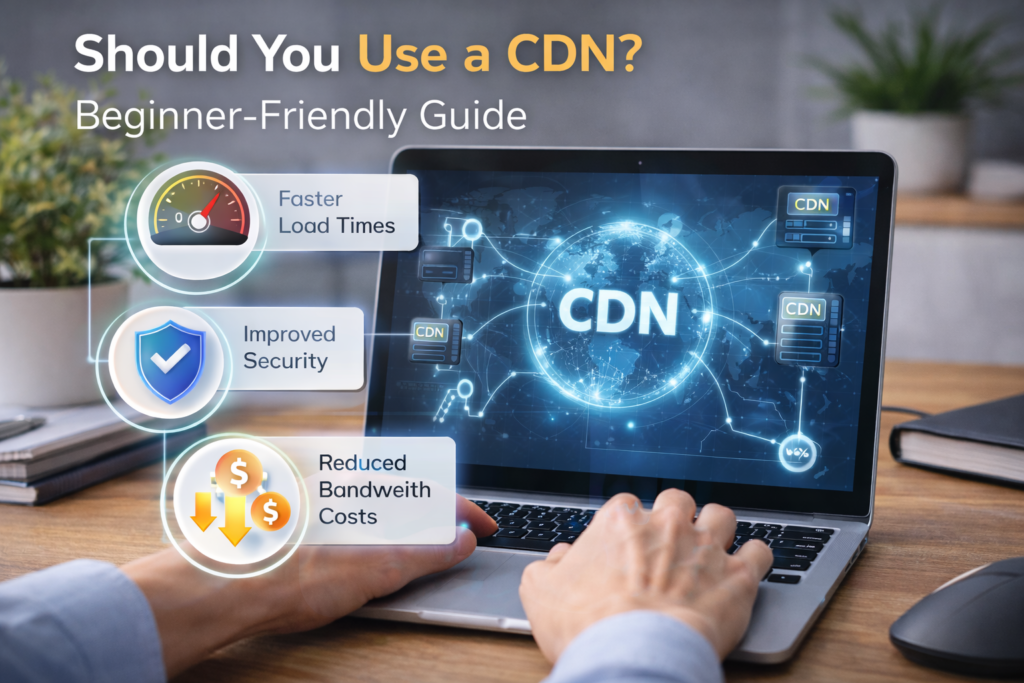
A CDN is a network of servers distributed across multiple geographic locations. Instead of serving your website from a single server, a CDN delivers content from the server closest to your visitor.
Definition Box
Content Delivery Network (CDN)
A system of globally distributed servers that cache and deliver website content faster by reducing the distance between users and the server.
In simple terms:
📍 Closer server = ⚡ faster load time
Why Website Speed Matters More Than You Think
Slow websites don’t just frustrate users—they hurt your results.
According to Google, page speed is a ranking factor for both desktop and mobile search. Studies consistently show that users abandon sites that take more than a few seconds to load.
If you’re asking whether to use a CDN, speed is the first and biggest reason.
How a CDN Actually Works (Beginner Explanation)
Here’s what happens without a CDN:
- Your website is hosted on one server (e.g., in the US)
- A visitor from Asia requests your page
- Data travels halfway around the world → slower load
With a CDN:
- Your site’s static content (images, CSS, JS) is cached worldwide
- Visitors get content from the nearest CDN node
- Faster load, less strain on your main server
Key Takeaway Box
A CDN doesn’t replace your hosting—it supports it by handling delivery more efficiently.
Main Benefits of Using a CDN
1. Faster Website Loading Worldwide
This is the biggest win.
A CDN:
- Reduces latency
- Speeds up image and asset delivery
- Improves Core Web Vitals
If your audience isn’t 100% local, you should strongly consider whether to use a CDN.
2. Better Website Stability During Traffic Spikes
CDNs absorb traffic by:
- Offloading requests from your origin server
- Preventing crashes during viral traffic or promotions
This is especially useful for:
- Blogs
- E-commerce stores
- Campaign landing pages
3. Improved Security (Even for Beginners)
Most modern CDNs include:
- DDoS protection
- Web Application Firewall (WAF)
- Bot filtering
- HTTPS enforcement
According to Cloudflare’s public documentation, CDNs can block millions of malicious requests automatically—before they ever reach your server.
4. Lower Server Load (and Sometimes Lower Costs)
By serving cached files, a CDN:
- Reduces bandwidth usage
- Lowers CPU and memory load
- Can prevent costly hosting upgrades
When You SHOULD Use a CDN
You should use it if at least one of these applies:
- Your site has visitors from multiple countries
- You use many images, videos, or downloads
- Your site feels slow despite good hosting
- You want basic security without complex setup
- You run WordPress, WooCommerce, or a blog
For most modern websites, the answer is yes.
When You Might NOT Need a CDN (Yet)
A CDN may be unnecessary if:
- Your site is small and local-only
- Traffic is very low
- Your hosting already includes built-in CDN
- You’re still in early testing or development
Even then, many free CDNs make it easy to start later.
Common Myths About CDNs (Cleared Up)
“CDNs are only for big websites”
False. Even small blogs benefit from caching and security.
“CDNs are complicated”
Not anymore. Most setups take under 10 minutes.
“CDNs break websites”
Rare. Issues usually come from misconfigured caching rules.
Quick Fix Box
If something looks wrong after enabling a CDN, clear the cache and temporarily disable aggressive caching—most issues resolve instantly.
Free vs Paid CDN: What Beginners Should Know
Free CDN (Great for Beginners)
- Basic caching
- Global edge network
- DDoS protection
- Easy setup
Paid CDN (For Growth & Business)
- Advanced caching rules
- Image optimization
- Priority routing
- Better analytics
Start free. Upgrade only when you need advanced control.
CDN + Hosting: How They Work Together
A CDN is not a replacement for hosting.
Think of it like this:
- Hosting = your website’s home
- CDN = global delivery service
The best performance comes from good hosting + CDN together.
FAQs: Should You Use a CDN?
1. Is a CDN good for beginners?
Yes. Most CDNs are beginner-friendly with simple dashboards.
2. Will a CDN make my site faster instantly?
Usually yes, especially for images and static files.
3. Can a CDN hurt SEO?
No. Faster load times generally improve SEO.
4. Do I need a CDN for WordPress?
Highly recommended, especially for blogs and WooCommerce.
5. Is a CDN the same as caching?
A CDN uses caching, but also includes global distribution and security.