Difficulty: Beginner
If your computer feels sluggish, storage is often the hidden bottleneck — which is why the debate around SSD vs HDD performance matters more than ever. Although both drives store data, their real-world speed difference is massive. This article explains which upgrade gives you the biggest performance boost and why most users immediately feel the difference after switching to SSD.
Understanding Disk Performance at a Fundamental Level
📘 Definition Box: What Makes SSD Faster Than HDD?
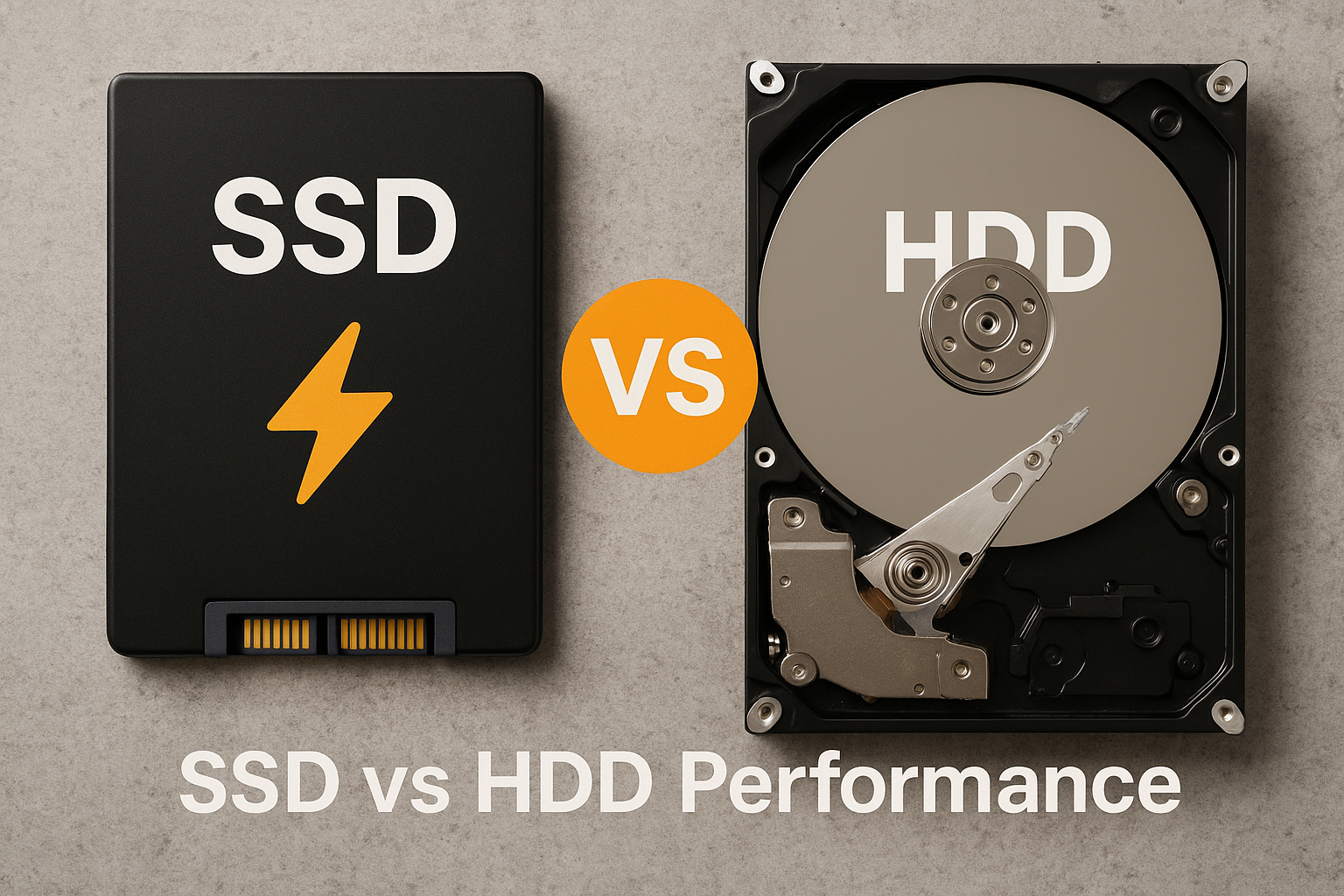
- HDD (Hard Disk Drive): Uses spinning disks and mechanical arms to read data
- SSD (Solid State Drive): Uses flash memory with zero moving parts
Because SSDs don’t rely on mechanical movement, data access is almost instantaneous — the core reason SSD performance is dramatically higher.
SSD vs HDD Performance : Speed Comparison
🚀 Raw Speed Numbers (Why SSD Wins)
When evaluating SSD vs HDD performance, speed is the most obvious difference.
Typical read/write speeds:
- HDD: 80–160 MB/s
- SATA SSD: 450–550 MB/s
- NVMe SSD: 2,000–7,000+ MB/s
According to StatCounter, more than 70% of modern computers now use SSDs as their primary drive due to performance expectations.
What this means for you:
- Boot time drops from minutes to seconds
- Programs open instantly
- File transfers finish dramatically faster
Real-World Usage: SSD vs HDD Performance in Daily Tasks
💻 Everyday Performance You Can Feel
In real-world usage, SSD vs HDD performance differences are immediately noticeable:
- Faster Windows or macOS startup
- No freezing during multitasking
- Instant search results
- Smooth updates and installs
HDD-based systems often struggle when:
- Multiple apps run at once
- Large files are accessed
- System updates install in the background
Gaming: Does SSD Improve Performance?
🎮 SSD vs HDD Performance in Games
SSDs do not usually increase FPS, but they dramatically improve:
- Game loading times
- Open-world asset streaming
- Texture loading
- In-game responsiveness
Many modern games now recommend SSDs to prevent stuttering and loading delays.
Reliability & Durability Impact on Performance
🛡️ Long-Term Performance Stability
Another key factor in SSD vs HDD performance is reliability.
SSD advantages:
- No moving parts
- Resistant to shock and vibration
- Silent operation
HDD drawbacks:
- Mechanical wear over time
- Performance degrades as disks age
- Sensitive to physical movement
For laptops and portable systems, SSDs maintain consistent performance much longer.
Cost vs Performance: Which Gives Better Value?
💰 Price-to-Performance Comparison
HDDs are cheaper per gigabyte, but SSDs offer better value per performance gain.
- HDDs are ideal for backups and archives
- SSDs are ideal for operating systems and apps
⚡ Key Takeaway Box
For the biggest performance improvement, upgrading from HDD to SSD beats adding RAM or upgrading CPU on older systems.
Best Upgrade Strategy for Maximum Performance
🔧 Quick Fix Box: Optimal Storage Setup
- Install SSD as your main system drive
- Move OS and apps to SSD
- Use HDD for files, videos, and backups
- Enable TRIM for SSD longevity
This hybrid setup balances cost, capacity, and speed.
SSD vs HDD Performance for Different Users
👥 User-Based Recommendations
- Office & Students: SSD = instant productivity boost
- Gamers: SSD is now essential
- Content Creators: SSD for editing, HDD for storage
- Budget Users: Small SSD + large HDD
- Old PCs: SSD upgrade feels like a new machine
Common Myths About Disk Performance
❌ “SSD speed doesn’t matter for normal users”
False — boot time, app launch speed, and system responsiveness affect everyone.
❌ “HDDs are outdated”
Not true — HDDs still excel at affordable mass storage.
Frequently Asked Questions
1. How big is the SSD vs HDD performance difference?
SSDs can be 5–50× faster depending on the workload and drive type.
2. Will SSD improve overall computer performance?
Yes, especially boot speed, responsiveness, and multitasking.
3. Is NVMe much better than SATA SSD?
Yes, but even SATA SSDs are a massive upgrade from HDDs.
4. Do SSDs slow down over time?
Modern SSDs maintain stable performance for years under normal use.
5. Is HDD still worth using today?
Yes, for backups and large storage where speed is not critical.