Difficulty: Beginner
What Is USB-C (Explained Simply)?
Before understanding the USB-C everything trend, let’s define USB-C clearly.
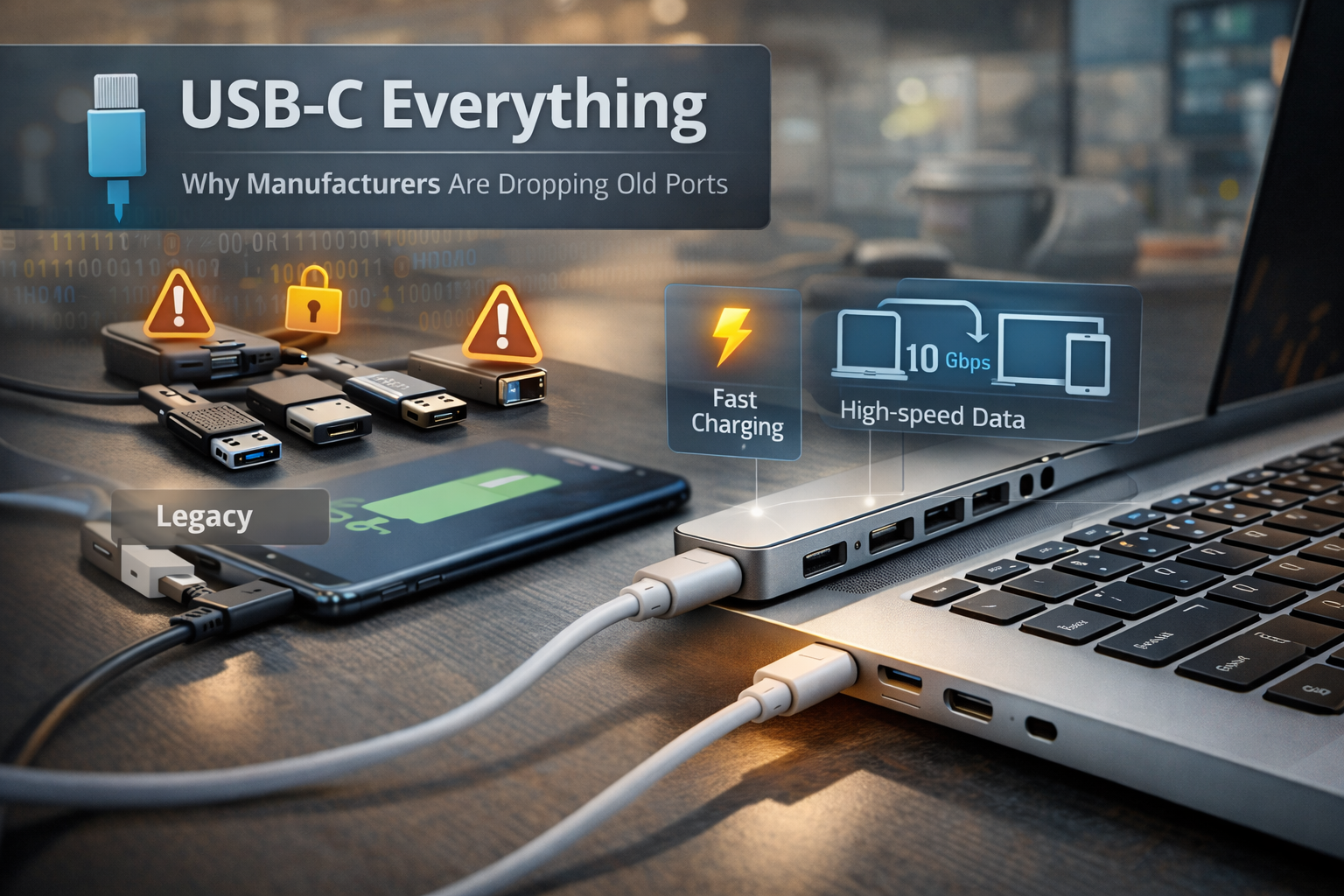
USB-C is a small, oval-shaped port that can:
- Charge your device
- Transfer files
- Connect to monitors
- Power accessories
- Replace HDMI and DisplayPort
Think of USB-C as a multi-purpose door instead of having separate doors for different tasks.
Older devices needed:
- One port for charging
- One port for data
- One port for video
USB-C combines all of them into one.
Why Are Companies Moving to USB-C Everything?
1️⃣ One Port Does Almost Everything
Manufacturers love simplification.
Instead of building multiple types of ports into a laptop, they can install:
✔ USB-C
✔ Maybe one additional USB-A
That’s it.
This reduces complexity inside the device.
2️⃣ Devices Are Getting Thinner
Old ports like:
- USB-A
- HDMI
- Ethernet
Are physically thick.
USB-C is smaller and slimmer.
If companies want ultra-thin laptops and phones, they need smaller connectors.
That’s one of the biggest reasons behind the USB-C everything movement.
3️⃣ Faster Speeds
USB-C supports modern standards like:
- USB 3.2
- Thunderbolt
- USB4
These allow:
- Faster file transfers
- High-resolution display output
- High-wattage charging
According to USB-IF (USB Implementers Forum), USB4 can support data speeds up to 40 Gbps, which is dramatically faster than traditional USB-A connections.
For everyday users, this means:
- Faster external SSD performance
- Better docking station support
- Cleaner desk setup
4️⃣ Universal Charging
With USB-C:
- One charger can power your laptop
- The same charger can power your phone
- It can even charge headphones
This reduces cable clutter.
In fact, regulatory bodies like the European Union have mandated USB-C as a standard charging port for many devices to reduce electronic waste.
That policy strongly accelerated the USB-C everything shift.
5️⃣ Better Docking & Office Setup
For professionals (like many remote workers today), USB-C allows:
- One cable to connect monitor
- Keyboard
- Mouse
- Ethernet
- Charging
All through a single USB-C dock.
Plug in one cable → Everything works.
That’s extremely convenient.
But Why Remove Old Ports Completely?
Here’s where the controversy begins.
Manufacturers argue:
- Most users don’t use HDMI daily
- Ethernet is replaced by Wi-Fi
- USB-A devices are becoming older
By removing old ports:
- Devices look cleaner
- Internal space improves
- Cost reduces
- Battery space increases
However…
Users now need adapters.
🔎 Quick Definition Box
USB-A: The traditional rectangular USB port you’ve used for years.
USB-C: The newer oval-shaped reversible port that handles power, data, and video.
The Downsides of USB-C Only
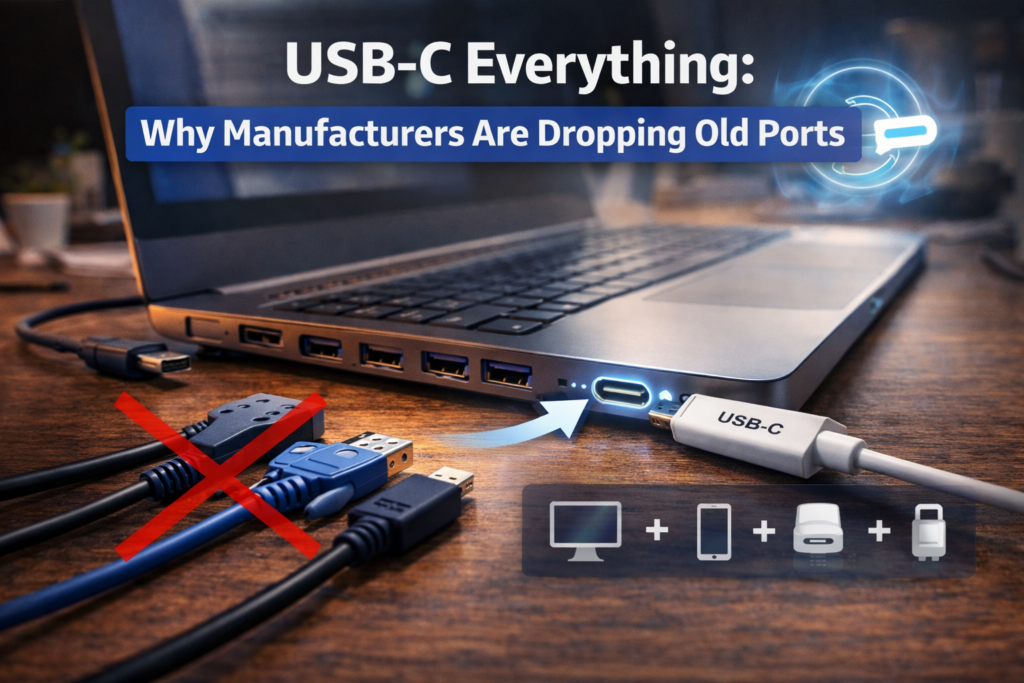
1️⃣ Dongle Dependency
You may need adapters for:
- HDMI
- USB-A flash drives
- SD cards
This creates the famous “dongle life.”
2️⃣ Compatibility Confusion
Not all USB-C ports are equal.
Some support:
- Charging only
Some support: - Data + display
Some support: - Thunderbolt
This confuses non-technical users.
Two laptops may both have USB-C — but perform differently.
3️⃣ Adapter Cost
Quality USB-C hubs and docks can be expensive.
Cheap ones sometimes cause:
- Overheating
- Signal drops
- Slow speeds
Is USB-C Everything a Good Thing?
Let’s look at it practically.
It’s Good If:
- You prefer minimal setup
- You use docking stations
- You want one universal charger
- You work mostly wirelessly
It’s Frustrating If:
- You rely on older USB-A devices
- You frequently use HDMI directly
- You don’t want to carry adapters
Real-World Example
Imagine a modern remote worker setup:
- Laptop with only USB-C
- USB-C dock on desk
- One cable connects everything
The desk looks clean. Travel is easier. Fewer chargers.
Now compare that to someone who:
- Uses USB-A flash drives daily
- Connects directly to projectors
- Uses wired Ethernet often
For them, USB-C everything means more adapters.
Is USB-C the Final Standard?
Most likely for the next decade.
It supports:
- High-speed storage
- Multi-monitor output
- Fast charging
- Power delivery
And since global regulations are pushing for USB-C standardization, manufacturers are unlikely to reverse course.
🛡️ Key Takeaway Box
USB-C isn’t just a new port — it’s a universal replacement for multiple old connectors. The shift reduces clutter and increases flexibility, but it requires adaptation.
Should You Avoid Devices With Only USB-C?
Not necessarily.
Before buying, ask yourself:
- Do I already use mostly wireless devices?
- Do I use docking stations?
- Am I okay carrying one adapter?
If yes, USB-C everything likely benefits you.
If not, consider laptops that still include:
- At least one USB-A
- HDMI
Some business-class laptops still offer mixed port selection.
Frequently Asked Questions (FAQ)
1. Why are laptops removing USB-A ports?
Because USB-C can replace USB-A, HDMI, and charging in one smaller port.
2. Is USB-C faster than USB-A?
Yes, especially with USB4 or Thunderbolt standards.
3. Do I need adapters with USB-C only laptops?
Usually yes, unless all your devices already use USB-C.
4. Will USB-A disappear completely?
It will gradually reduce, but older devices will still support it for years.
5. Is USB-C more durable?
It’s reversible and compact, but durability depends on build quality.