What Is Router Firmware?
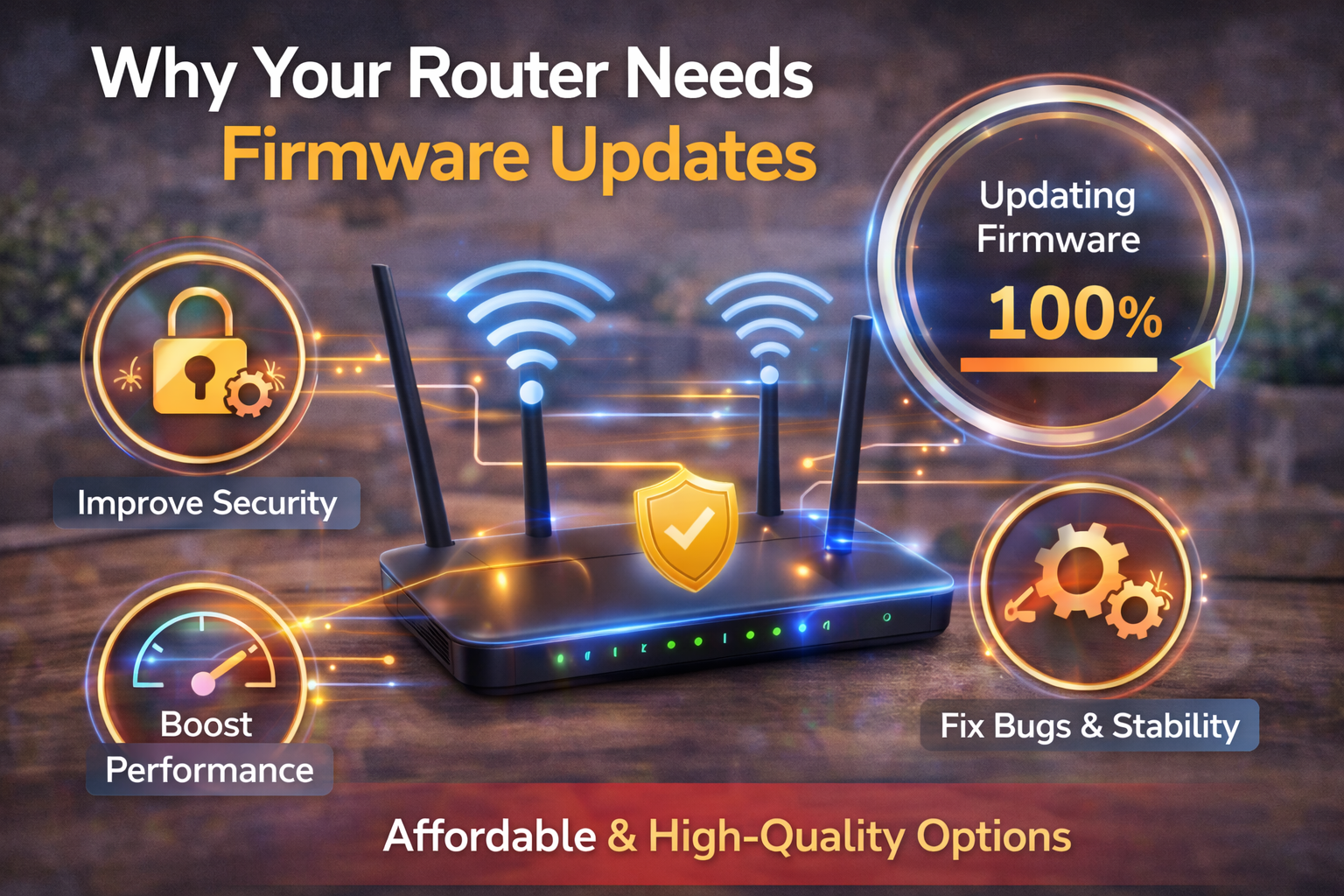
Firmware is the built-in software that controls how your router operates. It manages:
- Wi-Fi signals and speeds
- Security protocols (WPA2/WPA3)
- Firewall rules and network routing
- Device compatibility and stability
Definition Box
Router Firmware
The internal software that controls a router’s core functions, security features, and network performance.
Unlike apps, firmware runs quietly in the background—so problems often go unnoticed until something breaks.
Why Router Firmware Updates Matter
Skipping router firmware updates can cause more problems than most users realize.
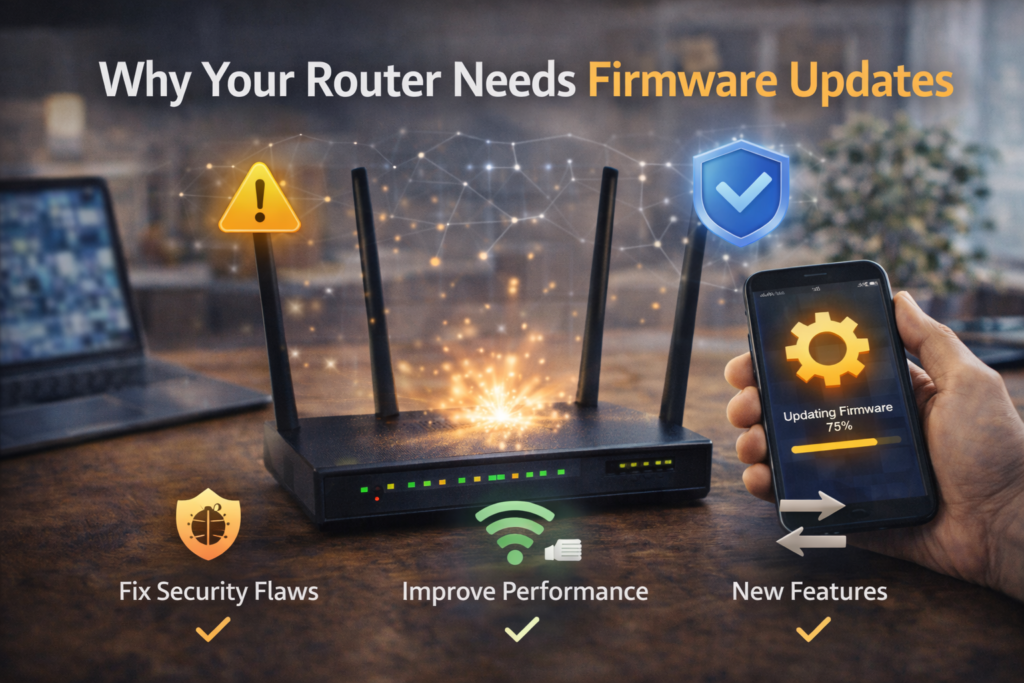
1) Security Fixes (The Most Important Reason)
Routers are prime targets for attackers because they sit between your devices and the internet.
Firmware updates often patch:
- Known vulnerabilities
- Remote access exploits
- Weak authentication flaws
According to security advisories referenced by CISA, unpatched networking devices are a common entry point for large-scale attacks.
Key Takeaway Box
An outdated router is like a lock that never gets fixed—even after burglars learn how to break it.
2) Better Wi-Fi Stability and Performance
Firmware updates don’t just fix security issues. They also:
- Improve Wi-Fi signal handling
- Reduce random disconnects
- Optimize traffic management
- Fix bugs that slow down speeds
If your Wi-Fi drops or feels unstable, updating firmware is often a quick win.
3) Compatibility With New Devices
New phones, laptops, and smart home devices rely on updated network standards.
Without updates, your router may:
- Struggle with newer devices
- Fail to negotiate proper encryption
- Cause connection or authentication errors
Manufacturers like Netgear and TP-Link regularly release updates to maintain compatibility.
4) Bug Fixes and Feature Improvements
Firmware updates may quietly add:
- Better parental controls
- Improved QoS (Quality of Service)
- Enhanced security options
- More reliable guest networks
You may already “own” these features—you just need the update.
What Happens If You Don’t Update Your Router?
Ignoring router firmware updates can lead to:
- Increased hacking risk
- Slower or unstable Wi-Fi
- Devices failing to connect
- Network crashes under load
- Loss of vendor support
Over time, the cost of not updating is far higher than the few minutes it takes to do so.
When Should You Update Router Firmware?
Recommended schedule:
- Check for updates every 3–6 months
- Update immediately for security advisories
- Update when troubleshooting Wi-Fi issues
- Update after installing many new devices
Quick Fix Box
If your router behaves strangely, check for firmware updates before changing hardware or plans.
How to Update Router Firmware Safely
Step-by-Step (General Process)
- Connect to your router (via browser or app)
- Locate the firmware or system update section
- Check for updates
- Install and wait—do not power off
- Reboot if required
Many modern routers now support automatic updates, which is ideal for non-technical users.
Common Firmware Update Myths
“If it works, don’t touch it.”
This is risky. Security threats evolve constantly.
“Updates will break my router.”
Rare with reputable brands. Most issues come from skipped updates over many years.
“Firmware updates are only for advanced users.”
Modern router interfaces make updates simple and safe.
When Updating Might Not Help
Firmware updates won’t fix:
- Poor router placement
- Very old hardware
- ISP bandwidth limitations
If your router no longer receives updates, it may be time to replace it.
How Long Do Routers Get Firmware Updates?
Most consumer routers receive updates for:
- 3–5 years (typical)
- Longer for premium or business models
If your router is end-of-life, upgrading improves both security and performance.
FAQs: Router Firmware Updates
1) Are router firmware updates really necessary?
Yes. They protect your network and improve stability.
2) Can firmware updates improve Wi-Fi speed?
They can improve consistency and efficiency, though not your ISP speed.
3) Is it safe to enable auto-updates?
Yes, for most home users it’s recommended.
4) Will updating reset my settings?
Usually no, but backing up settings is smart.
5) How do I know if my router is outdated?
Check the manufacturer’s support page or router admin panel.