Difficulty: Beginner
What Does It Mean When Your Email Is in a Data Breach?
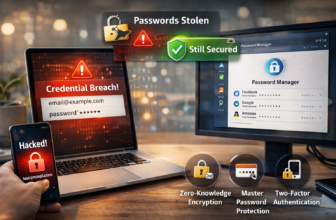
When a company is breached, attackers often steal databases containing emails, passwords, and personal details. Your email alone isn’t dangerous—but it becomes a gateway for phishing, spam, and account takeovers.
Definition Box
Data Breach
An incident where unauthorized parties gain access to sensitive user data such as email addresses, passwords, or personal information.
According to guidance from Have I Been Pwned, billions of accounts have been exposed across thousands of breaches worldwide.
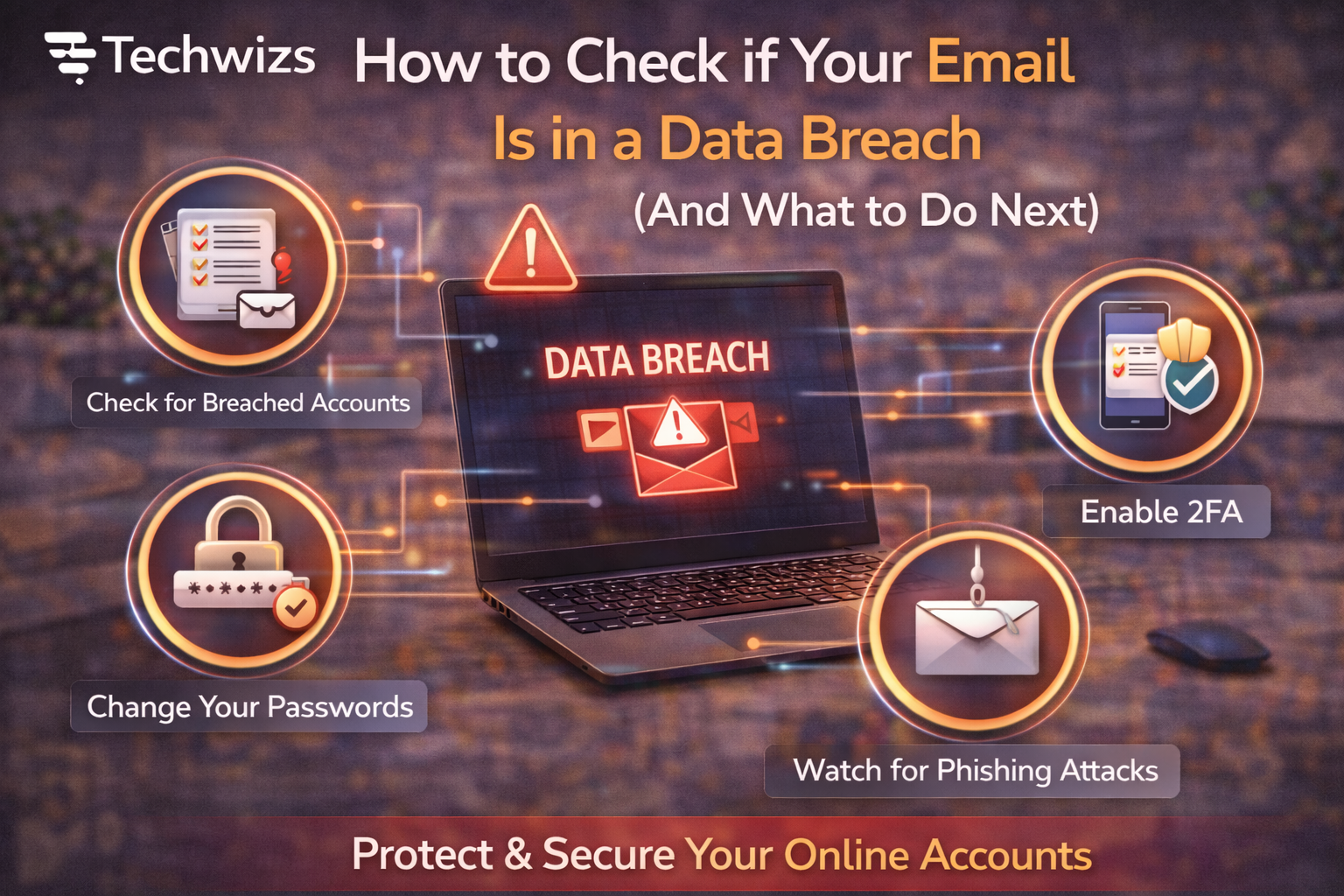
Step 1: Check If Your Email Has Been Breached
The safest and most widely used method is to use a breach notification service.
How to check:
- Visit a trusted breach-check website
- Enter your email address
- Review the breach results
These tools do not ask for your password.
Key Takeaway Box
Never enter your password on breach-check websites—only your email.
Step 2: Understand the Results
If your email appears in a breach, you’ll usually see:
- The service that was breached
- The year it happened
- The type of data exposed (email, password, phone number, etc.)
Older breaches still matter if you reused passwords.
Step 3: Change Passwords Immediately (Critical)
Start with:
- Email account password
- Banking and financial apps
- Social media accounts
- Work-related logins
Use unique passwords for every account.
Quick Fix Box
If you reuse passwords, one breach can unlock multiple accounts.
Step 4: Enable Two-Factor Authentication (2FA)
2FA adds an extra layer of security even if your password leaks.
Enable it on:
- Email accounts
- Cloud storage
- Social media
- Financial services
Google and Microsoft both strongly recommend 2FA to prevent account takeovers.
Step 5: Watch for Phishing Attempts
After a breach, phishing usually increases.
Be cautious of:
- “Reset your password now” emails
- Urgent security warnings
- Messages asking for verification
Always visit websites directly instead of clicking links.
Step 6: Check Accounts Linked to That Email
Your email is often connected to:
- Shopping accounts
- Cloud services
- Subscriptions
Review login history and remove unfamiliar sessions.
Step 7: Set Up Breach Alerts
Most breach-check services allow alerts.
- Get notified if your email appears in future breaches
- Act early before damage spreads
When You Should Be Extra Concerned
Take immediate action if:
- Passwords were exposed
- Financial data was leaked
- You notice unauthorized logins
In severe cases, consider credit monitoring.
FAQs: Email in a Data Breach
1) Is my email alone dangerous?
Not by itself, but it enables phishing and targeted attacks.
2) Should I delete my email account?
Usually no. Securing it is enough.
3) Do old breaches still matter?
Yes, especially if passwords were reused.
4) Can breaches affect work accounts?
Yes. Personal email breaches can lead to work-related attacks.
5) How often should I check?
Every few months or enable alerts.