Difficulty: Beginner
What Is Ethernet? (Simple Explanation)
Before deciding if Ethernet worth it work from home, let’s explain what Ethernet actually is.
Ethernet simply means connecting your computer to the router using a cable instead of wireless Wi-Fi.
Think of it like this:
- Wi-Fi = wireless signal through the air
- Ethernet = direct wired connection
Just like plugging headphones into your phone instead of using Bluetooth, a wired connection removes interference.
Why Wi-Fi Can Sometimes Be Unreliable
Wi-Fi is convenient, but it has limitations.
Your Wi-Fi signal must travel through:
- Walls
- Furniture
- Other wireless devices
- Microwave ovens
- Neighboring Wi-Fi networks
All of these can weaken or disrupt the signal.
According to networking data from StatCounter and broadband performance reports, wireless networks experience more latency spikes compared to wired Ethernet connections.
This is why Ethernet worth it work from home becomes obvious in busy home networks.
The Biggest Benefits of Using Ethernet
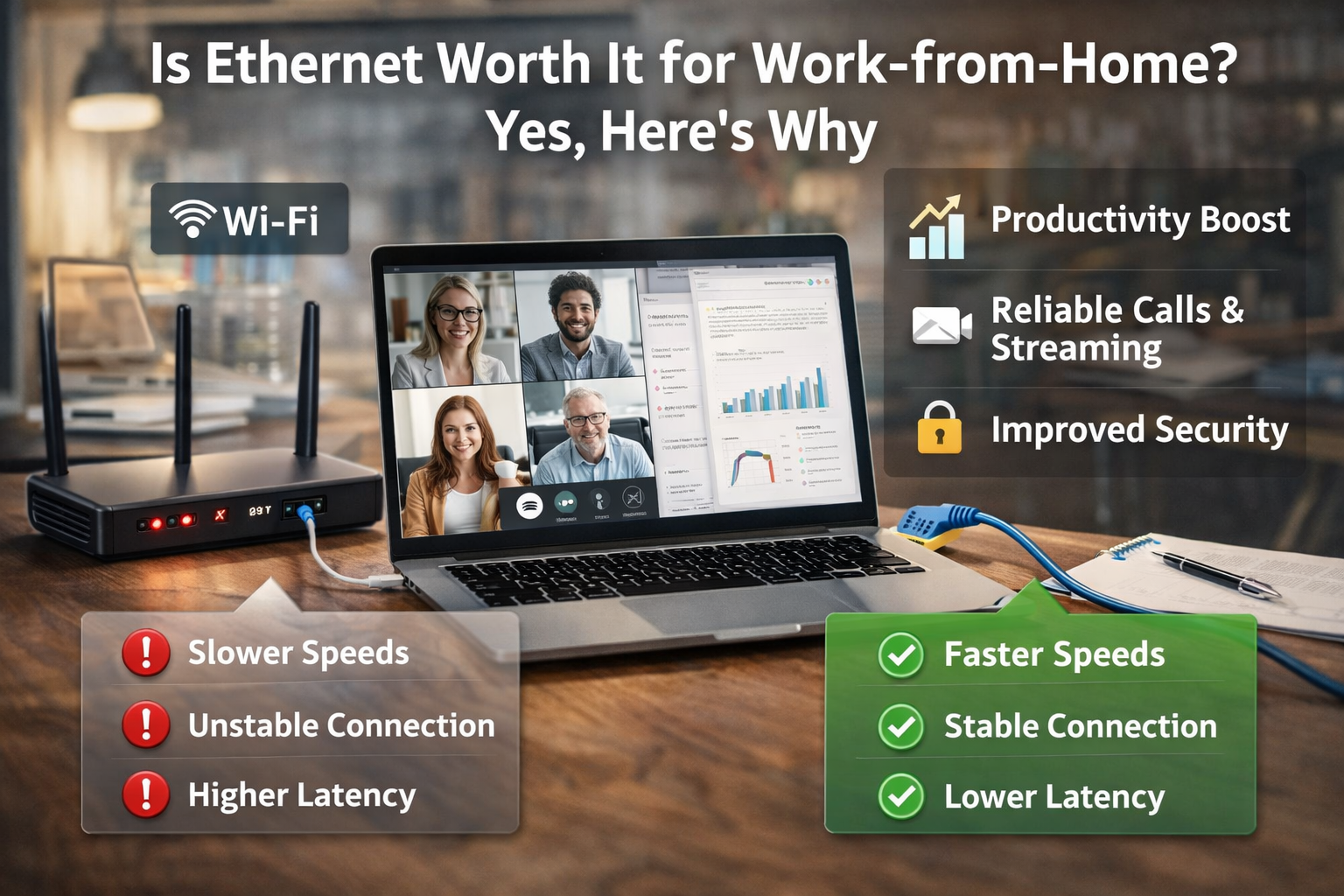
1️⃣ More Stable Internet Connection
Wi-Fi signals fluctuate.
Ethernet does not.
With Ethernet:
- Your connection stays consistent
- No sudden drops during meetings
- No buffering during large uploads
For professionals relying on video calls, stability matters more than raw speed.
2️⃣ Lower Latency (Less Delay)
Latency means the delay between sending and receiving data.
Lower latency improves:
- Zoom meetings
- Microsoft Teams calls
- Remote desktop connections
- Cloud applications
Think of latency like conversation delay.
Ethernet reduces that delay significantly.
3️⃣ Faster Real-World Speeds
Even if your Wi-Fi is rated for high speeds, real-world performance often drops.
Example:
| Connection Type | Expected Speed | Real-World Speed |
|---|---|---|
| Wi-Fi | 500 Mbps | 200–350 Mbps |
| Ethernet | 1 Gbps | 900+ Mbps |
A wired connection avoids signal loss.
This is another reason why Ethernet worth it work from home is often recommended.
4️⃣ Better Performance During Video Calls
Video meetings require stable data flow.
Wi-Fi interruptions can cause:
- Frozen video
- Audio glitches
- Call drops
Ethernet eliminates most of these issues.
For professionals using Zoom or Teams daily, this is one of the biggest advantages.
🔎 Definition Box
Latency:
The time it takes for data to travel from your computer to the internet and back. Lower latency means faster responses and smoother video calls.
When Ethernet Makes the Biggest Difference
Ethernet is especially useful if you:
- Attend daily video meetings
- Upload large files to cloud services
- Work with remote servers
- Use VPN connections
- Share Wi-Fi with many devices
Homes with multiple users often benefit the most.
Example household:
- 2 people working remotely
- Kids streaming YouTube
- Smart TVs and IoT devices
In this scenario, Wi-Fi congestion increases — but Ethernet bypasses it.
Situations Where Wi-Fi Is Still Fine
While Ethernet worth it work from home is true for many users, Wi-Fi may still be enough if:
- You mainly browse and send emails
- Your router is very close
- Few devices share the network
- Your internet speed is under 200 Mbps
In those cases, the difference may be minimal.
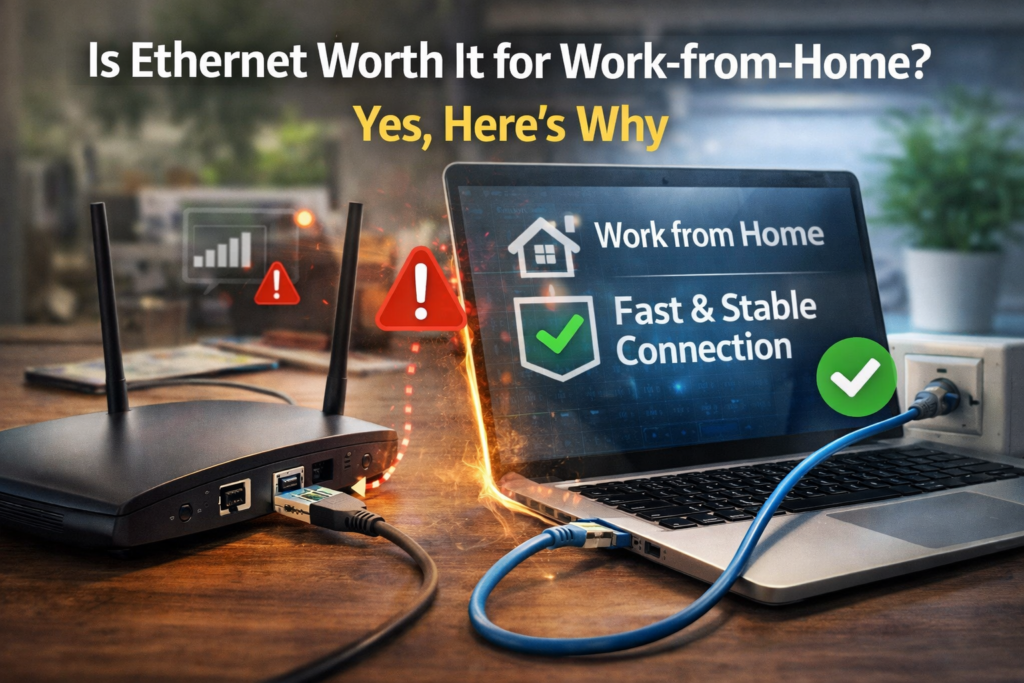
How to Set Up Ethernet for Work From Home
Setting up Ethernet is simple.
Step 1: Locate Your Router
Your internet router has several Ethernet ports on the back.
Step 2: Use an Ethernet Cable
Plug one end into:
- Router
Plug the other end into:
- Laptop
- Desktop
- Docking station
Step 3: Disable Wi-Fi (Optional)
Some people disable Wi-Fi to ensure the computer always uses the wired connection.
Windows automatically prioritizes Ethernet when available.
What If Your Laptop Has No Ethernet Port?
Many modern laptops removed Ethernet ports.
Solution options:
- USB-to-Ethernet adapter
- USB-C docking station
- Thunderbolt dock
These adapters are inexpensive and work instantly.
🛡️ Key Takeaway Box
For remote workers who rely on stable internet connections, Ethernet is one of the easiest upgrades you can make to improve reliability.
Real-World Work-From-Home Example
Imagine two remote workers.
Person A (Wi-Fi):
- Video calls freeze
- Uploads are slow
- Occasional connection drops
Person B (Ethernet):
- Stable calls
- Faster uploads
- Consistent speeds
Both have the same internet plan — but Ethernet improves reliability.
Common Myths About Ethernet
Myth 1: Wi-Fi Is Always Fast Enough
Not always. Interference and congestion can slow wireless speeds.
Myth 2: Ethernet Is Only for Gamers
While gamers love low latency, remote workers benefit just as much.
Myth 3: Ethernet Is Hard to Install
In most homes, it’s as simple as plugging in one cable.
Long-Term Benefits for Remote Workers
Using Ethernet can improve:
- Productivity
- Video call quality
- File transfer speed
- Network reliability
Small improvements in connectivity can remove daily frustrations.
Frequently Asked Questions (FAQ)
1. Is Ethernet faster than Wi-Fi?
Yes. Ethernet usually delivers faster and more consistent speeds.
2. Does Ethernet improve video calls?
Yes. Wired connections reduce lag and call interruptions.
3. Do I need Ethernet if my Wi-Fi is strong?
Not necessarily, but Ethernet still provides more stability.
4. Is Ethernet safer than Wi-Fi?
Yes. Wired connections are harder to intercept than wireless networks.
5. Can I use Ethernet and Wi-Fi together?
Yes, but most systems prioritize Ethernet automatically.