Difficulty: Beginner
What Is DNS? (Explained Simply)
Before understanding does changing DNS improve speed, you need to know what DNS does.
DNS stands for Domain Name System.
Think of DNS like the phonebook of the internet.
When you type:
google.com
Your computer doesn’t actually understand that name. It needs the website’s numeric IP address, something like:
142.250.190.78
DNS servers translate the website name into the IP address so your device knows where to connect.
Without DNS, you would need to type long numbers for every website.
How DNS Affects Internet Speed
DNS only affects one part of the connection process.
Here is what happens when you visit a website:
- Your device asks DNS for the website address
- DNS returns the IP address
- Your browser connects to the website server
- Data starts downloading
Changing DNS can only improve step 1.
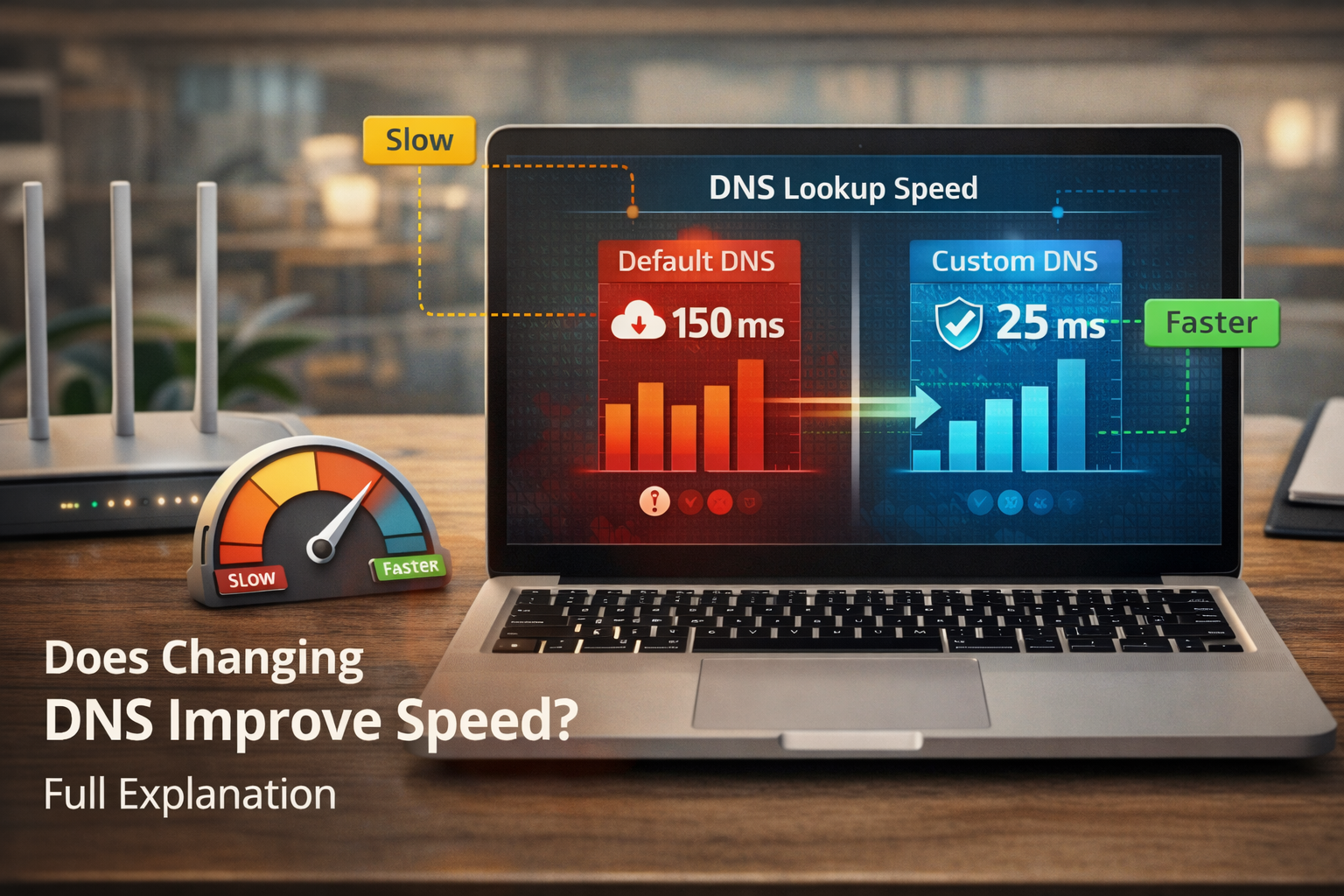
That means the website starts loading faster, but the actual download speed remains the same.
⚡ Quick Example
Think of DNS like asking for directions.
DNS = asking someone where the restaurant is
Internet speed = how fast you drive there
Changing DNS might give you directions faster — but it doesn’t make your car faster.
When Changing DNS Actually Helps
There are situations where the answer to does changing DNS improve speed is yes — slightly.
1️⃣ Slow ISP DNS Servers
Some internet providers operate slow DNS servers.
This can cause:
- Websites taking longer to start loading
- Delay before pages appear
Switching to a faster DNS provider reduces that delay.
2️⃣ Faster Website Lookup
Better DNS servers respond faster to lookup requests.
Popular public DNS services use global infrastructure to deliver quicker responses.
3️⃣ Improved Reliability
If your ISP DNS fails or experiences outages, websites may not load at all.
Public DNS services often have higher uptime.
When DNS Does NOT Improve Speed
Most people misunderstand this.
Changing DNS will not increase:
- Download speeds
- Upload speeds
- Streaming bandwidth
If your internet plan is 100 Mbps, switching DNS will not turn it into 500 Mbps.
Your speed is still limited by your Internet Service Provider (ISP).
According to networking measurements from companies like Cloudflare and Google, DNS affects connection latency but does not change bandwidth capacity.
Popular Public DNS Providers
Many people switch DNS to one of these services.
| DNS Provider | Primary DNS | Secondary DNS |
|---|---|---|
| Google DNS | 8.8.8.8 | 8.8.4.4 |
| Cloudflare DNS | 1.1.1.1 | 1.0.0.1 |
| OpenDNS | 208.67.222.222 | 208.67.220.220 |
Cloudflare claims its 1.1.1.1 DNS is one of the fastest globally due to its large network infrastructure.
🧠 Definition Box
DNS Server:
A system that translates website names (like google.com) into numerical IP addresses so computers can locate servers on the internet.
How to Change DNS (Windows 11)
If you want to test whether changing DNS improves responsiveness:
- Open Settings
- Go to Network & Internet
- Select Advanced Network Settings
- Click More Adapter Options
- Right-click your network → Properties
- Select Internet Protocol Version 4 (IPv4)
- Choose Use the following DNS servers
Example:
Primary: 1.1.1.1
Secondary: 1.0.0.1
Restart your browser afterward.
How Much Speed Improvement Can You Expect?
In most cases:
- Website loading may feel slightly faster
- Initial connection delays may disappear
But the difference is usually small — often milliseconds, not seconds.
DNS helps with responsiveness, not bandwidth.
DNS and Privacy Benefits
Another reason people change DNS is privacy.
Some DNS providers promise:
- Reduced logging
- Encrypted DNS requests
- Better protection against malicious domains
Cloudflare, for example, states that its DNS service does not store identifying IP logs long-term.
DNS vs Content Delivery Networks (CDN)
Sometimes DNS affects which server you connect to.
Modern websites use Content Delivery Networks.
CDNs automatically route you to the closest server location.
Better DNS can occasionally improve this routing process, but the difference is usually minimal.
🛡️ Key Takeaway Box
Changing DNS can make websites start loading faster, but it does not increase your internet speed or bandwidth.
Should You Change Your DNS?
Good Reasons
✔ Your ISP DNS is slow
✔ Websites delay before loading
✔ You want better privacy
✔ You want reliable DNS infrastructure
Not a Good Reason
❌ Expecting faster downloads
❌ Expecting faster streaming speeds
Real-World Scenario
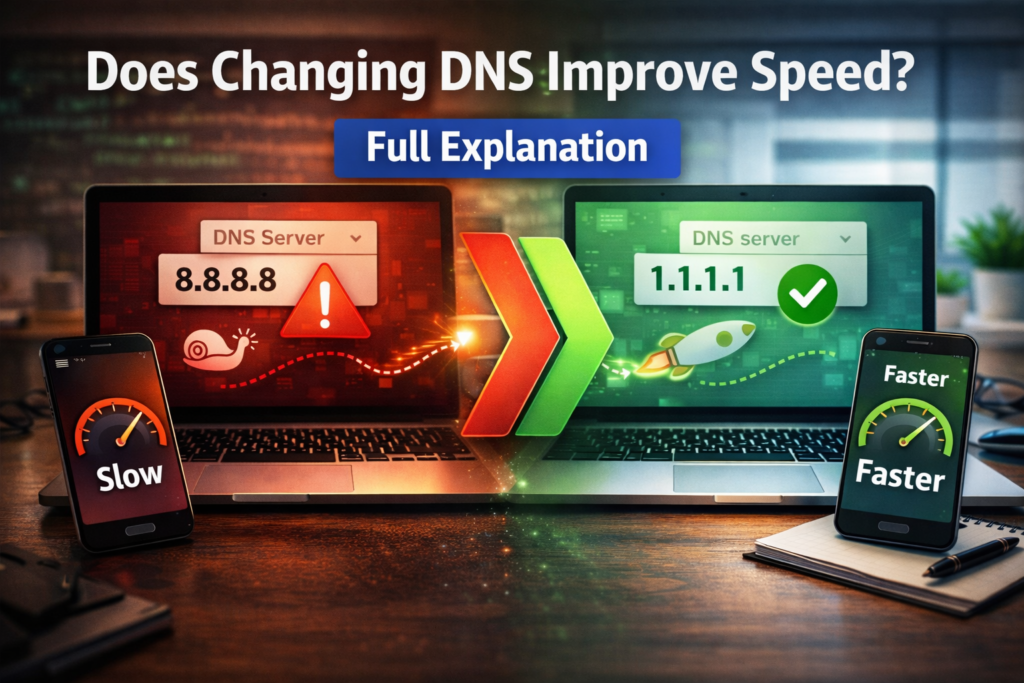
A user complains that websites take 3–4 seconds before loading.
After switching from ISP DNS to Cloudflare DNS:
- Initial loading delay disappears
- Websites open instantly
However:
Download speed remains exactly the same.
Frequently Asked Questions (FAQ)
1. Does changing DNS improve internet speed?
No. It may improve website response time but does not increase download bandwidth.
2. What is the fastest DNS server?
Cloudflare (1.1.1.1) and Google DNS (8.8.8.8) are among the fastest globally.
3. Is changing DNS safe?
Yes. It is a common network configuration change and does not harm your system.
4. Can DNS reduce gaming latency?
It may slightly reduce connection setup time, but it rarely impacts gameplay latency significantly.
5. Should I use my ISP DNS or public DNS?
Public DNS is often faster and more reliable than ISP DNS.