Difficulty: Beginner
What Is a Keylogger? (Simple Explanation)
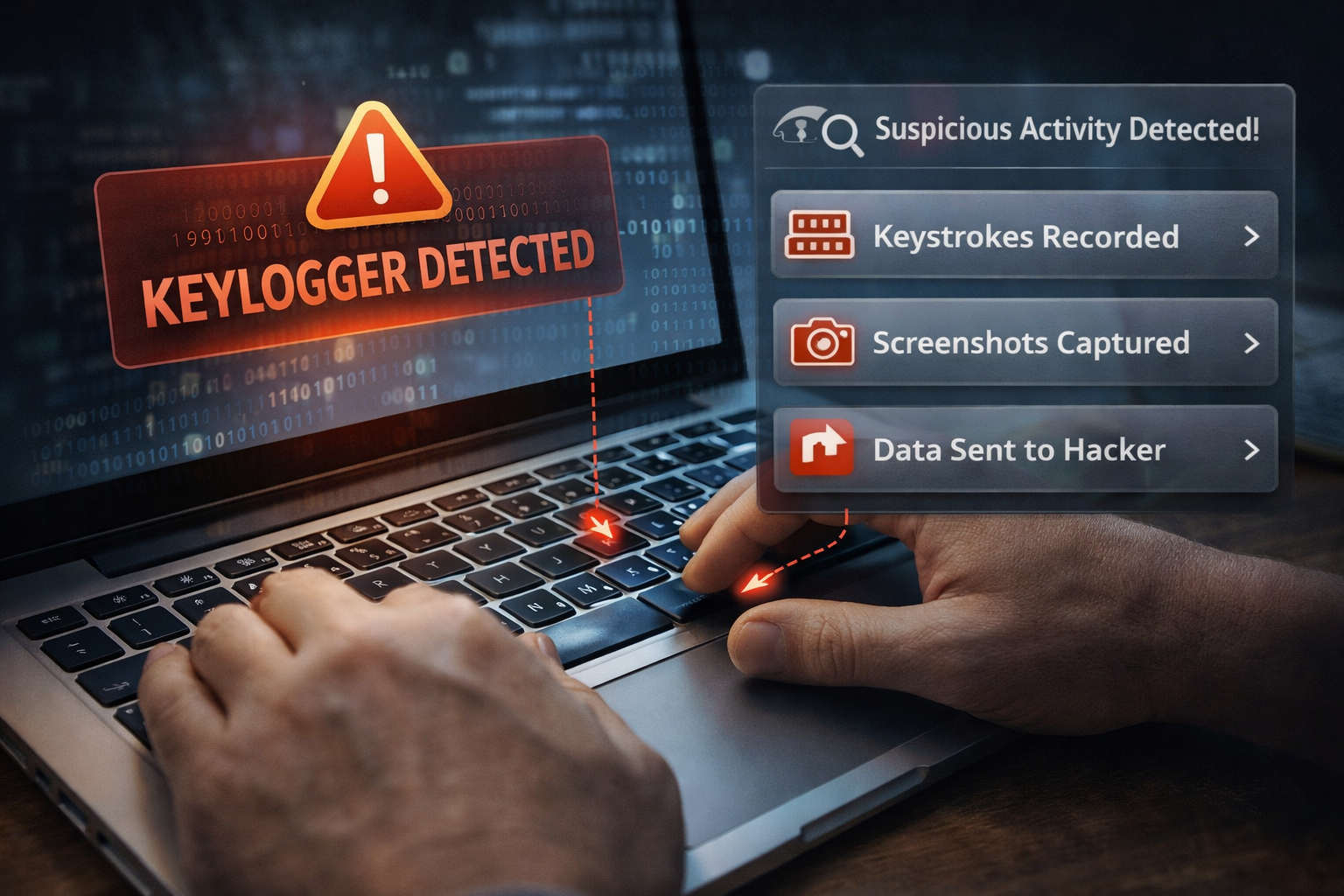
A keylogger is a monitoring tool that records every key you press on your keyboard.
Think of it like someone standing behind you writing down every letter you type — but digitally.
This means attackers could capture:
- Email passwords
- Banking credentials
- Private messages
- Credit card details
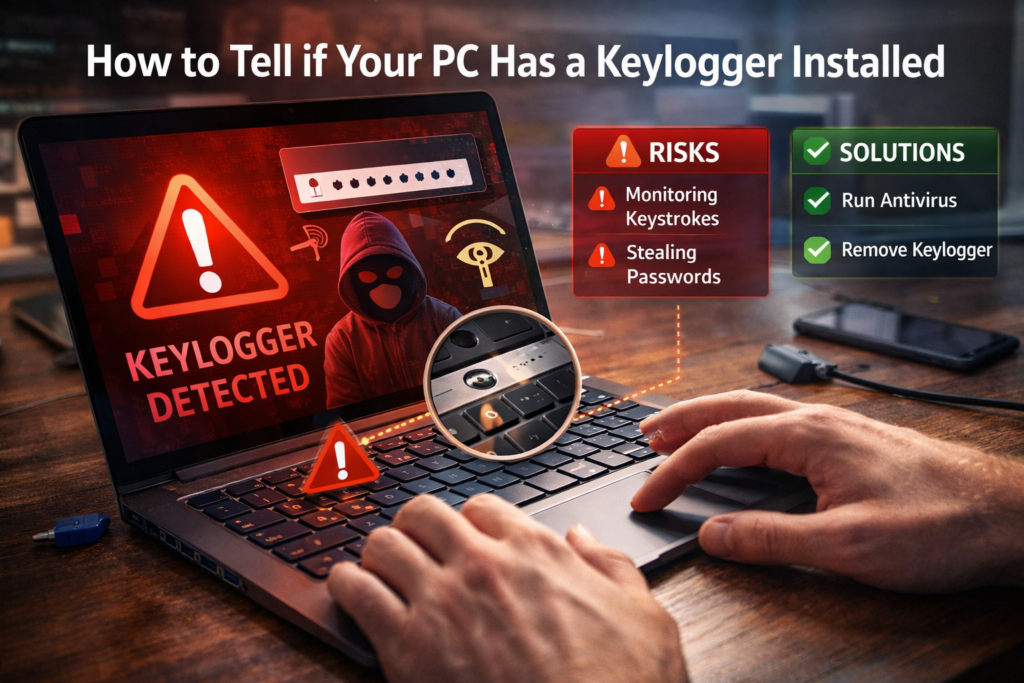
Some keyloggers are used legitimately for parental monitoring or company security policies, but malicious keyloggers are used by cybercriminals.
According to cybersecurity research published by security companies like Kaspersky and Malwarebytes, keyloggers are commonly delivered through phishing emails or infected downloads.
Types of Keyloggers
Understanding the types helps identify whether a PC keylogger installed situation is possible.
Software Keyloggers
These are hidden programs installed on your computer.
They run silently in the background and record typing activity.
They are the most common type used by hackers.
Hardware Keyloggers
These are small physical devices inserted between:
- Your keyboard
- And the computer’s USB port
They are less common but harder to detect because they do not run as software.
⚠️ Definition Box
Keylogger:
A program or device that secretly records every keystroke typed on a computer.
Warning Signs Your PC May Have a Keylogger Installed
Here are the most common indicators of a PC keylogger installed problem.
1. Unusual System Slowdowns
Keyloggers running in the background may consume system resources.
If your PC suddenly becomes slower than normal, it could be due to hidden software.
However, slow performance alone does not confirm a keylogger.
2. Unknown Programs Running in Task Manager
Keyloggers must run continuously to record keystrokes.
Check for unfamiliar processes.
Steps:
- Press Ctrl + Shift + Esc
- Open Task Manager
- Review the running processes
Look for unknown or suspicious program names.
3. Antivirus Alerts
Security software may detect keylogger activity.
If Windows Security or antivirus warns about:
- “Monitoring software”
- “Keystroke logging”
- “Spyware”
Investigate immediately.
Microsoft Defender regularly detects known keylogger threats.
4. Strange Network Activity
Keyloggers often send collected data to attackers through the internet.
Signs include:
- Constant network usage even when idle
- Unknown connections in firewall logs
You can check this in Task Manager → Network tab.
5. Unexpected Account Login Attempts
If your online accounts show suspicious login attempts, someone might be capturing your passwords.
Examples:
- Email login alerts
- Bank account warnings
- Social media security notifications
This could indicate a PC keylogger installed scenario.
6. Browser Behavior Changes
Some spyware alters browser settings.
Watch for:
- New extensions installed automatically
- Homepage changes
- Unknown toolbars
These may accompany keylogging malware.
Quick Self-Check (Easy Test)
Try typing in a password field with the on-screen keyboard.
If suspicious activity stops when using the on-screen keyboard, it could indicate keyboard monitoring software.
To open it in Windows:
Start → Search → On-Screen Keyboard
This method bypasses some traditional keyloggers.
How to Check Your PC for Keyloggers
If you suspect a PC keylogger installed, follow these steps.
Step 1: Run a Full Security Scan
Use Windows Security:
- Open Windows Security
- Go to Virus & Threat Protection
- Run Full Scan
For deeper detection, security experts often recommend additional tools like Malwarebytes.
Step 2: Check Startup Programs
Keyloggers may start automatically when your PC boots.
Steps:
- Open Task Manager
- Go to Startup Apps
- Disable unknown applications
Step 3: Inspect Installed Programs
Look for unfamiliar software.
Steps:
- Open Settings
- Go to Apps → Installed Apps
- Review the list
Remove anything suspicious.
Step 4: Check Browser Extensions
Some keyloggers operate through browser extensions.
Steps:
Chrome:
- Settings → Extensions
Edge:
- Extensions → Manage Extensions
Remove anything unfamiliar.
Step 5: Monitor Network Activity
Advanced users can check suspicious connections.
In Windows:
- Open Command Prompt
- Run:
netstat -ano
This displays active network connections.
If unknown processes are communicating frequently, investigate further.
How to Remove a Keylogger
If you confirm a PC keylogger installed, take action quickly.
1. Disconnect from Internet
This prevents data from being transmitted.
2. Run Malware Removal Tools
Recommended options:
- Windows Defender Offline Scan
- Malwarebytes
- Other trusted antivirus tools
3. Change All Passwords
After removing malware, change passwords for:
- Banking
- Social media
- Work accounts
Do this from a clean device if possible.
4. Enable Two-Factor Authentication
This adds another layer of security even if passwords are compromised.
🛡️ Key Takeaway Box
If you suspect a keylogger, act quickly.
Scan your system, remove suspicious software, and secure your accounts before attackers access sensitive information.
How to Prevent Keyloggers in the Future
Follow these cybersecurity best practices.
Keep Your System Updated
Security patches protect against known vulnerabilities.
Avoid Suspicious Downloads
Most malware infections come from:
- Cracked software
- Email attachments
- Fake software updates
Use Antivirus Protection
Real-time protection helps detect spyware before it installs.
Enable Two-Factor Authentication
Even if a keylogger captures your password, attackers cannot access your accounts without the second factor.
Frequently Asked Questions (FAQ)
1. Can a keylogger record passwords?
Yes. Keyloggers capture everything typed, including passwords and messages.
2. Can antivirus detect keyloggers?
Most modern antivirus software can detect known keyloggers, but new variants may evade detection.
3. Are hardware keyloggers common?
They are less common but harder to detect because they are physical devices.
4. Can a factory reset remove a keylogger?
Yes. Reinstalling the operating system usually removes software-based keyloggers.
5. Is it legal to install a keylogger?
It depends on local laws. Employers and parents may use monitoring software legally in certain situations.