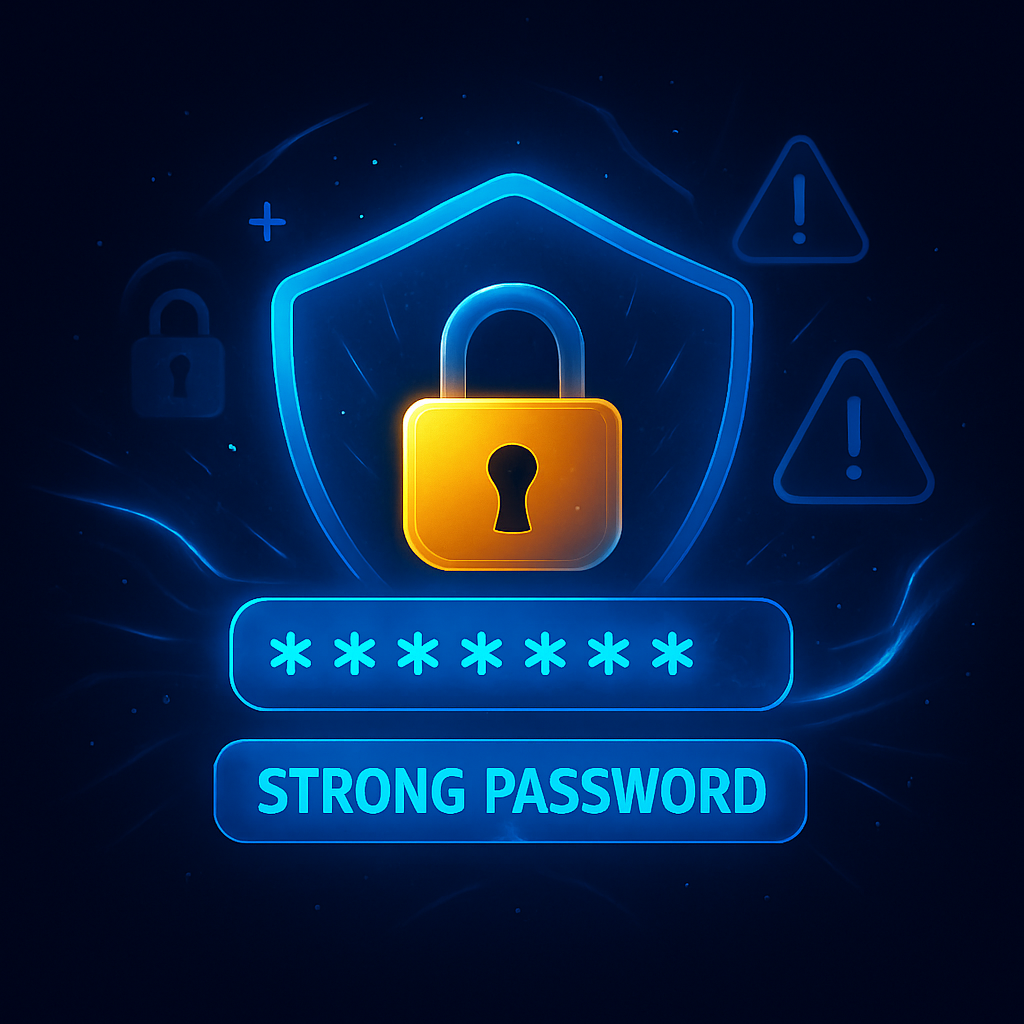
Most people know they should use strong passwords, yet many still rely on short, reused, or predictable ones. The problem isn’t laziness — it’s confusion. This guide simplifies strong passwords into a clear, beginner-friendly framework so you can protect your accounts without memorizing random strings or relying on guesswork.
Why Strong Passwords Matter More Than Ever
According to Verizon’s Data Breach Investigations Report, over 80% of hacking-related breaches involve weak or stolen passwords. Attackers no longer “guess” passwords manually — they use automated tools that test billions of combinations per second. A strong password dramatically increases the time and cost required to break into your account.
The Beginner’s Framework for Strong Passwords
Step 1: Make It Long (Length Beats Complexity)
Length is the single most important factor.
Minimum recommendation:
- At least 12–16 characters
- Longer is always better
Why it works:
A 16-character password is exponentially harder to crack than an 8-character one, even if both include symbols.
Step 2: Use Passphrases, Not Random Characters
Instead of this:
X!9@kL#2pQ
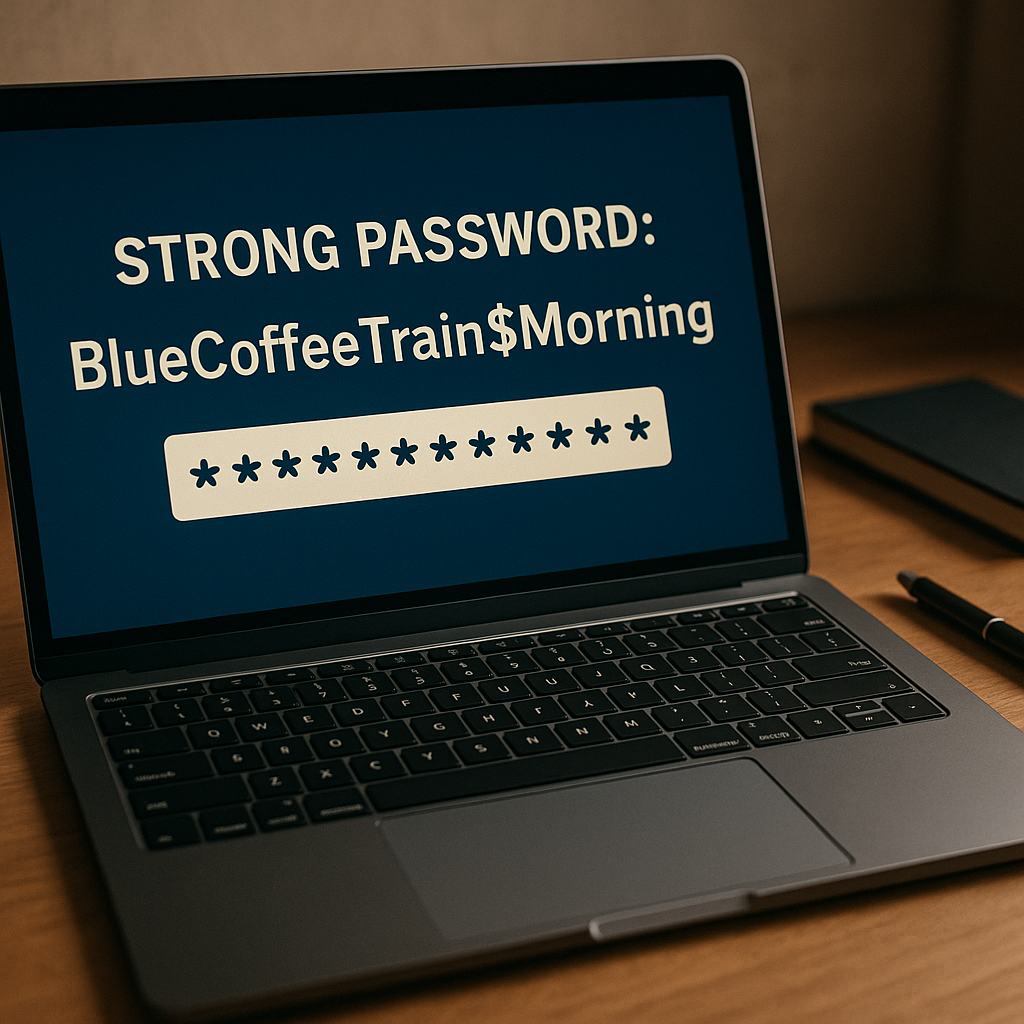
Use this:
BlueCoffeeTrain$Morning
Passphrases are:
- Easier to remember
- Harder to brute-force
- More resistant to dictionary attacks
This is the easiest way for beginners to create strong passwords.
Step 3: Mix Character Types (But Don’t Obsess)
A strong password should include:
- Uppercase letters
- Lowercase letters
- Numbers
- Symbols
Example:
SunnyHill42!River
Avoid common substitutions like P@ssw0rd — attackers already expect those.
Step 4: One Password Per Account (Non-Negotiable)
Reusing passwords is one of the biggest security mistakes.
Why it’s dangerous:
- One leaked password can unlock multiple accounts
- Credential-stuffing attacks exploit reused passwords at scale
If one site is compromised, unique passwords protect the rest.
Step 5: Use a Password Manager (The Smart Shortcut)
Password managers:
- Generate strong passwords automatically
- Store them securely
- Autofill safely
- Reduce human error
You only need to remember one master password.
Popular options include:
- Bitwarden
- 1Password
- Dashlane
Definition Box: What Is a Strong Password?
A strong password is a long, unique combination of words and characters that cannot be easily guessed, reused, or cracked by automated attacks.
Common Password Mistakes to Avoid
❌ Using Personal Information
Avoid:
- Birthdates
- Names
- Phone numbers
- Favorite teams
This data is often publicly available or easy to guess.
❌ Short Passwords
Anything under 10 characters is vulnerable to modern cracking tools.
❌ Reusing Passwords
Even a strong password becomes weak if reused across sites.
❌ Writing Passwords in Plain Text
Sticky notes, notebooks, or unencrypted files defeat the purpose of security.
Quick Fix Box: If Your Passwords Are Weak Right Now
- Change passwords for email, banking, and social media first
- Enable a password manager
- Turn on two-factor authentication (2FA)
- Replace short passwords with passphrases
These steps eliminate most real-world risks quickly.
Strong Passwords + 2FA = Real Security
Even the strongest password can be compromised. That’s why 2FA matters.
2FA adds:
- SMS codes
- Authenticator apps
- Hardware security keys
This ensures attackers can’t log in even if they steal your password.
How Often Should You Change Passwords?
Modern guidance has changed.
You should change passwords when:
- A breach is reported
- You suspect compromise
- You reused a password
- The account is highly sensitive
Otherwise, long, unique passwords can remain secure for years.
Key Takeaways
- Length matters more than complexity
- Passphrases are ideal for beginners
- Every account needs a unique password
- Password managers make security easy
- 2FA dramatically boosts protection
Strong passwords don’t need to be complicated — they just need to follow the right rules.
FAQ
1. What is the best length for a strong password?
At least 12–16 characters, with longer being more secure.
2. Are passphrases really safe?
Yes. Long passphrases are harder to crack than short complex passwords.
3. Should I change passwords regularly?
Only after breaches or suspected compromise. Constant changes are no longer required.
4. Is a password manager safe to use?
Yes. Reputable password managers use strong encryption and zero-knowledge design.
5. Can hackers crack any password?
Given enough time, yes — but strong, unique passwords make attacks impractical.
6. Is 2FA necessary if I have strong passwords?
Absolutely. 2FA adds a critical second layer of defense.