Difficulty: Beginner
The Simple Science Behind Wi-Fi Range
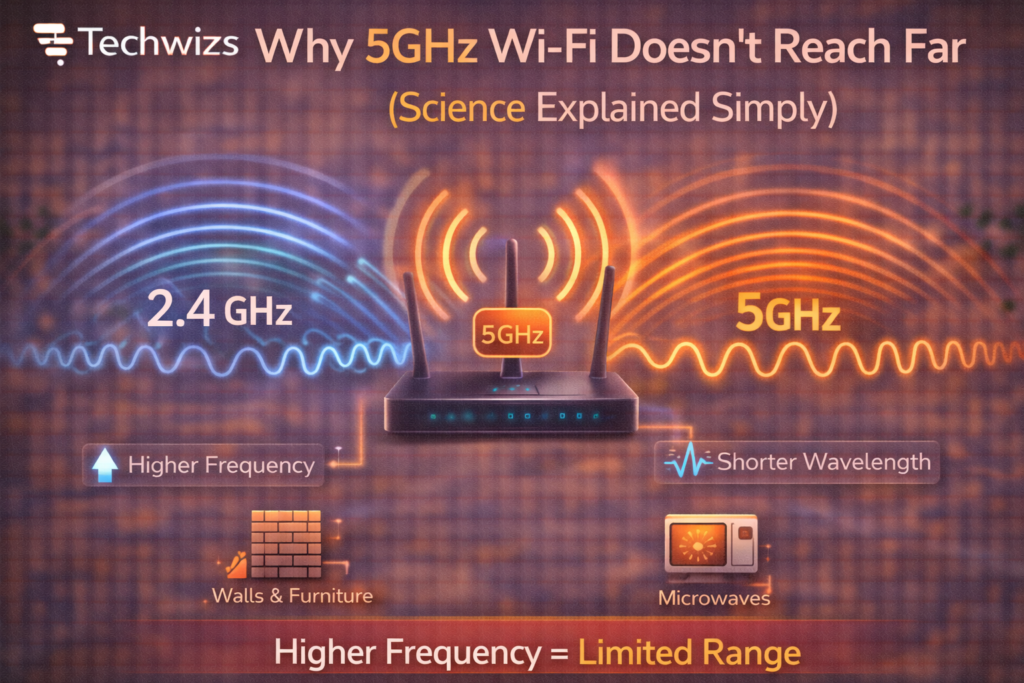
Wi-Fi uses radio waves. Like sound or light, these waves behave differently depending on frequency.
Definition Box
Frequency (GHz)
How fast a radio wave oscillates. Higher frequency = more data capacity, but less ability to travel far or pass through obstacles.
The Wi‑Fi Alliance explains that 5GHz bands trade distance for speed—by design.
2.4GHz vs 5GHz: What Changes?
| Band | Typical Speed | Range | Wall Penetration |
|---|---|---|---|
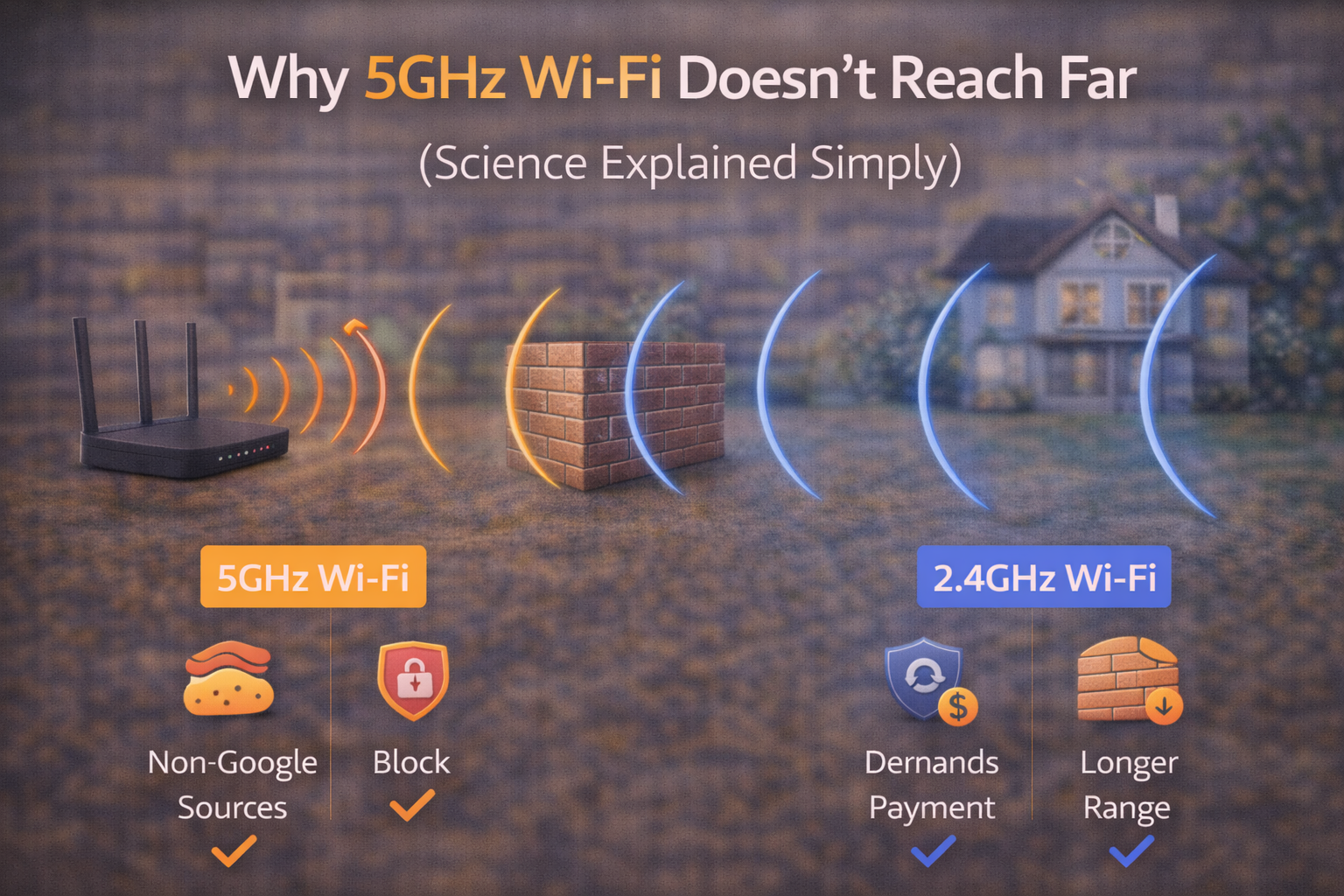
| 2.4GHz | Lower | Longer | Better |
| 5GHz | Higher | Shorter | Weaker |
Key Takeaway Box
5GHz isn’t “worse”—it’s optimized for speed, not distance.
Why Higher Frequency = Shorter Range
1) Faster Energy Loss
Higher-frequency waves (5GHz) lose strength more quickly as they travel through air than lower-frequency waves (2.4GHz).
2) Poorer Wall Penetration
Walls, floors, and furniture absorb or scatter 5GHz signals more aggressively—especially concrete, brick, and metal.
3) Tighter Signal Patterns
5GHz often uses wider channels for speed. Wider channels can reduce effective range and stability.
Interference Works Differently Too
Ironically, 5GHz usually has less interference than 2.4GHz because:
- Fewer legacy devices use it
- More available channels
But lower interference doesn’t equal longer range—it just means cleaner signal within that shorter range.
Real-World Symptoms You’ll Notice
- Great speed in the same room
- Sudden drops one or two rooms away
- Devices switching back to 2.4GHz automatically
- Streaming issues through thick walls
These are normal behaviors—not router defects.
When 5GHz Is the Right Choice
Choose 5GHz if you:
- Sit close to the router
- Need high throughput (4K streaming, gaming)
- Live in a crowded Wi-Fi area
- Use modern devices
Quick Fix Box
If you’re within 1–2 rooms, 5GHz usually beats 2.4GHz—hands down.
When 2.4GHz Makes More Sense
Use 2.4GHz if you:
- Need coverage across a large home
- Have many walls or floors
- Use smart home or IoT devices
- Care more about stability than speed
How to Improve 5GHz Coverage (Without Magic)
1) Better Router Placement
- Central location
- Elevated (not on the floor)
- Away from metal objects
2) Adjust Channel Width
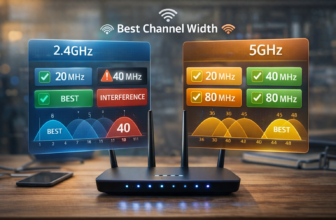
- Try 40MHz instead of 80MHz for better stability and range
3) Add Mesh or Access Points
Mesh systems extend coverage without sacrificing speed.
4) Use Band Steering
Let the router guide devices to the best band automatically.
Chipset vendors like Qualcomm design band-steering features to balance speed and coverage in real time.
What About Wi-Fi 6 and 6E?
- Wi-Fi 6 (5GHz): Better efficiency, same physics
- Wi-Fi 6E (6GHz): Even faster, even shorter range
Higher bands always trade distance for capacity.
FAQs: Why 5GHz Wi-Fi Doesn’t Reach Far
1) Is my router faulty if 5GHz is weak?
No. Shorter range is normal for 5GHz.
2) Does a stronger router fix this?
It helps a bit, but physics still applies.
3) Can antennas increase 5GHz range?
Marginally—placement matters more.
4) Should I disable 5GHz?
No. Use both bands together for best results.
5) Will Wi-Fi 7 fix range issues?
It improves efficiency and latency, not basic range physics.