Difficulty: Beginner
What’s New in Wi-Fi 6?
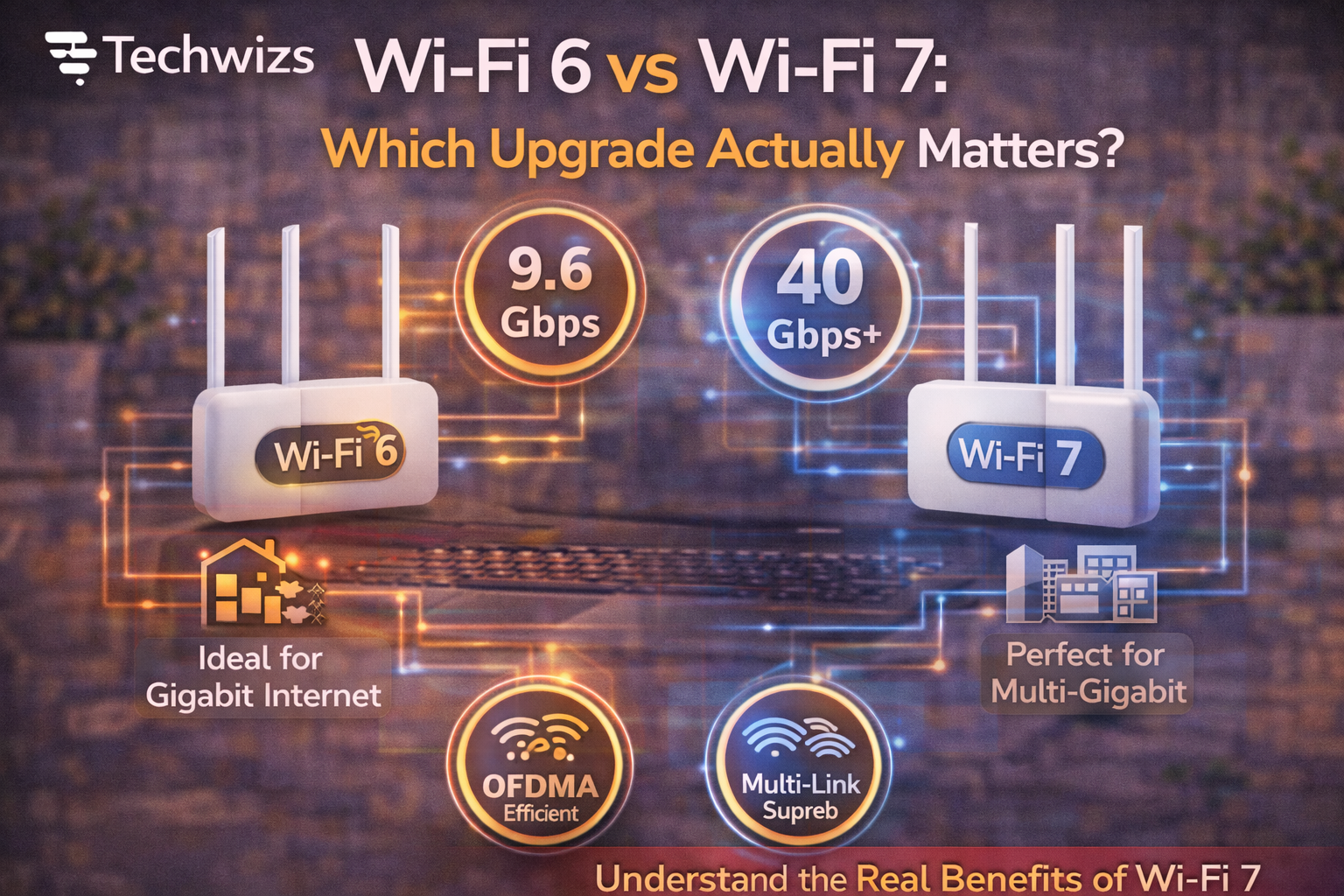
Wi-Fi 6 (802.11ax) was designed to fix congestion, not just boost peak speed.
Key improvements
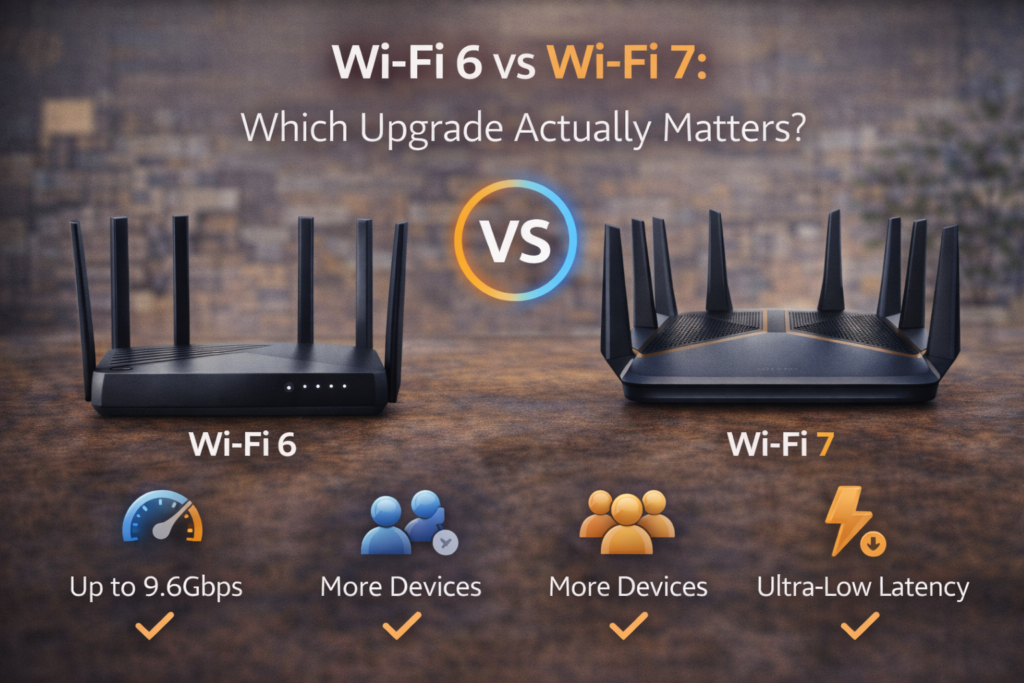
- Better performance with many devices (OFDMA)
- Improved efficiency and battery life (Target Wake Time)
- More stable connections in busy environments
Definition Box
Wi-Fi 6 (802.11ax)
A Wi-Fi standard focused on efficiency and reliability when many devices share the network.
According to guidance from Wi‑Fi Alliance, Wi-Fi 6 shines in apartments, offices, and smart homes.
What Does Wi-Fi 7 Add?
Wi-Fi 7 (802.11be) pushes performance boundaries with new techniques.
Key additions
- Multi-Link Operation (use multiple bands at once)
- Wider channels (up to 320 MHz)
- Higher modulation (4K-QAM)
- Lower latency for real-time tasks
Key Takeaway Box
Wi-Fi 7 is about speed and latency—not basic coverage.
Real-World Comparison (What You’ll Actually Notice)
| Area | Wi-Fi 6 | Wi-Fi 7 |
|---|---|---|
| Typical speed | Fast and stable | Extremely fast (with support) |
| Congested homes | Big improvement | Excellent |
| Latency | Good | Outstanding |
| Device support | Widely available | Limited (for now) |
| Value today | High | Niche |
Who Should Choose Wi-Fi 6?
Wi-Fi 6 is the better choice if you:
- Have many phones, TVs, and IoT devices
- Live in a crowded Wi-Fi area
- Want a noticeable upgrade today
- Don’t plan to replace all devices soon
For most households, Wi-Fi 6 solves real problems immediately.
Who Actually Needs Wi-Fi 7?
Wi-Fi 7 makes sense if you:
- Own (or plan to buy) Wi-Fi 7 devices
- Use high-end PCs, VR/AR, or 8K streaming
- Need ultra-low latency (gaming, creators)
- Want future-proofing and accept higher cost
Quick Fix Box
No Wi-Fi 7 devices? You won’t see Wi-Fi 7 benefits.
Compatibility and Cost Reality
- Wi-Fi 6 routers and devices are affordable and mature
- Wi-Fi 7 routers cost more and benefits depend on compatible clients
- Internet speed from your ISP still caps real-world results
Vendors like Qualcomm are accelerating Wi-Fi 7 adoption, but the ecosystem is still early.
The Smart Upgrade Path
- Upgrade to Wi-Fi 6 now if you’re on Wi-Fi 5 or older
- Wait on Wi-Fi 7 until devices catch up—or your use case demands it
- Prioritize placement, mesh coverage, and firmware updates regardless of standard
FAQs: Wi-Fi 6 vs Wi-Fi 7
1) Will Wi-Fi 7 make my internet faster?
Only if your devices and ISP speeds support it.
2) Is Wi-Fi 6 still worth buying in 2026?
Yes—excellent value and wide compatibility.
3) Do older devices work on Wi-Fi 7 routers?
Yes, but they won’t gain Wi-Fi 7 features.
4) Does Wi-Fi 7 improve range?
Not significantly; range depends more on placement and mesh.
5) Should gamers upgrade now?
Only if latency is critical and devices support Wi-Fi 7.