Difficulty: Beginner
What Actually Matters for Meeting Webcams
Before picking a model, prioritize features that improve calls, not streaming hype.
Definition Box
1080p Webcam
A webcam capable of Full HD video (1920×1080), offering clearer faces and text than 720p—ideal for meetings.
Must-haves
- 1080p at 30fps
- Decent low-light correction
- Built-in microphone with noise reduction
- USB plug-and-play (no drivers)
According to usage guidance from Microsoft for video calls, clarity and consistency matter more than peak specs.
Top 5 Best Budget Webcams for Online Meetings (2026)
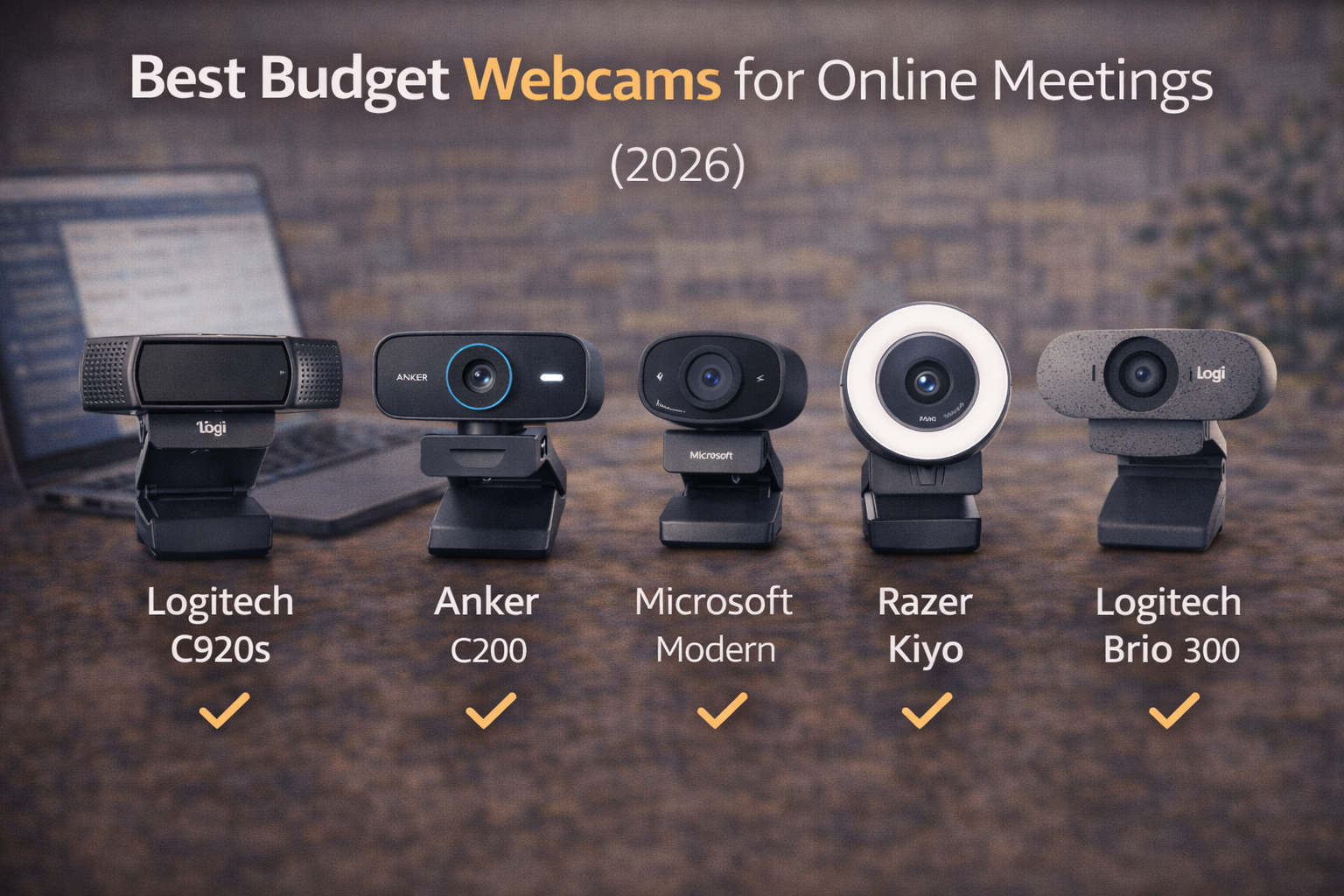
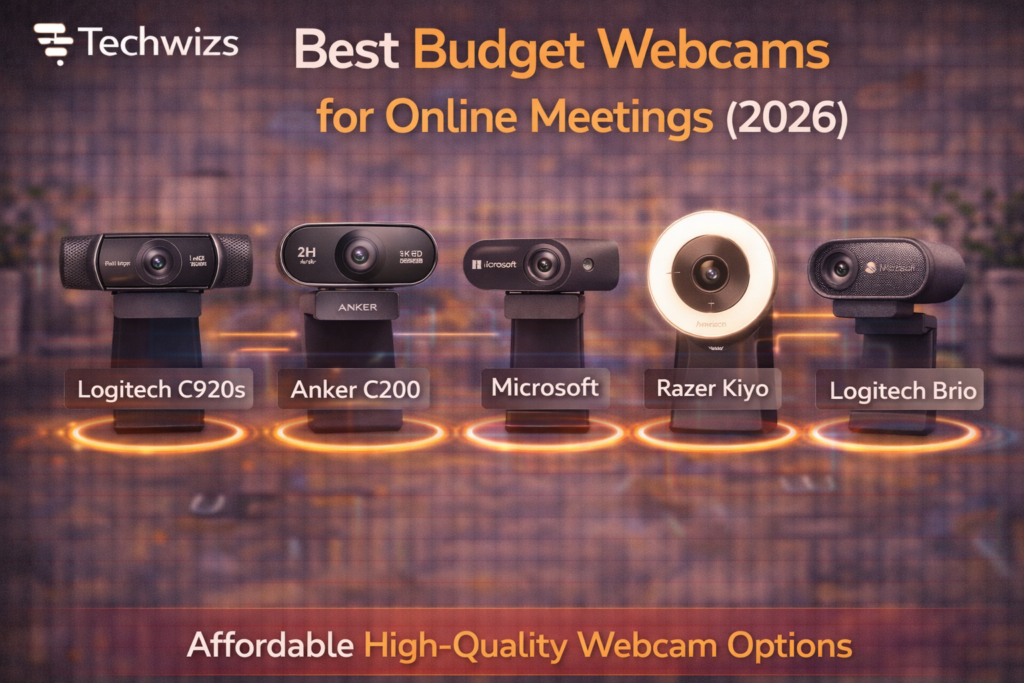
1) Logitech C920s HD Pro — Best Overall
- Why it stands out: Reliable 1080p, good autofocus, solid mic
- Best for: Daily work meetings, interviews
- Trade-off: Older model, but still dependable
2) Anker PowerConf C200 — Best Value
- Why it stands out: Sharp image, adjustable FOV, clear voice pickup
- Best for: Home offices on a budget
- Trade-off: No physical privacy shutter
3) Microsoft Modern Webcam — Best for Windows Users
- Why it stands out: Clean color, good HDR for bright rooms
- Best for: Teams calls and Windows setups
- Trade-off: Basic mounting
4) Razer Kiyo (1080p) — Best Low-Light Pick
- Why it stands out: Built-in ring light helps dim rooms
- Best for: Poor lighting, night calls
- Trade-off: Ring light isn’t for everyone
5) Logitech Brio 300 — Best Compact Design
- Why it stands out: Modern look, noise-reducing mic
- Best for: Small desks, travel
- Trade-off: Fixed focus
Quick Comparison
| Webcam | Resolution | Mic | Best For |
|---|---|---|---|
| Logitech C920s | 1080p | Stereo | All-around meetings |
| Anker C200 | 1080p | Dual | Best value |
| Microsoft Modern | 1080p | Mono | Windows users |
| Razer Kiyo | 1080p | Mono | Low light |
| Logitech Brio 300 | 1080p | Mono | Compact setups |
Lighting Beats Upgrades (Every Time)
Key Takeaway Box
A $15 desk lamp aimed at your face improves video more than a $50 webcam upgrade.
Position light at eye level, slightly off-center. Avoid bright windows behind you.
Common Mistakes to Avoid
- Relying on laptop webcams
- Sitting with backlighting
- Mounting the camera too low
- Ignoring mic quality
FAQs: Budget Webcams for Online Meetings
1) Is 720p enough in 2026?
For small tiles, yes—but 1080p looks more professional.
2) Do I need autofocus?
Helpful if you move a lot; fixed focus is fine if you sit still.
3) Built-in mic or headset?
A headset still sounds best, but webcam mics are acceptable.
4) Mac or Windows compatibility?
Most are plug-and-play on both.
5) Privacy shutter—important?
Nice to have, not required.