Difficulty: Intermediate
What Is WiFi 7?
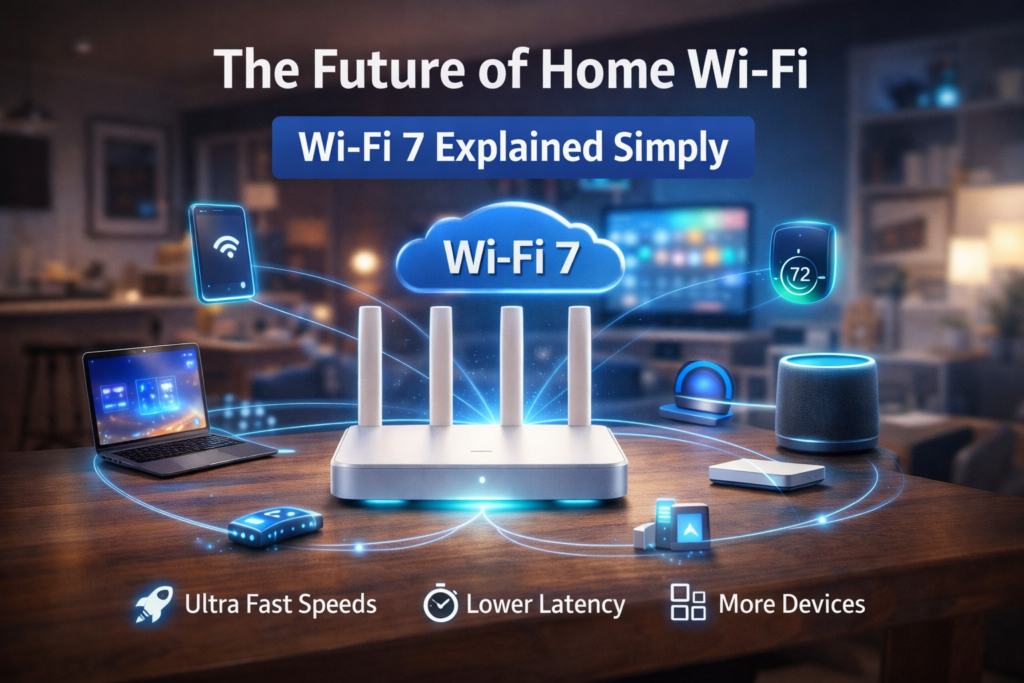
WiFi 7 is officially known as IEEE 802.11be, also called “Extremely High Throughput (EHT).” It’s the successor to Wi-Fi 6 and Wi-Fi 6E.
According to the Wi-Fi Alliance, WiFi 7 is designed to support:
- 8K streaming
- Cloud gaming
- AR/VR applications
- Multi-gigabit home broadband
In short: it prepares your home network for the next 5–10 years.
How Is WiFi 7 Different from WiFi 6?
To understand WiFi 7 explained simply, compare it with previous generations.
| Feature | WiFi 6 | WiFi 6E | WiFi 7 |
|---|---|---|---|
| Max Channel Width | 160 MHz | 160 MHz | 320 MHz |
| Bands | 2.4 & 5 GHz | 2.4, 5 & 6 GHz | 2.4, 5 & 6 GHz |
| Max Theoretical Speed | ~9.6 Gbps | ~9.6 Gbps | Up to 46 Gbps |
| Multi-Link Operation | No | No | Yes |
The biggest upgrades are:
- 320 MHz ultra-wide channels
- Multi-Link Operation (MLO)
- 4096-QAM modulation
What Makes WiFi 7 Faster?
1️⃣ Wider Channels (320 MHz)
Think of channel width like highway lanes.
Wi-Fi 6 = 4 lanes
Wi-Fi 7 = 8 lanes
More lanes mean more data can move simultaneously.
This is one of the biggest reasons WiFi 7 dramatically increases throughput.
2️⃣ Multi-Link Operation (MLO)
This is the real game changer.
Instead of connecting to just one band (like 5 GHz), WiFi 7 devices can use multiple bands at the same time.
Example:
- Your laptop connects to 5 GHz AND 6 GHz simultaneously.
- Data splits across both.
Result:
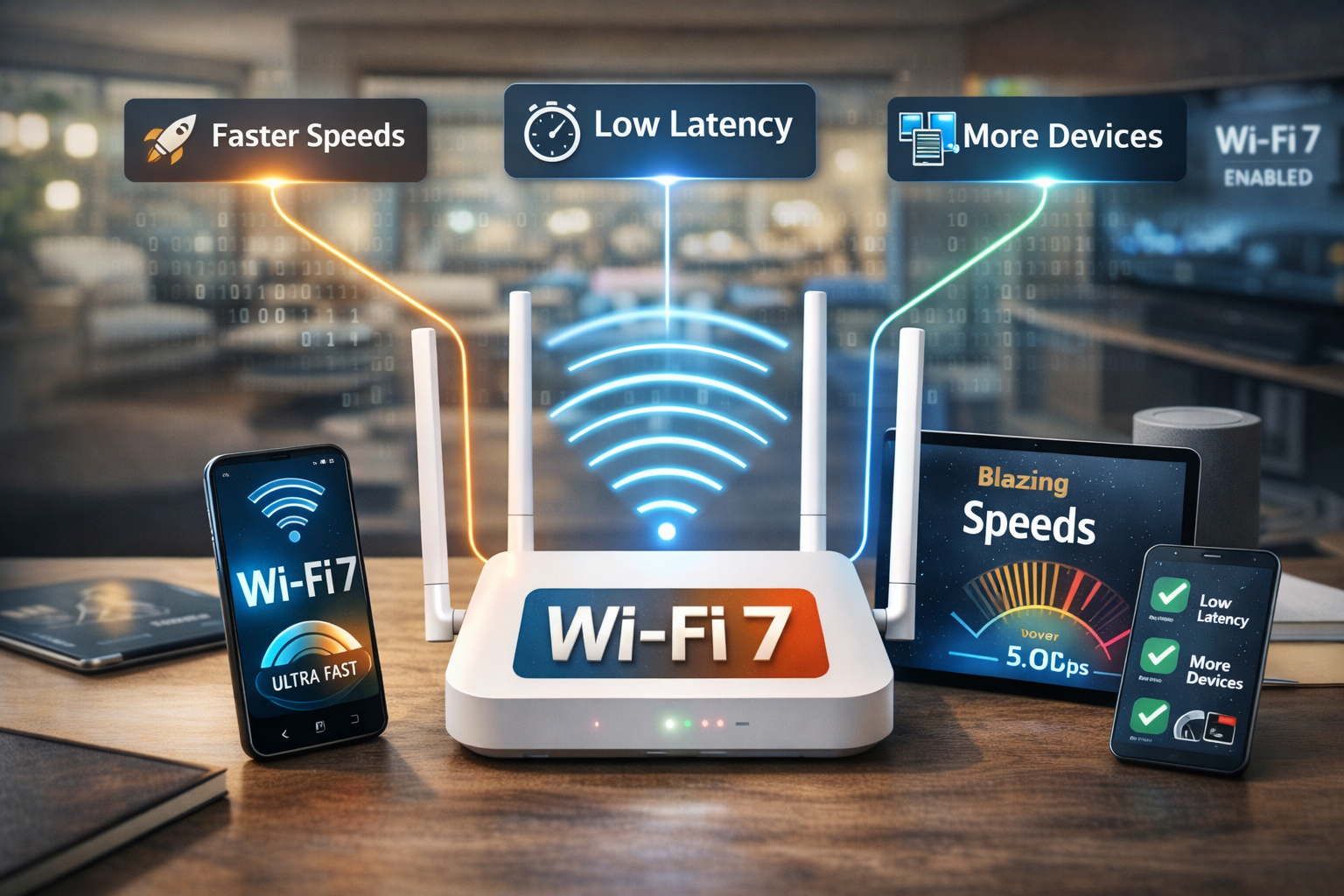
- Lower latency
- More stable connection
- Better gaming performance
For gamers and video conference users, this is huge.
3️⃣ 4096-QAM (Higher Data Density)
QAM determines how much data fits into a signal.
Wi-Fi 6 uses 1024-QAM
Wi-Fi 7 uses 4096-QAM
That means roughly 20% more data packed into each transmission.
More data per signal = higher speeds.
🧠 Definition Box
Multi-Link Operation (MLO):
A WiFi 7 feature that allows devices to send and receive data across multiple frequency bands at the same time for faster and more reliable connections.
What Does This Mean for Your Home?
Let’s make WiFi 7 explained simply in real-world terms.
📺 8K Streaming
Wi-Fi 7 can handle multiple 8K streams without buffering.
🎮 Cloud Gaming
Lower latency reduces lag spikes.
🏠 Smart Homes
If you have:
- Smart cameras
- Smart TVs
- Smart doorbells
- IoT sensors
Wi-Fi 7 manages device congestion better than older routers.
Do You Actually Need WiFi 7?
Here’s the practical answer:
You Should Consider WiFi 7 If:
- You have multi-gigabit internet (2 Gbps+)
- You stream 4K/8K regularly
- You play competitive online games
- You run a home office with heavy uploads
- You have 20+ connected devices
You Can Wait If:
- Your internet speed is below 1 Gbps
- You mostly browse and stream casually
- You recently upgraded to WiFi 6
Is WiFi 7 Backward Compatible?
Yes.
Wi-Fi 7 routers work with:
- Wi-Fi 6 devices
- Wi-Fi 5 devices
- Older Wi-Fi standards
But you only get full Wi-Fi 7 benefits with Wi-Fi 7-capable devices.
WiFi 7 vs Ethernet: Is Wired Still Better?
For absolute lowest latency, Ethernet still wins.
However, WiFi 7 narrows the gap significantly. For most homes, the difference becomes negligible.
For high-performance home offices, combining WiFi 7 with wired backhaul mesh systems offers the best balance.
Potential Downsides
No technology is perfect.
💰 Higher Cost
Wi-Fi 7 routers are currently premium-priced.
🔋 Higher Power Usage
Advanced processing may increase power consumption.
📱 Device Compatibility
You’ll need newer devices to fully benefit.
Real-World Scenario
Imagine a household with:
- 2 gamers
- 3 people streaming 4K
- 15 smart home devices
- Remote worker on video calls
With WiFi 6, congestion might occur.
With WiFi 7, wider channels and MLO distribute traffic more efficiently.
🛡️ Key Takeaway Box
WiFi 7 isn’t just about faster speeds — it’s about smarter bandwidth management for modern digital homes.
When Will WiFi 7 Become Mainstream?
Adoption depends on:
- Device upgrades
- ISP multi-gigabit availability
- Price drops
Industry analysts expect WiFi 7 to become mainstream within 3–5 years as compatible devices increase.
Frequently Asked Questions (FAQ)
1. Is WiFi 7 available now?
Yes, WiFi 7 routers are available, but compatible devices are still rolling out.
2. How much faster is WiFi 7 than WiFi 6?
Theoretical speeds are up to 4x faster, though real-world performance depends on your setup.
3. Does WiFi 7 improve gaming?
Yes. Multi-Link Operation reduces latency and stabilizes connections.
4. Will WiFi 7 improve range?
Not significantly. It focuses more on speed and efficiency than coverage.
5. Do I need new devices for WiFi 7?
Yes. To get full benefits, your devices must support Wi-Fi 7.