Difficulty: Beginner
What Makes a Good Budget Laptop for Students?
Before jumping into the list, let’s simplify what actually matters when choosing a student laptop.
1. Reliable Performance
Most students use laptops for:
- Google Docs or Microsoft Word
- Web research
- Online classes
- Video calls
- Streaming lectures
For these tasks, a laptop with Intel Core i3/i5 or AMD Ryzen 3/5 is usually enough.
2. At Least 8GB RAM
Think of RAM as your laptop’s “short-term memory.”
More RAM allows your laptop to run multiple apps without slowing down.
Minimum recommendation: 8GB RAM
3. SSD Storage (Not HDD)
SSD storage makes your laptop much faster.
For example:
- Apps open faster
- Windows starts faster
- Files load instantly
According to performance benchmarks across major hardware manufacturers, SSD storage can make laptops up to 5–10 times faster than older hard drives.
4. Good Battery Life
Students spend long hours in class or libraries, so battery life matters.
Look for laptops with 8–12 hours battery life.
5. Lightweight Design
A laptop carried daily should be comfortable.
Ideal weight for students:
1.2 – 1.7 kg
🧠 Definition Box
SSD (Solid State Drive):
A type of storage that loads files and applications much faster than traditional hard drives.
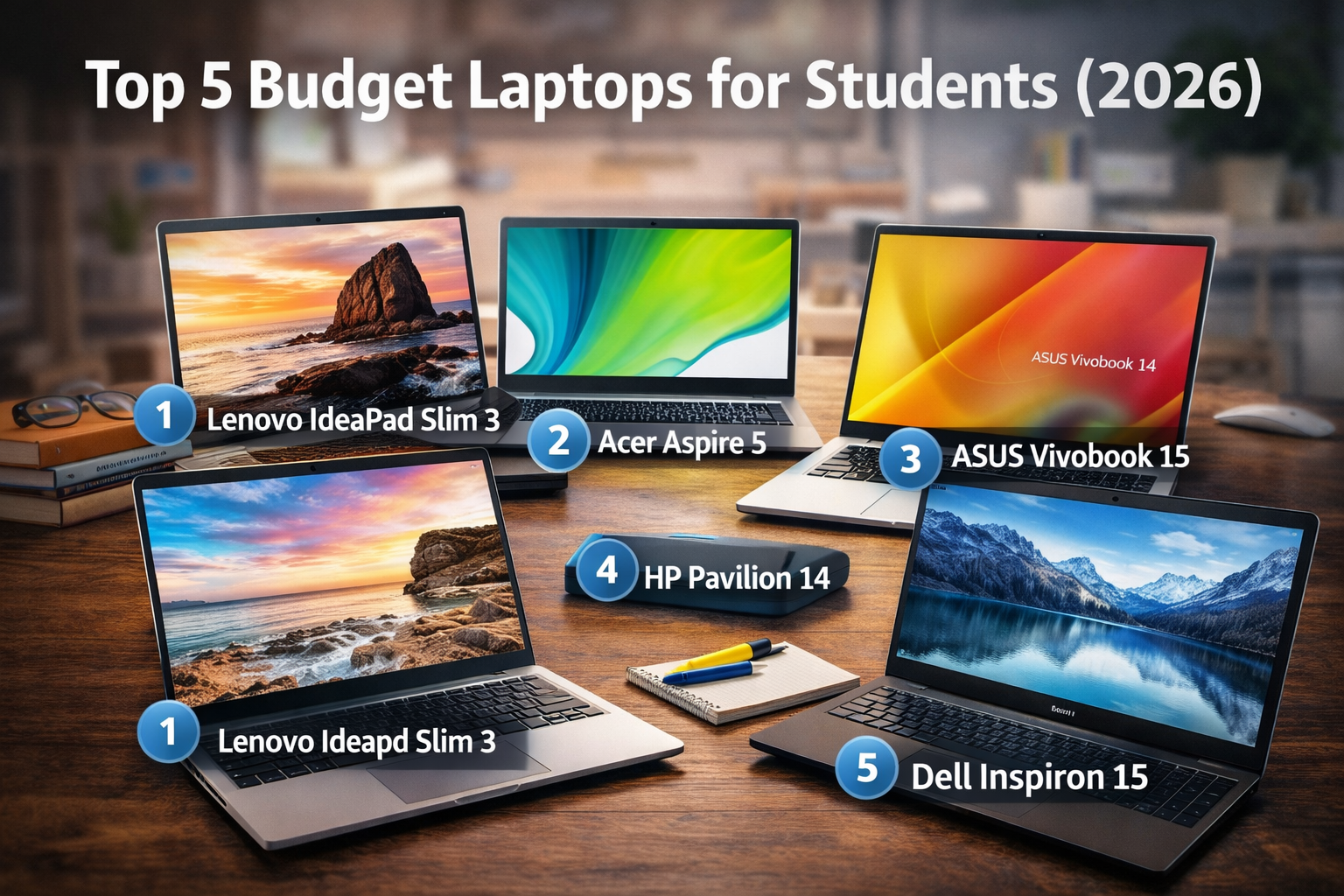
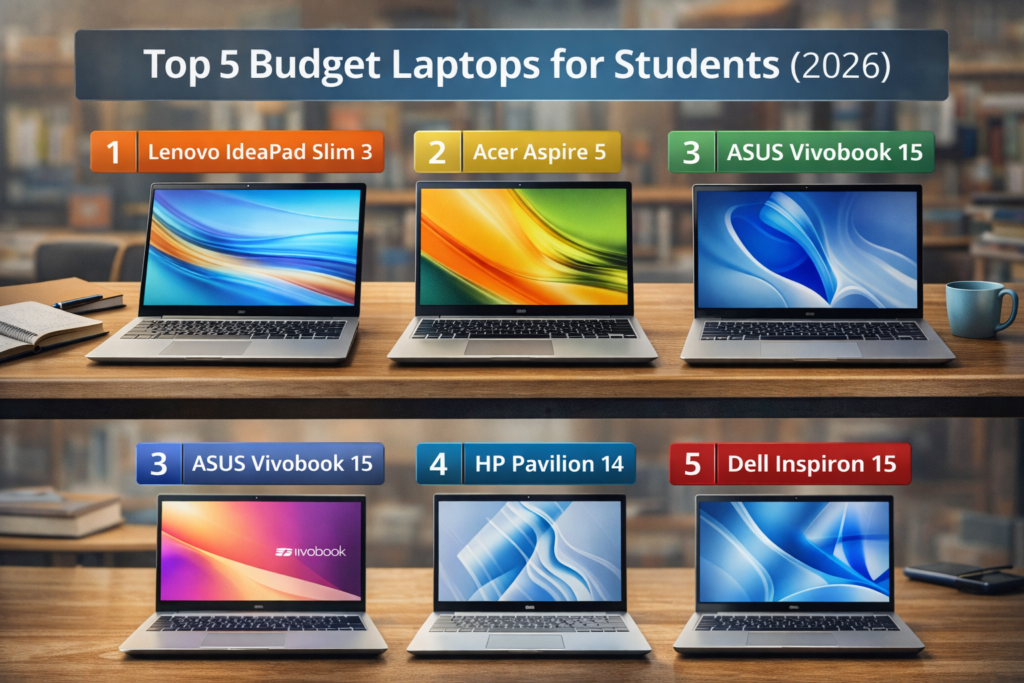
Top 5 Budget Laptops for Students (2026)
1. Lenovo IdeaPad Slim 3 (Best Overall Budget Laptop)
Estimated Price: $500 – $650
Lenovo’s IdeaPad series has long been popular with students because it offers strong value.
Why it’s good for students
- AMD Ryzen 5 processor
- 8GB RAM
- 512GB SSD
- 15.6” Full HD display
- Good keyboard for typing
This laptop easily handles schoolwork, browsing, and light multitasking.
Lenovo laptops are also known for their reliable keyboards, which is important if you type assignments frequently.
2. Acer Aspire 5 (Best Performance for the Price)
Estimated Price: $550 – $700
The Acer Aspire 5 is one of the most recommended student laptops because it balances performance and affordability.
Key features
- Intel Core i5 processor
- 8GB RAM
- 512GB SSD
- Backlit keyboard
- Full HD display
This laptop is powerful enough for:
- Office apps
- Programming classes
- Light photo editing
3. ASUS Vivobook 15 (Best Lightweight Option)
Estimated Price: $500 – $650
The ASUS Vivobook series is known for sleek design and portability.
Why students like it
- Thin and lightweight
- Intel Core i3 or Ryzen 5 options
- 8GB RAM
- Fast SSD storage
- Good battery life
If you carry your laptop between classes all day, this is a great choice.
4. HP Pavilion 14 (Best for Portability)
Estimated Price: $600 – $750
The HP Pavilion 14 is smaller and easier to carry.
Key highlights
- 14” Full HD display
- Intel Core i5 processor
- 8GB RAM
- Premium design
Students who travel or commute often prefer this model because it’s compact and durable.
5. Dell Inspiron 15 (Best Build Quality)
Estimated Price: $600 – $750
Dell’s Inspiron series is widely used in schools and offices.
Strengths
- Reliable build quality
- Intel Core i5 processor
- Comfortable keyboard
- Good customer support
Dell laptops are often chosen for their long-term reliability.
Quick Comparison Table
| Laptop | Best For | Processor | RAM | Storage |
|---|---|---|---|---|
| Lenovo IdeaPad Slim 3 | Overall Value | Ryzen 5 | 8GB | 512GB SSD |
| Acer Aspire 5 | Performance | Core i5 | 8GB | 512GB SSD |
| ASUS Vivobook 15 | Lightweight | Core i3 / Ryzen 5 | 8GB | 512GB SSD |
| HP Pavilion 14 | Portability | Core i5 | 8GB | 512GB SSD |
| Dell Inspiron 15 | Reliability | Core i5 | 8GB | 512GB SSD |
💡 Key Takeaway Box
For most students, the best budget laptop includes 8GB RAM, SSD storage, and a modern processor. These features ensure smooth performance for everyday school tasks.
Should Students Buy Windows or Chromebook?
This depends on what software your school requires.
Choose Windows Laptop If:
- You need Microsoft Office
- You run engineering or programming software
- You install specialized apps
Choose Chromebook If:
- Most work is done in a browser
- Budget is very limited
- You mainly use Google Docs
Windows laptops remain the most flexible option for most students.
How Much Should Students Spend on a Laptop?
A realistic student budget range in 2026 is:
$500 – $750
Below this price, laptops often include:
- Low RAM
- Slow processors
- Small storage
Investing slightly more usually means the laptop lasts longer.
Tips Before Buying a Student Laptop
1. Check RAM Upgradeability
Some laptops allow RAM upgrades later.
2. Look for Student Discounts
Manufacturers often offer student pricing.
3. Prioritize Battery Life
A laptop that lasts all day reduces the need to carry chargers.
Frequently Asked Questions (FAQ)
1. What is the best budget laptop for students in 2026?
The Lenovo IdeaPad Slim 3 and Acer Aspire 5 are among the best options for value and performance.
2. Is 8GB RAM enough for students?
Yes. For school tasks like browsing, assignments, and video calls, 8GB RAM works well.
3. Should students choose SSD or HDD?
Always choose SSD. It significantly improves speed and overall laptop responsiveness.
4. Are gaming laptops good for students?
Gaming laptops are powerful but heavier and more expensive. Most students don’t need them.
5. How long should a student laptop last?
A good student laptop should last 4–6 years with proper care.