Difficulty: Beginner
What Are HTTP and HTTPS? (Simple Explanation)
To understand HTTPS vs HTTP not secure, think of how messages travel across the internet.
HTTP (Hypertext Transfer Protocol)
HTTP is the original protocol used to load websites.
However, it sends information without encryption.
Think of HTTP like sending a postcard.
Anyone handling the postcard along the way could read what’s written on it.
HTTPS (Hypertext Transfer Protocol Secure)
HTTPS is the secure version of HTTP.
It uses encryption to protect data sent between your browser and the website.
Think of HTTPS like sending a sealed envelope.
Only the sender and receiver can read the contents.
Why Browsers Show “Not Secure”
Modern browsers such as Chrome, Edge, and Firefox warn users when a website uses HTTP instead of HTTPS.
You may see messages like:
- “Not Secure”
- “Connection Not Secure”
- “Your connection is not private”
According to Google Chrome security policies, websites that handle sensitive information without HTTPS are flagged because the connection is vulnerable to interception.
What Happens If You Use an HTTP Website?
When visiting an HTTP website:
- Data is transmitted in plain text
- Hackers on the same network could intercept information
- Login credentials may be exposed
- Forms may be manipulated
This is especially risky on public Wi-Fi networks.
For example, if you log into a site using HTTP at a café Wi-Fi network, someone with basic network tools could potentially capture that information.
🔐 Definition Box
SSL/TLS Encryption:
A security technology that encrypts communication between your browser and a website so others cannot read or alter the transmitted data.
Why Some Websites Still Show “Not Secure”
Even today, some websites still run on HTTP.
Here are the most common reasons.
1️⃣ The Website Never Installed an SSL Certificate
An SSL certificate enables HTTPS encryption.
Without it, the website must use HTTP.
Some small websites or older sites never installed one.
2️⃣ The Site Is Very Old
Many older websites were built before HTTPS became the standard.
Updating them requires:
- Server configuration changes
- Website updates
- Sometimes complete redesign
Some owners simply never updated them.
3️⃣ Mixed Content Errors
Sometimes a site technically uses HTTPS, but some elements still load via HTTP.
Examples include:
- Images
- Scripts
- Embedded media
Browsers may still show warnings because part of the page is insecure.
4️⃣ Expired SSL Certificate
If a certificate expires, browsers may treat the site as unsafe.
You may see warnings like:
- “Your connection is not private”
- “Certificate expired”
5️⃣ Misconfigured Hosting Server
Incorrect server configuration can cause HTTPS to fail even when a certificate exists.
How to Check If a Website Is Secure
You can easily check if a website uses HTTPS.
Look at the browser address bar.
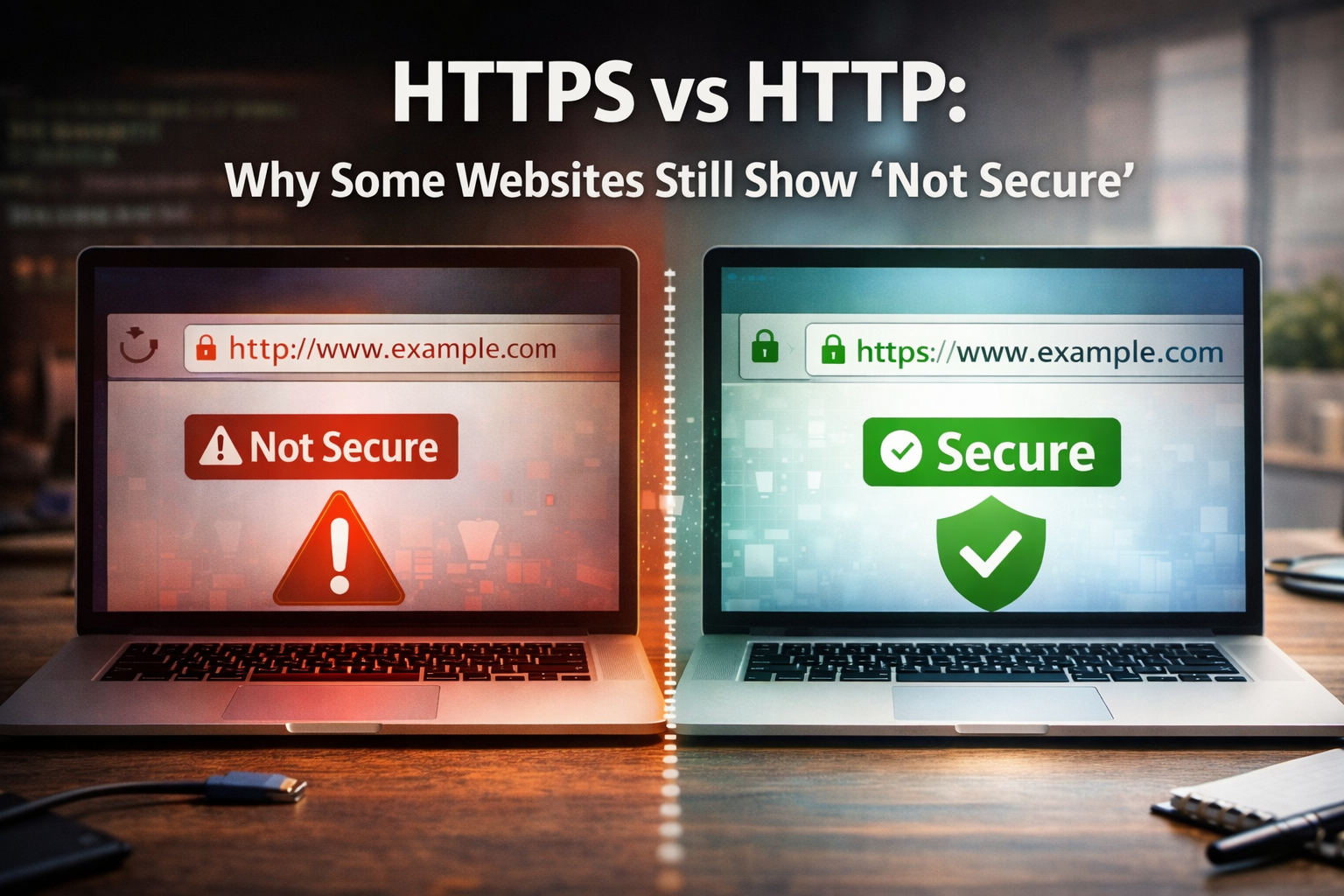
Signs of a Secure Website
- URL begins with https://
- A padlock icon appears
- No warning messages
Signs of an Insecure Website
- URL begins with http://
- Browser displays Not Secure
However, remember that HTTPS only encrypts the connection — it does not guarantee the website itself is trustworthy.

🛡️ Key Takeaway Box
HTTPS protects your connection with encryption.
HTTP sends data openly across the internet and may trigger “Not Secure” warnings in modern browsers.
Is It Dangerous to Visit HTTP Websites?
Not always.
Simply reading a webpage on HTTP is usually safe.
The risk increases when you:
- Enter passwords
- Submit personal data
- Make payments
In those cases, always ensure the site uses HTTPS.
Why HTTPS Became the Standard
Several major organizations pushed the internet toward HTTPS adoption.
Google began ranking HTTPS sites higher in search results, encouraging website owners to upgrade.
Today, industry data shows that over 90% of web pages loaded in Chrome use HTTPS.
This shift dramatically improved overall internet security.
If You Own a Website: How to Fix “Not Secure”
Website owners can fix the HTTPS vs HTTP not secure issue by enabling SSL.
Typical steps include:
- Install an SSL certificate
- Enable HTTPS on the web server
- Redirect HTTP traffic to HTTPS
- Update internal website links
Many hosting providers now offer free SSL certificates through Let’s Encrypt.
Real-World Example
Imagine logging into your email account.
If the login page used HTTP instead of HTTPS:
- Your username and password would travel across the internet unencrypted.
Anyone monitoring the network could potentially capture it.
This is why secure websites now require HTTPS for login pages.
Frequently Asked Questions (FAQ)
1. What does “Not Secure” mean in my browser?
It means the website is using HTTP instead of HTTPS, so the connection is not encrypted.
2. Is HTTP completely unsafe?
Not necessarily. It’s usually safe for reading public information, but unsafe for entering sensitive data.
3. Can hackers steal my information on HTTP websites?
Yes. Because data is not encrypted, attackers on the same network could intercept it.
4. Why do some small websites still use HTTP?
Older websites may not have installed SSL certificates or updated their hosting configuration.
5. Does HTTPS guarantee a website is trustworthy?
No. HTTPS protects the connection, but it does not guarantee the website itself is legitimate.