Difficulty: Beginner
What Is a Cloud PC?
A Cloud PC is basically a computer that runs in a data center instead of inside your physical laptop.
Think of it like Netflix for computers.
Instead of storing movies on DVDs, Netflix streams content from the cloud. A Cloud PC works similarly:
- The actual computing happens remotely
- Your screen simply displays it
- You access it over the internet
You can connect to your Cloud PC from:
- A laptop
- Tablet
- Smartphone
- Thin client
- Even an old computer
One popular example is Microsoft Windows 365 Cloud PC services.
What Is a Traditional Laptop?
A traditional laptop contains:
- CPU
- RAM
- Storage
- Graphics hardware
- Battery
Everything runs locally inside the device itself.
That means:
- Apps run directly on the laptop
- Files are stored locally
- Processing happens internally
Even without internet access, the laptop still works normally.
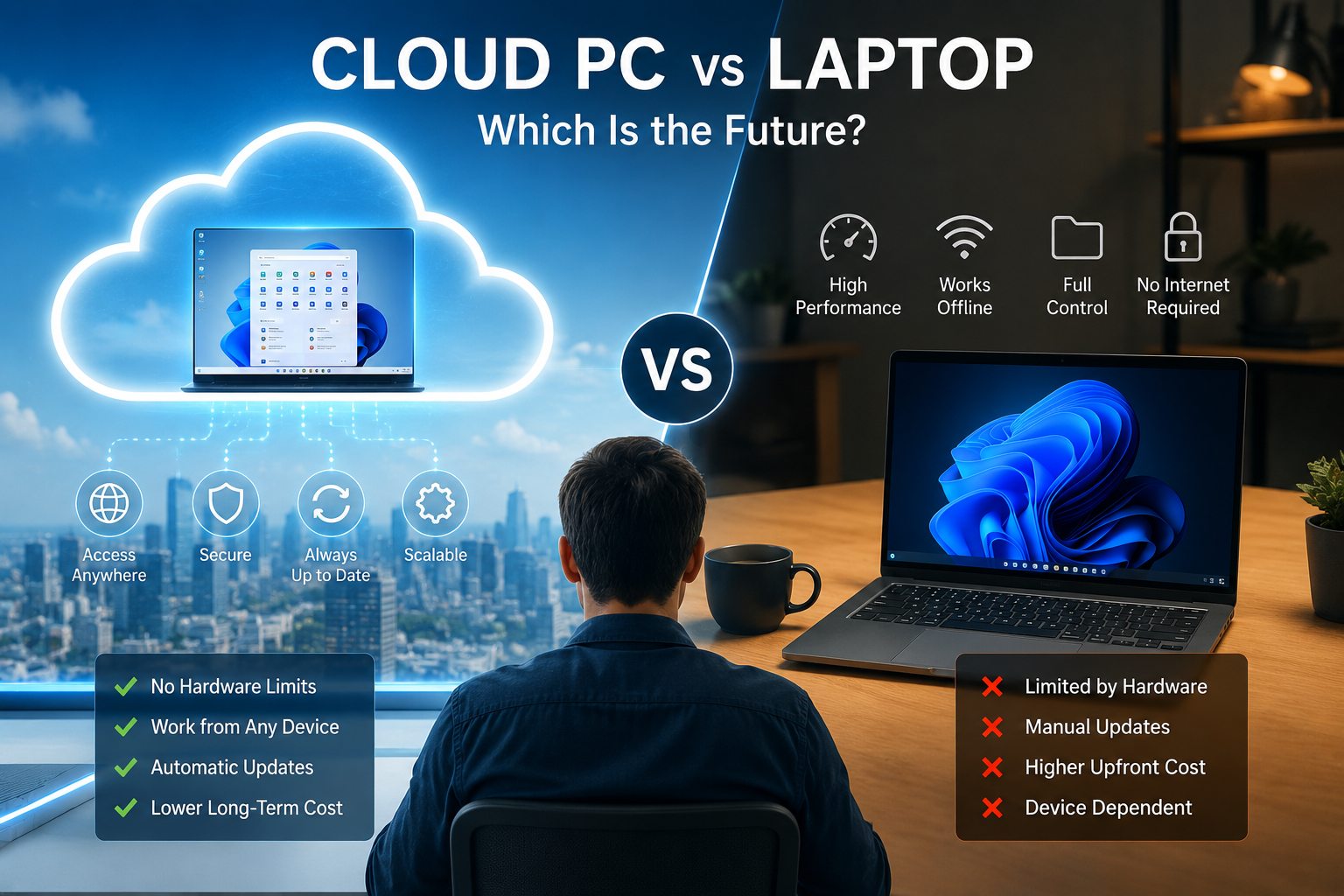
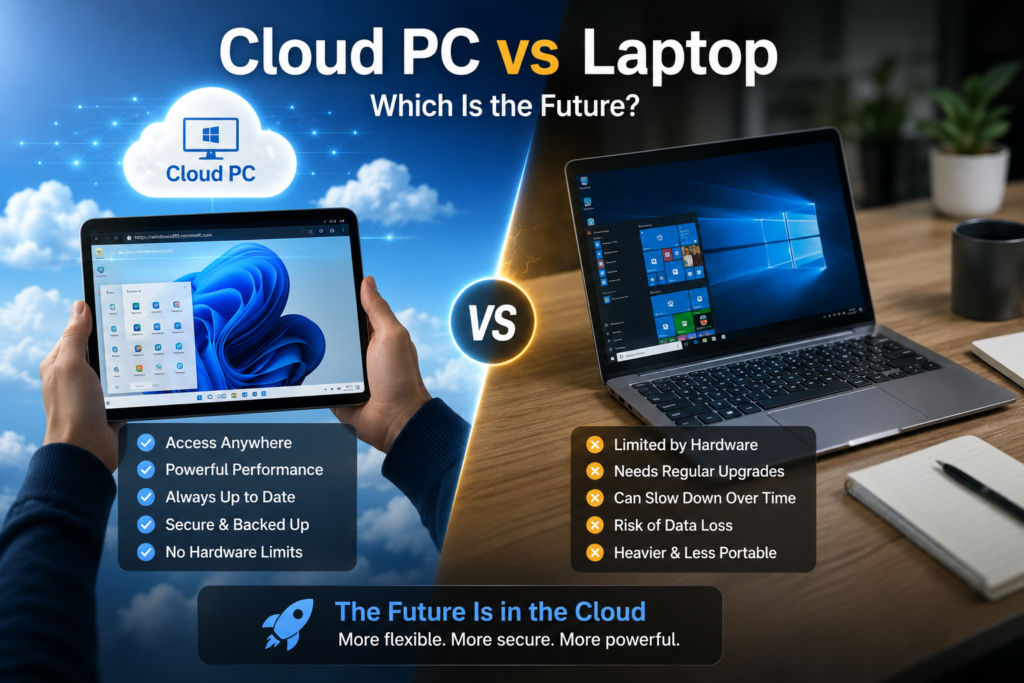
Quick Comparison Box
Cloud PC vs Laptop at a Glance
Cloud PC
- Runs through the internet
- Centralized management
- Better for remote work
- Easier enterprise security
- Depends heavily on internet quality
Laptop
- Works offline
- Full local performance
- Better for gaming/video editing
- Portable and independent
- Hardware ages over time
Why Companies Are Interested in Cloud PCs
Businesses love Cloud PCs because they simplify IT management.
Instead of configuring hundreds of individual laptops manually, IT teams can:
- Deploy virtual desktops instantly
- Control security centrally
- Standardize environments
- Reduce data leakage risks
- Support remote workers easily
For example:
A new employee can receive access to a Cloud PC within minutes without waiting for physical hardware delivery.
This is especially attractive for:
- Hybrid workplaces
- Call centers
- Developers
- Outsourced teams
- Contractors
- Global companies
Biggest Advantages of Cloud PCs
1. Work From Anywhere
Your “computer” follows you everywhere.
You can:
- Start work on office PC
- Continue on home laptop
- Check files on tablet
- Access systems while traveling
All with the same environment.
Think of it like carrying your office in your pocket.
2. Better Security
This is one of the biggest reasons companies adopt Cloud PCs.
Sensitive company data stays inside the cloud environment instead of the employee’s device.
That reduces risks from:
- Stolen laptops
- Lost devices
- Unauthorized copying
- Malware infections
According to Google and enterprise cybersecurity trends, centralized security management is becoming increasingly important as remote work expands.
3. Older Devices Can Still Be Useful
A Cloud PC reduces dependence on powerful local hardware.
Even older laptops may still work well because:
- Heavy processing happens remotely
- Local device requirements become lighter
This can reduce hardware replacement costs.
4. Easier IT Management
For IT departments, Cloud PCs simplify:
- Software deployment
- Security patching
- User provisioning
- Access control
- Backup management
Instead of fixing many physical devices individually, admins manage systems centrally.
5. Faster Recovery After Hardware Failure
If your laptop dies:
- Your Cloud PC still exists
- Your files remain accessible
- You can log in from another device quickly
This reduces downtime significantly.
Biggest Advantages of Traditional Laptops
1. Works Without Internet
This remains a huge advantage.
Without internet:
- Cloud PCs become limited or unusable
- Laptops continue working normally
For travelers or areas with weak internet, laptops still dominate.
2. Better for Gaming and Creative Work
Gaming, video editing, 3D rendering, and AI workloads often require:
- Strong GPU performance
- Low latency
- Local processing power
Cloud PCs can struggle with:
- Lag
- Streaming delays
- Bandwidth limitations
This is why high-end creators and gamers still rely heavily on physical hardware.
3. One-Time Purchase
With laptops:
- You buy once
- You own the hardware
Cloud PCs usually involve monthly subscriptions.
Over several years, subscription costs may exceed laptop ownership costs.
4. Better Performance Consistency
Cloud PCs depend on:
- Internet speed
- Server performance
- Cloud provider stability
A laptop gives you direct access to your hardware all the time.
The Biggest Problem With Cloud PCs
Internet Dependency
This is the biggest limitation today.
A Cloud PC is only as good as your internet connection.
Poor internet can cause:
- Lag
- Freezing
- Input delay
- Disconnects
- Lower productivity
Think of it like streaming 4K video on slow Wi-Fi — the experience becomes frustrating quickly.
Are Cloud PCs Replacing Laptops?
Not completely.
Instead, the future may become hybrid.
Many users may have:
- Lightweight laptops
- Cloud-based work environments
- Centralized cloud storage
- AI-powered remote computing
The physical device becomes more like a “window” into cloud services.
Cloud PC vs Laptop for Different Users
Best for Office Workers
Cloud PC can be excellent for:
- Spreadsheets
- Meetings
- CRM systems
- Web applications
Especially for hybrid work environments.
Best for Gamers
Traditional laptops still win.
Gaming needs:
- Low latency
- High FPS
- Dedicated GPUs
Cloud gaming is improving, but physical gaming hardware remains superior for serious players.
Best for Students
Traditional laptops are still more practical because:
- Offline work matters
- Budget matters
- Internet may not always be stable
But Cloud PCs may grow in schools over time.
Best for IT Departments
Cloud PCs offer major operational advantages:
- Centralized security
- Easier deployment
- Faster onboarding
- Better compliance control
This is why enterprises are investing heavily into virtual desktop infrastructure (VDI) and cloud workspaces.
Will AI Accelerate Cloud PCs?
Very likely.
AI workloads often require:
- Powerful GPUs
- Large computing resources
- Centralized processing
Cloud infrastructure handles these better than lightweight local devices.
This could push more computing into the cloud over the next decade.
Many newer AI systems already rely heavily on cloud-based processing rather than local laptops.
Definition Box
What Is VDI?
VDI stands for Virtual Desktop Infrastructure.
It allows users to access virtual desktops hosted in centralized servers or cloud environments instead of using fully local computers.
Is the Future Fully Cloud-Based?
Probably not fully.
Instead, we are moving toward:
- Cloud-assisted computing
- Hybrid workflows
- AI-enhanced cloud systems
- Lightweight portable devices
Physical hardware will still matter, especially for:
- Gaming
- Creative work
- Offline productivity
- High-performance workloads
But cloud computing will likely become much more common in everyday work environments.
FAQ
What is the difference between a Cloud PC and a laptop?
A laptop processes everything locally, while a Cloud PC runs remotely through internet-connected cloud servers.
Can a Cloud PC work offline?
Not properly. Cloud PCs depend heavily on internet connectivity.
Are Cloud PCs secure?
They can be very secure because data stays centralized instead of being stored on local devices.
Is Cloud PC better for gaming?
No. Traditional gaming laptops still provide better performance and lower latency.
Why are companies moving to Cloud PCs?
They simplify remote work, improve centralized management, and strengthen security control.
Will Cloud PCs replace laptops completely?
Probably not. Both will likely coexist depending on user needs and workloads.
Final Thoughts
The debate around Cloud PC vs Laptop is not really about one completely replacing the other.
Instead, computing is evolving into a hybrid future.
Traditional laptops still offer:
- Flexibility
- Offline capability
- High performance
- Independence
Meanwhile, Cloud PCs offer:
- Scalability
- Centralized management
- Remote access
- Better enterprise control
For businesses, Cloud PCs are becoming increasingly attractive.
For gamers, creators, and travelers, physical laptops still remain essential.
The future probably belongs to a combination of both.