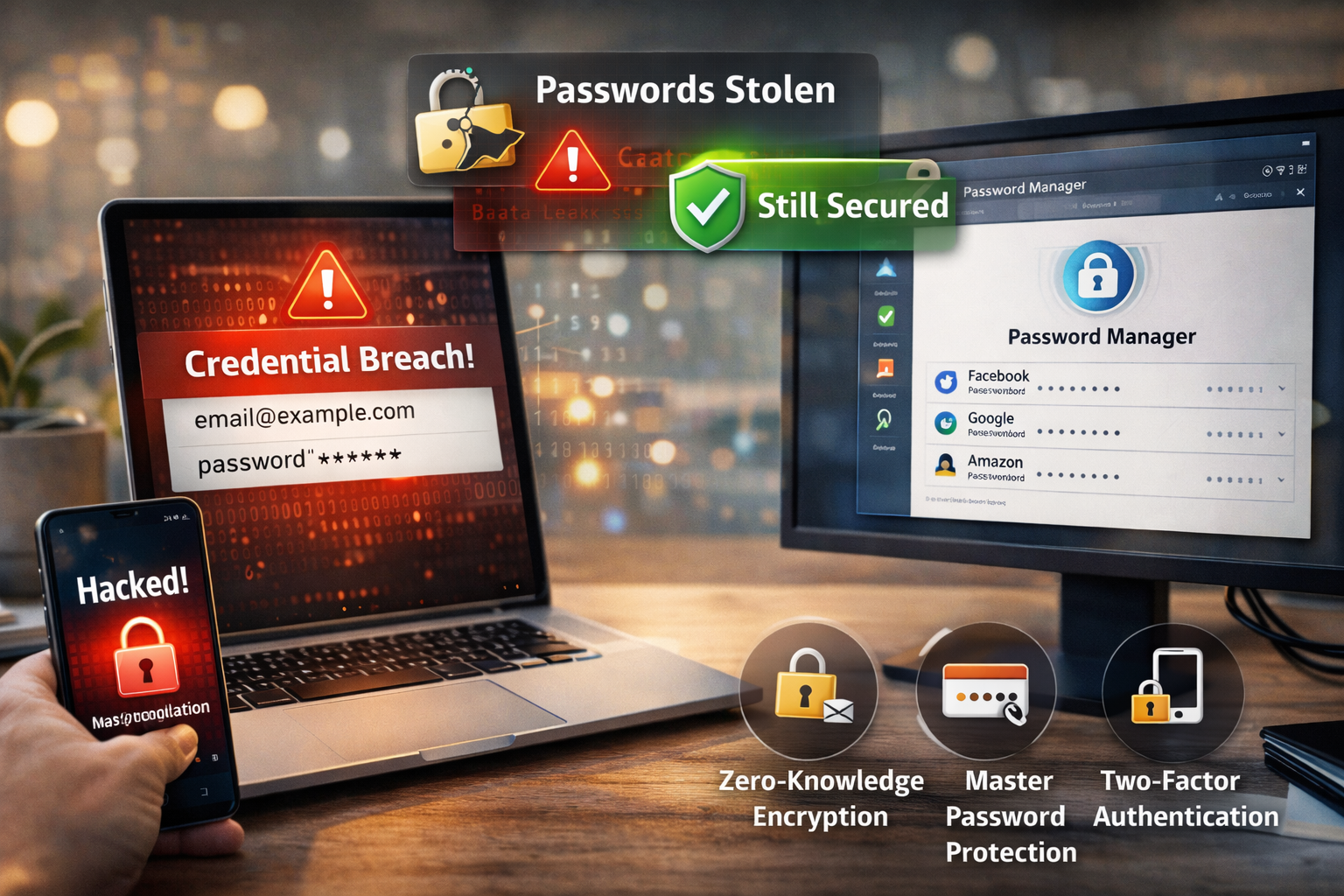
Difficulty: Beginner
What Is a Password Manager (Simple Explanation)?
A password manager is like a digital vault.
Instead of remembering dozens of passwords, you:
- Store them in one secure place
- Lock everything with one master password
Think of it like:
A safe box where only you have the key — not even the company that built it.
Why People Think Password Managers Are Risky
The biggest fear is simple:
“If someone hacks the password manager, won’t they get all my passwords?”
That sounds logical — but this is where modern security design changes everything.
🔐 Definition Box
Encryption:
A method of scrambling data so it becomes unreadable without the correct key — like turning text into a secret code.
The 3 Reasons Password Managers Are Safe
1️⃣ Strong Encryption (Your Data Is Scrambled)
When you store passwords, they are encrypted using standards like AES-256 encryption.
What does that mean in simple terms?
- Your password → turned into unreadable code
- Only your master password can unlock it
Even if hackers steal the database:
- They only get scrambled data
- Not usable passwords
According to security standards used globally, AES-256 encryption is considered practically unbreakable with current technology.
2️⃣ Zero-Knowledge Architecture (Even the Company Can’t See Your Data)
This is the most important concept behind why password managers are safe.
Zero-knowledge means:
- The company storing your data cannot see your passwords
- They do not store your master password
- They cannot decrypt your vault
So even if the company is hacked:
- Hackers still can’t read your data
Think of it like:
A locked safe stored in someone else’s building — but only you have the key.
3️⃣ Decryption Happens on Your Device
Your passwords are only decrypted:
- On your phone
- On your laptop
Never on the company’s servers.
So even during a breach:
- Servers hold encrypted blobs
- Not readable information
This design is why password managers are safe even in large-scale cyber incidents.
What Happens If a Password Manager Gets Hacked?
Let’s walk through it in simple steps.
Scenario:
A hacker breaks into a password manager company.
What they can get:
- Encrypted vault data
- User email addresses
What they cannot get:
- Your actual passwords
- Your master password
Without your master password, the stolen data is useless.
⚠️ Quick Reality Check Box
Even in a breach:
- Your passwords remain encrypted
- Hackers cannot read them
- You only need to stay safe by protecting your master password
The Real Risk: Weak Master Password
Here’s the honest truth:
Password managers are safe — but only if your master password is strong.
If your master password is:
- Short
- Common
- Reused
Then attackers could try:
- Brute force attacks
- Guessing attacks
How to Make Your Password Manager Truly Secure
1️⃣ Use a Strong Master Password
Make it:
- Long (12–16+ characters)
- Unique
- Easy for you, hard for others
Example method:
Combine random words:
“CoffeeTigerSkyBridge2026”
2️⃣ Enable Two-Factor Authentication (2FA)
Add an extra layer:
- SMS code
- Authenticator app
- Security key
Even if someone guesses your password, they still can’t access your vault.
3️⃣ Keep Your Device Secure
Because decryption happens locally:
- Keep your laptop and phone safe
- Use screen lock
- Avoid malware
4️⃣ Avoid Phishing Attacks
Hackers often don’t break encryption — they trick users instead.
Be careful with:
- Fake login pages
- Suspicious emails
Real-World Example
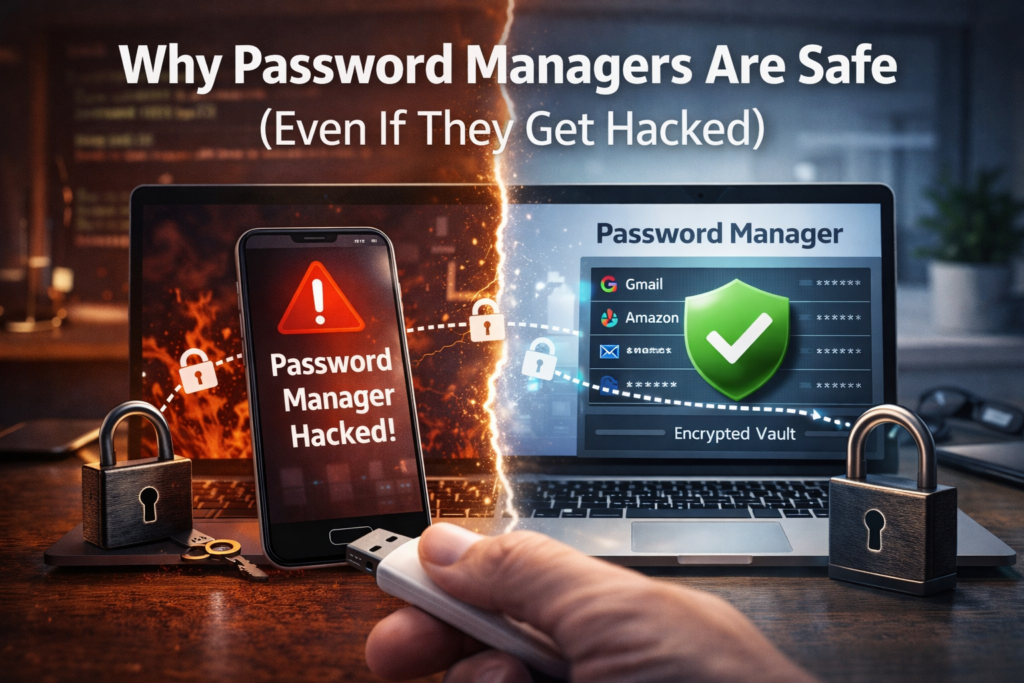
A major password manager company once experienced a breach where encrypted vault data was accessed.
Result:
- No plain-text passwords leaked
- No user vaults decrypted
Why?
Because:
- Encryption worked
- Zero-knowledge design protected users
This is a real-world proof that password managers are safe when properly implemented.
Why Password Managers Are Safer Than Reusing Passwords
Without a password manager, many people:
- Reuse the same password everywhere
- Use weak passwords
If one site gets hacked:
- All accounts are at risk
With a password manager:
- Every account has a unique password
- Breach impact is limited
🛡️ Key Takeaway Box
Password managers are safe because they don’t store readable passwords — only encrypted data that only you can unlock.
When Are Password Managers NOT Safe?
They become risky only if:
- Your master password is weak
- You fall for phishing attacks
- Your device is infected with malware
The tool itself is secure — user habits matter.
Should You Use a Password Manager?
Recommended For:
- Everyone using multiple accounts
- Online banking users
- Business professionals
- Remote workers
Not Recommended Only If:
- You refuse to use strong passwords
- You don’t enable 2FA
Frequently Asked Questions (FAQ)
1. Can hackers see my passwords in a password manager?
No. Passwords are encrypted and unreadable without your master password.
2. What happens if I forget my master password?
Most password managers cannot recover it due to zero-knowledge design.
3. Are password managers safer than writing passwords down?
Yes. Encryption is far more secure than physical or digital notes.
4. Can password managers be hacked?
Yes, systems can be breached — but your encrypted data remains protected.
5. Is using one master password risky?
No, as long as it is strong and combined with 2FA.