

Many people still follow old advice like draining a battery to 0% or always charging it to 100%. These habits may have worked for older battery types, but they are harmful for today’s lithium-ion and lithium-polymer batteries. Modern devices require modern habits. With the right battery life tips, you can significantly extend the health and lifespan of your laptop or phone, avoid unnecessary replacements, and reduce long-term costs.
Why Understanding Battery Life Tips Matters
Lithium-ion batteries degrade over time due to heat, deep discharges, and prolonged full charges. According to Battery University, keeping your battery near 100% for long periods significantly increases wear because voltage stays at its highest peak. Additionally, research from Apple shows that device performance and longevity are closely tied to optimized charging patterns.
Because many people rely on myth-based charging habits, adopting proper battery life tips can prevent premature aging and slow the battery replacement cycle.
The Science Behind Modern Batteries
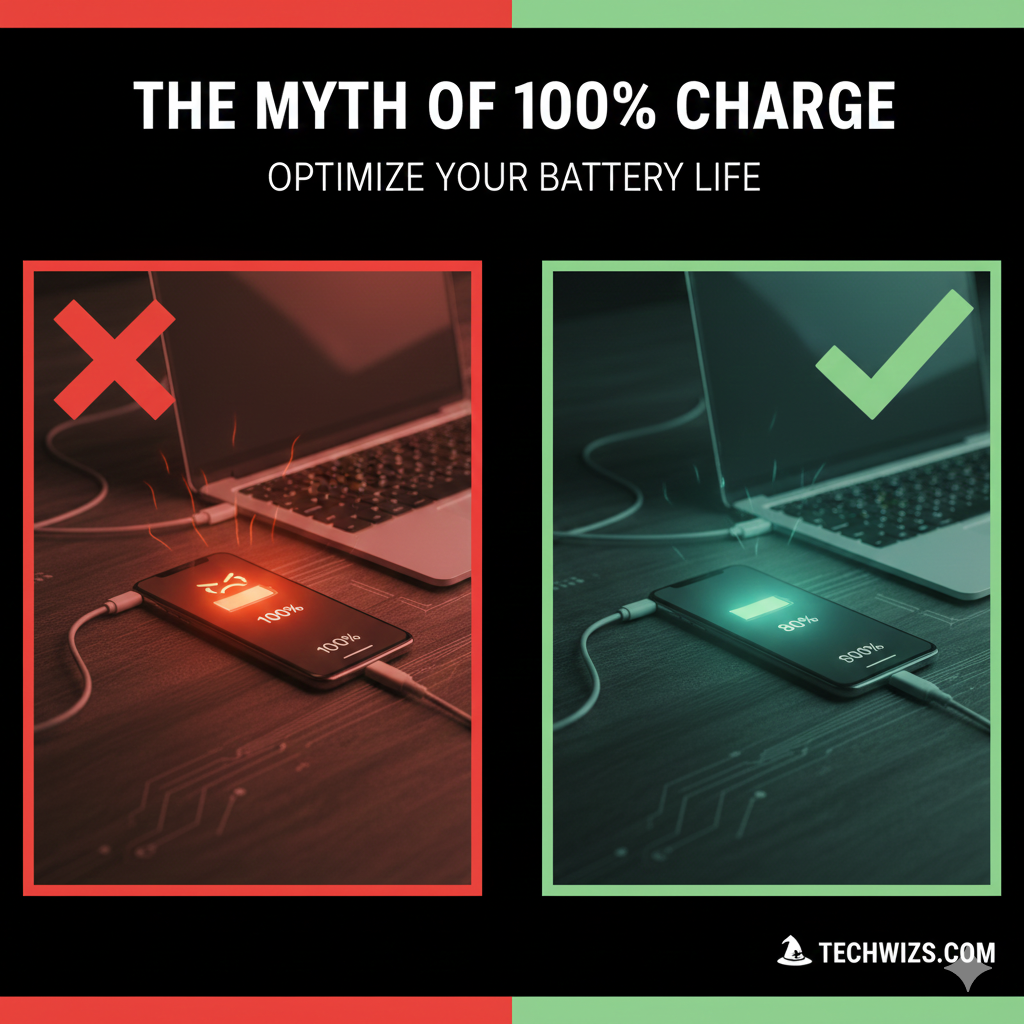
Lithium-ion batteries prefer shallow discharges and partial charging. Unlike older nickel-based batteries, they do not need to be fully drained or calibrated. Instead, they perform best in a moderate charge range, avoiding both extremes.
Key battery behaviors
- High voltage during 100% charge accelerates wear.
- Very low charge (0–10%) adds stress to battery chemistry.
- Heat is one of the biggest contributors to long-term degradation.
These scientific principles shape the recommended charging habits used by Apple, Samsung, Google, and major laptop manufacturers.
Battery Life Tips: The “Sweet Spot” Charging Range (20% to 80%)
Why the 20% to 80% Range Works
Maintaining your battery in this middle range keeps voltage stress low. Therefore, the battery ages more slowly. Manufacturers such as Tesla use the same principle for their electric vehicles to delay degradation.
How to Maintain This Range
- Unplug when you reach around 80%.
- Charge briefly instead of waiting for 0%.
- Avoid keeping your device at 100% overnight.
These simple charging behaviors help preserve battery health.
Native Battery Protection Features You Should Enable
Apple Optimized Charging
Apple devices learn your charging routine and delay full charging until needed. This limits the time spent at 100%.
Samsung and Android Battery Protection
Android devices often include settings that cap charging at 85% or use adaptive charging automation.
Windows and macOS Battery Health Tools
Many laptops include options that limit charging to 80% when plugged in for long periods, ideal for desktop-style use.
Battery Life Tips for Reducing Heat
Common Heat Sources
- Gaming or heavy apps
- Charging while using
- Keeping devices in cars or hot environments
- Thick cases restricting airflow
Practical Heat-Reduction Habits
- Remove unnecessary cases while charging.
- Avoid fast charging during hot weather.
- Close background apps before gaming.
Heat control is one of the most overlooked battery life tips, yet it has a major impact on long-term health.
Daily Habits That Help Extend Battery Lifespan
Avoid Deep Discharges
Keeping your battery above 20% reduces internal stress.
Avoid Constant 100%
Full charges increase voltage and accelerate chemical aging.
Use Partial Charging
Short, frequent charges are healthier than one long charge.
Store Devices at 50% When Not in Use
If you store a device for weeks, keeping it around 50% extends lifespan.
Key Takeaway
The best way to protect your device is to avoid extremes. Using a 20% to 80% charging range, enabling native software protections, managing heat, and following modern battery life tips will significantly prolong your laptop and phone battery lifespan.
Frequently Asked Questions (FAQ)
Should I charge my phone to 100% every night?
It is better to avoid overnight charging. If you must, enable optimized charging so the device delays reaching 100%.
Is it harmful to let my battery reach 0%?
Yes. Deep discharges add chemical stress and reduce long-term battery health.
Does fast charging reduce battery life?
Fast charging creates heat. Occasional fast charging is fine, but frequent use may accelerate wear.
Do laptops also benefit from the 20% to 80% rule?
Yes. Keeping laptops at moderate charge levels helps extend battery lifespan, especially for MacBooks and Windows ultrabooks.
Should I remove my phone case when charging?
If your device feels warm, removing the case helps reduce heat buildup.






[…] Windows battery-saving guidance recommends adjusting settings that use more power, including screen brightness, screen saver, and […]