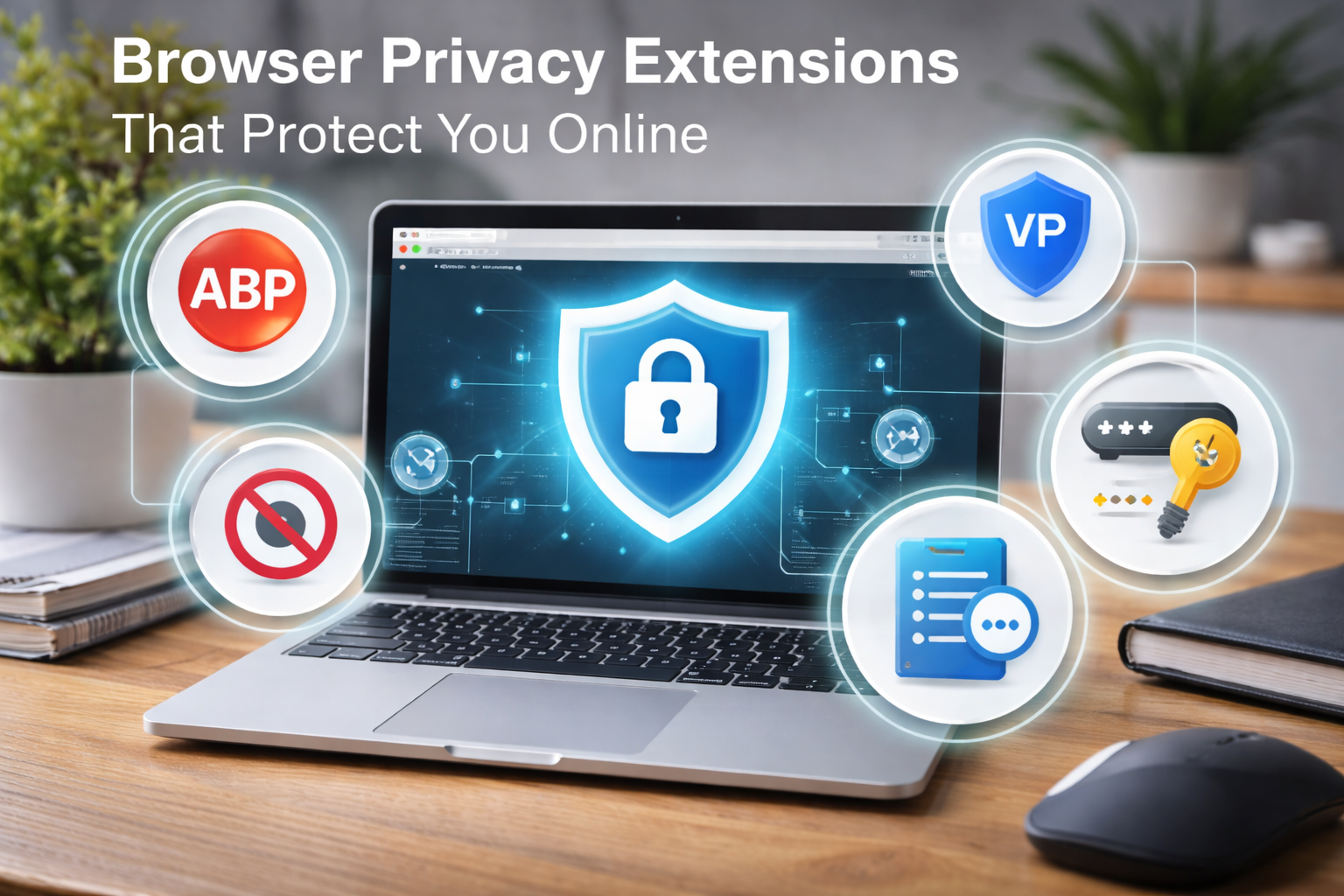
What Are Browser Privacy Extensions?
Browser privacy extensions are add-ons you install in your web browser to control how websites track, identify, or profile you.
Definition Box
Browser Privacy Extensions
Small software tools that enhance your browser by blocking trackers, ads, fingerprinting scripts, and other privacy-invasive technologies.
Unlike antivirus software, these tools focus specifically on online behavior, tracking prevention, and data minimization.
Why Online Privacy Is at Risk Today
Modern websites rarely operate alone. A single page may load:
- Ad networks
- Analytics scripts
- Social media trackers
- Fingerprinting libraries
According to StatCounter, Chromium-based browsers dominate global usage, making them a prime target for advertisers and data brokers. Meanwhile, Google’s ad ecosystem and Mozilla’s transparency reports show just how widespread cross-site tracking has become.
This is exactly where browser privacy extensions step in.
Best Browser Extensions That Protect Your Privacy
Below are the most trusted and widely recommended tools, each solving a different privacy problem.
1. uBlock Origin (Ad & Tracker Blocking)
Best for: Blocking ads, trackers, and malicious scripts
Why it matters: Ads are one of the biggest privacy leaks
uBlock Origin blocks:
- Third-party trackers
- Malvertising
- Crypto-mining scripts
Unlike many ad blockers, it’s lightweight and doesn’t sell user data.
Privacy impact: ⭐⭐⭐⭐⭐
Performance impact: Minimal
2. Privacy Badger (Automatic Tracker Detection)
Best for: Hands-off privacy protection
Developed by: Electronic Frontier Foundation (EFF)
Privacy Badger learns as you browse and automatically blocks trackers that follow you across sites—even ones not listed in known blocklists.
Why it’s unique:
It doesn’t rely only on predefined rules; it adapts to real tracking behavior.
3. DuckDuckGo Privacy Essentials
Best for: Beginners who want simplicity
Includes:
- Tracker blocking
- HTTPS upgrade
- Privacy grading for websites
This extension clearly shows how invasive a site is before you trust it.
4. HTTPS Everywhere (Encrypted Connections)
Best for: Preventing data interception on public Wi-Fi
This extension forces encrypted HTTPS connections whenever available, protecting your data from:
- Network snooping
- Man-in-the-middle attacks
While many sites default to HTTPS today, older or misconfigured sites still benefit from this protection.
5. NoScript (Advanced Script Control)
Best for: Power users and security professionals
NoScript blocks:
- JavaScript
- WebGL
- Embedded scripts
⚠️ Warning: This tool can break websites if misconfigured. It offers maximum privacy, but requires learning.
How Browser Privacy Extensions Actually Protect You
Here’s what most browser privacy extensions do behind the scenes:
- Block third-party cookies
- Prevent fingerprinting techniques
- Stop invisible trackers
- Upgrade insecure connections
- Reduce behavioral profiling
Key Takeaway Box
You don’t need one “perfect” privacy extension—a smart combination offers the strongest protection.
Recommended Extension Combinations (Safe & Simple)
Beginner Setup (Low Effort)
- uBlock Origin
- DuckDuckGo Privacy Essentials
Balanced Setup (Recommended)
- uBlock Origin
- Privacy Badger
- HTTPS Everywhere
Advanced Setup (Maximum Privacy)
- uBlock Origin
- Privacy Badger
- NoScript
Common Problems & How to Fix Them
Websites Break or Don’t Load
Cause: Over-aggressive blocking
Fix: Whitelist the site or temporarily disable scripts
Pages Load Slower
Cause: Too many extensions running
Fix: Remove overlapping tools (avoid multiple ad blockers)
Login or Payment Pages Fail
Cause: Blocked scripts or cookies
Fix: Allow scripts only for trusted domains
Quick Fix Box
If a site breaks, disable one extension at a time to identify the conflict—don’t turn everything off permanently.
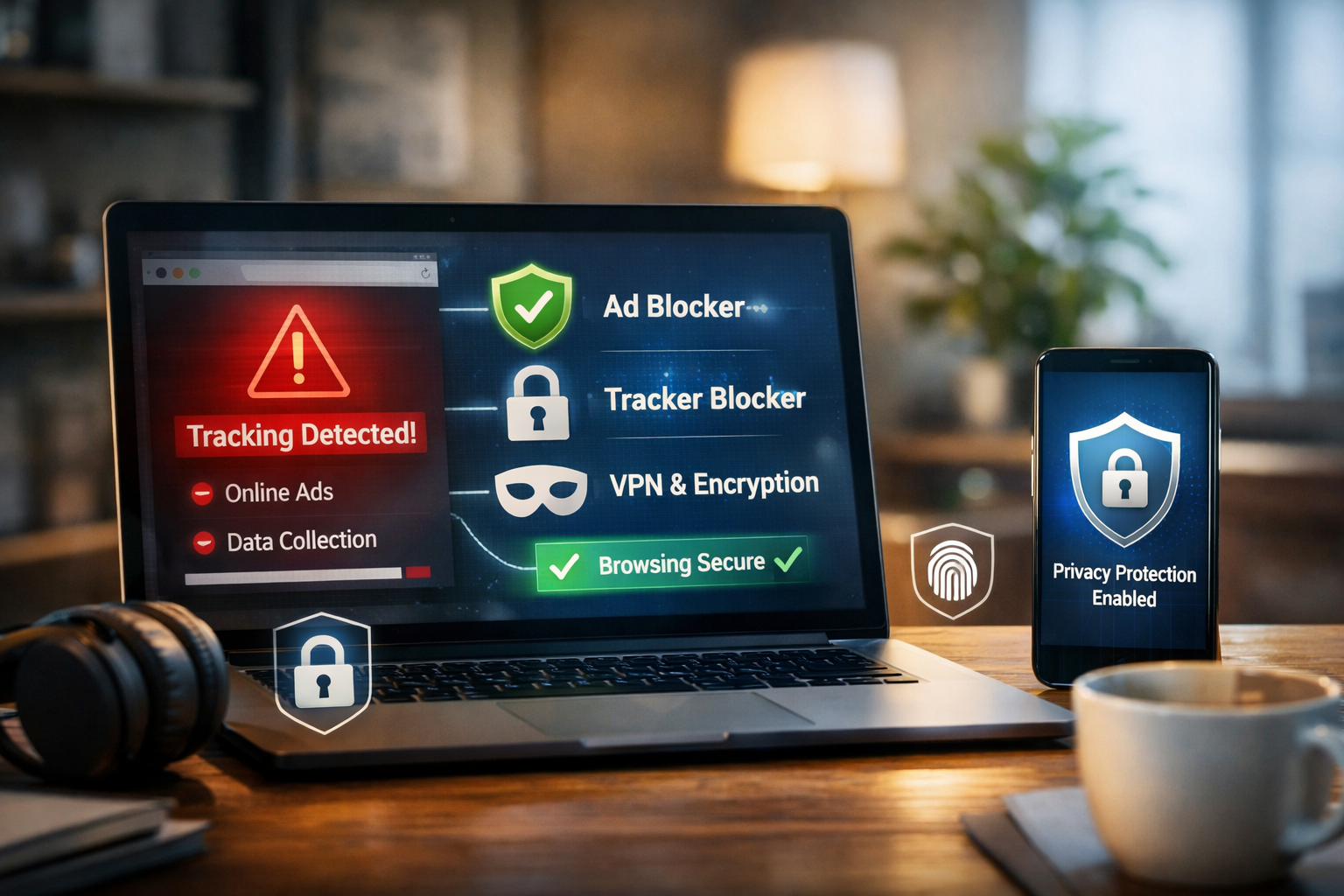
Are Browser Privacy Extensions Enough?
They’re powerful—but not perfect.
For stronger privacy, combine them with:
- Privacy-focused browsers (e.g., Firefox, Brave)
- Secure DNS
- VPN (for IP protection)
- Good browsing habits
Microsoft states that layered security—tools plus user awareness—is the most effective approach to online safety.
FAQs: Browser Extensions That Protect Your Privacy
1. Are browser privacy extensions safe to use?
Yes, if you install them from official stores and choose reputable developers.
2. Can too many privacy extensions cause problems?
Yes. Overlapping features can slow browsing or break sites.
3. Do privacy extensions stop all tracking?
They reduce most tracking, but cannot eliminate everything—especially browser fingerprinting.
4. Are free privacy extensions trustworthy?
Many are, but always review permissions and developer reputation.
5. Do privacy extensions work on mobile browsers?
Support is limited on mobile, but Firefox for Android allows some extensions.