Difficulty: Beginner
What Does “Phone Hacked” Actually Mean?
A hacked phone is one where malicious software, unauthorized access, or compromised accounts allow attackers to spy, steal data, or control certain functions.
Definition Box
Phone Hacking
Unauthorized access to a smartphone through malware, phishing, compromised apps, or stolen credentials.
This can affect devices running both Android and iOS.
Signs Your Phone May Be Hacked
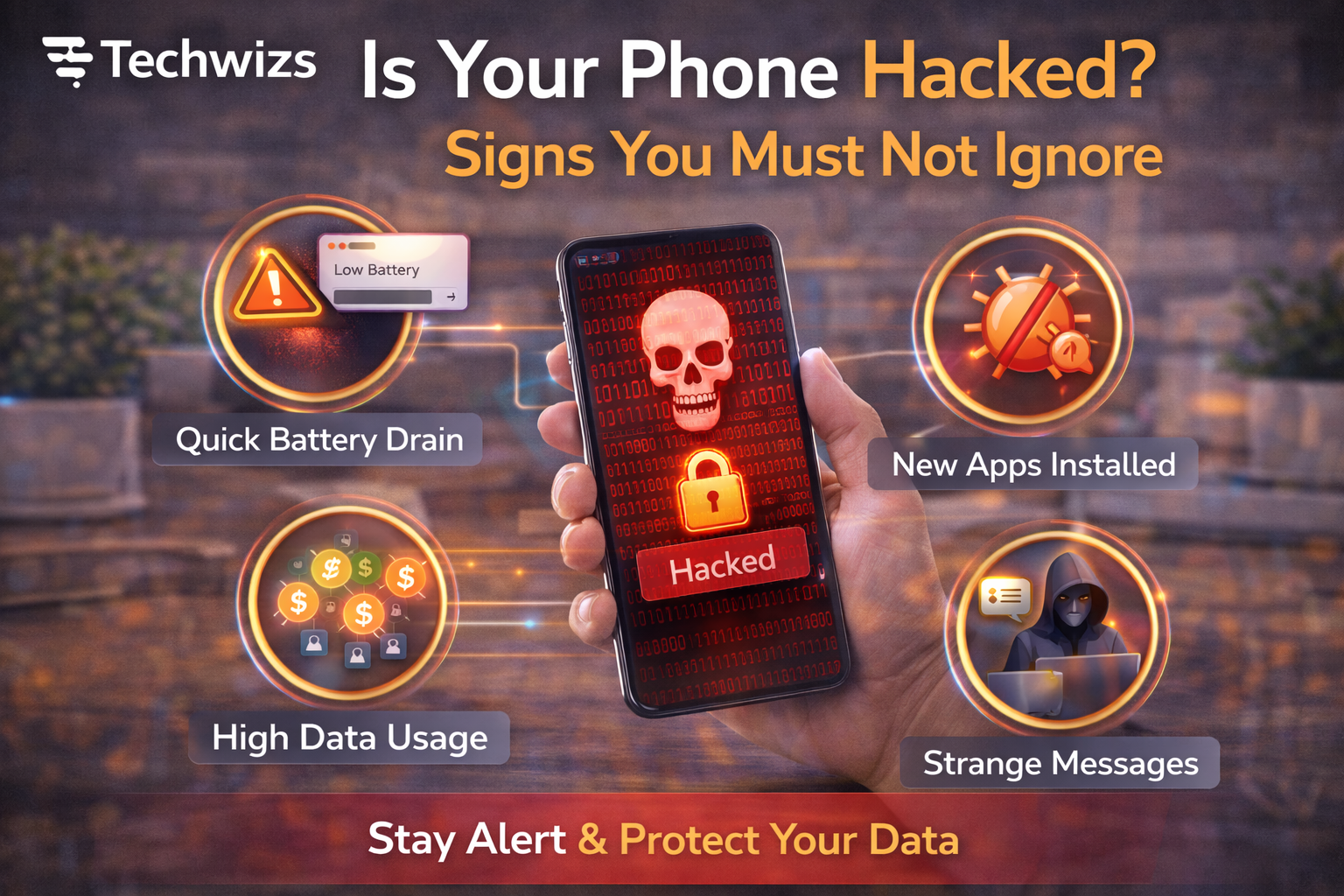
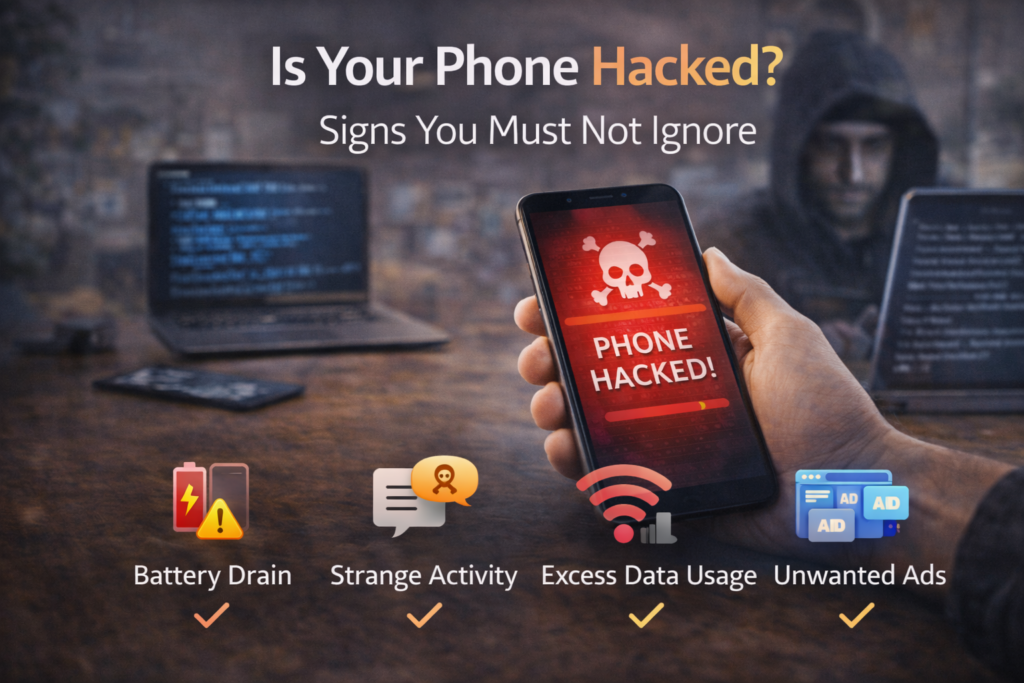
1) Sudden Battery Drain
If your battery drops much faster than usual, hidden processes may be running in the background.
2) Phone Overheats Without Heavy Use
Excessive heat during idle time can indicate spyware or malware activity.
3) Strange Pop-Ups or Ads
Unexpected ads—especially outside your browser—are a common red flag.
4) Unfamiliar Apps or Settings
Seeing apps you didn’t install or settings you didn’t change is a strong warning sign.
Key Takeaway Box
One sign alone may be harmless, but multiple signs together strongly suggest your phone is compromised.
Less Obvious but Serious Warning Signs
5) Unusual Data Usage
A spike in mobile data usage may mean data is being sent out without your knowledge.
6) Messages You Didn’t Send
Friends receiving strange texts from you can signal account or device compromise.
7) Login Alerts From Unknown Locations
Alerts from unfamiliar locations suggest stolen credentials rather than device failure.
According to security guidance from Google and Apple, most mobile attacks begin with phishing or malicious apps—not advanced exploits.
How Phones Commonly Get Hacked
- Installing apps from unofficial sources
- Clicking phishing links in SMS or email
- Using public Wi-Fi without protection
- Skipping system updates
- Reusing weak passwords
These habits make it easier for attackers to gain access.
What to Do Immediately If You Suspect Hacking
Quick Fix Box
Act fast. The sooner you respond, the less damage attackers can do.
Steps to take:
- Disconnect from Wi-Fi and mobile data
- Change passwords for email, Apple ID, Google account, and banking apps
- Remove suspicious apps
- Run a trusted security scan
- Update your operating system
If problems continue, back up essential data and perform a factory reset.
How to Prevent Phone Hacking in the Future
- Keep your OS and apps updated
- Install apps only from official app stores
- Enable two-factor authentication
- Avoid unknown links and attachments
- Lock your phone with a strong PIN or biometrics
Simple habits make a big difference.
FAQs: Is Your Phone Hacked?
1) Can iPhones be hacked?
Yes, although attacks are less common than on Android.
2) Does antivirus help on phones?
Yes, especially on Android devices.
3) Can hackers listen through my phone?
Rare, but possible with advanced spyware.
4) Is factory reset a guaranteed fix?
Almost always, if done properly.
5) Are public charging ports risky?
Yes. Use your own charger or a data blocker.