Difficulty: Beginner
How RAM and SSD Affect Performance (In Simple Terms)
Definition Box
RAM (Random Access Memory)
Short-term memory your system uses to run apps and tasks actively.
SSD (Solid State Drive)
Storage that holds your operating system, apps, and files—much faster than traditional hard drives.
- RAM affects how many tasks you can run smoothly at once
- SSD affects how fast your system boots, loads apps, and accesses files
According to performance guidance published by Microsoft, storage speed is one of the most noticeable factors in perceived system responsiveness.
Real Performance Data: What Changes the Most?
Boot & App Launch Times
- HDD → SSD: 3–10× faster
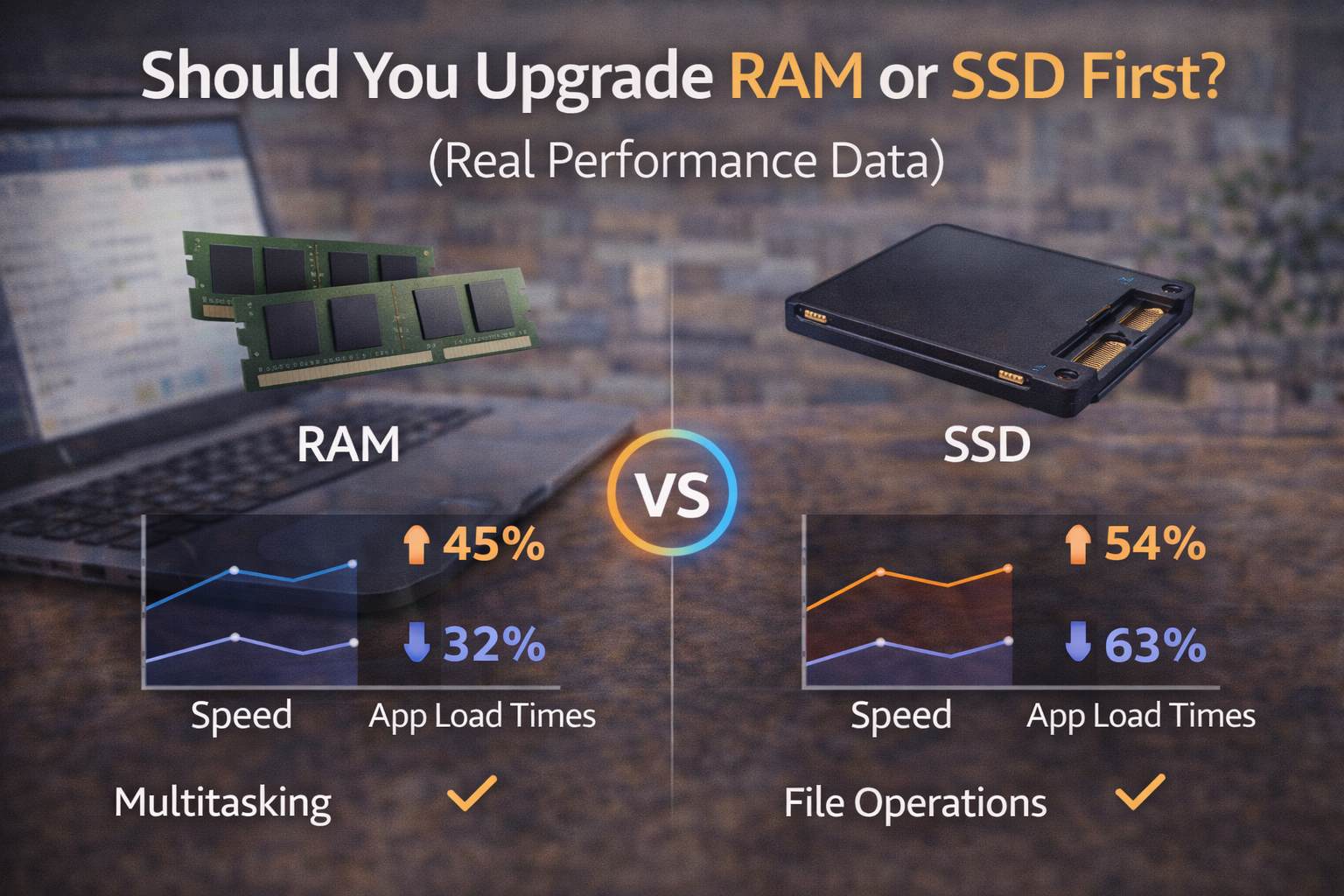
- RAM upgrade: Minimal impact unless RAM is maxed out
Multitasking & Heavy Browsing
- SSD: Faster loading when apps open
- RAM: Major improvement if system previously hit memory limits
File Transfers & Updates
- SSD: Huge gains
- RAM: Little effect
Key Takeaway Box
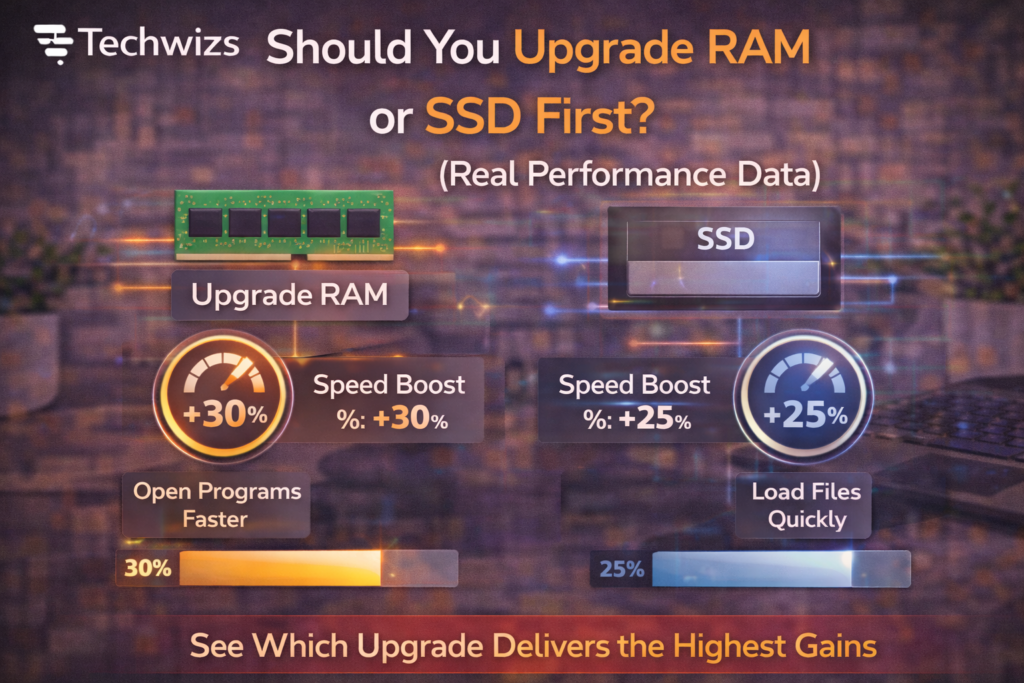
If your system still uses an HDD, an SSD upgrade almost always delivers the biggest performance jump.
When You Should Upgrade SSD First
Upgrade your SSD first if:
- Your system uses a hard disk drive (HDD)
- Boot times are slow
- Apps take long to open
- The system feels sluggish even with one app open
An SSD removes the most common bottleneck in older systems.
When You Should Upgrade RAM First
Upgrade RAM first if:
- You already have an SSD
- Task Manager shows RAM usage near 90–100%
- You multitask heavily (many tabs, apps, VMs)
- Apps stutter but storage activity is low
Quick Fix Box
If your system frequently uses “swap” or “paging,” RAM upgrades deliver immediate benefits.
RAM vs SSD: Side-by-Side Impact
| Scenario | RAM Upgrade | SSD Upgrade |
|---|---|---|
| Slow boot | ❌ | ✅ |
| App launch speed | ⚠️ | ✅ |
| Multitasking | ✅ | ⚠️ |
| Gaming load times | ❌ | ✅ |
| Browser tab overload | ✅ | ⚠️ |
| Overall responsiveness | ⚠️ | ✅ |
Real-World Scenarios
Office & Everyday Users
- Best upgrade: SSD first
- Why: Faster boot, smoother daily use
Students & Remote Workers
- SSD first, then RAM if multitasking
- Ideal combo: SSD + 16GB RAM
Creators & Power Users
- RAM first if already on SSD
- Especially for video editing and large files
Gamers
- SSD improves load times
- RAM helps only if below recommended minimums
The Smart Upgrade Path (Budget-Friendly)
- HDD → SSD (biggest gain)
- Increase RAM to 16GB (modern sweet spot)
- Fine-tune software and startup apps
FAQs: Upgrade RAM or SSD First
1) Will RAM make my computer boot faster?
No. Boot speed is mainly storage-dependent.
2) Does SSD reduce lag?
Yes—especially for loading apps and files.
3) Is 8GB RAM enough today?
For light use, yes. For multitasking, 16GB is better.
4) Can upgrading both be overkill?
Not if the system is heavily used—but SSD should come first.
5) Laptop or desktop—does it matter?
No. The principles are the same.