Difficulty: Beginner
What Is Band Steering on Routers?
Definition Box
Band Steering
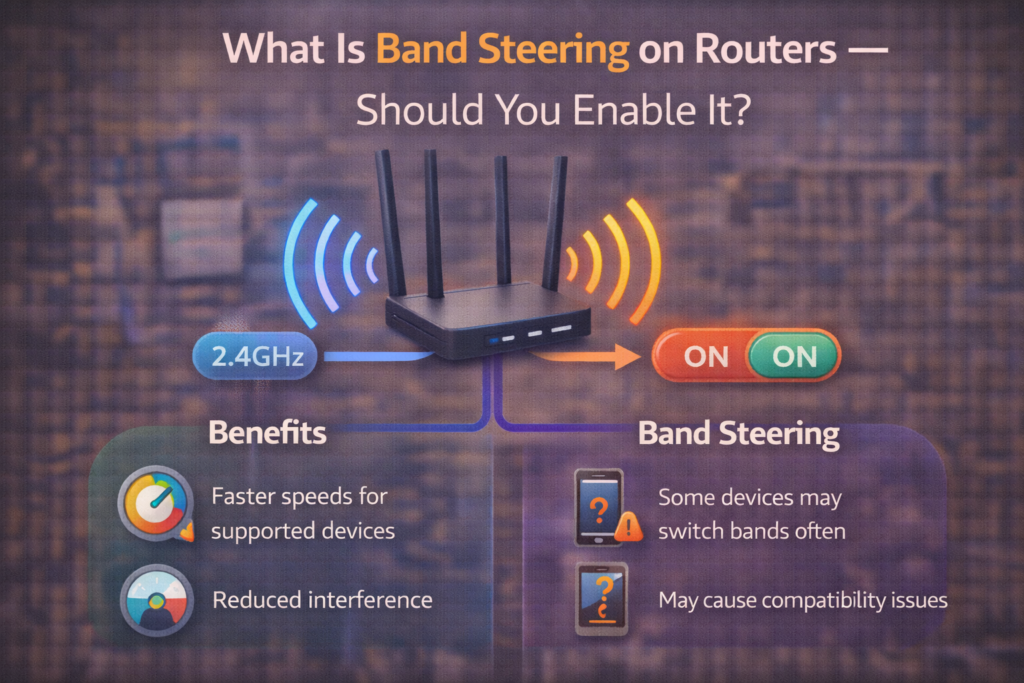
A router feature that automatically directs devices to the most appropriate Wi-Fi band for better performance and network efficiency.
Modern routers broadcast multiple frequency bands:
- 2.4GHz → Longer range, slower speed
- 5GHz → Faster speed, shorter range
- 6GHz (Wi-Fi 6E/7) → Fastest and cleanest, shortest range
Instead of forcing you to choose manually, band steering decides for you.
According to guidance from the Wi-Fi Alliance, newer Wi-Fi standards are designed to improve intelligent band management.
How Band Steering Actually Works
When a device connects:
- The router checks signal strength
- It evaluates congestion
- It pushes the device to the “best” band
If you move farther away, the router may move your device from 5GHz to 2.4GHz automatically.
Key Takeaway Box
Band steering isn’t boosting speed—it’s choosing the best lane for your device.
Benefits of Enabling Band Steering
1) Simpler Setup
One Wi-Fi name (SSID) for everything.
2) Better Device Distribution
Keeps:
- Smart home devices on 2.4GHz
- Laptops and consoles on 5GHz or 6GHz
3) Less Manual Switching
No need to reconnect when moving around the house.
For most homes, this improves everyday usability.
When Band Steering Causes Problems
Band steering isn’t perfect.
You might see:
- Devices disconnecting briefly
- Gaming lag spikes during band switching
- Smart devices failing initial setup
Quick Fix Box
If a device keeps dropping, try separating bands temporarily for testing.
Should Gamers Enable Band Steering?
For competitive gaming:
- Many gamers prefer manually locking to 5GHz
- Prevents mid-session band switches
- Reduces unpredictable latency changes
However, casual gaming works fine with band steering enabled.
Should You Enable Band Steering at Home?
Enable It If:
- You want simplicity
- You don’t want multiple Wi-Fi names
- You have mixed devices
- You’re not experiencing issues
Disable It If:
- You want manual control
- You’re troubleshooting smart device setup
- You experience unstable switching
Band Steering vs Separate SSIDs
Some routers allow:
- One SSID for all bands (band steering)
- Separate names like “Home_2.4” and “Home_5G”
Key Takeaway Box
Separate SSIDs give control. Band steering gives convenience.
Mesh Systems and Band Steering
Most mesh systems use band steering automatically.
Brands like Netgear and TP-Link implement intelligent steering to balance nodes and bands.
In mesh setups, disabling band steering often isn’t recommended.
Common Myths About Band Steering
- ❌ It increases your internet speed
- ❌ It reduces latency automatically
- ❌ It always chooses perfectly
It simply improves band selection logic.
FAQs: Band Steering on Routers
1) Does band steering slow Wi-Fi?
No—but switching can cause brief interruptions.
2) Is band steering safe?
Yes—it’s a performance feature, not a security setting.
3) Should smart home devices use 2.4GHz?
Yes—better range and compatibility.
4) Is 5GHz always better?
For speed, yes. For range, no.
5) Should I disable it for troubleshooting?
Yes—temporarily.