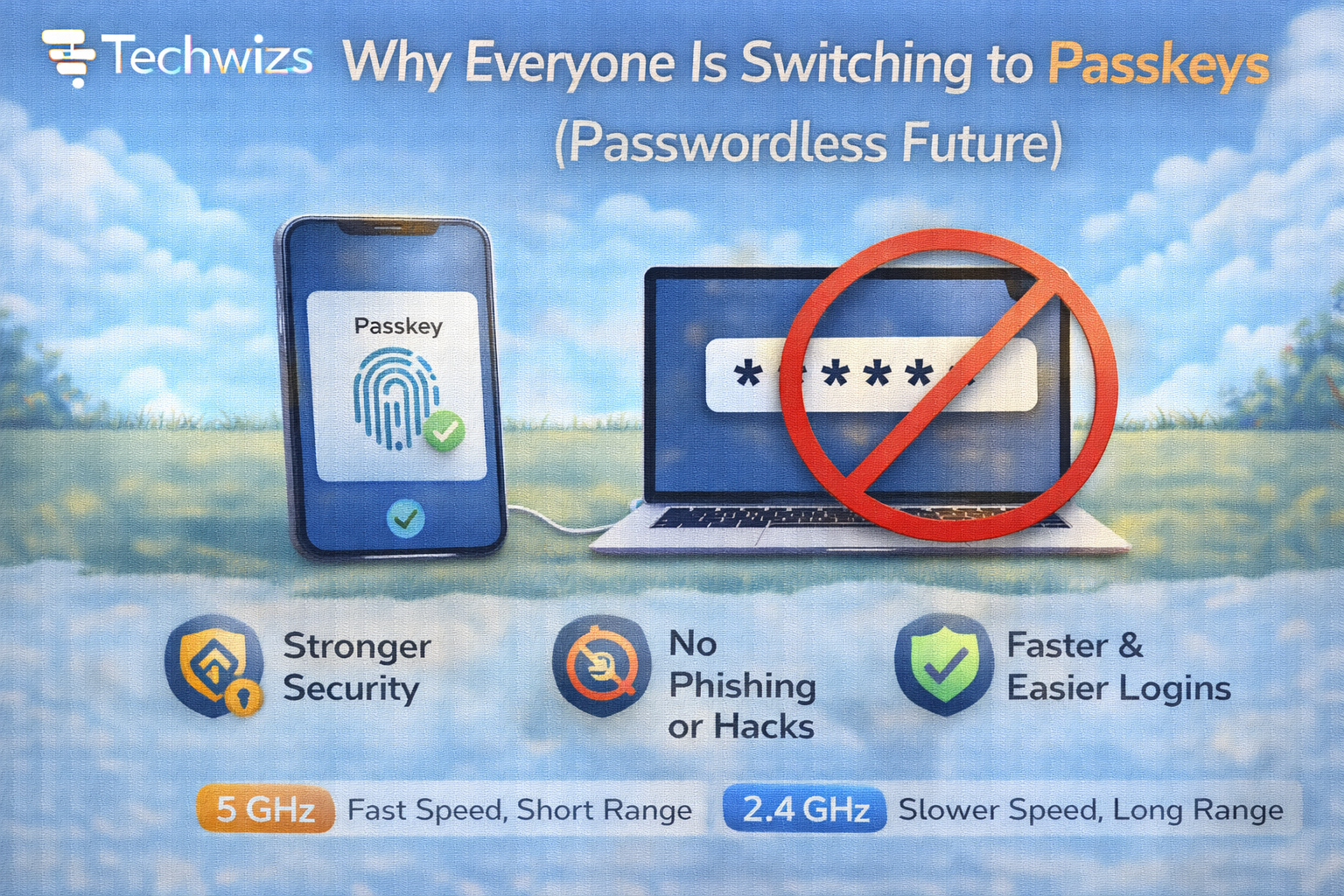
Why Everyone Is Switching to Passkeys (Password less Future)

Difficulty: Beginner
What Are Passkeys?
Definition Box
Passkey
A passwordless authentication method that uses public-key cryptography and device-based biometric or PIN verification instead of a traditional password.
Instead of creating and remembering passwords:
- Your device generates a secure key pair
- One key stays on your device
- The other is stored by the website
- Login requires biometric confirmation (Face ID, fingerprint, or PIN)
Passkeys are built on standards from the FIDO Alliance, designed to eliminate password vulnerabilities.
Why Passwords Are Failing
Traditional passwords are vulnerable because:
- People reuse them
- Many are weak or predictable
- Phishing tricks users into revealing them
- Data breaches expose them
According to guidance from Microsoft, password-based attacks remain one of the most common entry points for cybercrime.
Key Takeaway Box
Passwords fail because humans manage them. Passkeys remove that burden.
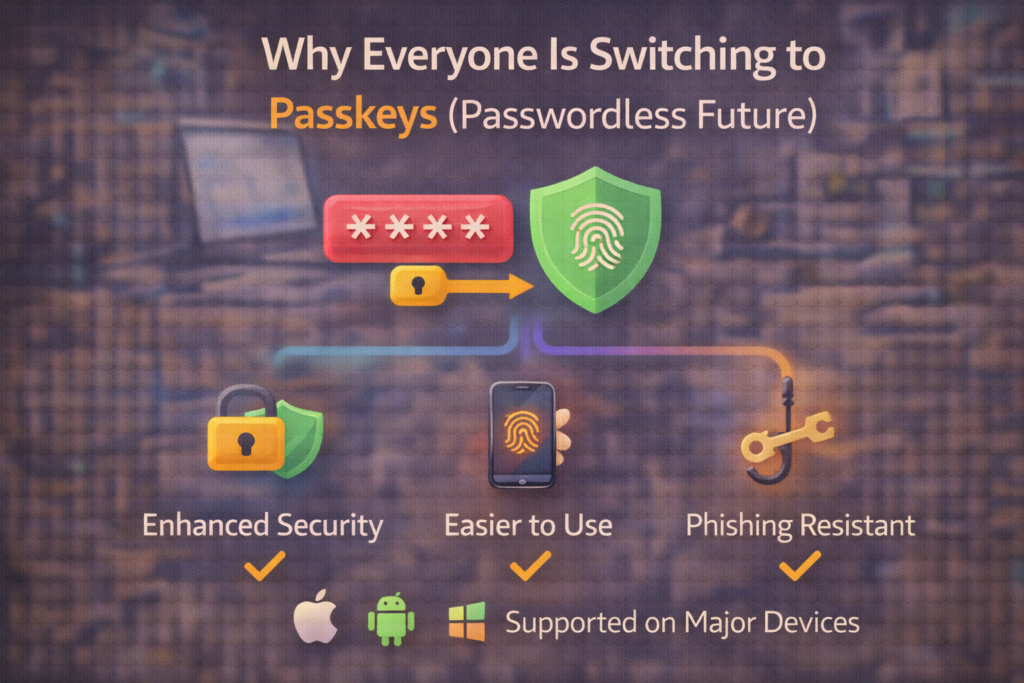
Why Everyone Is Switching to Passkeys
1) Phishing Protection
Passkeys only work with the legitimate website they were created for. Even if you click a fake login page, the passkey won’t authenticate.
2) No Password to Steal
There’s nothing stored server-side that attackers can reuse.
3) Easier Logins
You:
- Open app
- Confirm with fingerprint/Face ID
- Done
No typing. No remembering.
Big Tech Adoption Is Accelerating
Major platforms like Apple, Google, and Microsoft now support passkeys across devices.
This widespread adoption is why switching to passkeys is becoming mainstream—not experimental.
How Passkeys Actually Improve Security
Passkeys use:
- Public-key cryptography
- Hardware-backed storage
- Biometric verification
Even if a website is breached, attackers can’t use the stored public key to access your account.
Quick Fix Box
Passkeys are resistant to phishing, credential stuffing, and password database leaks.
Are Passkeys Really Passwordless?
Mostly yes—but some sites:
- Still require fallback passwords
- Allow both login methods
We’re in a transition phase.
What Happens If You Lose Your Device?
Good question.
Passkeys sync across:
- Apple devices (iCloud Keychain)
- Google accounts
- Windows accounts
Recovery typically requires:
- Account verification
- Backup device authentication
The ecosystem is designed to prevent lockouts.
Should You Start Switching to Passkeys Now?
Yes If:
- Your account supports it
- You want stronger security
- You’re tired of password managers
Wait If:
- You rely heavily on shared accounts
- You use older devices
For most users in 2026, passkeys are ready.
Common Myths About Passkeys
- ❌ “They store my fingerprint online.”
- ❌ “They can be copied.”
- ❌ “They’re less secure than passwords.”
Biometrics stay on your device.
FAQs: Switching to Passkeys
1) Are passkeys safer than passwords?
Yes—significantly.
2) Can hackers phish passkeys?
No—passkeys are domain-bound.
3) Do I still need two-factor authentication?
Passkeys often replace both password + 2FA.
4) Are passkeys tied to my device?
Yes—but they sync securely.
5) Is this the end of passwords?
Gradually, yes.