Difficulty: Intermediate
What Makes a USB-C Hub “Fast”?
Definition Box
USB4 / Thunderbolt 4 (40Gbps)
A high-bandwidth connection standard capable of transferring up to 40 gigabits per second, supporting multiple displays and high-speed storage simultaneously.
For workstation use, speed means:
- 40Gbps bandwidth (USB4 or Thunderbolt 4)
- Dual 4K or 8K display output
- 100W+ Power Delivery (PD)
- Stable sustained transfer (no thermal throttling)
According to technical specifications from USB Implementers Forum, USB4 provides significantly higher throughput compared to older USB 3.x standards.
Why Cheap USB-C Hubs Slow Workstations
Budget hubs often:
- Share bandwidth between ports
- Overheat under load
- Advertise speeds they can’t sustain
- Limit external SSD speeds
Key Takeaway Box
If your external SSD isn’t hitting full speed, your hub may be the bottleneck.
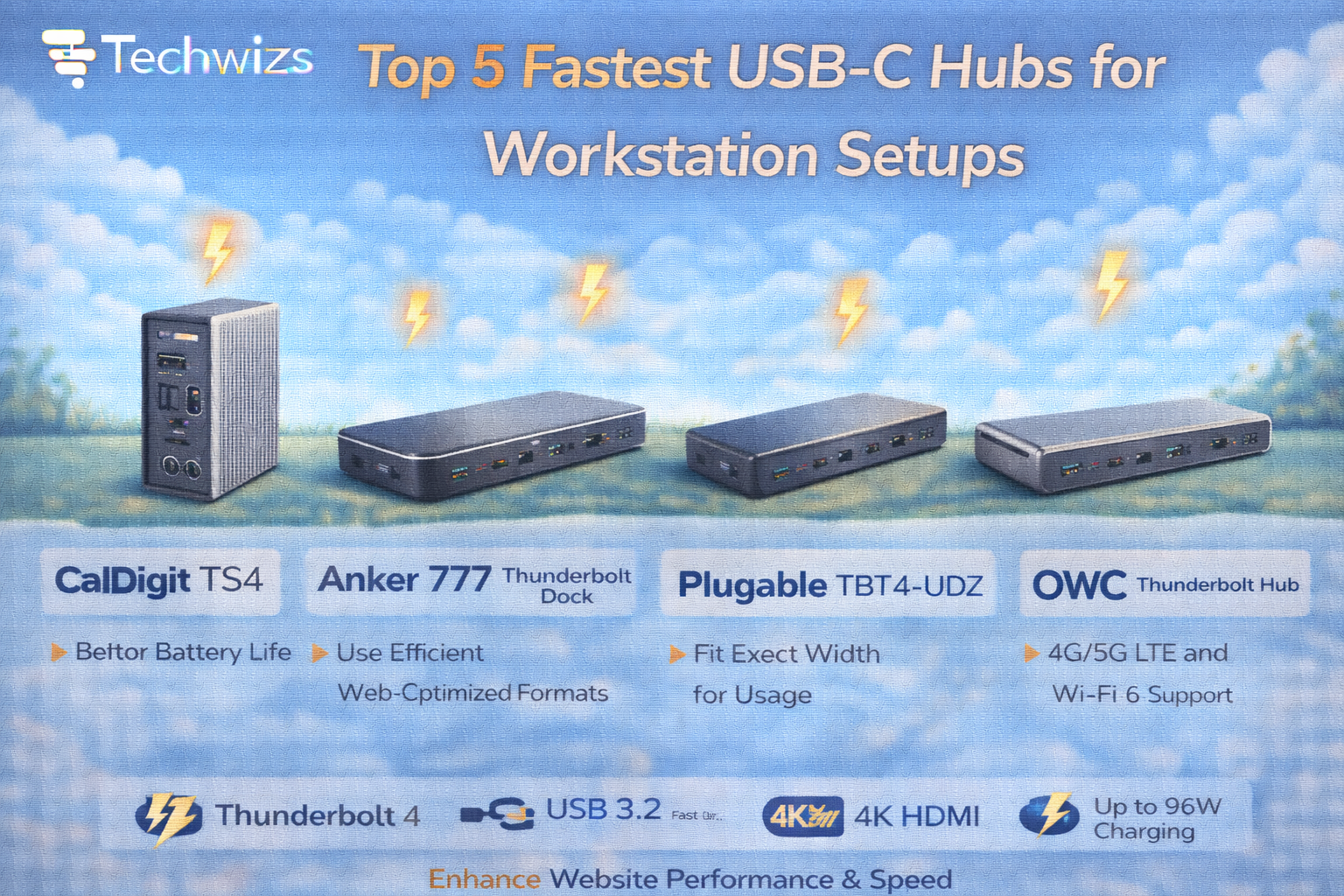
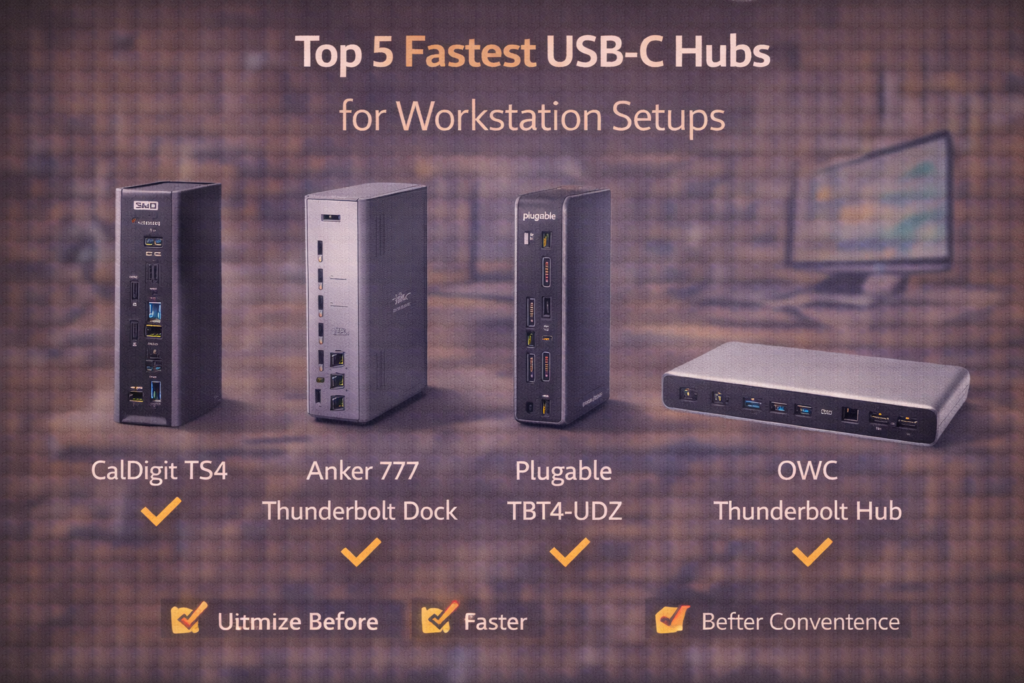
Top 5 Fastest USB-C Hubs for Workstation Setups (2026)
1) CalDigit TS4
Best Overall Performance Dock
- 40Gbps Thunderbolt 4
- 18 ports
- Dual 4K / 8K support
- 98W charging
Why it’s fast: Dedicated controllers and excellent thermal management.
Best for: Creative professionals and power users.
2) Anker 777 Thunderbolt Dock
Best Value High-Speed Hub
- 40Gbps support
- Dual 4K
- Strong build quality
- 100W power delivery
Why it’s fast: Reliable chipset and stable sustained speeds.
Best for: Office and hybrid workstations.
3) Plugable TBT4-UDZ
Best for Multi-Monitor Work
- Thunderbolt 4 certified
- Flexible display modes
- Reliable 40Gbps bandwidth
Why it’s fast: Certified compliance ensures stable performance.
Best for: Analysts, traders, and coders with multiple displays.
4) OWC Thunderbolt Hub
Best Compact Performance Option
- 40Gbps bandwidth
- Compact design
- Ideal for Mac and Windows
Why it’s fast: Direct downstream Thunderbolt ports.
Best for: Portable workstation setups.
5) Belkin Connect Pro Thunderbolt Dock
Best Premium Build
- Thunderbolt 4
- Dual display output
- Solid aluminum build
Why it’s fast: Efficient internal architecture and stable power handling.
Best for: Long-term workstation use.
USB4 vs Thunderbolt 4 — Does It Matter?
| Feature | USB4 | Thunderbolt 4 |
|---|---|---|
| Max Bandwidth | 40Gbps | 40Gbps |
| Certification | Varies | Strict |
| Display Support | Varies | Guaranteed |
| Stability | Depends on vendor | High |
Key Takeaway Box
Thunderbolt 4 guarantees full 40Gbps performance—USB4 depends on implementation.
How to Choose the Right Hub
Choose based on:
- Number of monitors
- External SSD usage
- Charging needs
- Cable quality
- Laptop compatibility
For heavy workstation loads, prioritize certified Thunderbolt hubs.
Common Bottlenecks to Avoid
- Using low-quality USB-C cables
- Mixing USB 3.2 hubs with NVMe SSDs
- Running dual 4K displays on 10Gbps hubs
- Ignoring thermal design
Quick Fix Box
If your hub feels hot under load, it may be throttling bandwidth.
Who Actually Needs a 40Gbps Hub?
You do if you:
- Edit 4K/8K video
- Run multiple external monitors
- Use high-speed NVMe external drives
- Transfer large files daily
- Build a serious workstation desk
Casual users don’t need this tier.
FAQs: Fastest USB-C Hubs for Workstation Setups
1) Is USB4 as fast as Thunderbolt 4?
Yes in theory, but certification matters.
2) Can USB-C hubs slow down SSDs?
Yes—if bandwidth is shared.
3) Do I need 40Gbps for office work?
Not usually.
4) Can a hub overheat?
Yes—poorly designed hubs throttle performance.
5) Is charging speed affected by hubs?
Yes—check PD wattage.