Difficulty: Beginner
What Is a LAN Cable?
A LAN cable (also called an Ethernet cable) is a physical wire that connects your computer directly to your router.
Think of it like this:
- LAN cable = Direct highway
- WiFi = Air travel with possible turbulence
When you use a LAN cable, data travels through a wire instead of through the air. That means fewer interruptions.
What Is WiFi?
Wi-Fi allows your device to connect to the internet wirelessly using radio signals.
It’s extremely convenient because:
- No cables needed
- You can move around
- Easy to connect multiple devices
But because WiFi signals travel through walls and air, they can weaken or interfere with other devices.
Why This Matters for Work
When comparing LAN cable vs WiFi for work, consider what you actually do daily:
- Zoom or Teams meetings
- Uploading large files
- Cloud-based work
- Remote desktop access
- VPN connections
All of these activities require stable internet.
According to network performance data from the WiFi Alliance and industry networking benchmarks, wired Ethernet connections consistently provide lower latency (delay) and more stable speeds than wireless connections.
Speed Comparison: LAN Cable vs WiFi for Work
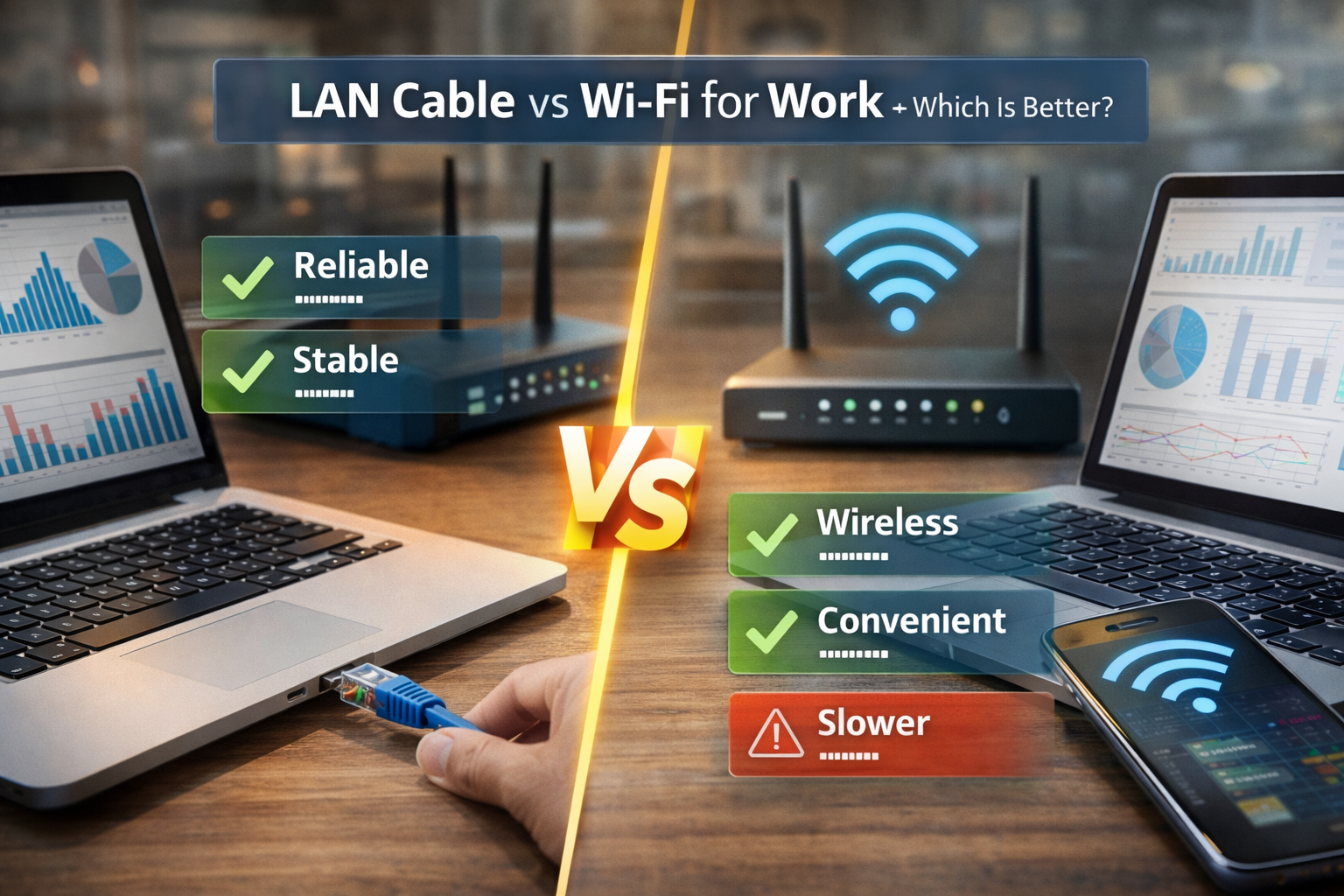
LAN Cable
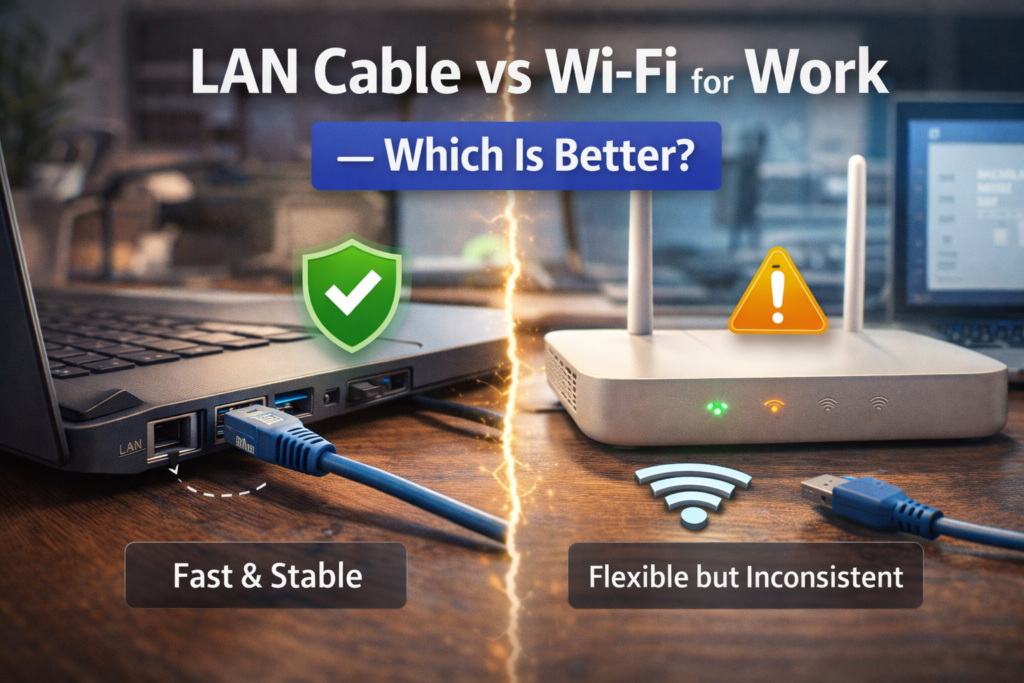
- More stable speed
- Lower delay (latency)
- Less affected by interference
- Ideal for heavy tasks
WiFi
- Speed depends on distance
- Can fluctuate
- Affected by walls and other devices
- Convenient but less predictable
In simple terms:
If your WiFi says 500 Mbps, you might not always get that full speed.
With a LAN cable, you’re more likely to get consistent performance.
📦 Definition Box
Latency:
The delay between when you send data and when it reaches its destination. Lower latency means smoother video calls and faster response in online tasks.
Stability: The Most Important Factor for Work
When thinking about LAN cable vs Wi-Fi for work, stability matters more than raw speed.
Example:
You’re in an important client presentation.
Wi-Fi drops for 5 seconds.
Your call freezes.
With a LAN cable, this rarely happens because the connection is physically secured.
Security Comparison
LAN Cable
- More secure
- Harder to intercept
- Direct connection
Wi-Fi
- Secure if encrypted properly
- Slightly more vulnerable to unauthorized access
For office environments handling sensitive data, wired connections are generally preferred.
Real-Life Scenarios
Scenario 1: Remote Worker in Small Apartment
If your router is close to your desk and your internet plan is below 500 Mbps, WiFi is usually fine.
Scenario 2: Video Editor Uploading Large Files
LAN cable is better. Upload speeds remain stable and consistent.
Scenario 3: Competitive Online Gamer Working From Home
LAN cable wins due to lower latency.
Scenario 4: Casual Email & Document Work
WiFi is sufficient.
Pros and Cons Breakdown
✅ LAN Cable Pros
- Stable connection
- Lower latency
- More secure
- Consistent speed
- Better for heavy workloads
❌ LAN Cable Cons
- Requires cable
- Less mobility
- Can clutter desk
✅ WiFi Pros
- No cables
- Flexible workspace
- Easy setup
- Great for laptops and mobile devices
❌ WiFi Cons
- Signal interference
- Speed fluctuations
- Potential dropouts
⚡ Quick Decision Box
Choose LAN cable if:
✔️ You attend frequent video meetings
✔️ You upload large files
✔️ You use VPN daily
✔️ Your Wi-Fi feels unstable
Choose WiFi if:
✔️ You move around often
✔️ Your tasks are light
✔️ Your router is nearby
Does WiFi 6 or Wi-Fi 7 Change the Answer?
Newer Wi-Fi standards (like WiFi 6 or WiFi 7) improve speed and stability significantly.
However:
Even the latest WiFi cannot completely match the consistent stability of a wired LAN cable.
Wireless technology is improving — but physics still favors direct cables.
Can You Combine Both?
Yes.
Many professionals:
- Use LAN cable for main workstation
- Use WiFi for phone and tablet
This gives both stability and convenience.
Is LAN Cable Always Faster?
Not always in raw numbers — but it is more consistent.
Think of it this way:
WiFi is like driving on a busy road.
LAN cable is like a private road directly to your destination.
🛡️ Key Takeaway Box
For serious work tasks that require stability, LAN cable is usually the better choice. For flexibility and casual work, WiFi is more convenient.
Common Mistakes People Make
- Placing router too far away
- Using old Ethernet cables
- Ignoring router updates
- Using overcrowded WiFi channels
Optimizing your setup can improve both wired and wireless performance.
Frequently Asked Questions (FAQ)
1. Is LAN cable better than WiFi for work?
Yes, especially for stability, video calls, and file transfers.
2. Does LAN cable improve Zoom quality?
Yes. Lower latency and stable bandwidth reduce freezing and lag.
3. Is WiFi safe for office use?
Yes, if properly encrypted with WPA3 or WPA2 security.
4. Will I notice a speed difference?
You may notice more stable speeds with LAN, especially during heavy use.
5. Should remote workers use wired internet?
If possible, yes — especially for important meetings or uploads.