Difficulty: Beginner
Why Do People Turn Off Wi-Fi at Night?
There are a few common reasons why people consider turning off their router before sleeping.
These include:
- Reducing electricity usage
- Improving cybersecurity
- Limiting screen time
- Concerns about wireless signals
For many households, it’s simply about having a digital “shutdown” routine at the end of the day.
What Happens If Wi-Fi Stays On All Night?
In most homes, nothing unusual happens.
Your router simply continues doing its job:
- Maintaining internet connection
- Allowing smart devices to communicate
- Running background updates
Modern routers are designed to run continuously. In fact, many internet service providers expect routers to stay powered on 24/7.
According to networking equipment guidelines from major router manufacturers, consumer routers are built to operate continuously for years without needing daily shutdown.
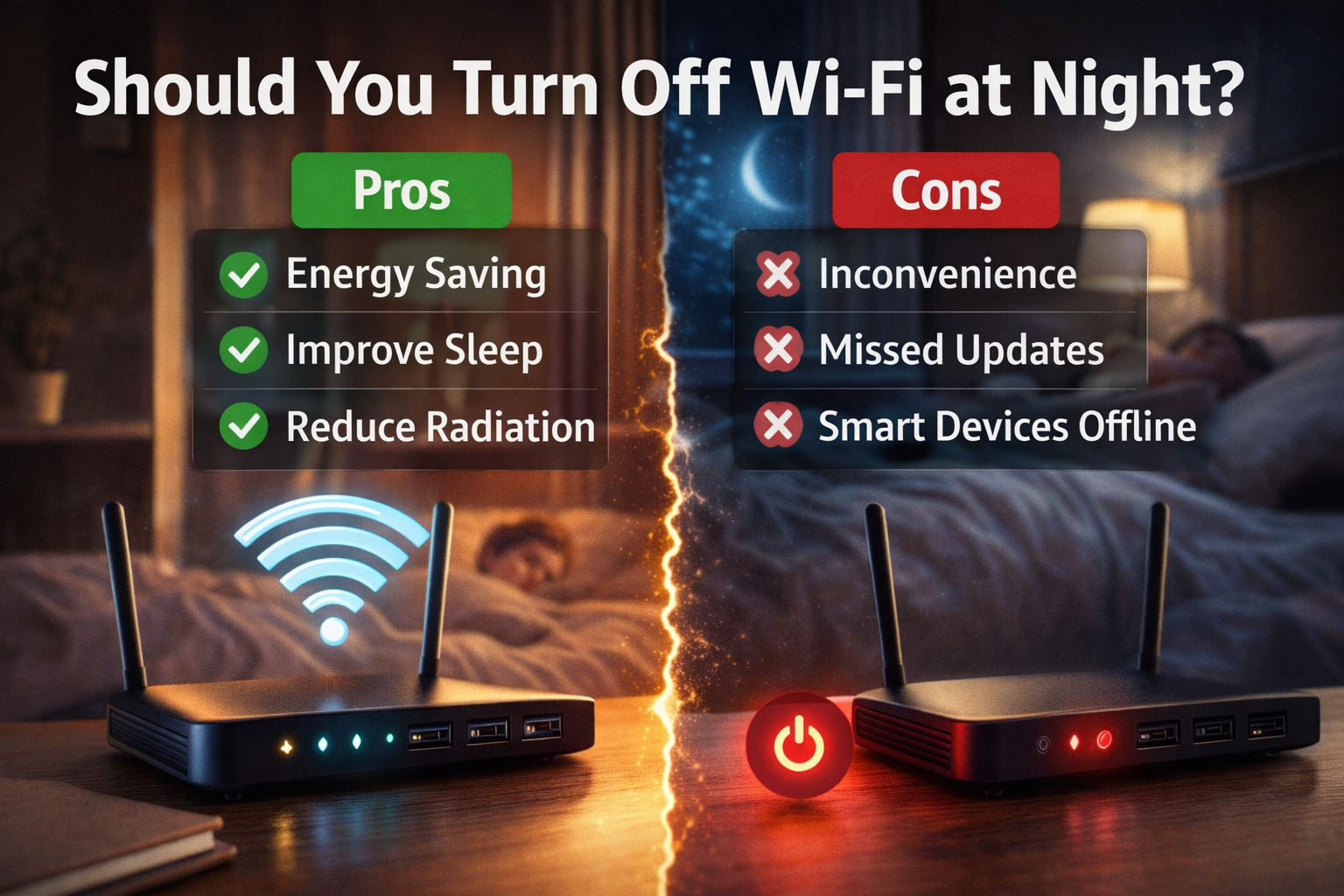
✅ Pros of Turning Off Wi-Fi at Night
1️⃣ Reduces Unnecessary Internet Activity
Many devices quietly connect to the internet overnight:
- Phones downloading updates
- Apps syncing data
- Smart devices checking cloud services
Turning off Wi-Fi stops these background activities.
For people trying to reduce digital dependency, this can help create a healthier routine.
2️⃣ Slight Energy Savings
Routers use electricity constantly.
Typical home routers consume about 5–15 watts of power.
Turning the router off for 8 hours nightly could save a small amount of electricity over time.
While the savings are modest, every bit helps in energy-conscious homes.
3️⃣ Potential Security Benefit
If your router is turned off, it cannot be accessed remotely during that time.
This slightly reduces the exposure window for potential cyberattacks.
However, modern routers with strong passwords and firmware updates are already quite secure.
4️⃣ Encourages Better Sleep Habits
For some households, turning off Wi-Fi signals that it’s time to unplug.
Without internet access:
- Less late-night scrolling
- Fewer notifications
- Reduced digital distraction
For families with children, this can help enforce healthy bedtime routines.
❌ Cons of Turning Off Wi-Fi at Night
1️⃣ Smart Devices May Stop Working
Modern homes often rely on Wi-Fi for:
- Smart security cameras
- Smart thermostats
- Doorbell cameras
- IoT sensors
Turning off Wi-Fi can temporarily disconnect these devices.
For example, security cameras might stop uploading footage to the cloud.
2️⃣ Interrupts Automatic Updates
Many devices update during the night because the network is less busy.
These updates may include:
- Windows updates
- Phone security patches
- Cloud backups
- App updates
If Wi-Fi is turned off, updates will wait until the next day.
3️⃣ Some Routers Need Time to Reconnect
When powered on again, the router may take:
- 1–3 minutes to reconnect to the internet
- Another minute for Wi-Fi networks to stabilize
This can feel inconvenient if you need internet quickly in the morning.
4️⃣ Little Impact on Health
Some people turn off Wi-Fi due to concerns about wireless radiation.
However, according to the World Health Organization (WHO) and multiple scientific studies, Wi-Fi signals operate at extremely low power levels and have not been shown to cause health risks under normal exposure.
So from a health perspective, turning off Wi-Fi at night is generally unnecessary.
📦 Definition Box
Wi-Fi Router:
A device that connects your home to the internet and allows wireless devices like phones, laptops, and TVs to access the network.
Is It Safe to Leave Wi-Fi On 24/7?
Yes.
Routers are designed to operate continuously.
However, occasional reboots (for example once every few weeks) can help:
- Refresh the connection
- Clear memory
- Improve performance
This is similar to restarting a computer.
When Turning Off Wi-Fi Makes Sense
You might consider switching it off if:
- No smart devices rely on Wi-Fi overnight
- You want to reduce late-night internet use
- Your router is located near a sleeping area and you prefer it off
- You want to save small amounts of electricity
When It’s Better to Keep Wi-Fi On
Keeping Wi-Fi running overnight is usually better if:
- You have smart home devices
- Security cameras depend on Wi-Fi
- Automatic backups run overnight
- Your router supports scheduled optimization or updates
For most modern households, leaving Wi-Fi on is more convenient.
🧠 Key Takeaway Box
Turning off Wi-Fi at night is optional.
It may slightly reduce energy use and encourage better digital habits, but it is not necessary for health or router longevity.
Alternative: Schedule Wi-Fi Instead
Some modern routers allow Wi-Fi scheduling.
This means:
- Internet stays active
- Wi-Fi signals turn off automatically during certain hours
For example:
- Wi-Fi off: 11 PM – 6 AM
- Router remains powered
This is useful for parental control or reducing nighttime internet access.
Real-World Example
A household with teenagers schedules Wi-Fi to turn off at midnight using the router app.
The router stays on, but devices cannot connect until morning.
This balances convenience with healthy screen habits.
Frequently Asked Questions (FAQ)
1. Is it bad to leave Wi-Fi on all night?
No. Routers are designed to run continuously.
2. Does turning off Wi-Fi save electricity?
Yes, but the savings are small because routers use very little power.
3. Does Wi-Fi radiation affect sleep?
Scientific research has not confirmed health risks from typical Wi-Fi exposure.
4. Will my router last longer if I turn it off nightly?
Not necessarily. Routers are built for continuous operation.
5. Can I schedule Wi-Fi instead of turning it off?
Yes. Many modern routers include scheduling features.