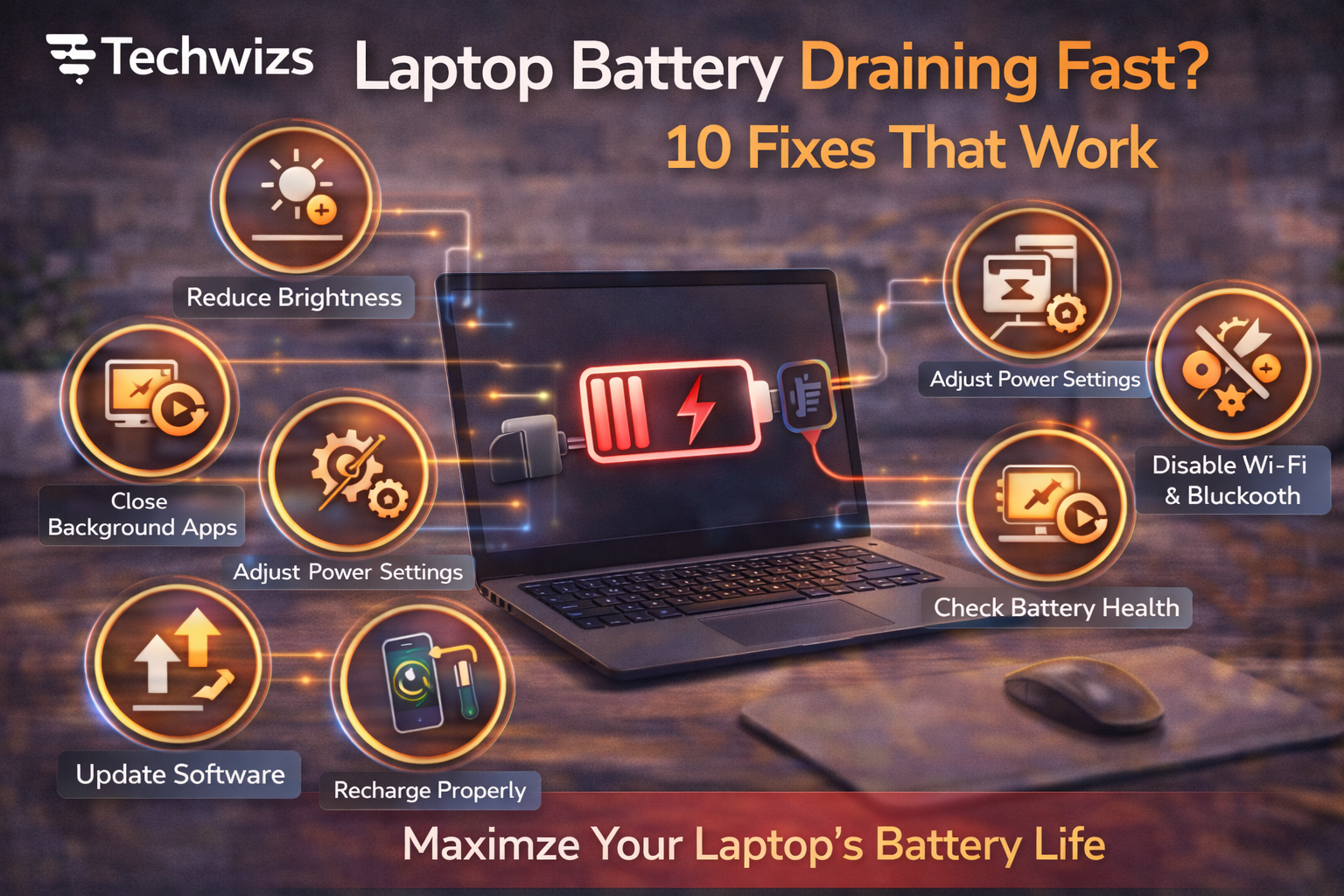
Difficulty: Beginner
Why Laptop Batteries Drain Faster Over Time
Modern laptops juggle many tasks at once: syncing apps, browser tabs, updates, and wireless connections. Over time, this leads to:
- Higher background activity
- Inefficient power usage
- Natural battery wear
According to guidance from Microsoft and Apple, software behavior and battery aging are the two biggest contributors to fast drain.
10 Fixes That Work
1) Lower Screen Brightness
The display is one of the biggest power users.
- Reduce brightness to a comfortable minimum
- Use auto-brightness if available
2) Enable Battery Saver / Low Power Mode
This limits background activity and reduces power-hungry features.
- Turn it on when below 30–40%
Key Takeaway Box
Small display and power-setting changes often deliver the biggest battery gains.
3) Close Power-Hungry Apps
Browsers with many tabs, video calls, and creative apps drain batteries quickly.
- Close what you’re not using
- Check task manager for heavy processes
4) Reduce Browser Tab Overload
Each tab uses memory and CPU.
- Bookmark instead of leaving tabs open
- Disable unnecessary extensions
5) Turn Off Unused Wireless Features
Wi-Fi, Bluetooth, and location services all consume power.
- Disable what you don’t need
- Especially important when offline
6) Update Your Operating System
Updates often include battery optimizations and bug fixes.
- Keep your OS current
7) Check Battery Health
Older batteries naturally hold less charge.
- Review battery health reports
- Expect gradual decline after 2–3 years
Quick Fix Box
If battery health is below 80%, shorter runtime is expected—even with optimizations.
8) Adjust Power & Performance Settings
Switch from “High Performance” to “Balanced” or “Power Saver.”
- Limits unnecessary CPU boost
- Reduces background power use
9) Keep Your Laptop Cool
Heat reduces battery efficiency.
- Use on hard, flat surfaces
- Avoid blocking vents
10) Reduce Startup Programs
Apps launching at startup continue running in the background.
- Disable non-essential startup apps
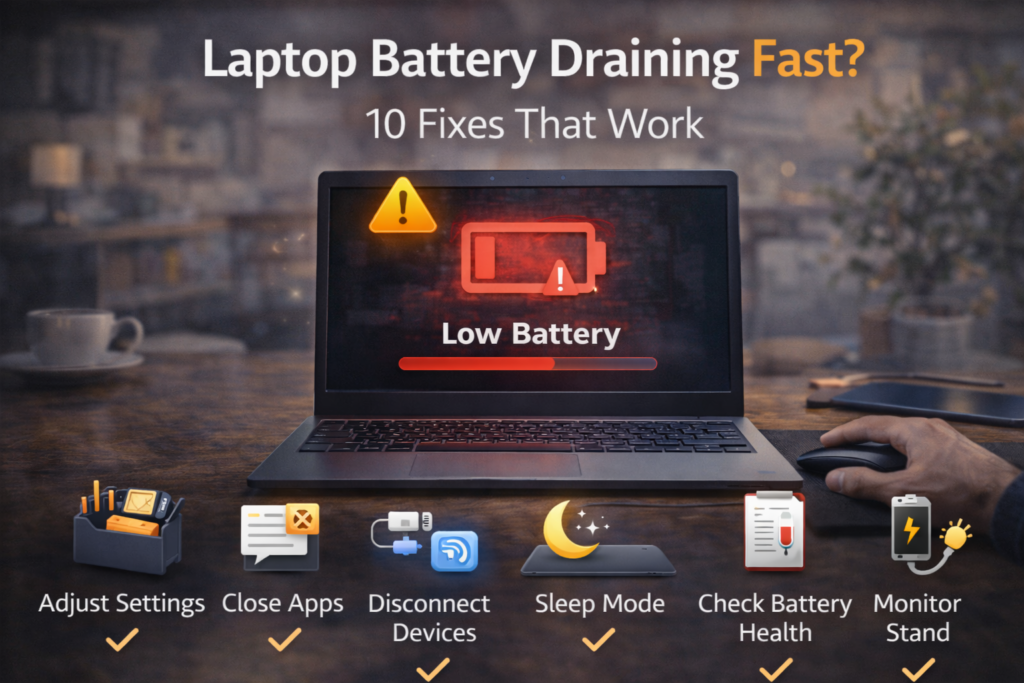
When Battery Replacement Makes Sense
If you’ve tried all fixes and still see rapid drain:
- Battery capacity may be too degraded
- Replacement is often cheaper than a new laptop
FAQs: Laptop Battery Draining Fast
1) Is fast battery drain normal?
Some decline is normal over time, but sudden drain often signals software issues.
2) Do background apps really matter?
Yes. They are one of the biggest hidden drains.
3) Does keeping the laptop plugged in hurt the battery?
Modern laptops manage charging well, but constant heat can still reduce lifespan.
4) Can battery drain indicate malware?
Occasionally. Run a scan if behavior seems unusual.
5) How long should a laptop battery last?
Most batteries are designed for 300–500 full charge cycles.