Difficulty: Beginner
What Each Tool Actually Does
Definition Box
Firewall
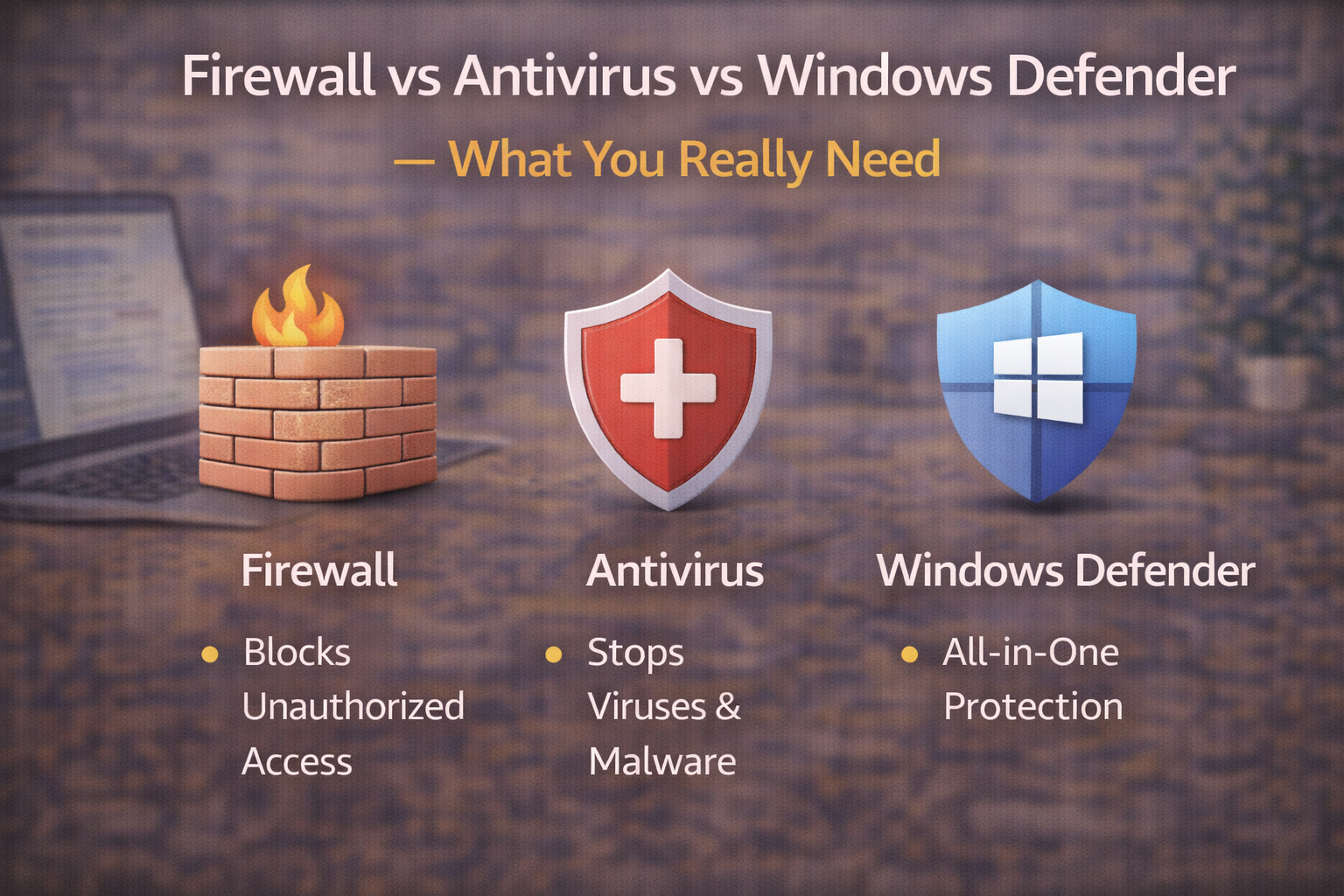
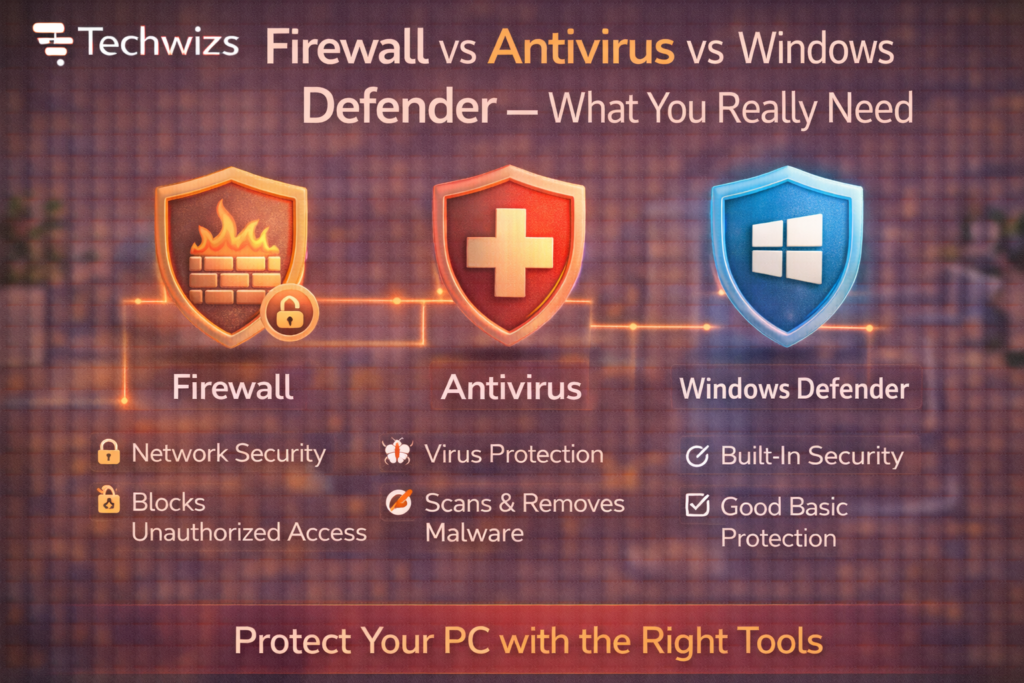
A security barrier that controls which network connections are allowed in or out of your device.
Firewalls don’t scan files. They decide who can talk to your computer over the network.
Definition Box
Antivirus
Software that scans files and processes to detect and remove malware.
Antivirus focuses on what’s already on your system—downloads, attachments, and running programs.
Definition Box
Windows Defender
A built-in security suite in Windows that combines antivirus, firewall, and real-time protection.
Windows Defender is Microsoft’s all-in-one approach to baseline security.
According to Microsoft, Windows Defender is designed to provide always-on protection without requiring third-party tools for most users.
Firewall vs Antivirus: The Core Difference
| Tool | Protects Against | Works At |
|---|---|---|
| Firewall | Unauthorized network access | Network layer |
| Antivirus | Malware, viruses, trojans | File & process level |
| Windows Defender | Both (plus more) | System-wide |
Key Takeaway Box
A firewall blocks connections. Antivirus blocks malware. They solve different problems.
What Windows Defender Covers Today
Modern Windows Defender includes:
- Real-time antivirus protection
- Built-in firewall
- Ransomware protection
- SmartScreen for malicious sites
- Automatic updates
This evolution means Defender is no longer “basic”—it’s comprehensive for everyday use.
Do You Still Need Third-Party Antivirus?
When Windows Defender Is Enough
- Personal or home computers
- Normal browsing and email use
- Regular Windows updates enabled
For most users, Defender matches or exceeds free antivirus tools—without ads or system slowdowns.
When Extra Antivirus Makes Sense
- High-risk environments
- Frequent file downloads from unknown sources
- Legacy systems with older Windows versions
Quick Fix Box
If your antivirus constantly shows pop-ups, ads, or slows your PC, it’s likely doing more harm than good.
Do You Need a Separate Firewall?
Most people already have one:
- Windows Firewall (on by default)
- Router firewall (from your home router)
You usually don’t need:
- Third-party firewall software
- Multiple firewalls running at once
Multiple firewalls can conflict and block legitimate traffic.
Common Security Myths (Debunked)
- More tools = more security ❌
- Paid antivirus is always better ❌
- Windows Defender is weak ❌
- Firewalls stop viruses ❌
Good security is about coverage, not quantity.
Recommended Setup (Simple & Effective)
For Most Users (90%)
- Windows Defender (enabled)
- Windows Firewall (default)
- Automatic updates
- Browser security features on
For Advanced Users
- Defender + specialized tools (as needed)
- Network firewall at router level
- Manual system monitoring
How Security Actually Fails in Real Life
Most compromises happen due to:
- Phishing emails
- Fake downloads
- Weak passwords
- Outdated software
No security software can fully protect against bad decisions.
FAQs: Firewall vs Antivirus vs Windows Defender
1) Is Windows Defender really enough?
Yes—for most users with updated systems.
2) Can I run antivirus alongside Defender?
Windows disables Defender automatically to avoid conflicts.
3) Do I need a firewall if I have antivirus?
Yes. They serve different purposes.
4) Are free antivirus tools safe?
Some are—but many include ads or tracking.
5) What’s the biggest security improvement I can make?
Enable updates and avoid suspicious links.