Difficulty: Beginner
When Overheating Is Normal (And When It’s Not)
Normal Causes:
- Gaming
- 4K video recording
- Fast charging
- Direct sunlight
- Software updates
Suspicious Signs:
- Overheating while idle
- Heat during standby
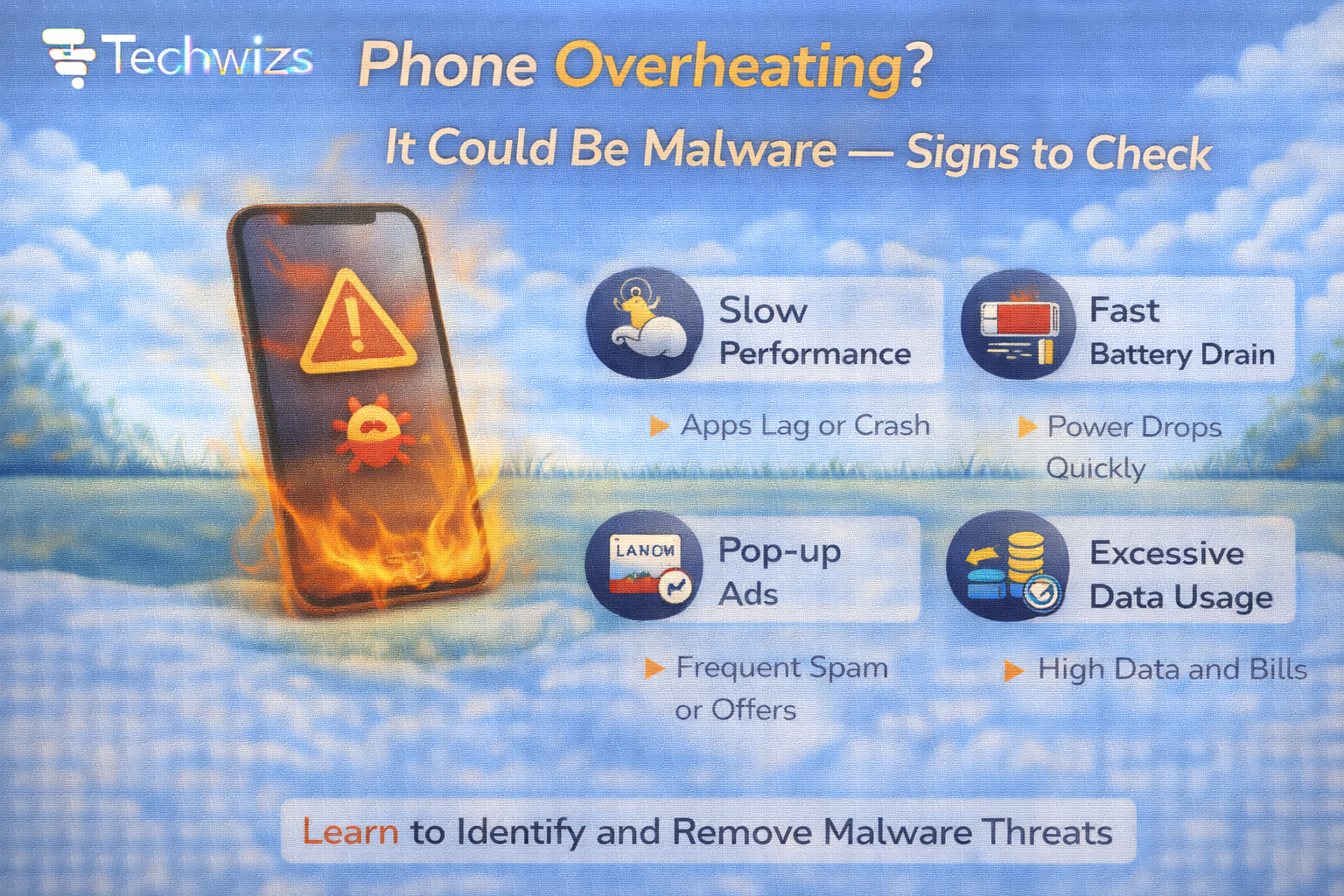
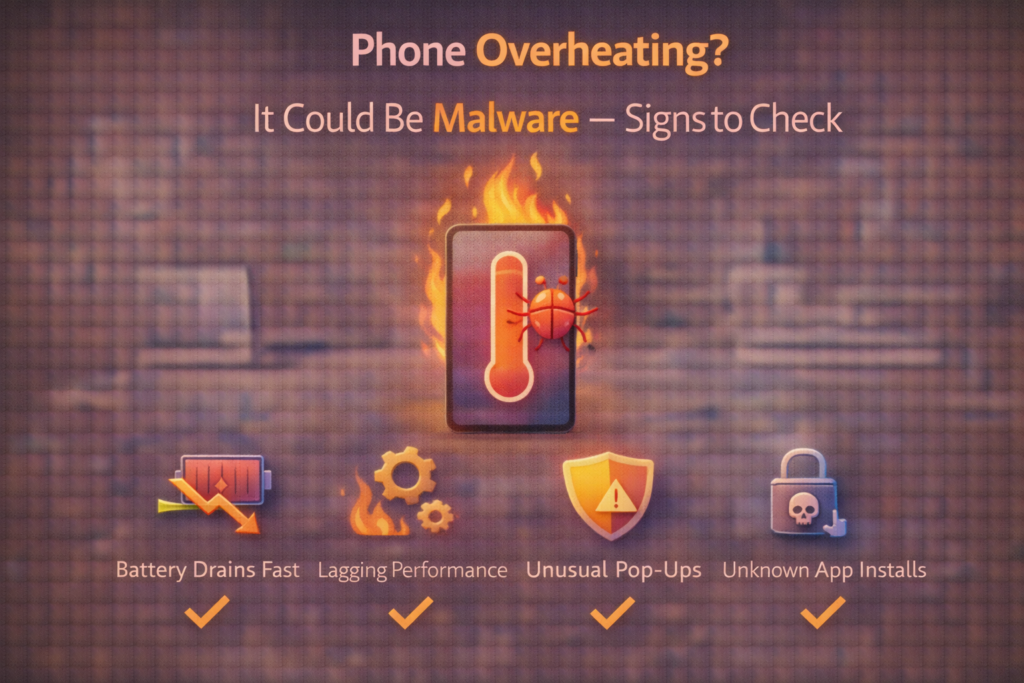
- Battery draining rapidly
- Data usage spikes
Definition Box
Mobile Malware
Malicious software designed to run secretly on a smartphone, often performing background tasks without user awareness.
According to security reports from Kaspersky, mobile malware increasingly runs hidden background services that consume system resources continuously.
Why Malware Causes Overheating
Malware often:
- Mines cryptocurrency
- Displays hidden ads
- Sends stolen data
- Records activity
- Runs botnet commands
All of these use CPU constantly.
Key Takeaway Box
Persistent background CPU usage is a major red flag.
Sign #1: Battery Drains Extremely Fast
If:
- Your battery drops 20–30% in an hour (idle)
- Screen time doesn’t match battery loss
Check:
- Settings → Battery → App usage
Look for unknown or suspicious apps using high background power.
Sign #2: Phone Gets Hot When Not in Use
Place your phone on a table for 15–20 minutes.
If it:
- Becomes warm without usage
- Feels hot near processor area
- Shows constant activity indicator
It may indicate hidden background processes.
Sign #3: Data Usage Spikes
Malware often communicates with remote servers.
Check:
- Settings → Network/Data Usage
- Compare monthly averages
Unexpected spikes without streaming or downloads are suspicious.
Sign #4: Unknown Apps or Hidden Icons
Look for:
- Apps you didn’t install
- Apps without icons
- Duplicate system-looking apps
Some malware disguises itself as system utilities.
Sign #5: Random Pop-Ups or Ads
If you see:
- Ads on lock screen
- Ads outside browsers
- Forced redirects
Adware could be present.
Security guidance from Google highlights ad fraud apps as a common source of hidden background activity.
Sign #6: Performance Slowdowns
Malware consumes:
- CPU cycles
- RAM
- Network bandwidth
Resulting in:
- App lag
- Touch delays
- Random freezes
Android vs iPhone Risk
Android:
- Higher risk from sideloaded apps
- Greater permission flexibility
- Requires careful app source management
iPhone (from Apple):
- Lower risk unless jailbroken
- Most malware comes from malicious configuration profiles
Both platforms can experience malicious apps, though mechanisms differ.
How to Check for Malware Safely
Step 1: Restart the Phone
Temporary malware often restarts automatically — but performance changes may reveal patterns.
Step 2: Check Battery Usage
Identify high background consumption.
Step 3: Remove Suspicious Apps
Uninstall anything unknown.
Step 4: Update the OS
Security patches fix vulnerabilities.
Step 5: Reset Network Settings
Removes malicious DNS or configuration changes.
When to Factory Reset
If:
- Overheating continues
- Unknown apps reappear
- Battery drains excessively
Backup essential data and perform factory reset.
Quick Fix Box
Factory reset removes nearly all consumer-level malware.
What Overheating Is NOT Caused By
- SIM card
- Wallpaper
- Too many photos
- Normal background apps
Don’t jump to conclusions — observe patterns.
Prevention Tips
- Install apps only from official stores
- Avoid cracked apps
- Disable unknown app permissions
- Keep OS updated
- Enable device security features
FAQs: Phone Overheating Could Be Malware
1) Can malware really overheat a phone?
Yes — through constant background CPU usage.
2) Is overheating always malware?
No — gaming and charging cause heat.
3) Can iPhones get malware?
Rarely, unless jailbroken or profile-compromised.
4) Should I install antivirus?
Only if you suspect infection.
5) Does factory reset remove malware?
Almost always.