Difficulty: Beginner
What Is a Spy App?
A spy app is software installed on a phone to secretly monitor activity.
These apps can track things like:
- Text messages
- Call logs
- GPS location
- Photos and files
- Microphone and camera access
Many spying tools are marketed as “parental control apps” or “employee monitoring tools,” but they can also be misused for unauthorized surveillance.
According to cybersecurity reports from companies like Kaspersky and Avast, spyware targeting smartphones has steadily increased as mobile devices store more personal data than ever before.
Signs Your Phone Might Have a Spy App
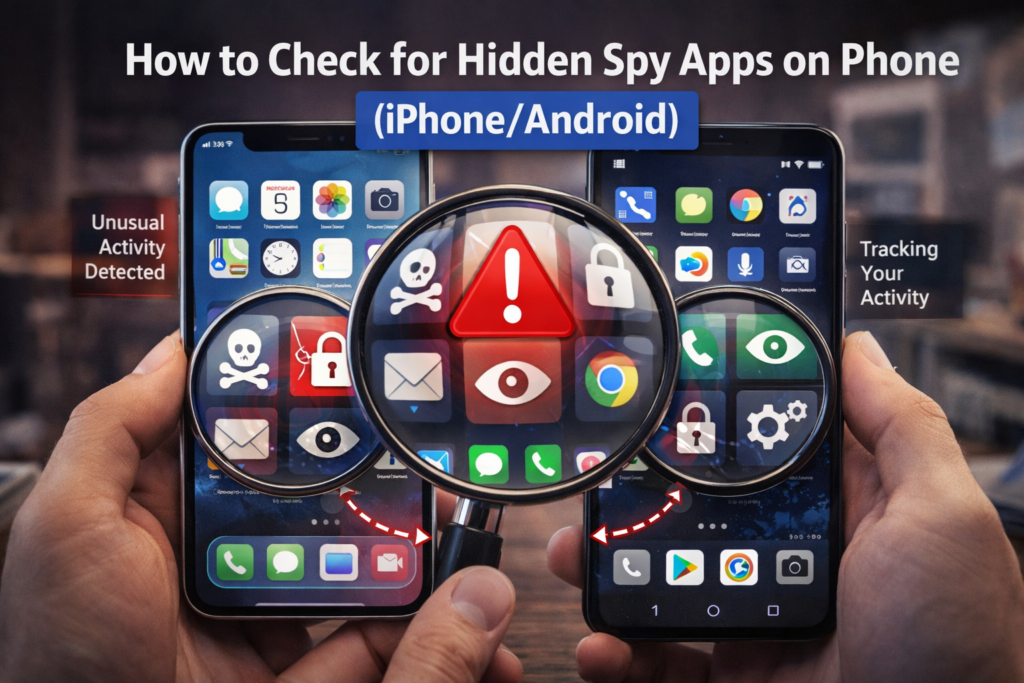
Before learning how to check hidden spy apps on phone, look for common warning signs.
Unusual Battery Drain
Spy apps constantly run in the background. This increases battery usage significantly.
If your battery suddenly drains faster without explanation, investigate further.
Phone Running Hot
Phones normally warm up during heavy use, but spyware may cause overheating even when idle.
Data Usage Spikes
Spyware often sends collected data to remote servers.
If your mobile data usage suddenly increases, this may indicate background monitoring.
Strange Background Noises During Calls
Occasionally, spyware interferes with call audio and may produce echoes or clicking sounds.
Unknown Apps Appearing
If you see apps you don’t remember installing, that’s a red flag.
🔎 Definition Box
Spyware:
Software designed to secretly monitor device activity and send the information to another person or server without the user’s knowledge.
How to Check Hidden Spy Apps on Phone (Step-by-Step)
The process is slightly different for Android and iPhone, but the general checks are similar.
Step 1: Review Installed Apps
On Android
- Open Settings
- Tap Apps or App Management
- Select See All Apps
Scroll through the list carefully.
Look for:
- Unknown apps
- Generic names like “System Service”
- Apps without icons
On iPhone
- Open Settings
- Tap General
- Select iPhone Storage
This displays every installed app.
If you see anything suspicious, investigate further.
Step 2: Check App Permissions
Spy apps need permissions to access sensitive features.
Look for apps that have access to:
- Microphone
- Camera
- Location
- SMS
- Contacts
On Android
- Go to Settings
- Tap Privacy
- Select Permission Manager
Review which apps have access.
On iPhone
- Go to Settings
- Tap Privacy & Security
- Review:
- Microphone
- Camera
- Location Services
If an unfamiliar app has permission, remove it immediately.
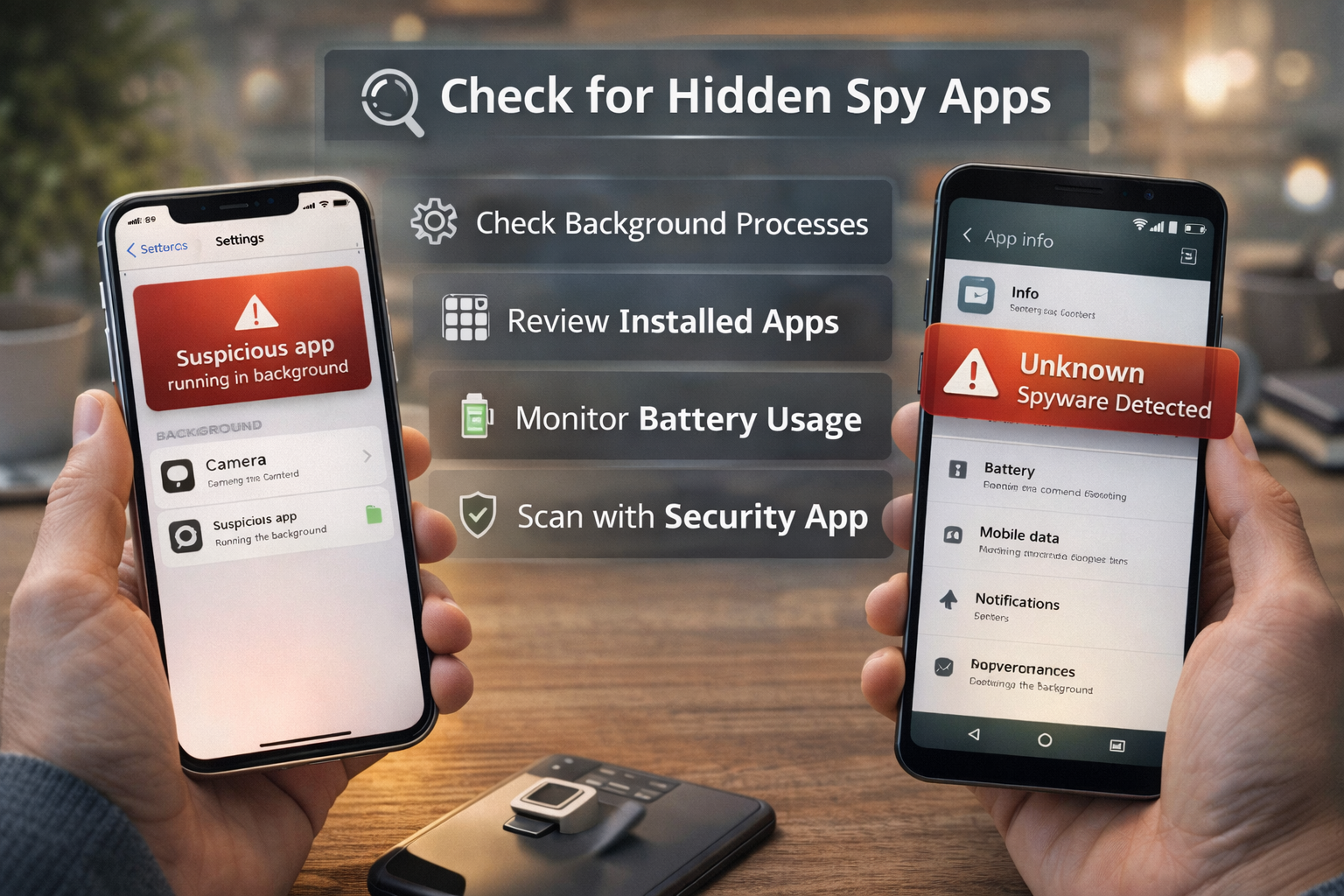
Step 3: Check Battery Usage
Spy apps often run continuously.
On Android
- Go to Settings
- Tap Battery
- Select Battery Usage
Check which apps consume the most power.
On iPhone
- Go to Settings
- Tap Battery
- View Battery Usage by App
Unknown apps using large battery amounts may indicate monitoring software.
Step 4: Look for Hidden Apps
Some spy apps hide their icons.
Android
Check under:
Settings → Apps → Special App Access
Look for:
- Device admin apps
- Apps with accessibility access
Spy apps often require these permissions.
iPhone
Hidden apps are less common due to Apple’s strict security policies, but check for:
- Unknown VPN profiles
- Unknown device management profiles
Go to:
Settings → General → VPN & Device Management
Remove suspicious profiles.
Step 5: Check Data Usage
Spyware must send information somewhere.
Android
- Go to Settings
- Tap Network & Internet
- Select Data Usage
Look for unknown apps sending large amounts of data.
iPhone
- Go to Settings
- Tap Cellular
- Scroll down to view data usage by app.
⚠️ Quick Safety Box
If you find a suspicious spy app:
- Disconnect from Wi-Fi
- Remove the app
- Change important passwords
- Enable two-factor authentication
Step 6: Scan Your Phone with Security Apps
Reliable mobile security apps can detect spyware.
Examples include:
- Malware scanners
- Mobile antivirus tools
- Security monitoring apps
These tools scan for known spyware signatures.
Step 7: Reset Your Phone (Last Resort)
If you’re unsure whether spyware remains, a factory reset removes nearly all hidden software.
Steps:
- Backup important data
- Reset device to factory settings
- Reinstall apps manually (avoid restoring full backups)
🛡️ Key Takeaway Box
Most spy apps rely on device permissions and background activity. Regularly reviewing installed apps and permissions can prevent long-term privacy risks.
How to Prevent Spy Apps in the Future
Follow these best practices:
Keep Your Phone Updated
Operating system updates patch security vulnerabilities.
Use Strong Device Lock
Use:
- PIN
- Password
- Biometrics
Avoid simple unlock codes.
Avoid Unknown App Downloads
Only install apps from trusted sources like:
- Apple App Store
- Google Play Store
Enable Two-Factor Authentication
Protect important accounts from unauthorized access.
Real-World Example
A user noticed their phone battery draining unusually fast. After checking battery usage, they discovered an unfamiliar app consuming 30% of daily battery usage.
Removing the app restored normal performance and eliminated the spying risk.
Frequently Asked Questions (FAQ)
1. Can spy apps be completely hidden?
Some advanced spyware hides icons, but it still requires permissions that can be detected through system settings.
2. Are spy apps legal?
It depends on jurisdiction and consent. Installing spyware without permission is illegal in many regions.
3. Does iPhone get spyware?
Yes, but it’s less common due to Apple’s strict app security controls.
4. Can someone spy on my phone remotely?
Most spyware requires physical installation first.
5. Will factory reset remove spy apps?
Yes. A factory reset removes most spyware unless the device is rooted or jailbroken.